

Endflow
Endflow · Marketing
Email Wrapped by Endflow turns your inbox into a Spotify Wrapped style recap. It's free, connects to Gmail in about two minutes, and shows who emails you most.
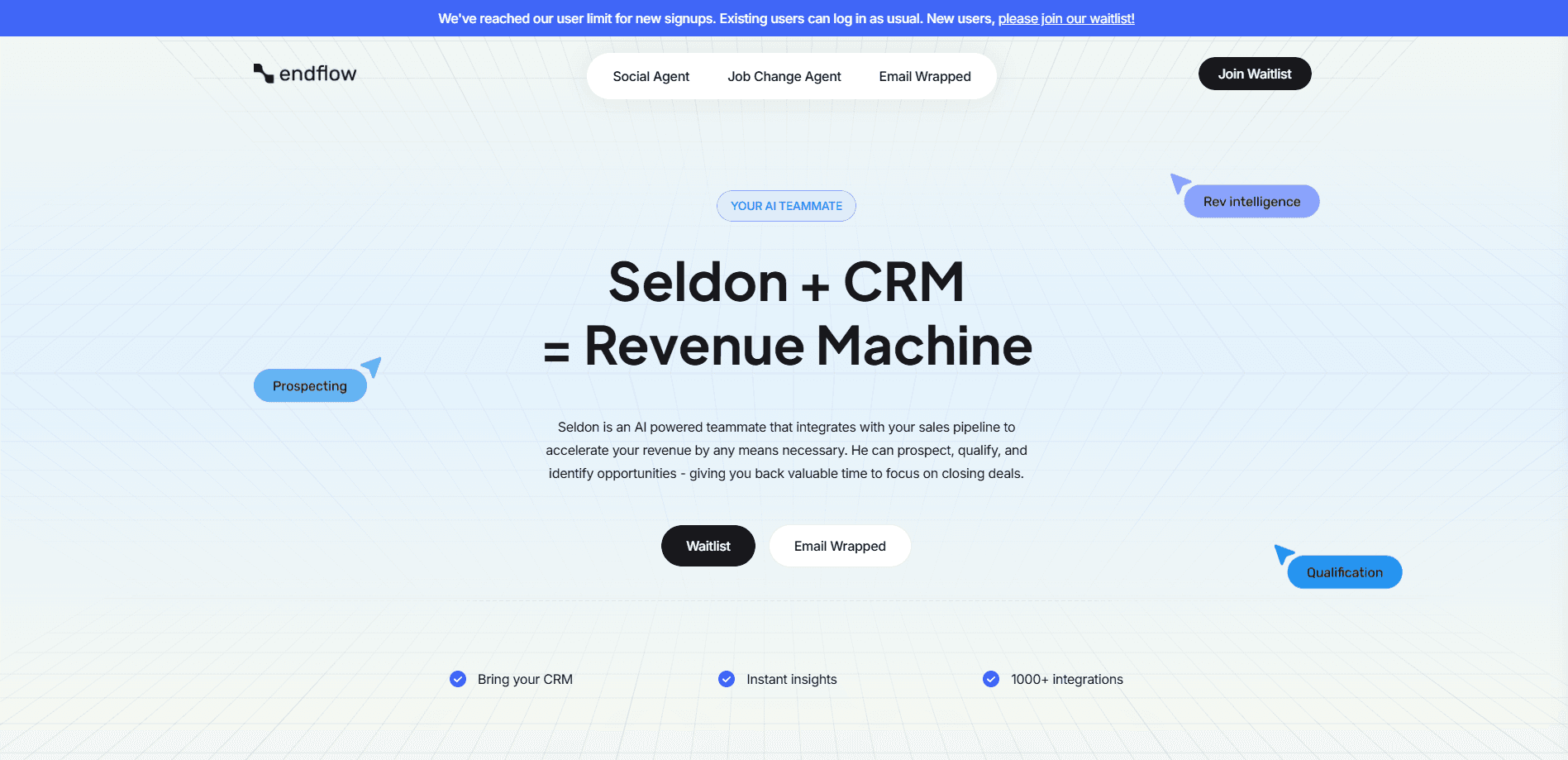
About Endflow
What Is Email Wrapped by Endflow
Email Wrapped is a free web tool from Endflow that builds a shareable summary of your inbox. It borrows the format people know from Spotify Wrapped and applies it to email. Instead of top songs and listening minutes, you get highlights about your messages: who emails you the most, your most productive day, your longest thread, and how long someone left you on read.
The appeal is light and a little self-aware. The launch pitch called it "possibly embarrassing, definitely entertaining." You connect a mailbox, wait roughly two minutes, and get a recap you can post. It runs on the email processing tech Endflow built for its main product, so the same engine that reads business inboxes powers the recap.
The main limit is scope by design. Email Wrapped is a one-off analytics toy, not a full email client or a CRM. It works with Gmail-connected accounts, it leans on OpenAI calls to generate insights, and it doesn't store your emails in its database. If you need ongoing monitoring or sales signals, that's what the paid Endflow product is for.
Getting Started
- Open the Email Wrapped site and choose to connect your account.
- Sign in with Google and approve read access to the mailbox you want analyzed.
- Wait about two minutes while the tool processes your messages and builds the recap.
- View the stats, then share the summary or download it before you close the tab.
Product Information
A quick look at Endflow's pricing, supported platforms, and performance.
Best for
The users, tasks, and scenarios where this tool fits best.
Users
- Curious email users
- Remote workers and founders
- Analysts and entrepreneurs
Tasks
- Seeing who emails you the most
- Finding your most productive day
- Checking your longest thread
- Measuring how long you got left on read
Scenarios
- Wrapping up the year with friends or a team
- Auditing your own communication habits
- Building a shareable social post
Key features
Year in Review for Your Inbox
Email Wrapped packages your email activity into a single recap, the way a music app packages listening. It pulls the highlights into one screen instead of charts you have to interpret. The pitch is a keepsake, not a monitoring tool, so it's built to be looked at once and shared.
Who Emails You the Most
The recap ranks the senders that show up most in your mailbox. It's a fast way to see which people, teams, or lists drive most of your traffic. For anyone wondering where their attention goes, this is the headline stat.
Most Productive Day
The tool points out the day your sending activity peaked. It reads as a productivity snapshot rather than a strict score. Use it to see whether your busy day matches how you think you work.
Longest Thread
Email Wrapped measures your longest message chain and surfaces it as a highlight. Long threads usually signal a project that ran hot or a decision that took a while to land. It's the stat most people recognize from their own inbox.
Time You Got Left on Read
This one tracks reply delays and ghosting. It reports how long you waited after someone went quiet, framed with a wink rather than judgment. It's the metric that makes the recap feel personal and a bit revealing.
Privacy-Conscious Processing
The team says it doesn't store your emails in its database and that the service is verified by Google and third-party audited. It does make OpenAI calls to generate the insights, which the maker disclosed up front. Knowing that, you can decide what mailbox you're comfortable connecting.
Pros and cons
Pros
- Free to use, with no paid tier needed to get a recap.
- Setup is quick. Connecting and processing takes about two minutes.
- The stats are easy to grasp, so the recap works as a fun shareable with no cleanup.
- The format is familiar from Spotify Wrapped, which lowers the learning curve to zero.
- Privacy is addressed openly: no email storage claimed, plus Google verification and a third-party audit.
Cons
- It's a one-time recap, not a tool you check daily, so ongoing monitoring isn't part of the deal.
- It only works with Gmail-connected accounts, which leaves other mail providers out.
- Generating the insights relies on OpenAI calls, so your messages are processed by a third party even if they aren't stored.
- There's no published API, so you can't pull these stats into your own dashboard.
Frequently asked questions
It's a free web tool that turns your inbox into a Spotify Wrapped style recap. You connect a mailbox and get stats like who emails you the most and your most productive day.
Related content
Explore related tools, skills, and articles for Endflow.
Endflow Alternatives

ngram 2.0
ngram · Video · Marketingngram 2.0 is an AI video generator for teams. It turns a prompt, a screen recording, or a product URL into a narrated explainer, product demo, or AI avatar video, and every scene stays editable.

shippedit.me
Krawlup · Marketing · Businessshippedit.me now redirects to Krawlup, a web platform that audits SEO, AEO and page speed every week, then hands the fixes to AI coding agents over MCP.

MePersona
MePersona, Inc. · Writing · Productivity · MarketingMePersona is an AI unified inbox for creators. It learns your voice, drafts replies to fan messages from 12 platforms, and sends only what you approve.