

Entry Point AI - Fine-tuning Platform for Large Language Models
Entry Point AI Inc · Coding · Other
Entry Point AI is a no-code workspace for preparing training data and fine-tuning language models, with synthetic data for the gaps. Check outputs first, then train a task-specific model.
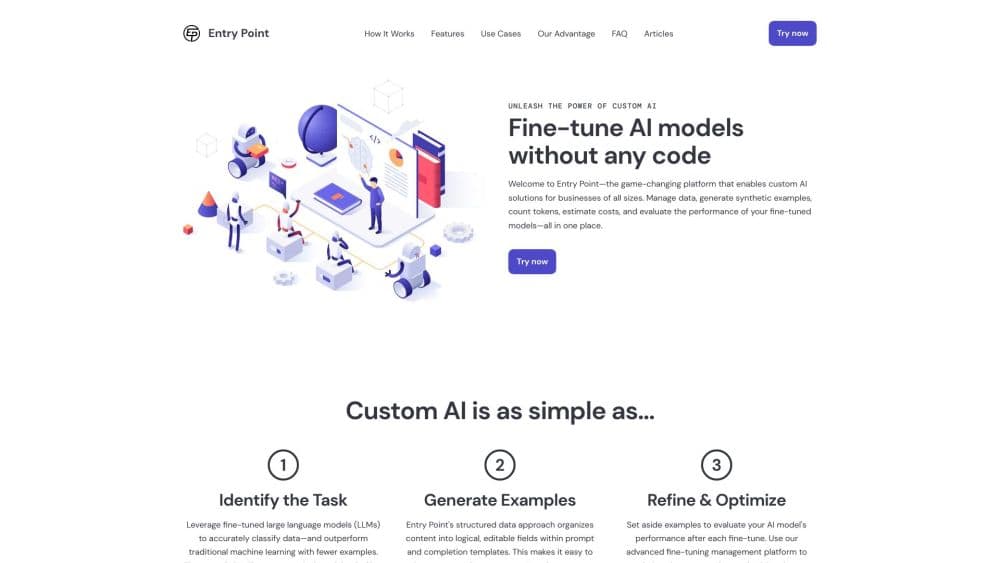
About Entry Point AI - Fine-tuning Platform for Large Language Models
What Is Entry Point AI
Entry Point AI is a web platform for people who want a model tuned to one job instead of a general chatbot. It works as a no-code fine-tuning platform with three tools: Transforms, which adds an AI column to a spreadsheet and fills every row with a tag, an extraction, or a short summary; Synthetic Data, which creates extra labeled examples when a dataset is too small; and Fine-tuning, which uses the training data you approve to fine-tune an LLM.
The pitch is that this work usually falls to engineers. Preparing JSONL files, wiring provider APIs, and guessing which hyperparameters matter takes time. Entry Point puts the same steps in a browser with templates and cost estimates, and connects to your own provider accounts, so inference charges go straight to OpenAI, Anthropic, Google AI, or Groq. That means you can fine-tune OpenAI models and models from other providers from one screen, without touching the raw training data files.
The main limits sit in the business model. The row limit is shared across every project in the workspace, and provider charges are billed separately from the subscription. Small datasets keep the price low. Large production workloads push a team toward the Pro plan or a custom enterprise quote.
Getting Started
- Create an account at app.entrypointai.com. No credit card turns up in the sign-up flow, and the free tier covers 300 rows for testing.
- Connect a model provider with your own API key, then choose which model should handle prompts or training.
- Import a dataset from CSV or write prompts and completions in the editor, using a template with variables for each column.
- Run a transform to fill the table, or generate synthetic rows until each label has enough examples.
- Check quality with exact match or a scoring prompt, then launch a fine-tune and point your own API at the result.
Product Information
A quick look at Entry Point AI - Fine-tuning Platform for Large Language Models's pricing, supported platforms, and performance.
Best for
The users, tasks, and scenarios where this tool fits best.
Users
- Product teams without ML engineers
- Data and ops analysts
- Solo founders on a tight budget
Tasks
- Ticket triage and moderation
- Structured data extraction
- Rebuilding a prompt as a model
Scenarios
- Bootstrapping a dataset from a few dozen examples
- Comparing providers before committing
- Shipping a demo for review
Key features
Transforms for Row-by-Row AI Work
A transform is a prompt that runs on every row of a dataset. You reference columns as variables, preview the result on a few rows, then run the whole table. It covers tagging, classification, field extraction, and enrichment, and re-running is cheap if the prompt or training data changes.
Synthetic Data Generation
When a label has 90 examples and needs 400, Entry Point generates more from your real rows. Each batch is aimed at the gaps you describe in plain language, and candidates are tagged by source so synthetic rows stay easy to tell apart from real ones. Anyone who has done data labeling by hand knows how slow the last few hundred examples are.
Multi-Provider Fine-tuning
Fine-tuning jobs run across OpenAI, Anthropic, Google AI, and Groq from one interface. Because you connect your own keys, each provider bills you directly and nothing is marked up. Switching providers is a dropdown change, not a rewrite.
Template and JSONL Editor
The template engine lets you control how each training example is shaped: system message, user turn, expected completion. Structure matters more than most people expect during model fine-tuning, and the editor makes it quick to test variants.
Validation and Playground
Before spending money on training, you can score a prompt against known answers with exact match or grade subjective output with a scoring prompt. The playground then runs side-by-side comparisons between a base model and a candidate. Token counts and cost estimates appear before the job starts.
One-Click Model Sharing
A finished fine-tune can be deployed to a shareable frontend in one click. Every completion from testers is saved, so failed cases become new rows for the next round of training.
Pros and cons
Pros
- The three tools share one dataset, so transforms, synthetic examples, and training all feed the same loop.
- Bring-your-own-key pricing keeps usage transparent: you pay providers at list price rather than through marked-up credits.
- The template editor exposes hyperparameters without requiring code, so you can tune settings and keep a record of what changed.
- Synthetic data generation fills label gaps and tags each row by origin, so a mixed dataset stays auditable.
Cons
- Provider fees land on top of the subscription, and fine-tuning runs can cost far more than the monthly plan suggests.
- The row cap is pooled across all projects, so several small experiments use up a plan faster than separate limits would.
- Reviews from independent benchmarkers are scarce and the company publishes no launch date or model quality figures.
- Chat and agent workflows are out of scope. The platform focuses on classifiers, extraction, and task-specific generation.
Frequently asked questions
Entry Point AI is used to get a language model to do one job well. Teams label their own rows, fill gaps with synthetic examples, then fine-tune a model on that data so it returns consistent output at scale.
Related content
Explore related tools, skills, and articles for Entry Point AI - Fine-tuning Platform for Large Language Models.
Entry Point AI - Fine-tuning Platform for Large Language Models Alternatives

Base Code
Base44 (Wix) · Coding · ProductivityBase Code is a shared cloud development environment from Base44. Teammates describe changes to an existing GitHub codebase in chat, preview them live and send them back as pull requests.

Google EmbeddingGemma 2
Google DeepMind · Writing · Image · CodingGoogle EmbeddingGemma 2 is a 740M-parameter open model that turns text, code, images, audio, and video frames into vectors in one 768-dimension space, running on phones and laptops.

GitGlow
GitGlow · Coding · ProductivityGitGlow is a local-first desktop Git client that lets independent developers review their own code and their AI agents' changes in one place before shipping.