

Eraser
Eraser · Coding · Productivity
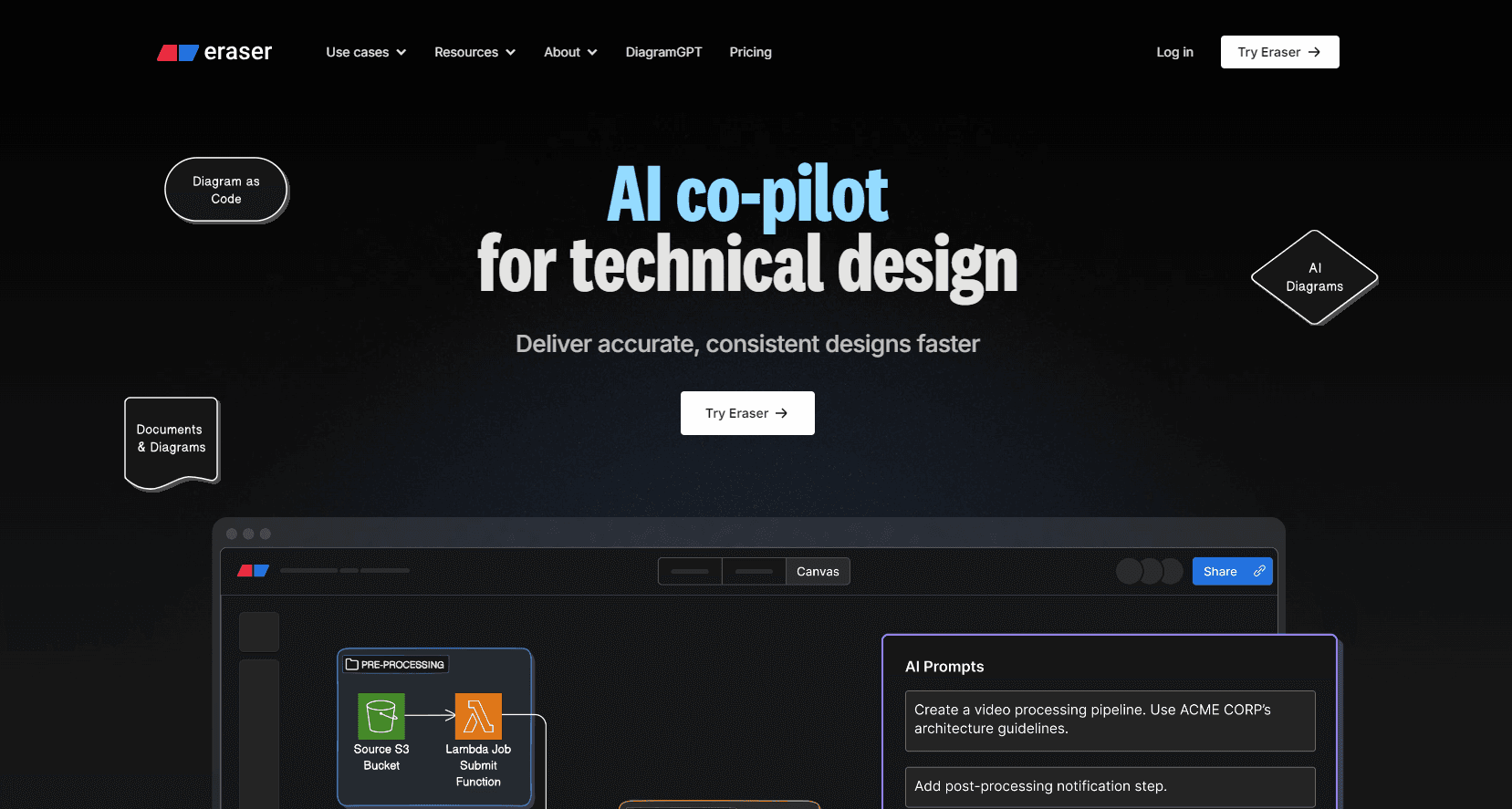
Eraser is an AI diagram and docs tool for engineering teams. It turns prompts, code, or files into architecture diagrams, then lets you edit them on a shared canvas.
About Eraser
What Is Eraser
Eraser is a diagramming and documentation tool built for engineers and product teams, not general designers. You describe a system in plain text, drop in Terraform, or upload a design doc, and the AI drafts an architecture diagram you can refine on a full canvas.
The pitch is speed. Teams that sketch architecture by hand often spend days on layout and alignment. Eraser aims to cut that to minutes, then keep every diagram consistent with a shared style and reference library.
The limit is scope. Eraser is built around technical diagrams and notes, so it won't replace a general whiteboard tool for sticky-note brainstorms or a full design app. Pricing is also per member, which adds up for large teams. It runs in the browser and integrates with GitHub, Notion, Confluence, and VS Code.
Getting Started
- Sign up at eraser.io with Google, Microsoft, or email, or use SAML SSO if your company has it.
- Create a file, which pairs an infinite canvas with a markdown note editor.
- Generate a diagram from a text prompt, a code file, or an uploaded document.
- Refine the result by hand or keep iterating in the AI chat panel.
- Export to PDF, PNG, SVG, or markdown, or embed the diagram in GitHub, Notion, or Confluence.
Product Information
A quick look at Eraser's pricing, supported platforms, and performance.
Best for
The users, tasks, and scenarios where this tool fits best.
Users
- Backend and platform engineers
- Solutions architects
- Technical writers
- Product managers
Tasks
- Drafting cloud architecture
- Turning Terraform or code into visuals
- Documenting a process
- Keeping diagrams on-brand
Scenarios
- Onboarding a new engineer
- Pre-launch design review
- Writing internal docs
- Wiring diagrams into agent workflows
Key features
AI diagram generation
Eraser creates diagrams from a prompt, a code file, or an uploaded document, and returns a clean layout instead of a rough sketch. You can paste anything from a plain-language description to a Terraform file, and the AI works from what's actually in the input. Every result lands on a full canvas, so you refine it by hand or keep chatting until it matches the system.
Diagram-as-code
The editor leans on keyboard-driven flows and a text syntax that generates the diagram for you. Instead of dragging nodes into place, you type the structure and the canvas updates. That matters for teams that want diagrams living next to code, since a text source is easier to review and change than a picture.
Markdown notes and canvas in one file
Each file pairs an infinite canvas with a markdown editor, so a diagram and the notes explaining it stay together. You can embed canvas figures inside a note and link between notes with wikilinks. Teams use this to keep architecture docs and visuals from drifting apart.
Collaboration and commenting
Files are shared by default at the team level, and real-time collaboration supports comments and tagging. Guests can edit or comment on specific files they're invited to, and every paid plan allows unlimited free guests. Version history runs from 7 days on the free plan to unlimited on Business.
Integrations and embeds
Eraser connects to GitHub, Notion, Confluence, and VS Code, and exports to PDF, PNG, SVG, and markdown. A diagram can live inside the doc tool your team already uses. The VS Code extension keeps diagrams close to the code they describe.
Reference architectures and style presets
You can add reference architectures and domain rules so AI output matches how your systems really work, and apply a team style preset to lock notation and colors. This is what keeps 200 diagrams looking like they came from one team rather than 200 separate hands.
MCP server for agent workflows
Eraser ships an MCP server that supports full diagram create, search, update, and export from Claude, Cursor, or ChatGPT. It accepts code and image inputs, respects layout instructions, and supports OAuth plus API tokens over HTTP and stdio. An open-source, MIT-licensed toolkit lets teams self-host and audit the agent tools.
Pros and cons
Pros
- AI diagrams start from real inputs like Terraform or design docs, not just a text prompt.
- Diagram-as-code keeps visuals in reviewable text, which fits teams that track changes in Git.
- Free plan includes 3 files and 3 AI diagrams, enough to judge the output before paying.
- Integrations with GitHub, Notion, Confluence, and VS Code avoid copy-pasting diagrams between tools.
- SOC 2 Type 2 certification and SAML SSO cover the security checks larger companies ask about.
Cons
- Prices are per member, so a 20-person team pays far more than an individual, and guests don't count.
- The free plan caps you at 3 files and 3 AI diagrams, which runs out fast on real projects.
- It's built for technical diagrams, so teams wanting freeform whiteboarding or heavy visual design will need another tool.
- AI credits are finite on paid tiers (40 on Starter, 250 on Business), so heavy users may hit the ceiling and move up a plan.
Frequently asked questions
Eraser is used to create technical diagrams and documentation. Engineers describe a system in text or point it at code, and the tool generates architecture diagrams, flowcharts, and process maps they can edit and share.
Related content
Explore related tools, skills, and articles for Eraser.
Eraser Alternatives

Base Code
Base44 (Wix) · Coding · ProductivityBase Code is a shared cloud development environment from Base44. Teammates describe changes to an existing GitHub codebase in chat, preview them live and send them back as pull requests.

Google EmbeddingGemma 2
Google DeepMind · Writing · Image · CodingGoogle EmbeddingGemma 2 is a 740M-parameter open model that turns text, code, images, audio, and video frames into vectors in one 768-dimension space, running on phones and laptops.

GitGlow
GitGlow · Coding · ProductivityGitGlow is a local-first desktop Git client that lets independent developers review their own code and their AI agents' changes in one place before shipping.