

Exilir Classify
Exilir · Business
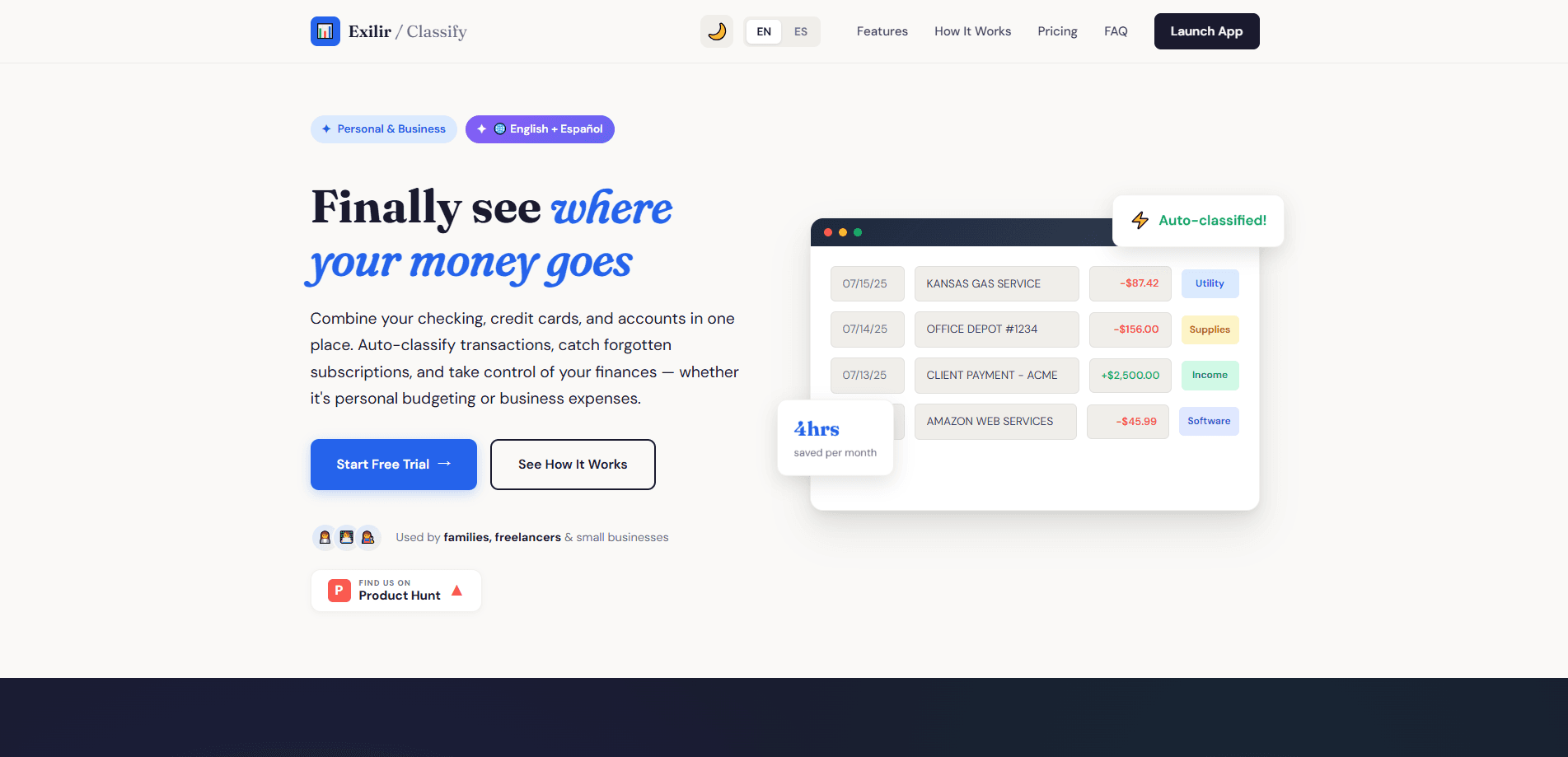
Exilir Classify is a financial management tool that turns messy bank and card exports into organized records. You import a CSV from any bank or card, set keyword rules, and it auto-categorizes each transaction while AI scans receipts and screenshots to fill in the details. It's built by Exilir, a Wichita-based team with more than 20 years in money services, and it runs as a bilingual web app in English and Spanish.
About Exilir Classify
What Is Exilir Classify
Exilir Classify is the lighter of the two products Exilir ships for financial services businesses. Where the company's POS tool handles point-of-sale and BSA/AML compliance, Classify focuses on a narrower, everyday pain: knowing where the money actually went.
The core job is transaction categorization. You bring in a CSV export from whatever bank or card you use, and the tool sorts each line using keyword rules you define. Receipts and screenshots get read by AI so the supporting detail lands in the same place as the transaction. From there you get an archive you can search and yearly reports you can pull without rebuilding a spreadsheet by hand.
The main limit is scope. Classify organizes and reports on financial data, but it isn't a full accounting suite. There's no double-entry ledger, and it won't file taxes or reconcile books the way dedicated accounting software does. Treat it as a categorization and record-keeping layer that sits in front of whatever else you use.
Getting Started
- Create an account at exilir.net and verify your email to access every feature.
- Export a CSV from your bank or card. Import it into the app.
- Set up keyword rules so recurring transactions auto-classify on future imports.
- Scan or upload receipts and screenshots to attach supporting detail with AI.
- Review the archive, run a yearly report, and let automatic cloud backups handle the rest.
Product Information
A quick look at Exilir Classify's pricing, supported platforms, and performance.
Best for
The users, tasks, and scenarios where this tool fits best.
Users
- Small business owners
- Freelancers and side hustlers
- Bookkeepers juggling client data
Tasks
- Auto-categorizing transactions
- Scanning receipts and screenshots
- Building yearly reports
- Archiving financial records
Scenarios
- Month-end cleanup
- Tax-season prep
- Mixing multiple accounts
- Bilingual teams
Key features
Bank and card CSV import
Classify accepts CSV exports from any bank or card, so you aren't locked to a single institution's format. You drop the file in and the tool reads each transaction line. That flexibility matters if you juggle accounts from different providers and don't want to retype statements. No live bank link, just a file and a few clicks.
Keyword-rule auto-classification
This is the transaction categorization software at work. You define rules based on keywords, and the tool applies them to incoming transactions automatically. A recurring charge from the same merchant keeps landing in the same category without manual sorting every month. The more rules you build, the less you touch each import.
AI receipt and screenshot scanning
An AI receipt scanner reads receipts and screenshots, so the detail behind a transaction comes along with it. Snap a photo or upload a capture and the tool pulls out what's on it. This closes the gap between a bare bank line and knowing what the purchase actually was. Ever stared at "POS DEBIT 4471" and had no clue what it was? This fixes that.
Searchable archive by year
Everything you import lands in a searchable archive organized by year. You can pull up past transactions without scrolling through old files. For anyone who's ever hunted for a single charge in a folder of statements, this is the part that saves the most time.
Automatic cloud backups
Backups run to the cloud automatically, so your categorized records aren't sitting on one machine. There's no export ritual to remember. If a laptop dies, the data doesn't go with it.
Bilingual interface and support
The full interface, reports, and support work in both Spanish and English. Exilir builds for bilingual teams by design, which is a real difference if your staff or clients switch languages day to day.
Pros and cons
Pros
- Works with CSV exports from any bank or card, so you aren't tied to one provider
- Keyword rules cut repetitive categorization once they're set up
- AI receipt and screenshot scanning adds context that bank lines alone don't carry
- Bilingual English and Spanish interface and support
- Automatic cloud backups remove the manual export habit
Cons
- Relies on CSV imports rather than live bank connections, so data is only as fresh as your last export
- Not a full accounting suite, meaning no double-entry ledger or tax filing on its own
- No API is documented, which rules out custom integrations for now
Frequently asked questions
It imports transactions from bank and card CSV files, auto-categorizes them with keyword rules, scans receipts and screenshots, and stores everything in a searchable archive with yearly reports. It's a categorization and record-keeping tool, not a full accounting platform.
Related content
Explore related tools, skills, and articles for Exilir Classify.
Exilir Classify Alternatives

Knocket
Knocket (Tencent RTC team) · Productivity · Business · ChatbotKnocket is a free live chat and contact page tool that lets visitors message you from your website, app, or a shareable link, with every reply handled from Telegram or one inbox.

shippedit.me
Krawlup · Marketing · Businessshippedit.me now redirects to Krawlup, a web platform that audits SEO, AEO and page speed every week, then hands the fixes to AI coding agents over MCP.

Ayven
Alknoma · Productivity · BusinessAyven is an AI control centre by Alknoma that turns a plain-language goal into a dated plan, hands the work to your people and AI agents, and asks for your approval only when the call is yours.