

Expert Chase: AI for Life
Expert Chase, Inc. · Productivity
Expert Chase is an AI life assistant app built around E.Y.E. (Everyday Intelligence), a personal assistant that runs your calendar, tasks, and notes from one chat window. You type what you need in plain language, and it schedules events, tracks to-dos, and writes notes without bouncing you between separate apps. Why does that matter? Because the average person loses minutes every day just deciding which app to open. It ships for Android, and the developer keeps the core assistant free to try.
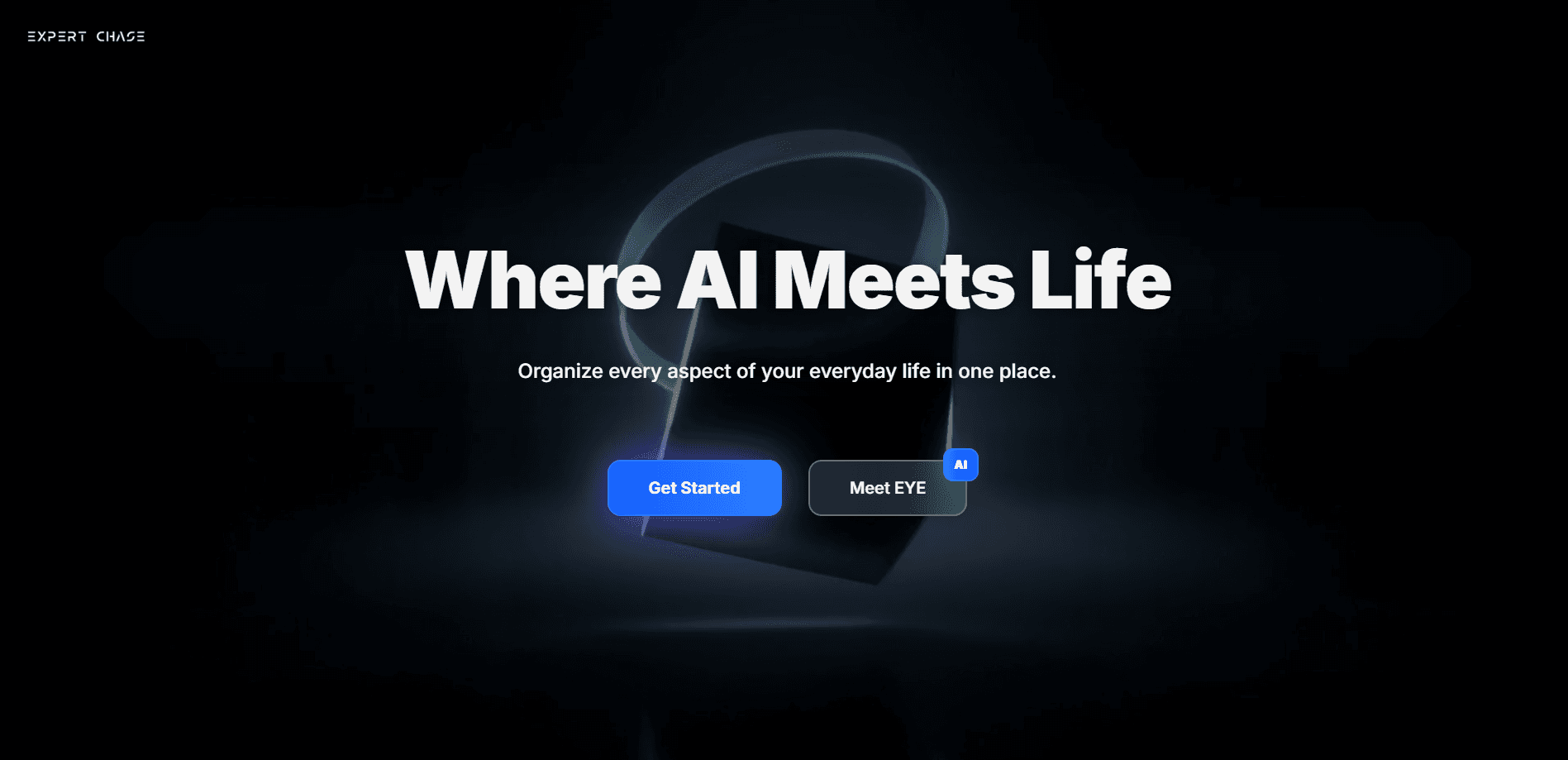
About Expert Chase: AI for Life
What Is Expert Chase
Expert Chase is a personal AI assistant built by Expert Chase, Inc. The pitch is simple. Most people juggle a calendar, a to-do list, and a notes app, and none of them talk to each other. E.Y.E. Everyday Intelligence is the engine behind the app, and it puts all three behind a single conversational layer. You stop managing apps and start managing your day.
The app leans on natural conversation rather than menus. You say "move my 3pm to Thursday" or "remind me to call the dentist," and it handles the change. That's the whole idea. For people who hate tapping through date pickers, that's a real time saver.
The limits are worth knowing upfront. Expert Chase is a newer product, so features are still filling in, and I couldn't find a public pricing breakdown anywhere on the site, which makes it hard to plan a budget before you commit. If you need team calendars, shared workspaces, or deep integrations with the corporate tools your company already pays for, this one isn't aimed at you.
Getting Started
- Download Expert Chase from Google Play or grab the APK from APKPure on your Android device.
- Create an account and finish the short onboarding, which sets your name and basic preferences.
- Connect the calendars you use so the assistant can read and edit your existing events.
- Start a chat and ask it to add an event, a task, or a note in plain language.
- Check the results in the list views, then keep using chat as your main control surface.
Product Information
A quick look at Expert Chase: AI for Life's pricing, supported platforms, and performance.
Best for
The users, tasks, and scenarios where this tool fits best.
Users
- Busy professionals
- Students
- Anyone tired of app switching
Tasks
- Rescheduling meetings
- Quick capture
- Meeting notes
Scenarios
- Daily planning in the morning
- On-the-go changes
- Personal life admin
Key features
Natural Language Scheduling
You don't fill out forms. Expert Chase reads plain sentences like "push my standup to 10:30" and updates the calendar for you. The assistant works with the schedule you already keep, so you're editing real events instead of retyping them into a new system. No copy-paste. No date pickers.
Unified Calendar, Tasks, and Notes
The point of a life assistant is consolidation, and E.Y.E. delivers it. Events, to-dos, and notes share one workspace, which means a reminder and a meeting and a memo about the same project all sit together instead of scattered across three apps you forgot to check. That overlap is where most people lose track of things. One place fixes it.
Conversational Task Tracking
Tasks get created and checked off through chat. Say you finished something and the assistant marks it done. Ask what's left and it reads the list back. For people who quit their to-do apps after a week, running an AI task management app inside the conversation lowers the effort of keeping it alive. That's the difference between a list you maintain and a list that maintains itself.
Context You Can Build On
Because the assistant remembers your conversations and your connected data, follow-up requests actually make sense: "move that to tomorrow" works right after you mention an event, and you never repeat the full details. When an AI personal assistant app holds that thread for you, the back-and-forth stops feeling like issuing commands and starts feeling like briefing someone who's been paying attention the whole time.
Android App With APK Access
Expert Chase ships as an Android app, and it's on Google Play as well as third-party APK sources. If you prefer installing an APK directly, or the Play listing isn't available in your region, you can still get it. That flexibility matters in markets where Play access is uneven, and it's a small detail that says a lot about who the developer is trying to reach.
Pros and cons
Pros
- Single chat window handles calendar, tasks, and notes, cutting down on app switching.
- Plain-language input means you can schedule or log things in seconds, often by voice.
- The assistant works on top of the calendar you already use instead of forcing a new one.
- Free to try, so you can judge whether the conversational style fits before paying.
- Available as an Android APK as well as on Google Play.
Cons
- Pricing isn't published on the website, so you can't budget for paid tiers before signing up.
- It's a newer product, and some polish you'd expect from older assistants is still missing.
- No public API means developers can't build automation on top of it or wire it into other tools.
- Teams and shared calendars aren't the target here; this is a personal tool.
Frequently asked questions
Expert Chase is a personal AI assistant app that manages your calendar, tasks, and notes through one conversation. Instead of opening separate apps, you tell E.Y.E. what you need in plain language and it makes the change.
Related content
Explore related tools, skills, and articles for Expert Chase: AI for Life.
Expert Chase: AI for Life Alternatives

Off the Record
Weird Machines · Voice & Language · ProductivityOff the Record is a macOS app from Weird Machines that reshapes your voice in real time to block AI transcription, so people hear you normally and notetakers get nothing usable.

Claude for Google Workspace
Anthropic · Writing · Productivity · BusinessClaude for Google Workspace puts Claude in a sidebar inside Google Docs, Sheets, and Slides, where it reads the file you have open and edits it in place.

OpenSwarm
Open Swarm Inc. · Coding · ProductivityOpenSwarm is a free AI desktop for Mac where an AI agent swarm works side by side. Each agent gets its own browser, apps and tools, and you follow the whole team on one canvas.