

Faceless Videos APP
VeeVi · Writing · Video
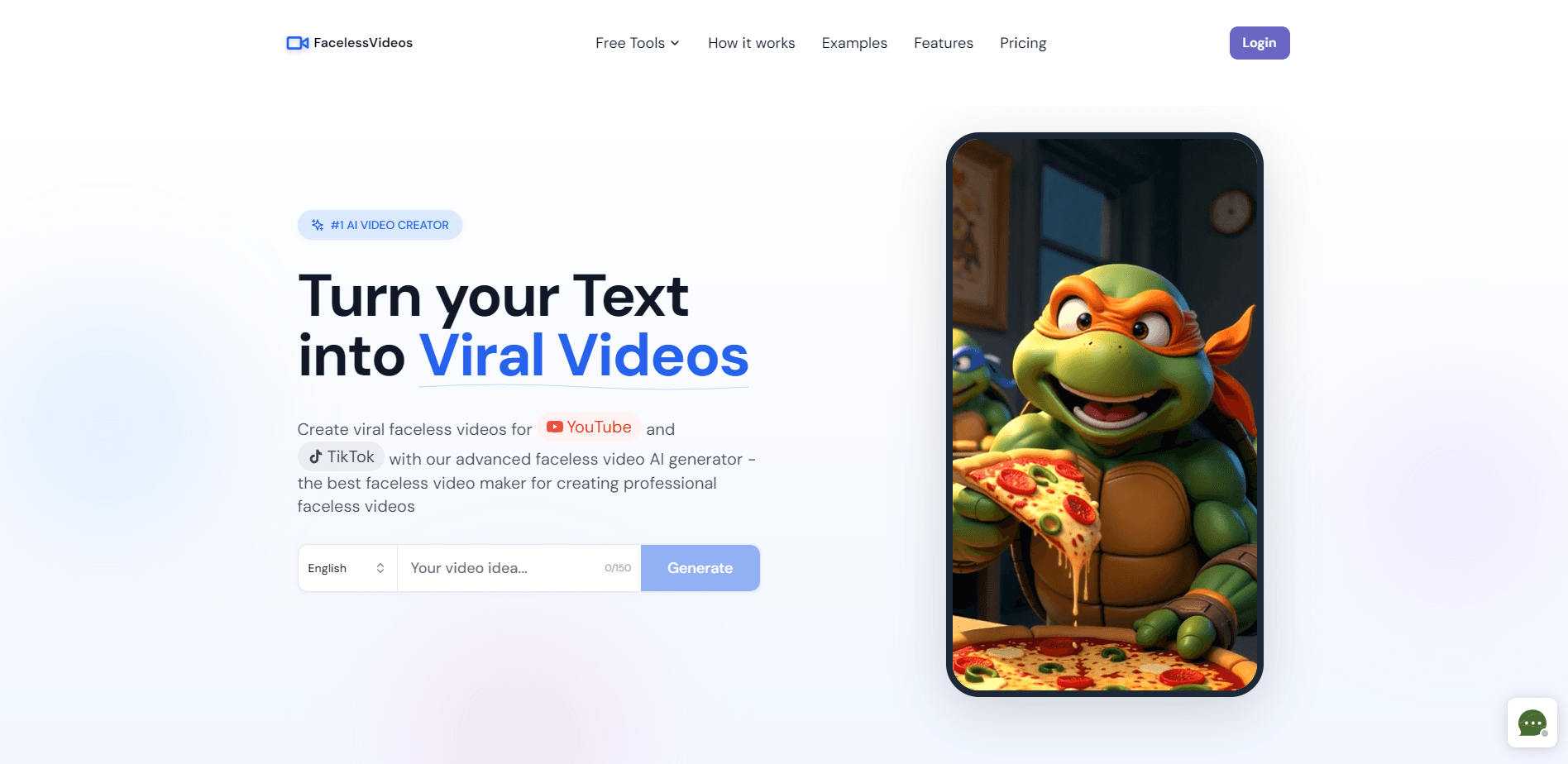
VeeVi is an AI faceless video generator that turns a topic or script into vertical shorts for TikTok, YouTube Shorts, and Instagram Reels, complete with voiceover, captions, and visuals, so creators can post without ever appearing on camera.
About Faceless Videos APP
What Is VeeVi
VeeVi is a browser based AI short video maker for people who want to grow a short video channel without filming themselves. You type a topic, a rough script, or a hook, and the platform builds a first draft with scenes, narration, and captions already in place. For anyone who wants to be a faceless content creator, that means a usable short instead of a blank page. The whole point is speed: what used to need scripting, stock hunting, recording, and editing now sits in one workflow.
It targets the faceless format that dominates TikTok, YouTube Shorts, and Instagram Reels. Instead of a fixed template, VeeVi lets you open any scene and reshape it, so the result looks like your channel rather than a cookie cutter output. Videos you make can be used on monetized channels, for client work, and in marketing.
The main limit is scope. The workflow is built for short form video, so it is not the right fit for long form content, podcasts, or projects that need frame accurate manual editing. You trade some control for a much faster path from idea to upload.
Getting Started
- Sign up for a free account, which comes with 10 credits to test the generator.
- Enter a topic, a hook, or a full script, then pick your platform and a visual style.
- Let VeeVi draft the video, then open individual scenes to rewrite image prompts, upload your own pictures, or animate a still.
- Adjust the AI voice, captions, and music until the pacing feels right.
- Preview the result, then download the file or publish straight to supported platforms.
Product Information
A quick look at Faceless Videos APP's pricing, supported platforms, and performance.
Best for
The users, tasks, and scenarios where this tool fits best.
Users
- Solo creators who want a faceless channel
- Social media marketers managing client accounts
- Side hustlers testing a niche
Tasks
- Turning a rough script into a finished short
- Repurposing a topic into platform specific video
- Producing story, facts, or text message style clips
Scenarios
- Keeping a posting schedule without a camera
- Launching a new themed channel
- Making commercial content for a brand
Key features
Topic to Video Drafting
You start with a topic, a hook, or a full script, and VeeVi turns it into a usable draft instead of a blank page. It writes the narration, splits the story into scenes, and pairs each line with a visual. That removes the slowest part of short video work, which is deciding what goes where.
Editable Scenes and Prompts
Every scene opens up for edits. You can rewrite the image prompt, upload your own picture, or turn a still into a short animation. This is what separates VeeVi from rigid template tools, because the final look bends to your channel instead of the other way around.
AI Voiceover in Multiple Languages
The generator ships with a large set of AI voices across several languages, with options for different tones and delivery styles. You can produce the same short for different audiences without rebuilding it from scratch. Voiceover, not camera presence, carries these videos.
Automatic Captions and Music
Captions are added to every video automatically, which matters because most short form viewing happens on mute. You can restyle the captions and swap in music to match the mood. The pacing adjusts to keep text readable against the visuals.
Ready to Post Templates
VeeVi includes proven formats such as Reddit Story, Dark Facts, Fake Text, Horror Story, Motivational, and Finance Facts. Each one is a starting point tuned for a niche, so you are not inventing a format from zero. You can still edit everything the template fills in.
Vertical Exports for TikTok, Shorts, and Reels
Output is formatted for vertical short form video with the aspect ratio, pacing, and length those feeds expect. You can name a target platform at the start and the generator adjusts. Finished files download for upload anywhere, or publish to supported platforms directly.
Project Dashboard
Every task is saved to a dashboard, so you can revisit, re-download, or reuse an earlier result. That helps when you run multiple channels or want to repost a clip later. It also turns past work into a library you can build on.
Pros and cons
Pros
- Turns a topic or script into a finished vertical short in minutes, with narration and captions included.
- Editable scenes and prompts give more control than fixed template generators.
- Multi language AI voices let you reach several audiences with one workflow.
- Templates cover proven viral formats, so you can start without inventing a style.
- Free credits on sign up let you test before paying.
Cons
- Each video costs 10 credits, so heavy daily posting adds up on the paid tiers.
- The workflow targets short form only, which rules out long form or podcast content.
- Scene level editing still leaves less fine control than a full desktop editor.
- No public API, so teams cannot automate generation through their own tools.
Frequently asked questions
VeeVi makes faceless short videos for TikTok, YouTube Shorts, and Instagram Reels. You give it a topic or script, and it produces a video with voiceover, captions, and visuals that you can download or publish.
Related content
Explore related tools, skills, and articles for Faceless Videos APP.
Faceless Videos APP Alternatives

Claude for Google Workspace
Anthropic · Writing · Productivity · BusinessClaude for Google Workspace puts Claude in a sidebar inside Google Docs, Sheets, and Slides, where it reads the file you have open and edits it in place.

Claude Haiku 5.5
Anthropic · Writing · Coding · ChatbotClaude Haiku 5.5 is Anthropic's fastest and cheapest small model, built for high volume tasks at $0.10 per million input tokens with a 1M token context window.

NoteWorthy
Suman Hansada · Writing · Productivity · AI AssistantNoteWorthy is a notes app for iPhone, iPad and Mac that writes titles, tidies formatting, summarizes long notes and files each one with on-device AI. No account, no upload, no network requests.