

Fenn
Fenn · Coding · Productivity
Fenn is a private AI file search app for Apple Silicon Macs. It indexes documents, video, audio, and screen activity on your device, so you can find anything you saved, saw, or heard without uploading a file.
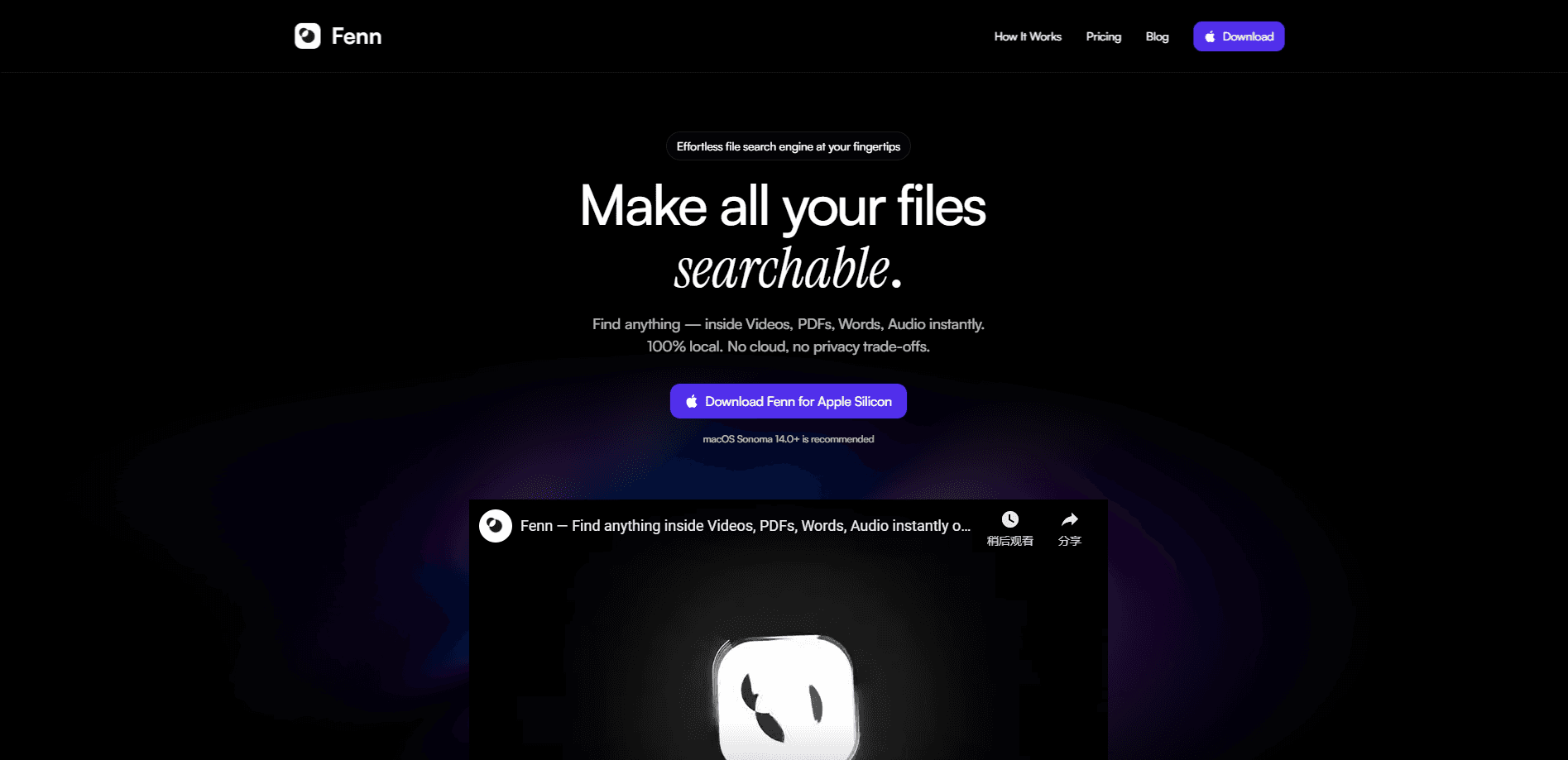
About Fenn
What Is Fenn
Fenn is a Mac app that turns everything stored on your computer into something you can search in plain language. You type what you remember, not the exact filename, and it pulls up the right page, timestamp, or screen. The search covers 50+ file types, including PDFs, Word documents, spreadsheets, Adobe project files, audio, video, and your notes from apps like Notion and Apple Notes.
The pitch is privacy. Indexing runs on your Mac, and files never leave the machine. That matters if you handle client work, legal documents, or anything you would not hand to a cloud service. Fenn is built for Apple Silicon Macs, so it will not run on older Intel models.
Getting Started
- Download Fenn from the official site. It runs on Apple Silicon Macs only.
- Grant access to the folders and drives you want indexed, then let it build the local index in the background.
- Search by meaning. Type a description of the file, the content, or a moment you remember, and Fenn returns matches across documents, audio, and video.
- Set up extras if you need them. Auto-organize folders, AI renaming, the file anonymizer, and CSV extraction all work from the same index.
- Chat with your files and get answers that cite the source page or timestamp.
Product Information
A quick look at Fenn's pricing, supported platforms, and performance.
Best for
The users, tasks, and scenarios where this tool fits best.
Users
- Mac power users with large local archives
- Design teams working in Adobe apps
- Privacy-conscious professionals
Tasks
- Finding a detail buried in a long video or audio file
- Turning scattered documents into structured data
- Renaming files in bulk
Scenarios
- Recovering something you saw but never saved
- Preparing to share a sensitive document
- Keeping a project folder tidy over time
Key features
Private on-device indexing
Every file is indexed on your Mac, and nothing gets uploaded. Fenn works offline too, so a spotty connection never blocks a search. The trade-off is that the index lives on your disk and takes up space, but you control which folders it covers.
Search inside 50+ file types
Fenn works as an AI document search tool that reads documents, spreadsheets, presentations, Adobe project files, developer files, images, audio, and video. That range is the point. Most desktop search stops at text documents, so video and layered design files stay invisible until you open them.
Screen memory search
Fenn captures what you saw on screen and makes it searchable, which covers meetings, shared dashboards, and chats that never got saved as a file. It brings back the page or moment itself, not just a link to it.
Semantic and agentic search
As an AI file search app for Mac, Fenn lets you describe what you want in normal words and Fenn matches by meaning, not just keywords. Agentic search goes a step further and chains lookups across many files to answer a broader question.
Chat with your files
Ask questions, summarize a document, compare two versions, or pull out a specific detail. Answers come with citations back to the source page or timestamp, so you can check the result instead of trusting it blindly.
AI renaming and auto-organize
Fenn renames files based on their content and builds folders that stay up to date with rules you set. For anyone with years of inconsistently named exports, this removes a lot of manual cleanup.
Pros and cons
Pros
- Files never leave your Mac, so confidential work stays private and offline search keeps working.
- Searches inside video, audio, images, and Adobe design files that most tools skip.
- Screen memory search finds things you saw but never saved as a file.
- Chat answers cite the source page or timestamp, so results are verifiable.
- One-time lifetime license available if you would rather not pay monthly.
Cons
- Apple Silicon only, so Intel Mac users cannot run it at all.
- No free plan, which makes it hard to test before paying.
- The local index uses disk space, a real cost on smaller drives.
- Core features need broad file and screen access, which some users will not want to grant.
Frequently asked questions
No. Indexing and search run on your Mac, and Fenn says files never leave the device. It also works offline, so nothing depends on a server staying up. You can use it as a local file search engine even in airplane mode.
Related content
Explore related tools, skills, and articles for Fenn.
Fenn Alternatives

Base Code
Base44 (Wix) · Coding · ProductivityBase Code is a shared cloud development environment from Base44. Teammates describe changes to an existing GitHub codebase in chat, preview them live and send them back as pull requests.

Google EmbeddingGemma 2
Google DeepMind · Writing · Image · CodingGoogle EmbeddingGemma 2 is a 740M-parameter open model that turns text, code, images, audio, and video frames into vectors in one 768-dimension space, running on phones and laptops.

GitGlow
GitGlow · Coding · ProductivityGitGlow is a local-first desktop Git client that lets independent developers review their own code and their AI agents' changes in one place before shipping.