

Fieldwise
Tidepool Labs, Inc. · Coding · Productivity
Fieldwise is a document intelligence API from Tidepool Labs that lets developers add document search and question answering to an app with a single API key. Instead of building a retrieval generation (RAG) pipeline yourself, you upload or sync documents and Fieldwise handles indexing, syncing, and keeping the knowledge base current. It leans toward teams that want retrieval features working fast without maintaining vector databases or chunking logic. A free tier covers the first integration. Paid plans start at $199 per month.
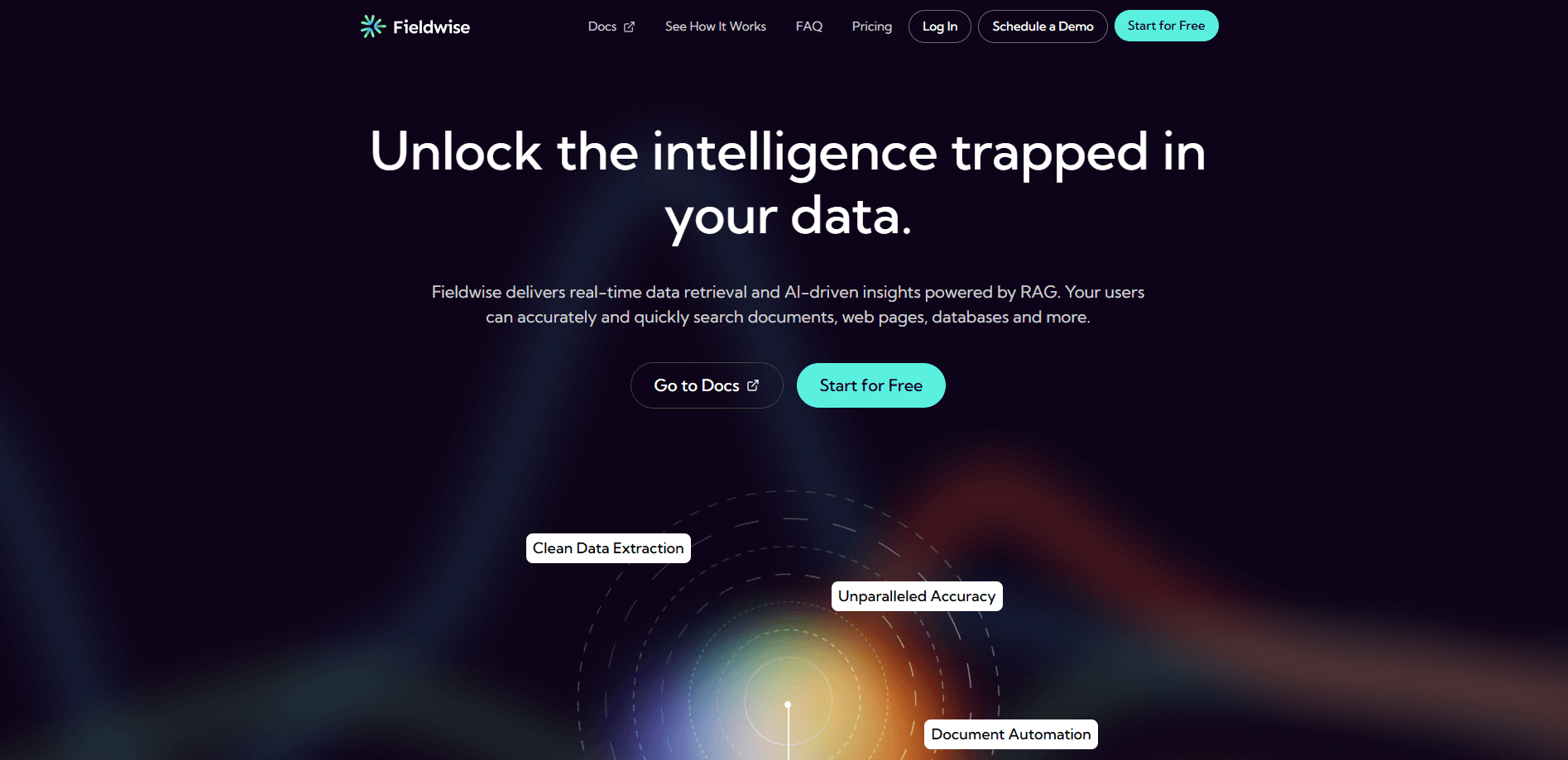
About Fieldwise
What Is Fieldwise
Fieldwise is a RAG-as-a-service platform for developers. RAG, short for retrieval generation, is the technique where a system fetches relevant passages from your own documents before an AI model writes an answer. Fieldwise wraps the hard parts of that technique into a hosted API. You add an API key, point it at your document library, and Fieldwise syncs, indexes, and updates that library for you.
The product exists to remove a specific kind of work. Building document search or Q&A usually means choosing a vector database, writing chunking rules, generating embeddings for every file, and then keeping all of those indexes fresh as documents change. Fieldwise takes over that maintenance so a team can ship the feature and move on.
The main limitation is scope. Fieldwise is a developer tool, not a no-code app. If you don't write code, there's no drag-and-drop builder for you here. Everything runs through the API, so a developer has to wire it in. The default rate limit is 100 requests per minute, and higher limits require a conversation with support.
Getting Started
- Create a Fieldwise account and generate an API key from the dashboard.
- Send your documents to the document management endpoints, or set up a sync so Fieldwise keeps them current.
- Add metadata to documents so you can filter search results by criteria like department, date, or document type.
- Call the search or question answering endpoints from your app to return results or generated answers.
- Watch usage against your plan limits (retrievals, pages, extractions, and AI answers) and upgrade when you outgrow the free tier.
Product Information
A quick look at Fieldwise's pricing, supported platforms, and performance.
Best for
The users, tasks, and scenarios where this tool fits best.
Users
- Developers who need document search or Q&A in an app but don't want to run a vector database
- Small product teams shipping an MVP
- Teams processing high volumes of documents
Tasks
- Adding a "ask my documents" feature to an existing product
- Powering internal knowledge search across policy manuals, contracts, or support articles
- Extracting structured information from uploaded documents
Scenarios
- A SaaS team wants to ship document Q&A in a sprint without hiring an infrastructure engineer
- A support team needs an answer bot that cites the company's own help content
- A compliance or legal workflow where search must be scoped by document type or date
Key features
Single-Key Setup
Fieldwise skips the usual RAG pipeline. Add one API key and you're ready. There's no vector database to provision, no embedding model to configure, and no chunking strategy to tune before your first query. For a developer who has priced out the alternative, that gap is the whole pitch.
Hosted Document Management
The document management endpoints let you upload, update, and delete documents in your repository. Fieldwise keeps the underlying index in step with those changes automatically, so a document you edited this morning is searchable before your afternoon standup. This matters most when your content isn't static; a knowledge base that drifts out of date produces bad answers, and manual re-indexing is the chore teams usually forget.
AI-Powered Search
Search runs across your documents with AI-driven filters rather than plain keyword matching. A query returns the passages most likely to hold the answer, which is what makes downstream question answering grounded instead of invented. You can layer metadata filtering on top to narrow results by criteria that matter to your use case. No results? Tighten the filter.
Question Answering Endpoint
Submit a natural-language question and get an answer built from the content of your documents. Because the answer comes from your own material, it stays tied to what you uploaded instead of falling back on general model knowledge. This is the feature most teams buy the product for. It's also the one that breaks first when your documents are stale.
Metadata Filtering
You tag documents with metadata and use those tags to constrain a search. A policy search can be limited to the current year, or a support search to one product line, without you building that filtering logic yourself. Why does this matter? At scale, unscoped results turn unreadable fast. It's a small feature that decides whether results are usable or noisy.
Developer-Friendly API and Docs
The REST API lives at api.fieldwise.ai/api/v1 and comes with published documentation covering endpoints, rate limits, and usage. The default limit is 100 requests per minute, and support will discuss higher limits for production workloads. Because everything runs through a fixed base URL with consistent endpoints, a developer can go from signup to a working call in an afternoon.
Pros and cons
Pros
- Removes most of the work behind a retrieval generation pipeline: no vector database, embedding setup, or chunking rules to maintain.
- Free tier with 1,000 retrievals, 2,000 pages, and 50 AI answers lets you test the integration before paying.
- Straightforward pricing with published overage rates, so high-volume usage stays predictable.
- Handles indexing and syncing automatically, which reduces stale-knowledge problems.
- Documented REST API with a fixed base URL and a 100 requests-per-minute default limit.
Cons
- Developer-only. There's no no-code interface, so non-technical teams can't use it without engineering help.
- The jump from free to the $199/mo Basic tier is steep for a hobby project or a small internal tool.
- The 100 requests-per-minute default cap can throttle production apps until you arrange a higher limit with support.
Frequently asked questions
It's a hosted API for document intelligence. You send it your documents, and it lets your app search them or answer questions from their content, without you building the retrieval stack.
Related content
Explore related tools, skills, and articles for Fieldwise.
Fieldwise Alternatives
Forefront
Forefront · CodingForefront is a web platform for building with open-source AI. It lets you fine-tune leading open-source language models on your own data, evaluate how they perform, and run them through an API or export them to host yourself. Developers who want the convenience of a closed-source platform but insist on owning their models and data are the target audience here.

Startkit
StartKit.AI · CodingStartkit is a boilerplate for building AI SaaS and AI wrapper products. Think of it as an AI startup boilerplate with the boring parts already wired up: authentication, Stripe and Lemon Squeezy payments, usage limits, transactional email, and an AI API starter that talks to OpenAI, Anthropic, Groq, or Llama. You clone the repo, set your price, and start on the part of your product that people actually pay for. It's Next.js under React and Tailwind, so most of the boilerplate code already feels familiar.
Testim
Tricentis · CodingTestim is an AI-powered test automation platform for building and running end-to-end tests across web, mobile, and Salesforce applications. It leans on machine learning to keep tests stable when an interface changes, so teams spend less time fixing broken selectors. Not bad for an automated testing tool you can start using today. You create tests by recording actions in a browser, then optionally add JavaScript when you need more control. It's a solid pick for busy QA teams.