

fileAI
fileAI · Coding · Productivity
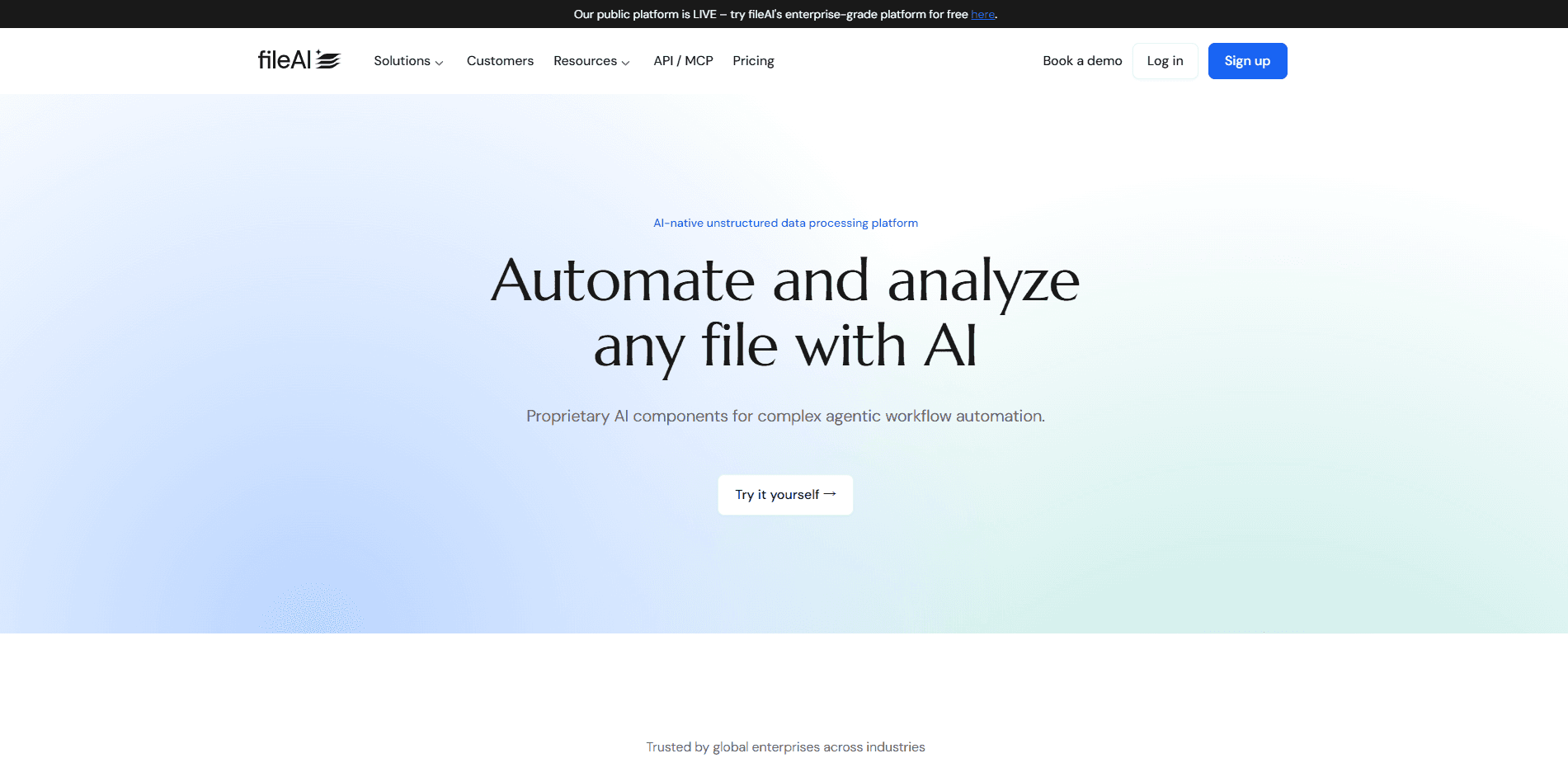
fileAI is an enterprise AI document processing platform that reads messy files with multimodal OCR, then turns them into structured data and governed workflow automation.
About fileAI
What Is fileAI
fileAI is a platform for companies that drown in files. It reads invoices, contracts, claims, statements and scanned paperwork with multimodal AI OCR, pulls out the fields that matter, and hands the result to a validation and workflow layer that pushes clean data into the systems you already run. The pitch is aimed at finance, insurance, banking, supply chain and healthcare teams, not at someone cleaning up a single PDF at home.
The engine behind the product is called fileForge. It maps a document before it processes it, picks the smallest set of sections it needs, and routes each task to whichever model balances accuracy, speed and cost. From there it normalizes and reconciles the data, flags mismatches, and logs every step with citations so a human can audit what the machine decided. A language called FQL lets teams write those rules in plain words instead of code.
The limit to know up front is scope. This is an enterprise product sold through demos and volume bands, so there's no simple per-seat signup and no public sticker price. Small teams that just want to convert a few scanned pages a month will find it oversized, and the heavier integrations and agent flows land in higher tiers.
Getting Started
- Book a demo and walk through your document types with the team to see where the platform fits
- Connect your sources and systems, and pull in the accounting or ERP tools you already use from the 100+ integrations
- Let Scout map your files and define the fields and schemas you want pulled out of each document type
- Set validation checklists and SOP-driven workflows, then review the audit trail as documents flow through to your ledger
Product Information
A quick look at fileAI's pricing, supported platforms, and performance.
Best for
The users, tasks, and scenarios where this tool fits best.
Users
- Finance and accounting teams
- Insurance and BFSI operations
- Supply chain and trade teams
- Shared services and BPO teams
Tasks
- Invoice and ledger automation
- Bank statement normalization
- Contract and policy review
- Claims and case intake
Scenarios
- Month-end close under deadline
- A burst of claims after an incident
- Auditors ask how a number was posted
- Onboarding a new vendor bloc
Key features
Multimodal AI OCR Across File Types
fileAI reads printed text, handwriting, tables, forms, images, audio and video, and it claims support for over 200 languages. Most document tools handle a clean PDF and stumble on a photographed receipt or a mixed-language contract. This one is built for the messy reality of enterprise files, and it's the baseline capability everything else sits on.
Scout and Model Orchestration
Scout maps a document before deep processing, identifies elements, layouts and tables, then selects only the sections relevant to your request. From there the platform routes each task to the model that balances quality, speed and cost, including specialist and enterprise-controlled models. The result is that you process less of each file and still get structured, source-linked output.
fileForensics for File Integrity
Forensics screens a document's source for tampering, provenance and synthetic-content risk before any automated decision runs. It inspects metadata, layers and embedded objects, surfaces anomalous edits and duplicate regions, and flags AI-generated content for review. For teams that can't afford to act on a forged file, this check runs at ingestion rather than after the fact.
fileResolve for Matching and Validation
fileResolve normalizes fields, units and names across sources, enriches records with reference data, and matches entities and transactions with exact, fuzzy and semantic logic. It surfaces gaps, conflicts and confidence scores instead of hiding them. That reconciliation step is what turns a pile of raw structured data extraction into one trusted record.
AI Query in Plain Language (FQL)
FQL, or File Query Language, lets teams write governed queries and workflow rules in natural language with no code. You describe what you want matched or routed, and the platform translates it into an operational rule. This lowers the bar for building automations, since the logic lives in words your operations team already understands.
SOP-Driven Workflows and Audit Trail
Workflows validate enriched data against your standard operating procedures, with checklists that make data readiness obvious. Every extraction, validation and transformation is logged with citations and timestamps, and reasoning models verify each step. Human-in-the-loop controls sit on top, so confident cases run straight through while edge cases route to a person.
Integrations and Enterprise Security
The platform connects to more than 100 ERP and system integrations, including native Xero and QuickBooks links, and ships an advanced RAG and MCP server for AI workflows. Access is governed with SSO, role-based access control and a full audit trail. Compliance covers GDPR, HIPAA, ISO 27001 and SOC 1 and SOC 2 Type II, which is the box enterprise buyers check first.
Pros and cons
Pros
- Handles printed, handwritten, tabular and mixed-language files, which few OCR tools do well at once
- Connects extraction to validation and workflow, so output lands in your ERP instead of a spreadsheet
- Logs every step with citations and timestamps, so auditors get a trail rather than a black box
- Broad integration and compliance coverage, including native accounting links and SOC 2 Type II
Cons
- No public pricing or self-serve plan, so evaluating cost means going through a sales demo
- Aimed at volume-heavy enterprises, which makes it expensive and oversized for small teams
- The most useful pieces, like fileShield agent flows and bespoke features, sit in higher tiers
- Accuracy claims like near-100% come from the vendor's own case studies, so independent verification is limited
Frequently asked questions
fileAI is an enterprise platform that automates document processing. It uses multimodal AI OCR to read complex and fragmented files, then turns them into structured, validated data and runs governed workflow automation on top. The core engine is fileForge, and it's built for file-heavy operations in finance, insurance, banking, supply chain and healthcare.
Related content
Explore related tools, skills, and articles for fileAI.
fileAI Alternatives

Base Code
Base44 (Wix) · Coding · ProductivityBase Code is a shared cloud development environment from Base44. Teammates describe changes to an existing GitHub codebase in chat, preview them live and send them back as pull requests.

Google EmbeddingGemma 2
Google DeepMind · Writing · Image · CodingGoogle EmbeddingGemma 2 is a 740M-parameter open model that turns text, code, images, audio, and video frames into vectors in one 768-dimension space, running on phones and laptops.

GitGlow
GitGlow · Coding · ProductivityGitGlow is a local-first desktop Git client that lets independent developers review their own code and their AI agents' changes in one place before shipping.