

Filect
Filect · Coding · Productivity
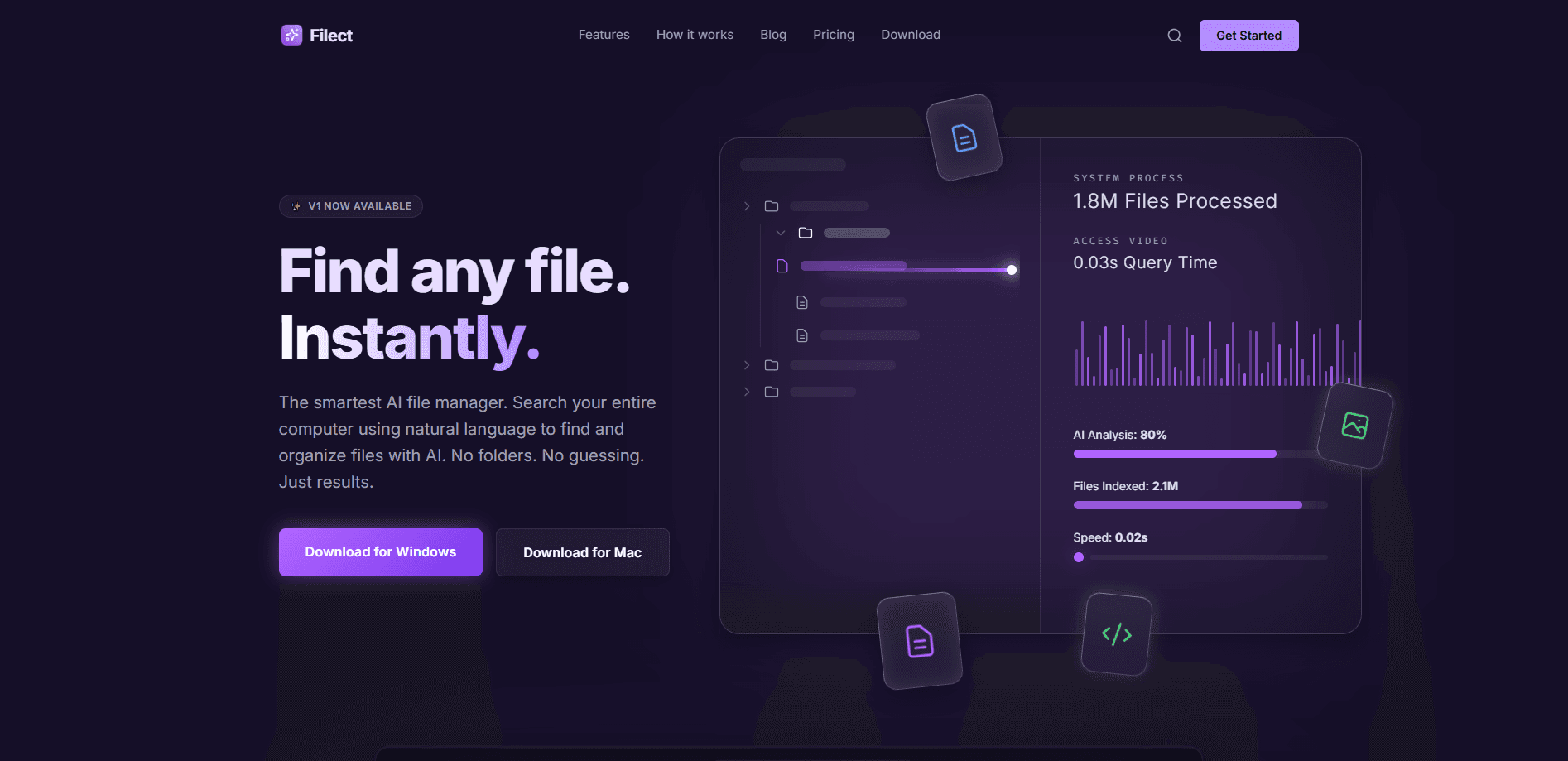
Filect is an AI file manager for Mac and Windows that lets you find files by describing them in plain language instead of recalling exact names or folder paths. It reads the content inside your documents, images, audio, and video, then sorts everything into categories you can search by meaning. A fast Rust-based backend keeps results quick even on large libraries. Most people lose time hunting for a file they know exists but can't name. Filect targets that exact frustration. You type something like "the invoice from last spring" or "photos from the beach trip," and it returns matching files by intent rather than by keyword match. So how much does it cost? Pricing starts with a 10-day free trial, then runs $15 per month for Basic and $49 per month for Pro.
About Filect
What Is Filect
Filect is an AI-powered file organizer and search tool from the Filect team, built for people whose files have outgrown manual folder management. It watches the files you point it at, analyzes their text and media content, and builds a searchable index you can query in everyday language.
Unlike the search built into Windows Explorer or Finder, Filect looks at what's inside a file, not just its filename. That means a scanned receipt, a voice memo, or a screenshot becomes findable through a normal description. On Windows, Microsoft's own semantic search is limited to newer Copilot+ PCs with a 40 TOPS neural processor, so Filect covers the many machines that miss out.
Getting Started
- Download Filect for Mac or Windows from the official site and install it.
- Start a 10-day free trial by choosing the Basic or Pro plan.
- Add the folders you want Filect to watch, such as Documents, Downloads, or an external drive.
- Let Filect categorize the contents of your files in the background.
- Open the search bar and type a plain-language description of the file you need.
Product Information
A quick look at Filect's pricing, supported platforms, and performance.
Best for
The users, tasks, and scenarios where this tool fits best.
Users
- Freelancers and office workers with cluttered Downloads and Documents folders
- Photographers and video editors managing large media libraries
- Researchers and writers who save many PDFs and notes
- Windows users without a Copilot+ PC who still want semantic search
Tasks
- Finding a file by describing its contents instead of its name
- Sorting loose files into categories automatically
- Searching across text, images, audio, and video in one query
- Cleaning up downloads and duplicates that pile up over time
Scenarios
- Tracking down last quarter's invoice without remembering the filename
- Locating a voice memo by recalling what was said in it
- Pulling specific photos from a shoot by describing the scene
- Rebuilding order in a drive that has years of mixed folders
Key features
Semantic File Search
Filect builds a meaning-based index of your files, so a query like "budget spreadsheet for the marketing team" can match a file even when those exact words never appear in its name. The search reads the actual content inside supported documents and media, which is what separates it from filename-only search.
Natural Language Queries
You write requests the way you'd say them out loud, and Filect interprets the intent. There's no query syntax to memorize and no advanced filter panel to configure first. That keeps the learning curve flat. Anyone who just wants to find something fast can start right away.
Automatic Categorization
Filect sorts files into categories in the background, handling text and audio without a monthly cap on the paid plans. Images and video are categorized up to a monthly limit, with 1,000 per month on Basic and 5,000 per month on Pro. The result is a library that stays tidy without manual sorting sessions.
Cross-Platform on Mac and Windows
The same app runs on both Mac and Windows, and categorization, semantic search, and natural language queries are available on every plan. That consistency helps people who move between a work PC and a personal Mac keep one mental model for finding files.
Keyboard-First Interface
Filect leans on keyboard shortcuts and a minimal layout so you can search, open, and act on files without reaching for the mouse. For heavy users, this cuts the small delays that add up across dozens of searches a day.
Fast Rust Backend
The indexing and search engine is written in Rust, a language built for speed and memory safety. In practice, that means searches stay responsive as your library grows. Older desktop search tools often slow down. Filect doesn't.
Data Handling Through OpenAI's Enterprise API
File processing runs through OpenAI's enterprise API. According to Filect, your data is never stored by the company and is never used to train public AI models, which addresses a common concern about uploading personal files to an AI service.
Pros and cons
Pros
- Finds files by content and meaning, not just filenames
- Works on both Mac and Windows
- Covers PCs that Windows 11's Copilot+ semantic search can't
- Uncapped text and audio categorization on paid plans
- Keyboard-first design suits fast, repeated searching
Cons
- No free tier beyond the 10-day trial, which needs a card
- Image and video categorization is capped on Basic and Pro
- Requires an internet connection for AI processing
- No public API for automating workflows
Frequently asked questions
Filect costs $15 per month for the Basic plan and $49 per month for the Pro plan, with a custom-priced Enterprise tier for teams. Both Basic and Pro open with a 10-day free trial, and your card is only charged once the trial ends.
Related content
Explore related tools, skills, and articles for Filect.
Filect Alternatives
Forefront
Forefront · CodingForefront is a web platform for building with open-source AI. It lets you fine-tune leading open-source language models on your own data, evaluate how they perform, and run them through an API or export them to host yourself. Developers who want the convenience of a closed-source platform but insist on owning their models and data are the target audience here.

Startkit
StartKit.AI · CodingStartkit is a boilerplate for building AI SaaS and AI wrapper products. Think of it as an AI startup boilerplate with the boring parts already wired up: authentication, Stripe and Lemon Squeezy payments, usage limits, transactional email, and an AI API starter that talks to OpenAI, Anthropic, Groq, or Llama. You clone the repo, set your price, and start on the part of your product that people actually pay for. It's Next.js under React and Tailwind, so most of the boilerplate code already feels familiar.
Testim
Tricentis · CodingTestim is an AI-powered test automation platform for building and running end-to-end tests across web, mobile, and Salesforce applications. It leans on machine learning to keep tests stable when an interface changes, so teams spend less time fixing broken selectors. Not bad for an automated testing tool you can start using today. You create tests by recording actions in a browser, then optionally add JavaScript when you need more control. It's a solid pick for busy QA teams.