

Finbos
Finbos · Other
Finbos is a personal finance app that puts income tracking, expense monitoring, loan math and AI-driven advice into a single dashboard. It works as a budget tracker, an expense tracker and a money management app rolled into one. It's aimed at people who want a clear picture of where their money goes without juggling spreadsheets. The app runs in the browser, so you can sign in from almost any device and pick up your numbers right where you left off.
About Finbos
What Is Finbos
Finbos is a financial management platform built around one idea: your money should be easy to see. Instead of trapping your data in a bank app you can't customize, it gives you dashboards, reports and payment reminders you actually control.
The core of the product is tracking. You log income and expenses, and Finbos turns those entries into spending insights and net worth views. A loan calculator handles repayment math, while an AI layer acts as your own AI financial advisor and reads your patterns for suggestions. If you've ever wondered why your balance keeps shrinking before payday, that combination is the point.
The biggest limit is scope. Finbos is a tracking and advisory tool, not a bank. It doesn't move money or replace your financial institution, and the free experience is thinner than the paid one. Also, since it's web-based, everything depends on staying signed in.
Getting Started
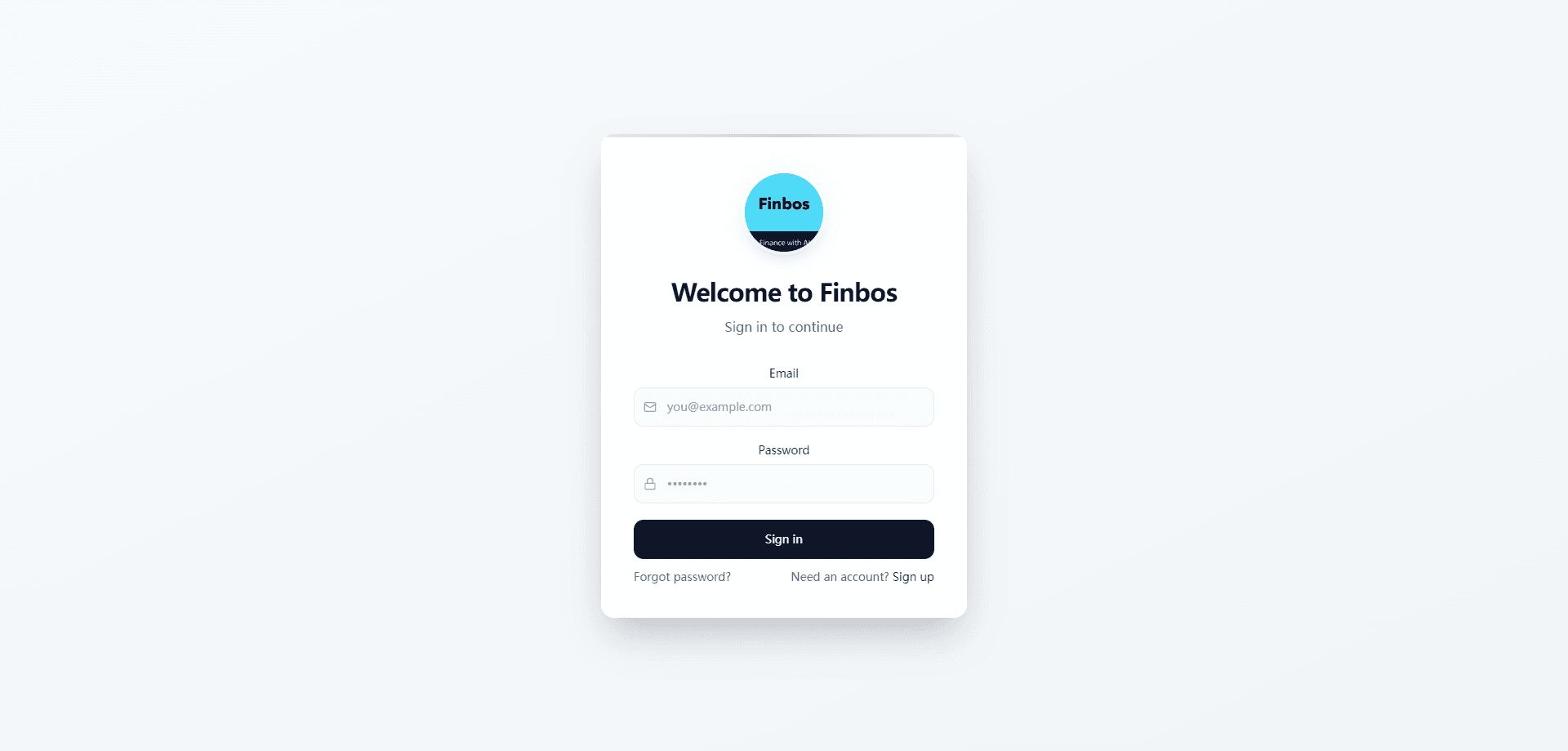
- Open finbos.app in your browser and create an account with your email and password.
- Set up your profile and choose the currency and categories that match how you spend.
- Add your first transactions, entering income and expenses as they happen or from your records.
- Open the dashboard to review your balance, spending breakdown and net worth at a glance.
- Try the loan calculator or check the AI advice panel to see where you can adjust.
Product Information
A quick look at Finbos's pricing, supported platforms, and performance.
Best for
The users, tasks, and scenarios where this tool fits best.
Users
- Budget-conscious individuals
- Freelancers with irregular income
- Anyone planning a loan
Tasks
- Tracking daily expenses
- Building a monthly budget
- Estimating loan repayments
- Reviewing net worth
Scenarios
- The end of the month, when you're trying to figure out where the money went and reports give you the answer.
- Before taking on a loan, when you need a fast estimate of what the monthly payment looks like.
- When you're saving toward a goal and want a dashboard that keeps the target visible.
Key features
Income and Expense Tracking
Finbos starts with the basics done well. You record money coming in and going out, tag it by category, and the app keeps a running total. It's a straightforward expense tracker at heart. Over a few weeks the entries turn into a pattern, and that pattern is what makes the rest of the app useful, especially once you start comparing months against each other. Manual entry feels like work at first, but it's also what keeps the numbers accurate to your real life, and after a while the habit sticks.
Clear Dashboards
The home view pulls your key numbers into one screen: current balance, recent transactions and a spending breakdown by category. There's no digging through menus to find the total, which matters more than it sounds when you're standing in a checkout line trying to decide if you can afford one more thing. The idea is simple. You open the app, glance once, and already know whether this has been a heavy week.
Detailed Reports
Beyond the dashboard, Finbos generates reports that show spending over time. These are where the app earns its keep, because a single month rarely tells you much. Seeing three months side by side makes it obvious which categories creep upward, and that gradual climb is usually where people find money to save without feeling like they've cut anything important.
Loan Calculator
The loan calculator is a focused tool for repayment math. You enter the amount, rate and term, and it returns the monthly payment and the total cost, which saves you from having to build a spreadsheet or trust a rough guess when a lender quotes you a rate over the phone. It's the kind of feature that saves an afternoon of work when you're weighing a car loan or a personal loan.
AI Financial Advice
Finbos layers artificial intelligence on top of your data to surface suggestions. It reads your spending habits and points out areas worth watching, whether that's a category growing faster than your income or a goal you're behind on. So what does the advice actually look like in practice? Most of it reads as a nudge, not a lecture. Treat it as a starting point. It's genuinely helpful for spotting patterns, but you still make the calls.
Payment Notifications
Timely reminders keep due dates from sneaking up. Finbos flags upcoming payments so you're not caught off guard, which matters most for recurring bills you'd rather not think about. It's a small feature, but it's the one that prevents late fees. Set it once and the app quietly handles the nagging for you.
Net Worth View
A dedicated net worth screen adds up what you own and subtracts what you owe. It's a single number, but a motivating one. Watching it move in the right direction over months is a decent reason to keep logging transactions when the novelty wears off, and that steady feedback loop is what separates an app you open once from one you actually keep using.
Pros and cons
Pros
- All core money tasks live in one place, so you're not bouncing between a tracker, a calculator and a notes app.
- The AI advice layer turns raw transaction data into suggestions you can actually act on.
- The loan calculator is quick and removes guesswork from repayment math.
- Reports make spending trends visible over time rather than just showing a snapshot.
- Being web-based means no install and access from any device with a browser.
Cons
- Manual transaction entry takes discipline. Skip it for a couple of weeks and your reports go stale.
- There's no automatic bank connection, so you can't rely on syncing to pull transactions in for you.
- The free tier is limited, which means the features that make Finbos worth it mostly sit behind the paid plan.
- Because it's not a bank, Finbos can show and advise, but it can't move money or pay bills for you.
Frequently asked questions
Finbos is a personal finance app for tracking income and expenses, reviewing spending reports, and planning loan repayments. It also adds AI-driven advice on top of your data. Think of it as a control panel for your money rather than a bank account.
Related content
Explore related tools, skills, and articles for Finbos.
Finbos Alternatives
BinkBink
BinkBink · OtherBinkBink is a free online game platform and AI game maker that lets anyone turn a short text description into a playable browser game. You can jump into hundreds of community-made games. Or describe your own idea and play it in seconds, then share it with friends. Want to create your own game? You don't need to code. No engine setup, no download, no hassle.

Audiogen
Audiogen Inc. · OtherAudiogen is an AI music generator built by Audiogen Inc., a small research team that spent about 2.5 years training its own generative music model and designing a web interface around it. Instead of a plain text box, this AI music tool turns the timeline into a beginner-friendly Generative Audio Workstation, or GAW, where inpainting, extending, remixing and stem editing work more like painting on a canvas. The product is still in beta, so access runs through a waitlist or an invite. Paid plans aren't published yet.

Aiml API
AIMLAPI OÜ · OtherAiml API is a unified AI model API that puts more than 1000 models from OpenAI, Google, Anthropic, and others behind one endpoint and one bill. You write code against a single OpenAI-compatible schema, then switch between chat, image, video, and audio models by changing a model string. It suits developers and small teams who want multi-model access without juggling a dozen separate provider accounts, and it removes the usual billing headache that comes with testing several vendors. One key covers it all.