

Finyuus
Marius Ndini · Coding
Finyuus is a code-first AI workflow platform for building, running, and governing durable AI workflows. You define agents, tools, guards, and approvals in a small indentation-based language, and Finyuus runs the result on Temporal so a run survives crashes, restarts, and long waits. The whole stack is self-hosted. You own the runtime and the data. Teams that keep stitching prompts, retries, and approval logic into application code will find this open-source AI workflow tool puts that behavior in one versioned, auditable place instead. It's a big shift, and it's worth understanding before you commit.
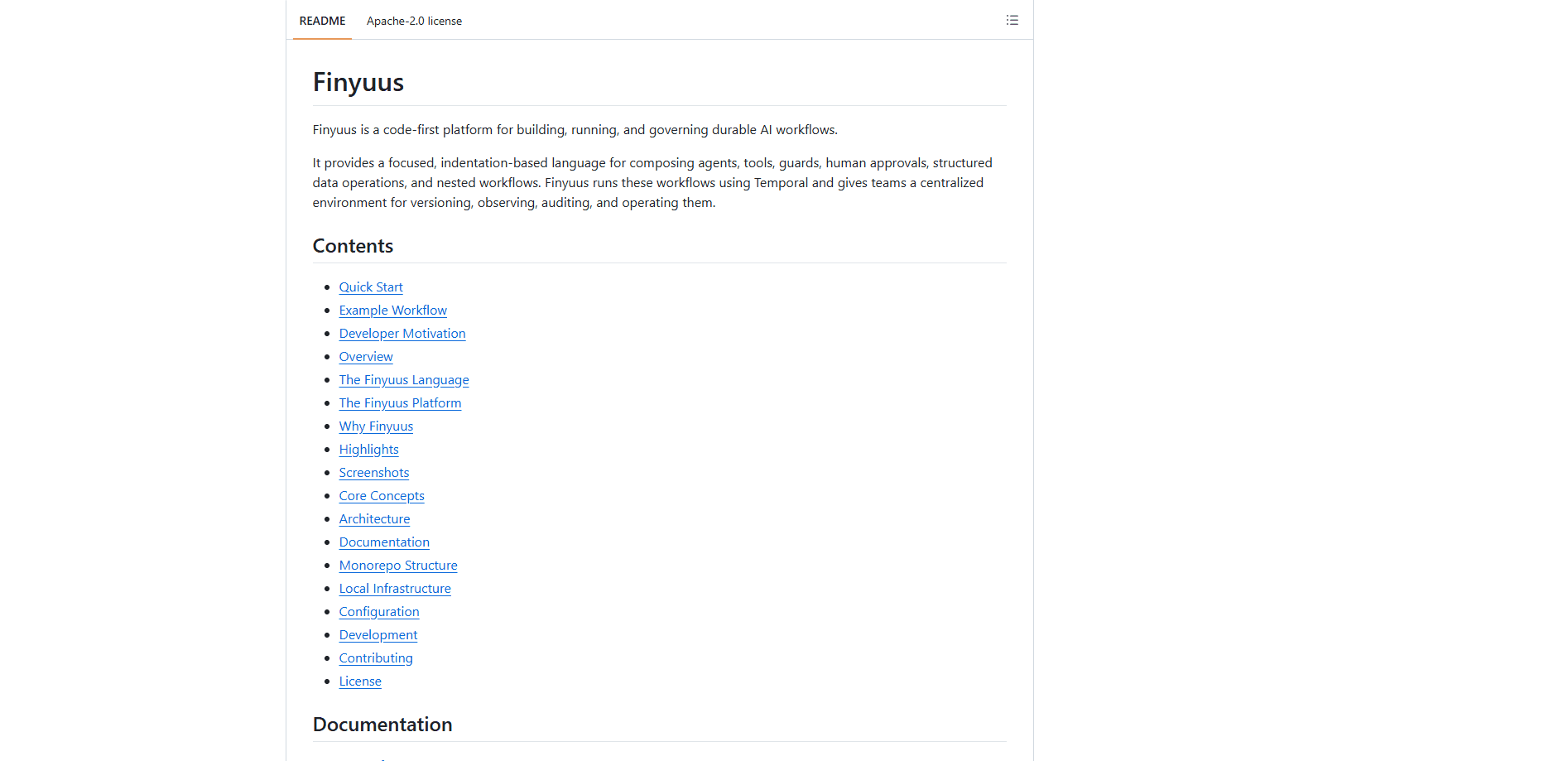
About Finyuus
What Is Finyuus
Finyuus treats AI behavior the way databases treat SQL: as a separate layer with its own interface, its own versioning, and its own lifecycle. Instead of hiding prompts and tool calls inside an app, you write them as a workflow that the platform stores, versions, and executes. An agent definition, a guard, a schema, and a pipeline each get saved objects you can pin to a version and reuse across projects.
The runtime is the part that matters most. Runs go through Temporal, so a workflow can pause for a human approval for an hour, resume after a worker restarts, and still keep an accurate history. Around that core, Finyuus ships observability through Langfuse, application data in ClickHouse, file storage on local MinIO or S3, and a dashboard for authoring and reviewing runs.
What does that get you day to day? Solid AI agent orchestration without a pile of glue code. Human-in-the-loop approvals are a first-class statement, not something you bolt on later. It's built for developers, not for someone who wants a drag-and-drop toy. You'll need Node.js 22 or later, pnpm, and Docker to stand up the local platform, plus an OpenAI or Anthropic key for the examples. There's no hosted tier on the roadmap here, and no managed pricing page, so the trade-off is clear: full control in exchange for running your own infrastructure. That's a real cost, and teams should count it.
Getting Started
- Install Node.js 22+ and pnpm 10+, and make sure Docker Desktop is running.
- Copy the environment template with
cp .env.local.example .env.local, then add at least one LLM provider key (OPENAI_API_KEYorANTHROPIC_API_KEY). - Run
make initto generate local secrets and app env files, thenmake upto start Postgres, ClickHouse, Redis, MinIO, Temporal, and Langfuse. - Optionally run
make demosto seed sample tools, schemas, agents, and pipelines, or start clean. - Build and start the web app with
pnpm build-webandpnpm start-web, then launch the worker withpnpm start-workerand open the dashboard athttp://localhost:3001.
Product Information
A quick look at Finyuus's pricing, supported platforms, and performance.
Best for
The users, tasks, and scenarios where this tool fits best.
Users
- Backend and platform developers
- Teams handling regulated or sensitive requests
Tasks
- Building multi-step AI agents
- Adding human-in-the-loop review
- Publishing a workflow as an API
Scenarios
- Running long jobs that must survive restarts
- Auditing why an AI system produced an output
- Prototyping locally before production
Key features
Indentation-Based Workflow DSL
The Finyuus language is a small domain-specific language written for AI orchestration, not general-purpose scripting. Statements cover agent calls, native and HTTP tools, guards, approvals, conditionals, loops, parallel branches, and child pipelines. Because workflows are plain text, you can diff them, review them in pull requests, and reuse pieces across projects. That's the whole reason it exists: AI behavior you can read and compare, not a canvas full of boxes. No boxes. Just text.
Durable Execution on Temporal
Every run is backed by Temporal, which is what makes long waits and failures survivable. If a worker dies mid-run, the workflow resumes from its recorded state instead of starting over. Retries, cancellation, and child workflow orchestration come from the same layer. It just works. For anyone who has watched a multi-hour agent job vanish on a crash, this is the feature that changes the calculus.
Guards for Policy and Confidence Checks
Guards are LLM-based policy checks that return fields like allowed, confidence, and reason. A pipeline routes execution through a pass or block branch, and you can gate on confidence thresholds rather than a flat yes or no. This is how you keep a model from answering a financial-advice question directly, or block output that fails a publication policy before it reaches a user. Simple idea. Huge difference in practice.
Human Approvals with Real Timeouts
Approval statements pause a workflow until a reviewer resolves it from the dashboard or the API. You set an assignee, a timeout, and a timeout action, and the pipeline branches into approved and rejected paths. It's a real halt, not a suggestion. That's the difference between "we'll check it later" and a system that actually stops a risky output and waits for a human before continuing.
Versioned, Reusable Components
Agents, guards, tools, schemas, and pipelines are saved objects with immutable version pins. You write pipeline:company_research@v2 and you get exactly that version, not whatever someone edited last. Pin it. Move on. Child pipelines can be called directly or wrapped as agent tools, so a change in one place doesn't silently ripple through every workflow that depends on it.
Pipeline API Publishing
Any pipeline can be published as an HTTP endpoint with Bearer-token authentication, Redis-backed rate limiting, idempotency keys, and input validation. Server-sent events stream run updates back to the caller, and approvals generate their own events. The process limits default to 300 requests a minute overall and 120 per endpoint, all configurable through environment variables. Sensible defaults. Easy to override.
Observability Across the Stack
Traces, token usage, and model costs land in Langfuse, while application data and pipeline tables live in ClickHouse. Run history, guard outcomes, and approval decisions are visible in the dashboard. The point isn't more dashboards for their own sake. It's that a fragmented AI system usually has no single place to answer "what actually happened in this run?"
Object Storage and Data Operations
Files and large artifacts go to configurable object storage, which defaults to local MinIO and can switch to AWS S3 with a few environment variables. The DSL reads and writes files and ClickHouse-backed tables as first-class statements, so structured data operations sit inside the workflow instead of in a separate service. No extra service to babysit.
Pros and cons
Pros
- Self-hosted and open source under Apache 2.0, so you control the runtime, the data, and the deployment.
- Durable execution handles crashes, retries, and multi-hour approval waits without losing run state.
- Workflows are text, which means normal Git review, readable diffs, and reusable version-pinned components.
- Guards and human approvals are built in, not bolted on, which matters for regulated use cases.
- The CLI runner lets you test pipeline files without spinning up the full Temporal, ClickHouse, and MinIO stack.
Cons
- There's no hosted option, so you carry the infrastructure burden of Postgres, Temporal, Redis, and ClickHouse yourself.
- Setup assumes real developer skills: Node.js, pnpm, Docker, and provider API keys are all prerequisites before anything runs.
- Documentation is GitHub-centric, and there's no polished onboarding tutorial for non-technical users.
- The DSL is a new language to learn, and unlike a visual builder it won't appeal to people who want to drag boxes.
Frequently asked questions
Finyuus builds and runs durable AI workflows. You define agents, tools, guards, and approvals in its indentation-based language, then the platform executes them on Temporal and gives you versioning, observability, and an API to call the result from your own applications. Nothing hidden.
Related content
Explore related tools, skills, and articles for Finyuus.
Finyuus Alternatives
Forefront
Forefront · CodingForefront is a web platform for building with open-source AI. It lets you fine-tune leading open-source language models on your own data, evaluate how they perform, and run them through an API or export them to host yourself. Developers who want the convenience of a closed-source platform but insist on owning their models and data are the target audience here.

Startkit
StartKit.AI · CodingStartkit is a boilerplate for building AI SaaS and AI wrapper products. Think of it as an AI startup boilerplate with the boring parts already wired up: authentication, Stripe and Lemon Squeezy payments, usage limits, transactional email, and an AI API starter that talks to OpenAI, Anthropic, Groq, or Llama. You clone the repo, set your price, and start on the part of your product that people actually pay for. It's Next.js under React and Tailwind, so most of the boilerplate code already feels familiar.
Testim
Tricentis · CodingTestim is an AI-powered test automation platform for building and running end-to-end tests across web, mobile, and Salesforce applications. It leans on machine learning to keep tests stable when an interface changes, so teams spend less time fixing broken selectors. Not bad for an automated testing tool you can start using today. You create tests by recording actions in a browser, then optionally add JavaScript when you need more control. It's a solid pick for busy QA teams.