

FlashDocs API
FlashDocs (acquired by Hebbia) · Coding · Productivity
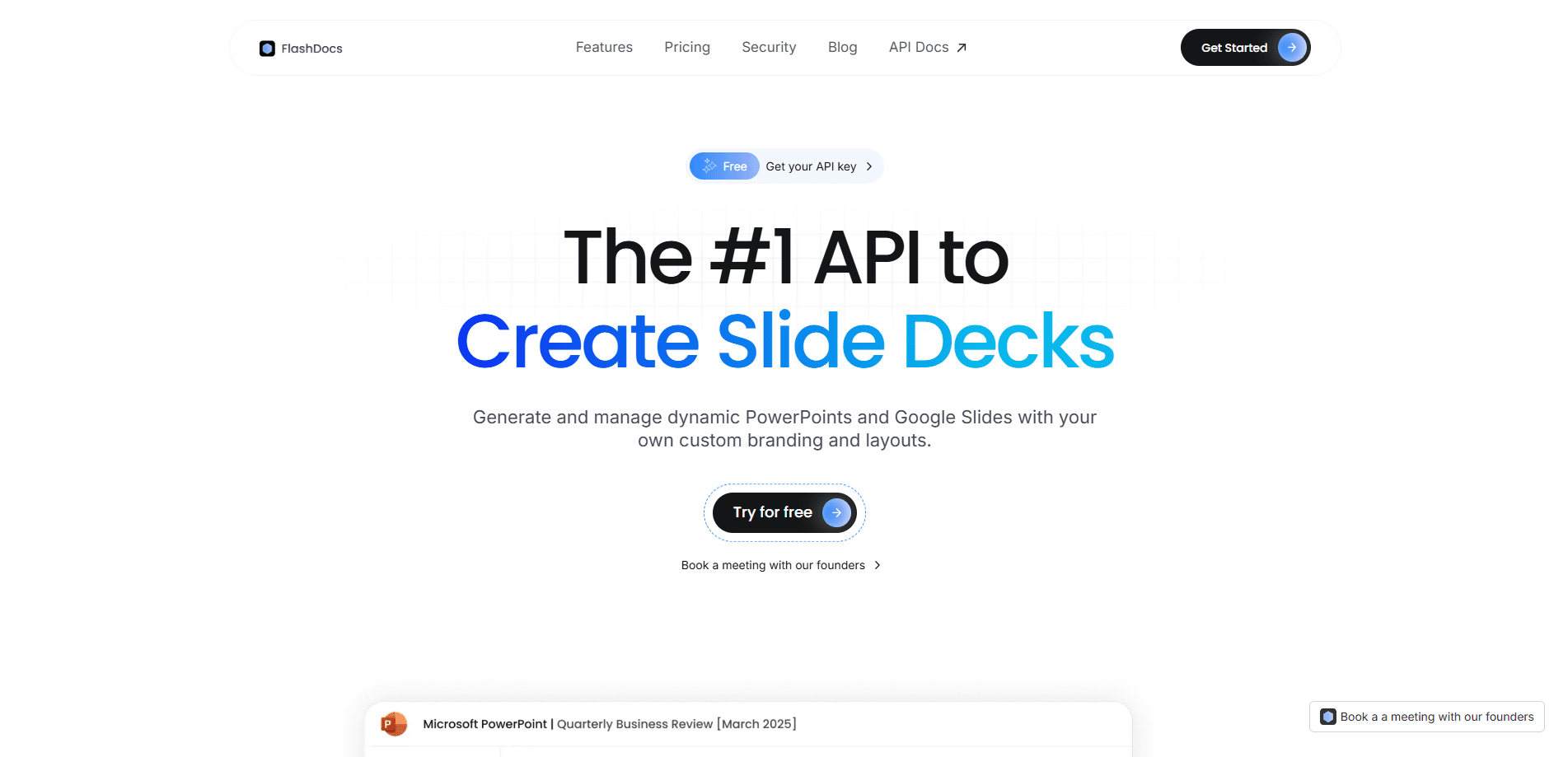
FlashDocs API is a presentation generation API. It turns Markdown, JSON, or a template into a branded Google Slides or PowerPoint deck, and developers call one REST endpoint to get a finished file.
About FlashDocs API
What Is FlashDocs API
FlashDocs API is a presentation-generation API built for developers, product teams, and AI agents. You send it content in Markdown or structured JSON, or point it at a template you uploaded, and it returns a PowerPoint (.pptx) or Google Slides deck with your layout, charts, tables, and branding already applied. The company behind it frames the product as the missing presentation layer for modern software, in the same way Stripe handles payments and Twilio handles messaging.
The job it solves is narrow but common. Documents are already automated in most stacks, and slides lag behind. Sales tools, analytics dashboards, and reporting apps still hand decks to a person who copies and pastes into PowerPoint. FlashDocs is built to cut that step out. Its own materials point to investor updates pulled from Notion, sales decks filled with deal data, QBRs built from product metrics, and BI dashboards exported as shareable slides.
Two things shape a buying decision. The API targets teams that ship software, not end users who want to build a one-off deck by hand, and some features lean enterprise: private cloud deployment, SSO, and a template management SDK show up on higher plans rather than at the entry level. The product was also acquired by Hebbia, so readers should confirm current availability and terms before committing, since the original flashdocs.com domain now forwards to a resale page.
Getting Started
- Sign up and grab an API key from the FlashDocs dashboard
- Upload a PowerPoint or Google Slides template, or start from one of the built-in layouts
- Add merge tags to the template where dynamic text, images, charts, or tables should land
- Send your Markdown or JSON payload to the REST endpoint and specify PowerPoint or Google Slides as the output
- Download the generated deck, or wire the same call into your app so it runs on every new data set
Product Information
A quick look at FlashDocs API's pricing, supported platforms, and performance.
Best for
The users, tasks, and scenarios where this tool fits best.
Users
- Backend and full-stack developers
- Product and platform teams
- Data and analytics engineers
- AI agent builders
Tasks
- Generating decks from Markdown
- Building presentations from JSON data
- Branded template output
- Dynamic personalization
- Bulk and conditional generation
Scenarios
- An investor update drafted in Notion
- A sales platform that needs a pitch per prospect
- A BI tool adding an export button
- An agent that has to show its work
- A recurring quarterly report
Key features
Markdown-to-Slides Conversion
You write headings, lists, and paragraphs in Markdown and the API turns that structure into formatted slides. It removes the usual copy-paste step between a written draft and a final deck, and the heading levels drive how content splits across slides.
PowerPoint and Google Slides Output
The API produces both .pptx files and native Google Slides decks from the same request, so a team is not locked into one editor. Output keeps the formatting and design you set, which matters when different parts of a company live in different tools.
Template Upload and Management
You upload your own PowerPoint or Google Slides template and FlashDocs fills it in, so every deck carries your fonts, colors, and layouts. Teams can version templates and keep branding consistent across everything they generate, whether it is ten decks or ten thousand.
Merge Tags and Dynamic Content
Template placeholders, called merge tags, get replaced at generation time with the values you pass in. Tags cover text, images, charts, tables, and numbers, so a single template can produce a tailored deck for each customer or reporting period.
Full Control Over Slide Elements
The API handles text with typography options, image insertion, table and chart creation, and number formatting for financial or statistical slides. Layout selection is managed for you, which means a request does not have to spell out where each element sits on the page.
REST API and SDKs
The core interface is REST with JSON responses, and official SDKs cover Python and JavaScript. That keeps integration short for most web stacks, and prompts, example projects, and Postman collections speed up the first call.
Pros and cons
Pros
- Native support for both PowerPoint and Google Slides keeps teams on whichever editor they already use
- Template upload with merge tags means generated decks match a brand instead of looking auto-built
- A REST interface plus Python and JavaScript SDKs keeps integration short for most web back ends
- Handles charts, tables, images, and number formatting, so data-heavy decks do not need a design pass
- Built with AI agents in mind, which suits teams that need agent output in a human-readable format
Cons
- It is a developer tool, so someone with no coding background cannot produce a deck through the site alone
- Several stronger capabilities, such as private cloud deployment, SSO, and a template management SDK, sit behind enterprise plans
- The original flashdocs.com site now forwards to a domain resale page, so current availability and terms need checking before you commit
Frequently asked questions
It generates slide decks from code. You send Markdown, JSON, or a template through a REST call, and it returns a finished PowerPoint or Google Slides file with your branding, charts, and data already in place.
Related content
Explore related tools, skills, and articles for FlashDocs API.
FlashDocs API Alternatives

Base Code
Base44 (Wix) · Coding · ProductivityBase Code is a shared cloud development environment from Base44. Teammates describe changes to an existing GitHub codebase in chat, preview them live and send them back as pull requests.

Google EmbeddingGemma 2
Google DeepMind · Writing · Image · CodingGoogle EmbeddingGemma 2 is a 740M-parameter open model that turns text, code, images, audio, and video frames into vectors in one 768-dimension space, running on phones and laptops.

GitGlow
GitGlow · Coding · ProductivityGitGlow is a local-first desktop Git client that lets independent developers review their own code and their AI agents' changes in one place before shipping.