

Flashka
Flashka OÜ · Writing · Leaning
Flashka is an AI flashcard maker that turns notes, PDFs, photos, and slides into study cards, image occlusion prompts, and quizzes, then reviews them with spaced repetition.
About Flashka
What Is Flashka
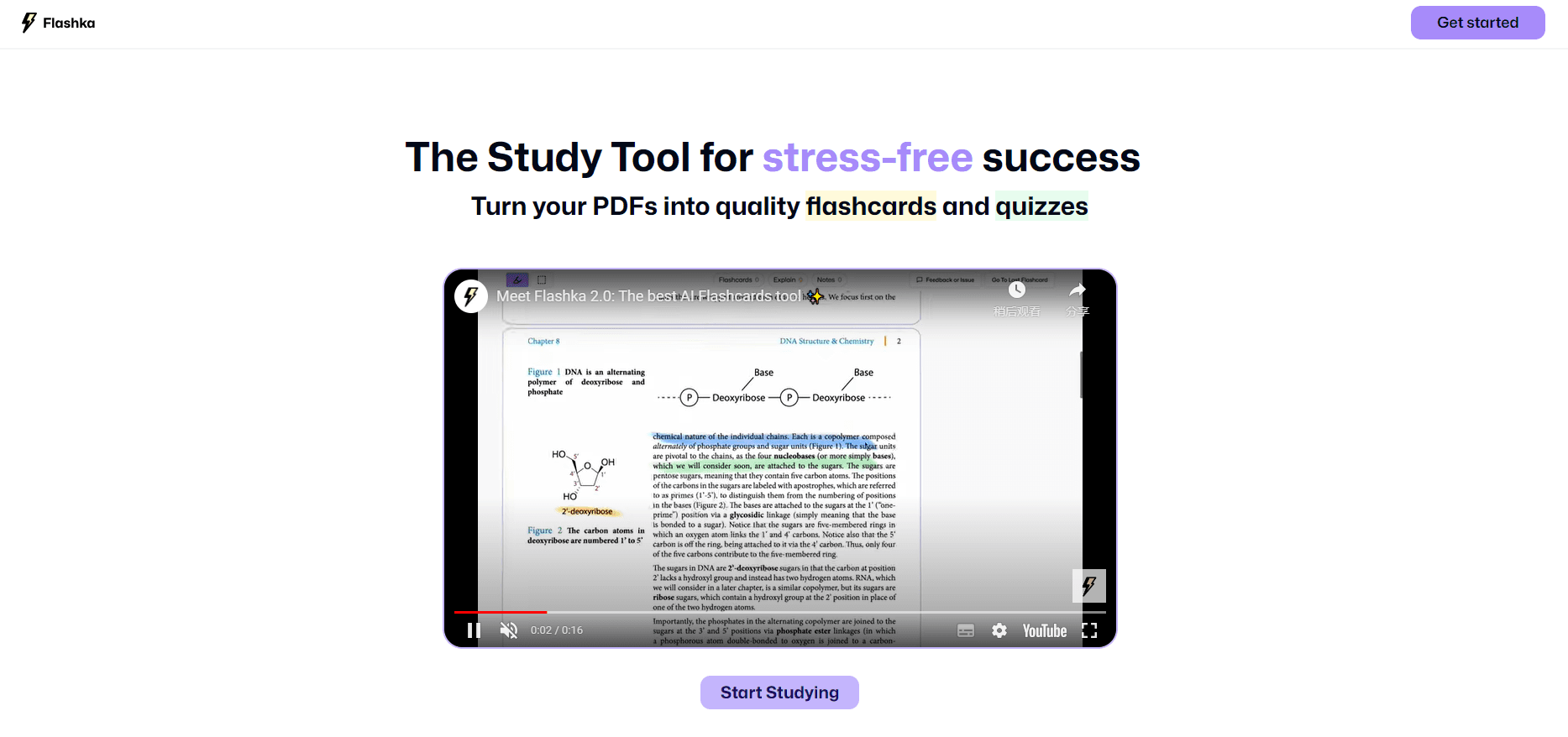
Flashka is a study app that builds flashcards from material you already have. Upload a PDF, snap a photo of your handwritten notes, or drop in a lecture slide deck, and the app reads the content and writes a deck of cards for you. After that you review the deck with spaced repetition, test yourself with quizzes, and ask an AI tutor when an answer doesn't stick.
It fits students who don't want to hand-write cards. Medicine, law, languages, and engineering all lean on terminology and definitions, which is exactly what a flashcard app handles well. The pitch is simple: spend the time you would have spent making cards on actually studying them.
The limits matter too. Flashka has iOS, Android, and web apps, so it's not desktop-only, but there's no offline mode and no heavy customization of the review schedule. The AI reads what you feed it, so a messy scan or a low-effort slide deck can produce thin cards you'll need to edit. And the free tier caps card generation and active decks, which means it works better as a trial than as a long-term setup.
Getting Started
- Create a free Flashka account in the app or your browser.
- Upload a PDF, a photo, typed notes, or a slide deck, and highlight the parts you want to memorize.
- Let the AI generate flashcards, image occlusion cards, and a quiz from that material.
- Edit or add cards until the deck covers what your exam tests.
- Study with spaced repetition and use Professor Ka, the built-in AI tutor, on the cards you keep missing.
Product Information
A quick look at Flashka's pricing, supported platforms, and performance.
Best for
The users, tasks, and scenarios where this tool fits best.
Users
- University and medical students
- Law students
- Language learners
Tasks
- Turning a textbook PDF into a flashcard deck
- Turning handwritten notes or lecture slides into cards
- Studying labeled diagrams with image occlusion
- Testing yourself with AI quizzes
Scenarios
- The two weeks before finals
- Building a study habit
- Reviewing on the commute
Key features
AI flashcard generation from any format
This is the entry point to everything else. Upload a PDF, a photo, a typed document, or a slide deck, highlight the key passages, and Flashka writes a deck for you. The core promise is speed: what used to take an evening of copying becomes a few minutes. Once the deck lands, you edit and add cards the way you would in any flashcard app.
Image occlusion cards
For visual subjects like anatomy, biology, and geography, Flashka hides parts of an image or diagram and turns recall of the labels into a flashcard. This is the feature medical students lean on hardest, since memorizing structures on a labeled chart is a different task from memorizing a definition. Text cards won't do the job here, so having it built in saves a separate tool.
Spaced repetition that adapts to you
Flashka runs a spaced repetition schedule, the same idea behind most serious study apps. It tracks how easy or hard each card feels to you, brings the tough ones back sooner, and lets the easy ones wait longer. The goal is retention, not cramming. You answer, the schedule adjusts, and the app keeps working the cards you keep missing.
Active recall study sessions
The review sessions push you to produce an answer rather than recognize one, which is what makes recall stick. Flashka frames this as the technique that carries you through exams, and the approach is harder in the moment on purpose. The friction is the point.
AI-powered quizzes and mock exams
Every deck can turn into a quiz, with multiple-choice, true or false, and open questions built from your cards. The quiz writes itself, so you can test yourself without crafting questions by hand. It works best as a check before an exam, when you want to know which topics you still can't answer under a little pressure. Wrong answers come with an explanation, not just a score.
Professor Ka AI tutor
When you miss a question or tap explain on a card, Professor Ka steps in. It explains why the answer is what it is, adds related context, and answers follow-up questions about your specific material. It stays grounded in what you uploaded rather than wandering off-topic, which is what separates it from a general chatbot.
Multi-language support
Flashka runs its interface and its AI tutor in multiple languages, and it generates cards in the language of your source material. That matters for learners working in a second language and for students in Europe, where the app first picked up traction. You don't have to fight a tool that only thinks in English.
Pros and cons
Pros
- Generates flashcards from PDFs, photos, notes, and slides, so you can start studying in minutes.
- Image occlusion covers visual subjects that plain text cards can't handle.
- Spaced repetition and active recall cover both timing and technique, not just storage.
- Professor Ka explains wrong answers and stays grounded in your own material.
- iOS, Android, and web apps mean you can study on whichever device you have.
Cons
- No offline mode, so studying on a flight or with weak signal means no access.
- The free tier caps card generation and active decks, which limits serious use.
- No public API is documented, so you can't wire Flashka into your own study setup.
- There's no deep control over the review schedule, so Anki power users will miss the customization.
Frequently asked questions
Flashka turns your study material into AI flashcards, image occlusion cards, and quizzes. You upload a PDF, a photo, notes, or slides, the app generates a deck, and then spaced repetition, active recall, and an AI tutor drive your review sessions.
Related content
Explore related tools, skills, and articles for Flashka.
Flashka Alternatives

Google EmbeddingGemma 2
Google DeepMind · Writing · Image · CodingGoogle EmbeddingGemma 2 is a 740M-parameter open model that turns text, code, images, audio, and video frames into vectors in one 768-dimension space, running on phones and laptops.

MePersona
MePersona, Inc. · Writing · Productivity · MarketingMePersona is an AI unified inbox for creators. It learns your voice, drafts replies to fan messages from 12 platforms, and sends only what you approve.

Fluence
Yay Software (Yannick Huchard) · Writing · Voice & Language · ProductivityFluence is an Android app that reads PDFs, EPUBs, Word files and web articles aloud, follows each sentence as it speaks, and answers questions about the text on the phone itself.