

Flowdrop
Flowdrop · Coding · Productivity
Flowdrop is a no-code, AI-powered workflow builder that lets teams turn plain-English ideas into working automations. You describe what you want done, drag a few steps together on a visual canvas, and ship a production workflow fast. It's aimed at people who know their work well but don't write code, so the tool handles the plumbing while you focus on the logic. Think of it as a no-code automation layer for the boring parts of your week.
About Flowdrop
What Is Flowdrop
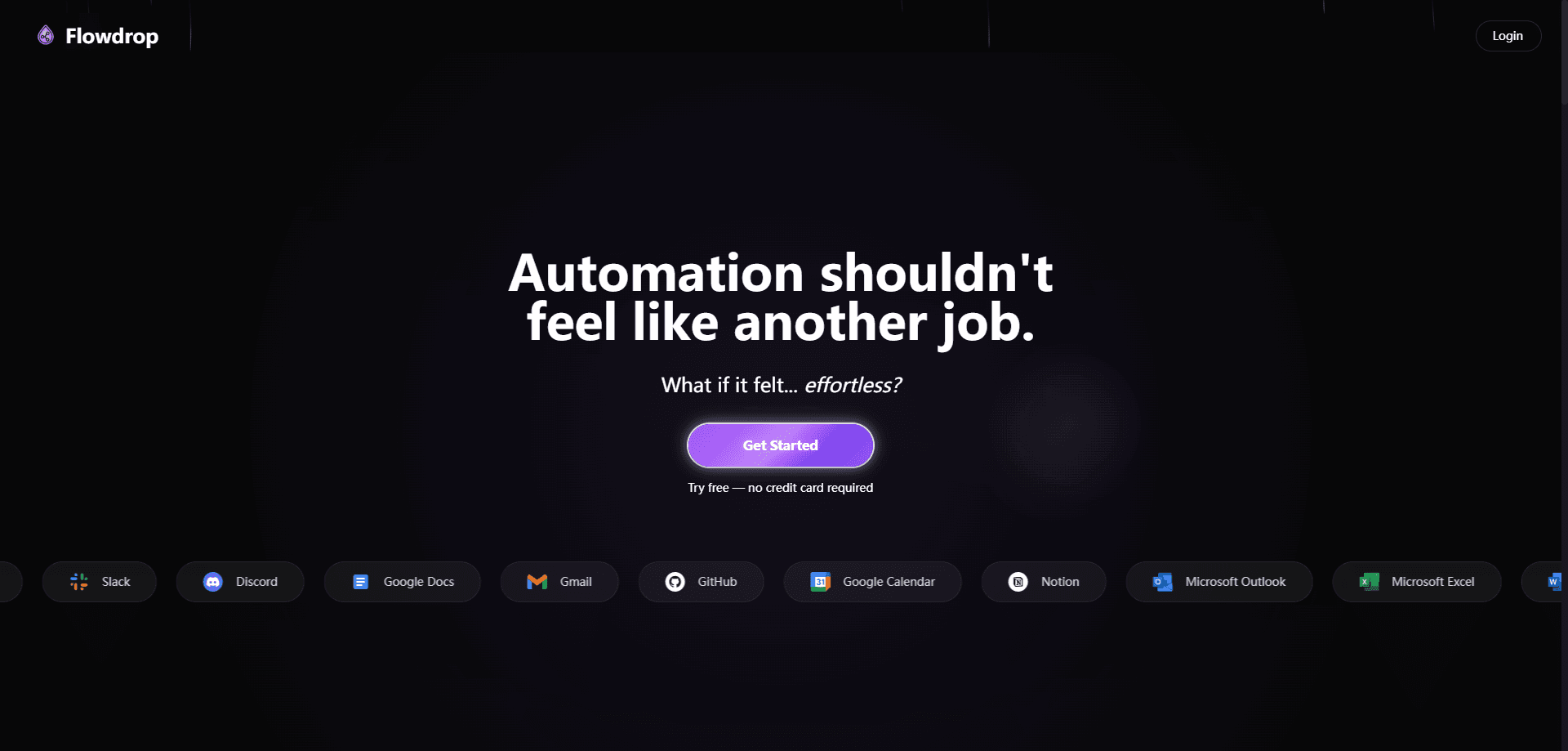
Flowdrop is an automation platform built for people who know their job but not their way around a codebase. Instead of scripting each step, you describe the task in everyday language and the builder helps turn it into a workflow you can run. As an AI automation tool, it leans on models to do the heavy lifting of turning intent into steps.
The problem it solves is familiar. Most automation tools assume you're comfortable wiring up triggers, conditions, and API calls by hand. Flowdrop flips that, using natural language and a visual canvas so the setup happens at the speed of your idea. The claim on its own site is that you can build and ship automations in minutes, and the product leans on that promise rather than on enterprise jargon.
How fast is that, really? Fast enough for a first pass. You won't rebuild your whole stack in an afternoon.
The catch is scope. Flowdrop is built around common automation patterns, so something genuinely custom may still need a developer. And because it's a young product, its library of prebuilt connectors is smaller than what you'd find on older platforms. Worth knowing before you commit a whole team to it.
That gap closes over time. It hasn't closed yet.
Getting Started
- Create a free account on the Flowdrop site, no credit card needed to start.
- Describe the task you want automated in plain English and let the builder sketch the first version for you.
- Open the visual canvas and connect the steps, adding any triggers, conditions, or actions the workflow needs.
- Test the workflow on a small sample to confirm each step behaves the way you expect.
- Publish it and let the workflow run on its own.
Product Information
A quick look at Flowdrop's pricing, supported platforms, and performance.
Best for
The users, tasks, and scenarios where this tool fits best.
Users
- Non-technical operators
- Small teams
- AI-curious professionals
Tasks
- Routine data shuffling
- Content and notification flows
- Approval and handoff steps
Scenarios
- Automating a weekly report that pulls from two or three sources.
- Turning a messy manual checklist into a workflow that runs on a schedule.
- Prototyping an idea you'd otherwise have to explain to a developer.
Key features
Natural Language Workflow Building
You start by describing the job in plain words, and Flowdrop drafts a first version of the workflow for you. That lowers the barrier for anyone who's never built automation before, since you're editing a suggestion rather than starting from a blank canvas. Describe it, then refine it.
Visual Node Canvas
The workflow lives on a drag-and-drop canvas where each step is a node you can move, reorder, or reconnect. Seeing the whole flow at once makes it easier to spot a missing step or a wrong connection before you run anything.
Fast Time to First Automation
Flowdrop pushes speed over configuration depth. The pitch is that you can go from idea to a running automation in a single sitting, which matters when you want to test an idea before committing real effort to it. No boilerplate, no setup marathon.
Plain-English Editing
When the first draft isn't right, you adjust it in the same language you used to describe it. This keeps the tool usable for people who'd bounce off a syntax error, and it means the workflow stays readable to the rest of your team. Not everyone on a team reads JSON.
Production-Ready Output
Flowdrop frames its output as production automations, not throwaway demos, so the workflows you build are meant to keep running without babysitting. That's the difference between a prototype you show once and something you actually rely on. Ship it and walk away.
Pros and cons
Pros
- Natural language building means less setup time and a gentler learning curve.
- The visual canvas keeps complex flows readable for the whole team.
- A free tier with no credit card makes it cheap to try before you pay.
- Positioning around production automations suggests durability, not just quick demos.
Cons
- As a young product, its library of connectors and templates is smaller than that of established automation platforms.
- Because category and pricing details aren't fully published, you'll want to confirm current plans on the official site before budgeting.
- Truly custom logic may still send you back to a developer, which limits where it can fully replace hand-built scripts.
Frequently asked questions
Flowdrop is used to build and run workflow automations without writing code. You describe a task in plain English, arrange the steps on a visual canvas, and publish the flow so it runs on its own.
Related content
Explore related tools, skills, and articles for Flowdrop.
Flowdrop Alternatives
Forefront
Forefront · CodingForefront is a web platform for building with open-source AI. It lets you fine-tune leading open-source language models on your own data, evaluate how they perform, and run them through an API or export them to host yourself. Developers who want the convenience of a closed-source platform but insist on owning their models and data are the target audience here.

Startkit
StartKit.AI · CodingStartkit is a boilerplate for building AI SaaS and AI wrapper products. Think of it as an AI startup boilerplate with the boring parts already wired up: authentication, Stripe and Lemon Squeezy payments, usage limits, transactional email, and an AI API starter that talks to OpenAI, Anthropic, Groq, or Llama. You clone the repo, set your price, and start on the part of your product that people actually pay for. It's Next.js under React and Tailwind, so most of the boilerplate code already feels familiar.
Testim
Tricentis · CodingTestim is an AI-powered test automation platform for building and running end-to-end tests across web, mobile, and Salesforce applications. It leans on machine learning to keep tests stable when an interface changes, so teams spend less time fixing broken selectors. Not bad for an automated testing tool you can start using today. You create tests by recording actions in a browser, then optionally add JavaScript when you need more control. It's a solid pick for busy QA teams.