

FlowGenie
FlowGenie · Coding
FlowGenie is a no-code workflow platform for building automation logic and forms through a visual, blueprint-style editor. You assemble flows from branches, loops, variables, and nested steps, then run them on a schedule, expose them as REST endpoints, or trigger them from form submissions. As a workflow automation tool, it fits product, ops, and dev teams that want logic-heavy internal tools without spinning up a custom backend.
About FlowGenie
What Is FlowGenie
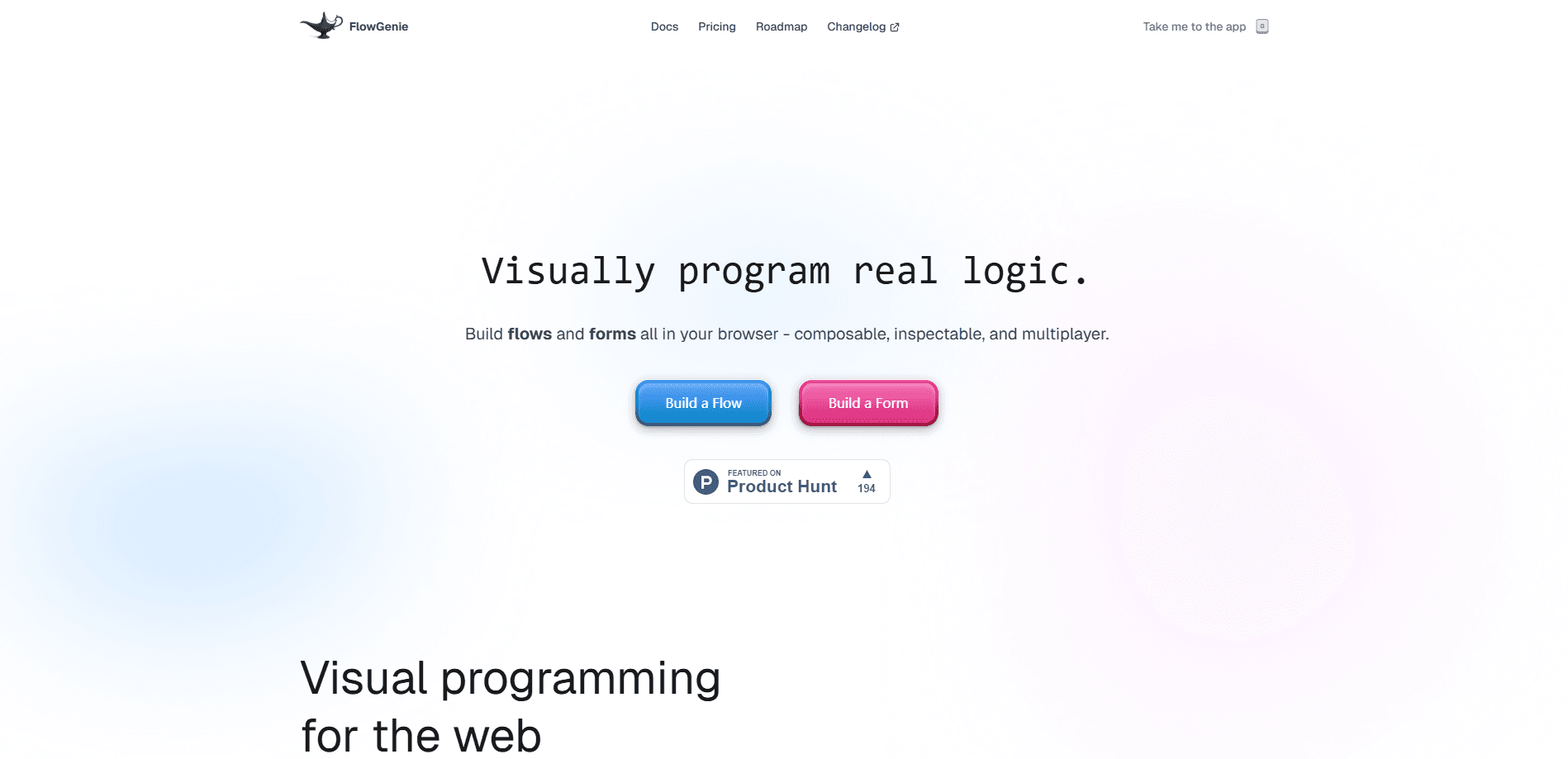
FlowGenie is a visual programming platform for the web. Instead of typing code, you drag nodes onto a canvas and connect them, so the flow itself becomes the logic. The editor treats workflows as functions with inputs, outputs, and persistent state. That means you can nest one flow inside another to build bigger automations, and a reusable flow can be shared across a whole workspace instead of being rebuilt from scratch every time a teammate needs the same sequence of steps. Short answer: you write the logic once.
The form side is the other half of the product. FlowGenie ships a drag-and-drop no-code form builder for surveys, sign-ups, and conditional multi-step forms. What separates it from a plain form tool is that a form can call a flow on submission. So you can run complex validation, populate dropdowns from an external system, or handle payments before anything reaches your database. Forms can be embedded on an existing site, hosted by FlowGenie, or rendered through the FlowGenie SDK.
So what does FlowGenie pricing look like in practice? It starts free and scales by workspace.
The main limit is pricing, not capability. Not ideal for hobby projects. FlowGenie pricing is billed per workspace, not per seat, and every paid tier works the same way. The free plan caps you at 10 flows plus forms, 50 executions a day, and no schedule nodes. Anything on a timer needs a paid seat. The AI flow and form builder that would generate a first draft is still listed as coming soon, so expect to lay out logic by hand for now.
Getting Started
- Create a free FlowGenie account and open a new workspace.
- Add your first flow and drag in the nodes you need, such as a trigger, a branch, and a step with inputs and outputs.
- Test the flow ad-hoc inside the workspace to check the logic before you connect anything to it.
- Build a form in the visual editor, then attach the flow to the form's submission event for validation or processing.
- Publish the result by sharing the hosted form, embedding it, or exposing the flow as a REST endpoint for other apps.
Product Information
A quick look at FlowGenie's pricing, supported platforms, and performance.
Best for
The users, tasks, and scenarios where this tool fits best.
Users
- Product and operations teams
- Developers who want automation without boilerplate
- Founders validating workflows quickly
Tasks
- Complex form validation
- Scheduled automations
- Internal tooling
Scenarios
- Handling daily repetitive work that's already scripted elsewhere
- Early-stage project research and prototyping
- Team builds where several people touch the same logic
Key features
Visual Flows Without Black Boxes
The blueprint-style editor exposes branches, loops, variables, and nested flows as visible nodes. You can inspect what each step does and rearrange it, which matters when logic gets long and you need to debug it. Flows behave like functions with inputs, outputs, and state.
Run Flows From Anywhere
A finished flow isn't trapped in the editor. You can expose it as a REST endpoint, trigger it on a schedule, or run it ad-hoc inside the workspace. That flexibility is what turns a no-code workflow builder into something you can plug into other apps. No code required either way.
Programmable Forms
FlowGenie's drag-and-drop form builder goes beyond static fields. Forms can carry conditional logic and validation, and they can pull options live from external systems. You edit structure, logic, and validation in one place, then deploy the form wherever it's needed.
Forms Meet Flows
On submission, a form can fire a flow to handle multi-step workflows, payment processing, or deeper validation. For teams drowning in spam or bad data, sending submissions through a flow first is a practical way to keep the database clean.
Flexible Delivery Options
Forms can be hosted by FlowGenie, embedded on an existing site, or rendered yourself through the SDK. Same form, three delivery paths. That range means one form can serve a marketing page and a custom app without being rebuilt.
Real-Time Team Collaboration
Multiple people can build, debug, and ship in the same workspace, with each teammate's cursor visible in real time. It's a small feature that removes a lot of back-and-forth. Instead of walking someone through the logic over a call, you just jump in together.
Pros and cons
Pros
- The visual editor keeps branches, loops, and nested flows inspectable instead of hidden in code.
- Forms and flows work together, so validation and processing happen before data lands in your database.
- Flat-rate FlowGenie pricing ($49-$199/mo) means you don't pay per seat as the team grows.
- Flows can run on a schedule, as REST endpoints, or ad-hoc, and all paid tiers include API calls.
- Real-time cursors make collaborative editing on shared workflows straightforward.
Cons
- The free plan stops at 10 flows and forms, 50 executions a day, and no schedule nodes, so scheduled automation always needs a paid plan.
- Pricing is labeled introductory and may change, which makes long-term budgeting less certain.
- The AI flow and form builder that would draft logic for you is still marked coming soon, so expect to build by hand today.
Frequently asked questions
It's used to build automation logic and forms without writing code. It works as a drag-and-drop app builder for internal tools, workflow automation, and logic-heavy forms that need validation or processing before data is stored.
Related content
Explore related tools, skills, and articles for FlowGenie.
FlowGenie Alternatives
Forefront
Forefront · CodingForefront is a web platform for building with open-source AI. It lets you fine-tune leading open-source language models on your own data, evaluate how they perform, and run them through an API or export them to host yourself. Developers who want the convenience of a closed-source platform but insist on owning their models and data are the target audience here.

Startkit
StartKit.AI · CodingStartkit is a boilerplate for building AI SaaS and AI wrapper products. Think of it as an AI startup boilerplate with the boring parts already wired up: authentication, Stripe and Lemon Squeezy payments, usage limits, transactional email, and an AI API starter that talks to OpenAI, Anthropic, Groq, or Llama. You clone the repo, set your price, and start on the part of your product that people actually pay for. It's Next.js under React and Tailwind, so most of the boilerplate code already feels familiar.
Testim
Tricentis · CodingTestim is an AI-powered test automation platform for building and running end-to-end tests across web, mobile, and Salesforce applications. It leans on machine learning to keep tests stable when an interface changes, so teams spend less time fixing broken selectors. Not bad for an automated testing tool you can start using today. You create tests by recording actions in a browser, then optionally add JavaScript when you need more control. It's a solid pick for busy QA teams.