

Flowing
Flowing · Writing · Business
Flowing is an AI academic writing tool for researchers who want AI help without inventing their sources. Instead of a blank chat box, this research writing app reads the manuscript you're drafting and pulls verifiable passages from your own PDF library. Then it uses both to suggest the next sentence, polish a paragraph, or resurface a paper you forgot you had. It's built for people writing papers, theses, and literature reviews. Not for casual blog drafts.
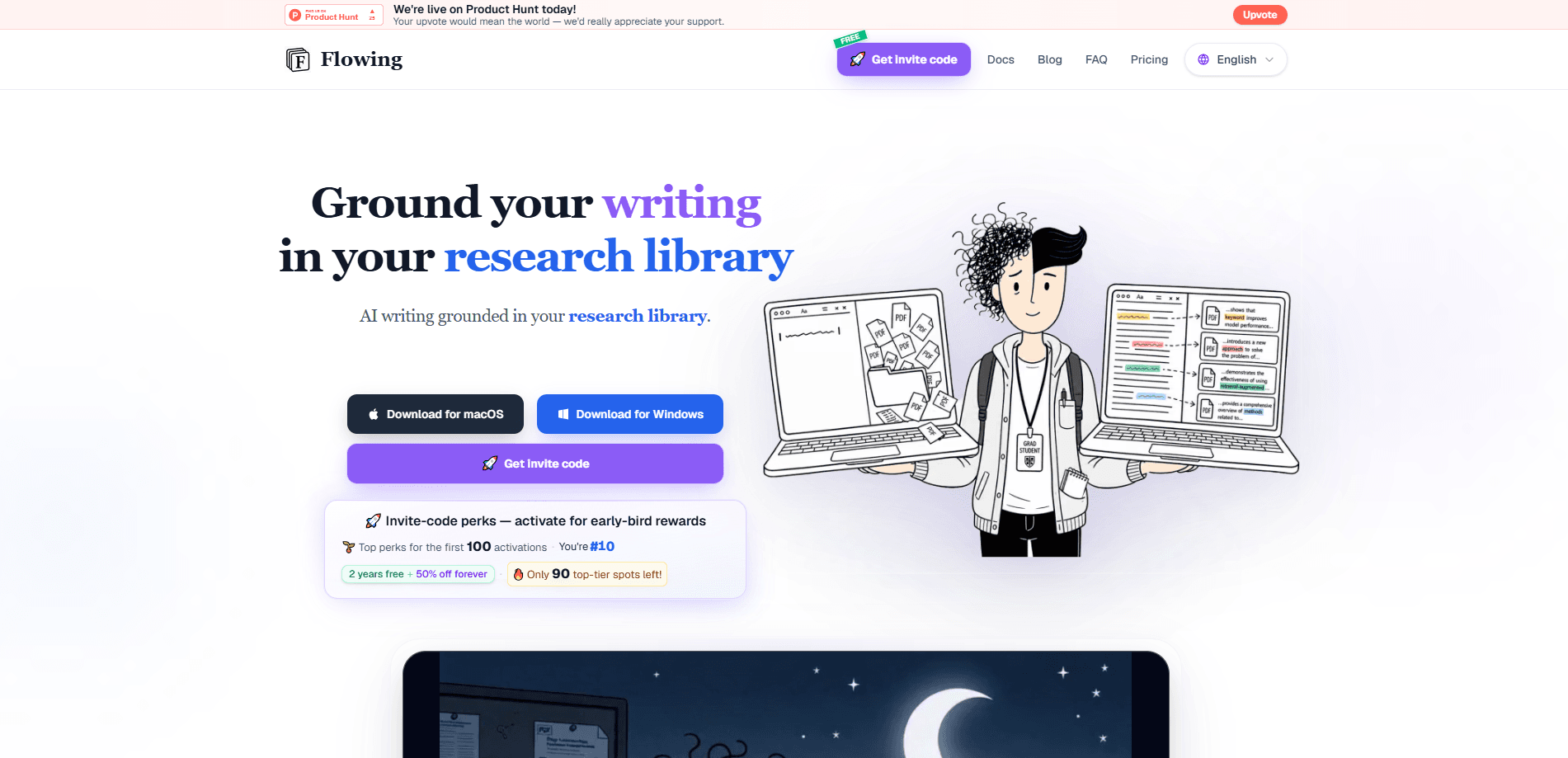
About Flowing
What Is Flowing
Flowing is a writing app, not a chatbot. Its whole premise is that AI should help you write the sentence that belongs here, using evidence you can actually check. This is evidence-backed writing in the literal sense. The app keeps your reference PDFs on your own machine and indexes them locally, so suggestions come with the source passages attached rather than a vague disclaimer that you should verify them.
Two kinds of grounding drive it. Reference-evidence grounding asks whether a source passage really supports the claim, mechanism, and certainty you're about to state. Manuscript-context grounding asks whether the next sentence plays the right role at this exact spot in your argument. That stops it from summarizing too early or repeating a conclusion you already made. That combination is the difference between an AI that sounds smart and one that helps you write claims you can defend.
The main catch is scope. Flowing is a desktop app, and its AI features run on a monthly token allowance. Heavy users will hit the limits of the cheaper plans. It also won't discover papers for you. If you want a tool that finds new literature, this isn't that. It works from the library you already built.
Getting Started
- Download the manuscript writing software for your operating system and install it.
- Create a project and add your reference PDFs to the local library, which indexes them on your device.
- Start drafting in rich text or LaTeX, with live PDF preview on the right.
- Pause where you want help, then click the sparkle beside the cursor or press Tab to review a gray inline suggestion before inserting it.
- Use Recall, Ask, polish, and continue writing to work with passages from your library as the draft grows.
Product Information
A quick look at Flowing's pricing, supported platforms, and performance.
Best for
The users, tasks, and scenarios where this tool fits best.
Users
- Research students
- Academic researchers
- LaTeX writers
Tasks
- Literature reviews
- Sentence-level drafting
- Paragraph polishing
- Backed continuation
Scenarios
- Working through a long manuscript week after week
- Checking whether a mechanism claim is actually supported
- Drafting in a second language
Key features
Reference-evidence grounding
Flowing checks whether a passage from your PDF library genuinely supports the claim, mechanism, and level of certainty you're writing. Each suggestion can carry the source passages behind it, so you can inspect the backing instead of trusting a black box. Not that every claim is verified. The company is careful to note that "evidence-backed" means source-transparent, not that every claim has been independently fact-checked.
Evidence-backed autocomplete
Pause while drafting and click the sparkle by the cursor or press Tab. In seconds you get a gray inline preview of the next sentence without writing a prompt or opening a chat window. You can leave the guidance blank for a direct completion or add a note, a library passage, or a manuscript figure when the terminology or direction matters. Simple enough.
Manuscript-context awareness
The app reads the argument around your cursor to decide what the next sentence should do. That stops locally fluent prose from summarizing too early, restating a conclusion, or drifting away from the point you're building. It's the part that makes the suggestions feel like they belong in your paper rather than just sounding smooth.
Recall inside the writing flow
Search assumes you know what to query and remember to do it. Who actually remembers? Recall instead uses the manuscript in progress to resurface a small set of matching passages from your library as you write. Click a term to see excerpt cards and preview the source page, which turns a passive PDF folder into something that actively feeds your draft.
Basis-backed polish
Select a paragraph and get rewrite suggestions backed by your library, with each card showing which passages support the change. It's aimed at researchers who want their prose tightened without losing the thread of the evidence behind it.
Rich text and LaTeX with live PDF preview
Flowing works as a LaTeX writing tool and supports rich text too, and shows a live PDF preview as you write. Since it's a desktop tool, your reference PDFs stay local and are indexed on your machine rather than uploaded to a remote library.
Pros and cons
Pros
- Suggestions come with inspectable source passages, so you can check the backing before accepting a sentence.
- Your reference PDFs stay local and are indexed on your device, which matters for unpublished or sensitive work.
- The inline autocomplete keeps you in the draft instead of bouncing to a chat window.
- Recall surfaces relevant papers you already have, cutting down on wasted re-searching.
Cons
- It's desktop only, so there's no browser version for writing on a tablet or a borrowed machine.
- The AI features run on a monthly token allowance. That free plan's 120K tokens won't last long if you lean on autocomplete every paragraph. Trust me on this one.
- It won't find new papers for you, so it's a poor fit if your library is still empty.
- The API isn't documented as a public integration, which rules it out for teams wanting to wire it into their own tools.
Frequently asked questions
It's a desktop writing environment for academic and research writing. You draft in it while the AI draws on your manuscript and your local PDF library to suggest the next sentence, polish existing paragraphs, and resurface relevant sources. Think of it as manuscript writing software with evidence-backed writing built in.
Related content
Explore related tools, skills, and articles for Flowing.
Flowing Alternatives

Google EmbeddingGemma 2
Google DeepMind · Writing · Image · CodingGoogle EmbeddingGemma 2 is a 740M-parameter open model that turns text, code, images, audio, and video frames into vectors in one 768-dimension space, running on phones and laptops.

MePersona
MePersona, Inc. · Writing · Productivity · MarketingMePersona is an AI unified inbox for creators. It learns your voice, drafts replies to fan messages from 12 platforms, and sends only what you approve.

Fluence
Yay Software (Yannick Huchard) · Writing · Voice & Language · ProductivityFluence is an Android app that reads PDFs, EPUBs, Word files and web articles aloud, follows each sentence as it speaks, and answers questions about the text on the phone itself.