

FlowLens
Magentic AI · Coding
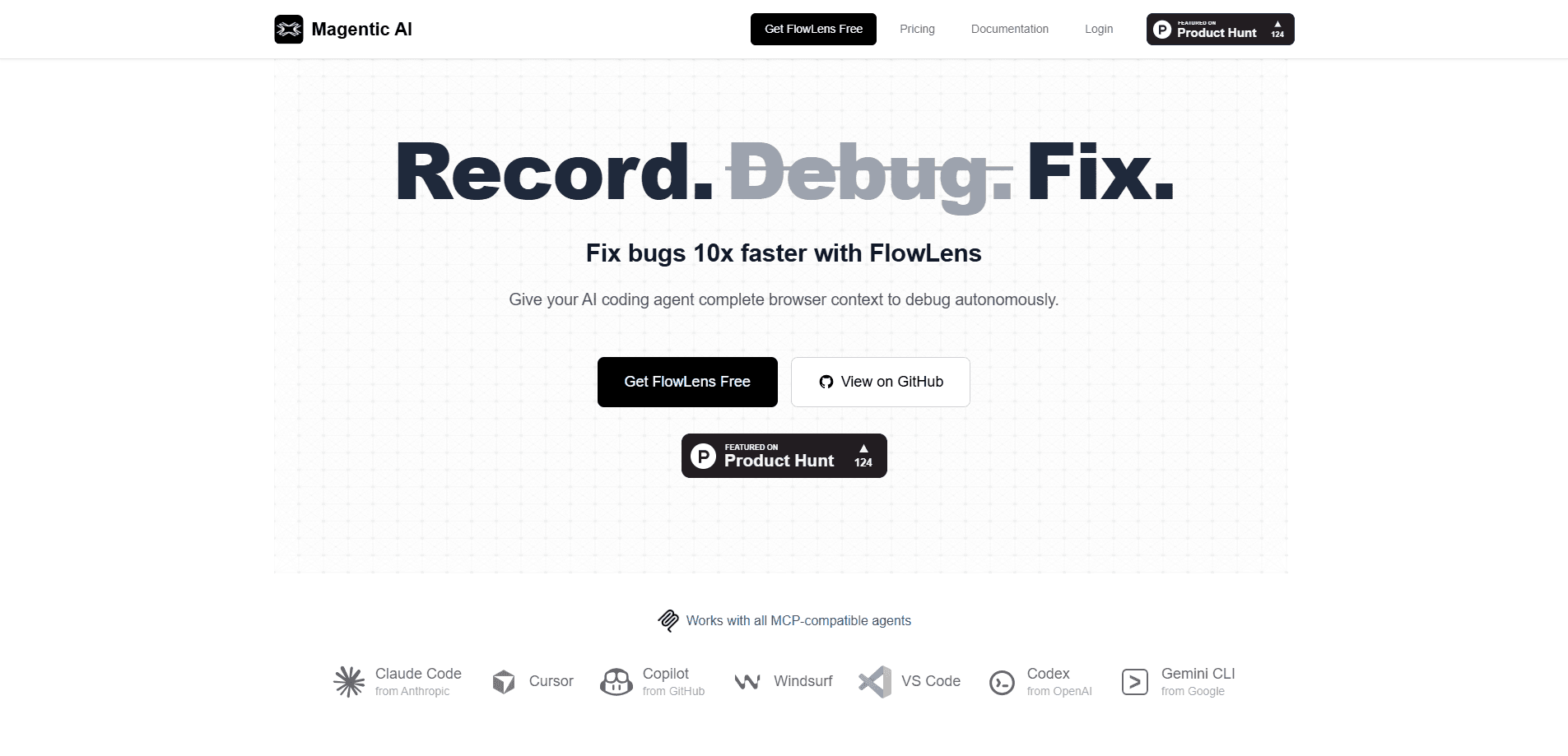
FlowLens is an AI-native bug reporting tool built by Magentic AI. It records what happens in the browser when a bug appears, then hands that full context to a coding agent so the agent can debug without a long back-and-forth. Instead of screenshots and copy-pasted console errors, you send one link that your team and your AI agent both understand.
About FlowLens
What Is FlowLens
FlowLens is a bug report tool designed for the AI era, built around the idea that the context around a bug matters more than the bug report itself, and that a single recording can replace the whole chain of screenshots, chat messages, and half-remembered repro steps that usually slow a fix down. It captures the complete browser context of a bug, video, network requests, console output, user actions, storage state, navigation events, and system info, into one shareable link that both a person and a machine can read without extra explanation. That recording becomes one shareable link.
So what does that actually change day to day? A lot, once the link reaches an agent.
The point is context. When a developer or a debugging assistant debugs a frontend issue, the hardest part is usually reconstructing what the user actually did. FlowLens removes that guesswork. The agent pulls the recording through an MCP server and starts working with real data, which is what makes AI debugging here feel different from a plain screenshot.
The biggest limitation is scope. FlowLens is a browser-based tool, so it fits web apps and frontend debugging rather than native mobile or backend-only issues. It also assumes you already have an MCP-compatible coding agent in your workflow. If your team does all debugging by hand, you'll get less out of it.
Getting Started
- Install the FlowLens browser extension and the MCP server, which the site says takes about a minute.
- Open your web app and click the record button before reproducing the bug.
- Reproduce the issue as a real user would. Click and type through the flow the way a customer would.
- Stop the recording. FlowLens packages video, logs, network activity, and interactions into one link.
- Share the link with your team or paste it into your AI agent, which reads it through the FlowLens MCP connection.
Product Information
A quick look at FlowLens's pricing, supported platforms, and performance.
Best for
The users, tasks, and scenarios where this tool fits best.
Users
- Frontend developers
- QA and test engineers
- Solo founders and small teams
Tasks
- Reproducing and reporting frontend bugs
- Debugging console and network errors
- Handing off bugs to an AI coding agent
Scenarios
- A checkout flow breaks intermittently and you can't tell which request failed, so the network capture shows the failing call directly.
- A teammate reports "the button doesn't work" with no details, and you open the recording to see the exact click and console error.
- You're away from your desk and want an agent to start fixing a bug from a single shared link.
Key features
One-Click Browser Recording
FlowLens replaces the old right-click-and-inspect routine with a record button. You reproduce the bug like a normal user and the tool captures everything in the background. When you stop, you have a complete package instead of scattered notes.
Full Browser Context Capture
The recording pulls together screen video, network activity, console output, user interactions, storage state, navigation events, and system information. Each piece is synchronized with the others, so you can match a video moment to the request that failed at the same time. That sync is the whole trick. It's the core of what makes FlowLens different from a plain screen recorder.
AI-Ready Context Through MCP
FlowLens ships an MCP server that connects the recording to coding agents like Claude Code, Cursor, Copilot, Codex, Windsurf, and Gemini CLI. The agent reads the full context directly, so you skip pasting console errors, taking screenshots, and writing long prompts. The GitHub project describes this MCP server as open source.
Shareable Bug Links
One link works for both your teammates and your AI agent. You can post it in a chat or hand it to an agent without reformatting anything, which ends the usual back-and-forth over what the reporter meant.
Privacy-First Handling
Automatic PII redaction runs locally on your machine, recordings are encrypted, and you decide what gets shared with your team. That matters when bug recordings include customer data or session details you'd rather not spread around.
SPA-Aware Navigation Tracking
The capture handles single-page apps through the History API and hash changes, so navigation events still line up even when the URL barely moves. Frontend apps that route entirely in JavaScript won't produce empty links in your report.
Pros and cons
Pros
- Captures the technical context developers actually need, including network data and storage state, in one pass.
- Works with the major MCP-compatible coding agents, so it fits a workflow you may already have.
- Local PII redaction and encrypted recordings make it easier to share sensitive bug reports.
- One link serves both people and agents, which cuts the clarification loop on frontend bugs.
Cons
- It's a browser tool, so bugs in native mobile apps or backend services fall outside its reach.
- The value depends on having an MCP-compatible agent in place; teams debugging entirely by hand get limited benefit.
- Detailed network and storage capture can feel heavy on long sessions, and you'll want to trim what you keep.
Frequently asked questions
FlowLens is used to report and debug frontend bugs. It records the full browser context of a bug, then shares that recording with developers and AI coding agents so they can fix the issue faster.
Related content
Explore related tools, skills, and articles for FlowLens.
FlowLens Alternatives
Forefront
Forefront · CodingForefront is a web platform for building with open-source AI. It lets you fine-tune leading open-source language models on your own data, evaluate how they perform, and run them through an API or export them to host yourself. Developers who want the convenience of a closed-source platform but insist on owning their models and data are the target audience here.

Startkit
StartKit.AI · CodingStartkit is a boilerplate for building AI SaaS and AI wrapper products. Think of it as an AI startup boilerplate with the boring parts already wired up: authentication, Stripe and Lemon Squeezy payments, usage limits, transactional email, and an AI API starter that talks to OpenAI, Anthropic, Groq, or Llama. You clone the repo, set your price, and start on the part of your product that people actually pay for. It's Next.js under React and Tailwind, so most of the boilerplate code already feels familiar.
Testim
Tricentis · CodingTestim is an AI-powered test automation platform for building and running end-to-end tests across web, mobile, and Salesforce applications. It leans on machine learning to keep tests stable when an interface changes, so teams spend less time fixing broken selectors. Not bad for an automated testing tool you can start using today. You create tests by recording actions in a browser, then optionally add JavaScript when you need more control. It's a solid pick for busy QA teams.