

FnKey
Evgeny Oleinik (open-source project) · Voice & Language
FnKey is a free, open-source voice to text Mac app that turns your speech into typed text almost anywhere. It's a speech to text menu bar app, so you hold the Fn key, speak, and release it. The transcription lands at your cursor in whatever app is open. It runs quietly in the menu bar, uses Deepgram Nova-3 for real-time streaming or Groq Whisper as a fallback, and keeps your microphone active only while you hold the key.
About FnKey
What Is FnKey
FnKey is a tiny Rust application that lives in your Mac's menu bar and does one job well: convert the Fn key into a push-to-talk button for dictation. Press and hold Fn, talk naturally, then let go. The recognized words appear in your active text field, whether that's an email, a chat window, a code editor, or a search box. No floating window to manage. No separate app to switch to. Ever wish typing was as fast as talking? That's the whole pitch.
The appeal is speed. People who think faster than they type get their ideas into a document without breaking flow. It also helps anyone who finds long typing sessions tiring, or who needs to draft text while their hands are busy elsewhere. Think of it as a dictation app for macOS that stays out of sight. The microphone indicator in the macOS menu bar confirms when recording is live, so you always know when the app can hear you.
The catch is that FnKey doesn't ship with its own speech engine. You supply an API key from Deepgram or Groq, and the audio goes to that provider for transcription. That means an internet connection is required, and you're trusting a third party with the audio you record. Not ideal for everyone. It's also macOS only, and Apple Silicon and Intel builds are separate downloads. No mobile version. No Windows version either.
Getting Started
- Download the right build from the Releases page: FnKey-arm64.zip for Apple Silicon (M1/M2/M3) or FnKey-x64.zip for Intel Macs.
- Unzip it and move FnKey.app into your Applications folder.
- Get a key from Deepgram (streaming, recommended, with free credit to start) or Groq (batch fallback), then save it to
~/.config/fnkey/deepgram_keyor~/.config/fnkey/api_key. - Launch the app and grant Input Monitoring, Microphone, and Accessibility permissions in System Settings → Privacy & Security.
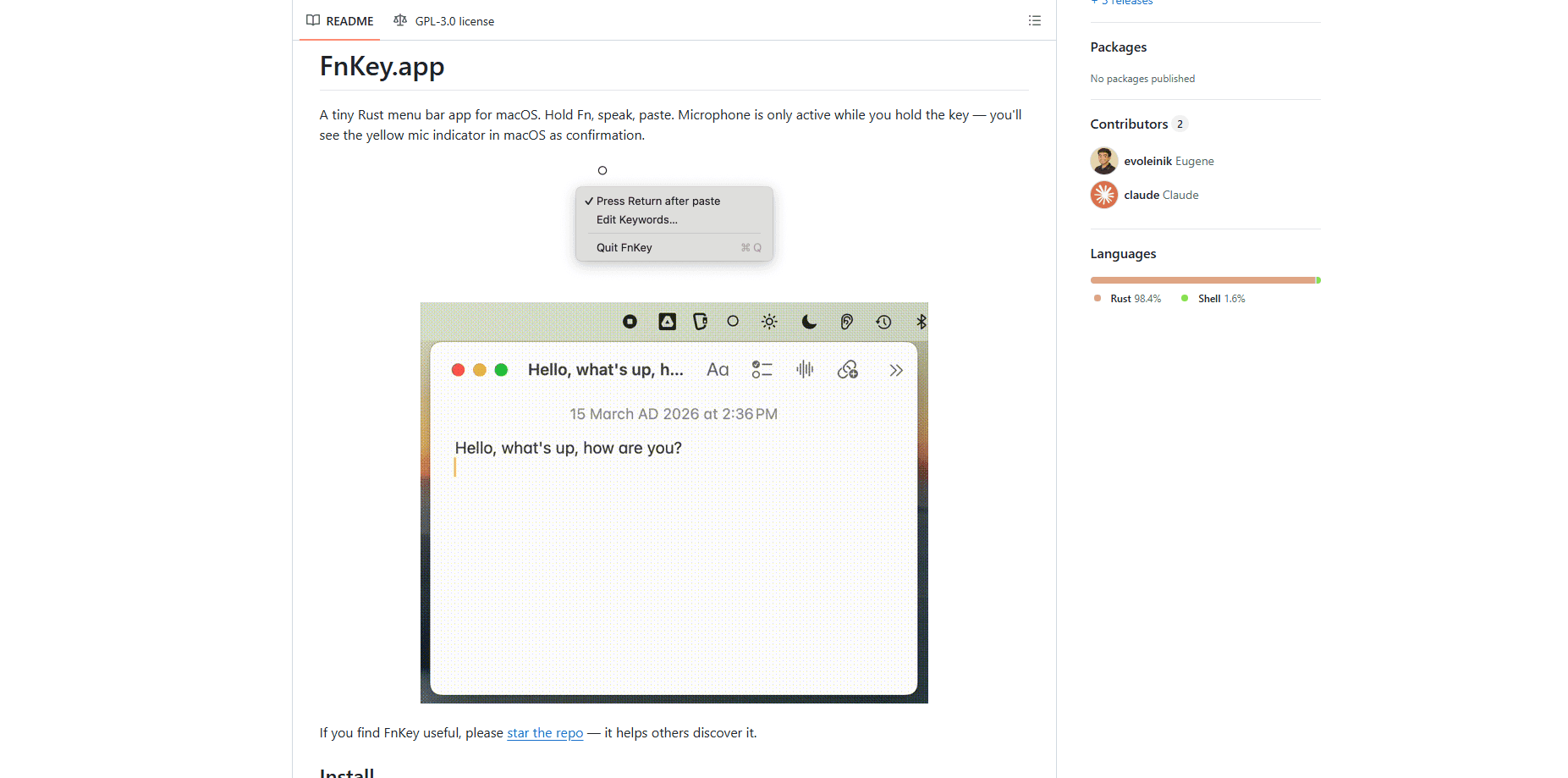
- Hold Fn, speak, and release to paste the transcription; click the ○ menu bar icon to toggle auto-return or edit custom keywords.
Product Information
A quick look at FnKey's pricing, supported platforms, and performance.
Best for
The users, tasks, and scenarios where this tool fits best.
Users
- Writers and note-takers who think faster than they type and want to capture ideas out loud without switching apps.
- Developers and power users who'd rather talk through commit messages, comments, or prompts than type them, and are comfortable editing a config file to set API keys.
- People with RSI or typing fatigue who need hands-free text entry on a Mac.
Tasks
- Dictating emails, Slack messages, and documents at the cursor position, with automatic pasting when you release the Fn key.
- Filling in search boxes, chat fields, and form inputs where a long typed sentence would be slower than just saying it.
- Capturing quick thoughts and notes where you need transcription accuracy on proper nouns, handled through the custom keywords file.
Scenarios
- Long writing sessions where speaking a first draft is faster than typing it out and cleaning up later.
- Chat-heavy workflows where auto-return mode sends the message the moment you stop talking.
- Working with technical vocabulary, where you add terms like "Anthropic" or "Kubernetes" to a keyword list so the engine stops mangling them.
Key features
Push-to-Talk With the Fn Key
The whole app hinges on one gesture: hold Fn, speak, release. It turns a key most Mac users ignore into a trigger for Fn key transcription, so there's nothing to launch or click. Transcription pastes straight into the active field, which keeps you inside the app you're already working in.
Deepgram Nova-3 Streaming
When you provide a Deepgram key, audio streams over a WebSocket while you speak instead of waiting for you to finish, which means the transcribed text is usually ready the moment you let go. You also get smart formatting and punctuation from Nova-3 for cleaner output that needs less cleanup before you send it.
Groq Whisper Fallback
If you don't have a Deepgram key, FnKey falls back to Groq's Whisper large-v3 in batch mode, sending the full clip once you release the key. It's slower, because the whole recording has to upload before any text appears, but it keeps the app usable with a single account. It prefers Deepgram automatically if both keys exist.
Custom Keywords
A keywords file lets you teach the engine words it keeps getting wrong, which matters most for names, product titles, and technical jargon that generic models tend to mangle. Add one term per line, and FnKey sends them as keyterm hints to Deepgram and prompt hints to Groq. The list reloads on every recording, so you don't restart the app after editing.
Optional Auto-Return
Toggling "Press Return after paste" makes FnKey send a Return keystroke once the text lands. In chat apps that finishes the sentence for you. In a document, it just starts a new line. Best used deliberately.
Privacy-Aware Mic Behavior
The microphone is active only while you hold the Fn key, and macOS shows the yellow mic indicator in the menu bar as visible proof that recording has started or stopped. It's a simple design choice that keeps a background app from listening in when you don't expect it to.
Pros and cons
Pros
- Free and open source, with no subscription or account of its own.
- Fast streaming transcription through Deepgram Nova-3 keeps you in flow.
- One-key push-to-talk works across nearly any Mac app that accepts typed text.
- Custom keywords noticeably improve accuracy on names and technical terms.
- Lightweight menu bar footprint with no extra window to manage.
Cons
- Requires your own Deepgram or Groq API key, so you handle setup and any usage costs.
- macOS only, with separate Apple Silicon and Intel downloads and no Windows or mobile app.
- Needs an internet connection and sends your recorded audio to a third-party provider.
- Configuring the app means editing files in `~/.config/fnkey/`, which won't suit everyone.
Frequently asked questions
It turns the Fn key on your Mac into a push-to-talk button. You hold Fn, speak, and release it to paste the transcribed text into whatever app has your cursor. It's a voice-to-text app built for speed, not a full dictation suite.
Related content
Explore related tools, skills, and articles for FnKey.
FnKey Alternatives

Foley
Hanamori Labs, LLC · Voice & Language · Productivity · AI AssistantFoley is a voice to-do list that turns a spoken sentence into a filed task, complete with project, date and time, then helps you plan the day around what is already there.

HireKey
HireKey · Voice & Language · Productivity · LeaningHireKey is an AI job search copilot built by a former tech recruiter. It checks role fit, tailors resumes, runs interview practice and tracks every application.

Fluence
Yay Software (Yannick Huchard) · Writing · Voice & Language · ProductivityFluence is an Android app that reads PDFs, EPUBs, Word files and web articles aloud, follows each sentence as it speaks, and answers questions about the text on the phone itself.