

Focal
Focal (focalml.com) · Writing · Video
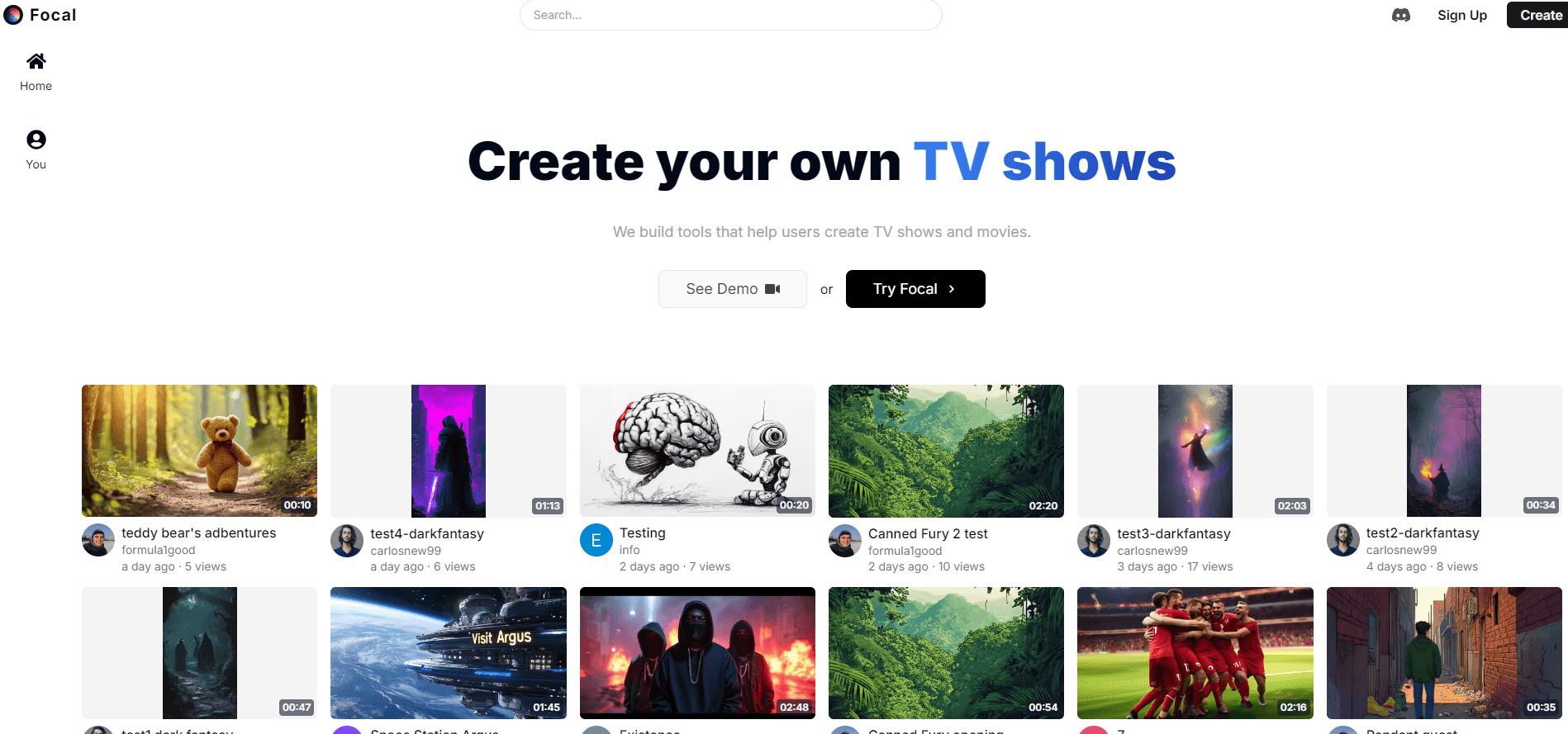
Focal is a browser-based AI filmmaking studio that turns a script into scenes. It keeps characters and locations consistent across shots, and you can fix a scene by typing a command.
About Focal
What Is Focal
Focal is an AI filmmaking app built by the team behind focalml.com. You bring a script or a rough idea. The studio breaks it into shots, generates video for each one with models like Veo, Kling, Seedance and Hailuo, and then lets you cut the results on a timeline.
Most AI video generators hand you one clip at a time. Focal works at the project level. Characters and locations live inside the project, so the same face can show up in shot 3 and shot 40. That continuity is where most AI shorts fall apart, and it's the line between an ai movie maker and a clip generator.
The tradeoff is that you still write. Focal helps you shape an idea into a script, but a vague scene description returns a vague scene. Credits also burn faster than newcomers expect, because a usable shot often takes three or four tries.
Getting Started
- Sign up at focalml.com. The free plan lets you try the basic image and video models, and it caps you at zero starting credits.
- Start a project and paste your script, or describe the idea and let Focal draft one for you.
- Build your cast and sets. Generate a character, generate a location, then reuse both across scenes.
- Generate shot by shot in the order the story needs, not the order the script happens to be written.
- Refine weak shots with chat commands or on the timeline, then export the cut.
Product Information
A quick look at Focal's pricing, supported platforms, and performance.
Best for
The users, tasks, and scenarios where this tool fits best.
Users
- Independent filmmakers
- YouTube storytellers
- Writers with no production skills
Tasks
- Turning a short script into a watchable scene
- Reshooting one line of dialogue
- Designing a recurring character
- Testing a visual style before production
Scenarios
- Pitch trailers and sizzle reels
- Previs for a live-action shoot
- Short horror or sci-fi pieces
Key features
Script to Video
Paste a script and Focal reads it as a sequence of shots rather than one long prompt. It adapts your text faithfully, so dialogue and beats survive into the generated scenes. If you only have a premise, the studio will help you turn it into a script first.
Edit With Chat
You describe the change and Focal reworks the scene. Typical commands shorten a conversation, reframe a shot, or replace a wide shot with a series of over-the-shoulder angles. It's the fastest path for small fixes that would otherwise cost you a fresh generation.
Consistent Characters and Locations
Characters and locations are generated once and stored in the project, then reused across scenes. This solves the problem that makes most AI shorts look like a montage of strangers. Reuse is limited to what you have already made, so a character who never appears in a clear reference shot stays hard to control.
Your Choice of Model per Shot
Focal pulls from several model families instead of locking you into one. Video comes from Veo, Seedance, Hailuo and Kling. Images come from GPT Image, Nano Banana Pro, Z-Image, Flux Klein and Seedream. Voices run on ElevenLabs, InWorld and OpenAI, and sound effects come from ElevenLabs.
Timeline Editing
A traditional timeline sits under the AI generation, so the ai video editing step happens in the same window. You can trim, reorder and polish without exporting to another editor. Focal also exposes model features like video extension and frame interpolation, which matter when a shot needs to run longer than one generation allows.
Credits Priced in Seconds
Every plan pays in credits, and the monthly allowance roughly maps to seconds of video. Starter gives 1000 seconds, Standard 3900, Pro 15000. All three paid plans add 50 daily credits, which softens the sting when a shoot runs long.
Pros and cons
Pros
- Script-level workflow keeps a whole project in one place instead of scattering clips across tabs.
- Character and location reuse holds a story together across dozens of shots.
- Chat editing turns a note like "make this exchange shorter" into a new take without prompt rewriting.
- Access to top-tier models such as Veo and Seedance without separate subscriptions to each.
- Commercial rights are included from the $10 Starter plan up.
Cons
- The free plan starts at zero credits and blocks commercial use, so you can't finish a real project on it.
- Generation takes time, and slow queues on cheap tiers make iteration feel like waiting rather than directing.
- Credit math gets expensive fast: a 90-second scene with retries can eat a large slice of a month's allowance.
- No API, so studios that want to plug Focal into an existing pipeline are stuck with the web app.
Frequently asked questions
Focal is for making short films, series episodes and trailers from a written script. It generates the shots, keeps your cast and sets consistent, and gives you a timeline to assemble the cut in a browser.
Related content
Explore related tools, skills, and articles for Focal.
Focal Alternatives

Google EmbeddingGemma 2
Google DeepMind · Writing · Image · CodingGoogle EmbeddingGemma 2 is a 740M-parameter open model that turns text, code, images, audio, and video frames into vectors in one 768-dimension space, running on phones and laptops.

MePersona
MePersona, Inc. · Writing · Productivity · MarketingMePersona is an AI unified inbox for creators. It learns your voice, drafts replies to fan messages from 12 platforms, and sends only what you approve.

Fluence
Yay Software (Yannick Huchard) · Writing · Voice & Language · ProductivityFluence is an Android app that reads PDFs, EPUBs, Word files and web articles aloud, follows each sentence as it speaks, and answers questions about the text on the phone itself.