

Follower Snapshot
Emanuele Di Pietro · Marketing
Follower Snapshot is a free follower count image generator that turns your social media follower count and milestone screenshots into polished, shareable images. You pick a number, choose a gradient or theme, add emojis, and export a high-resolution PNG in a couple of clicks. It's built for creators who want their growth milestones to look sharp instead of getting buried in a plain text post, and it doubles as a quick fix for anyone who needs clean social media growth images on short notice.
About Follower Snapshot
What Is Follower Snapshot
Follower Snapshot is a web-based follower count image generator for social media. Instead of cropping a raw screenshot and posting it as-is, you get a designed image that makes a milestone like 1,000 or 100,000 followers actually look like an event. It runs entirely in the browser, so there's nothing to install and no account to set up.
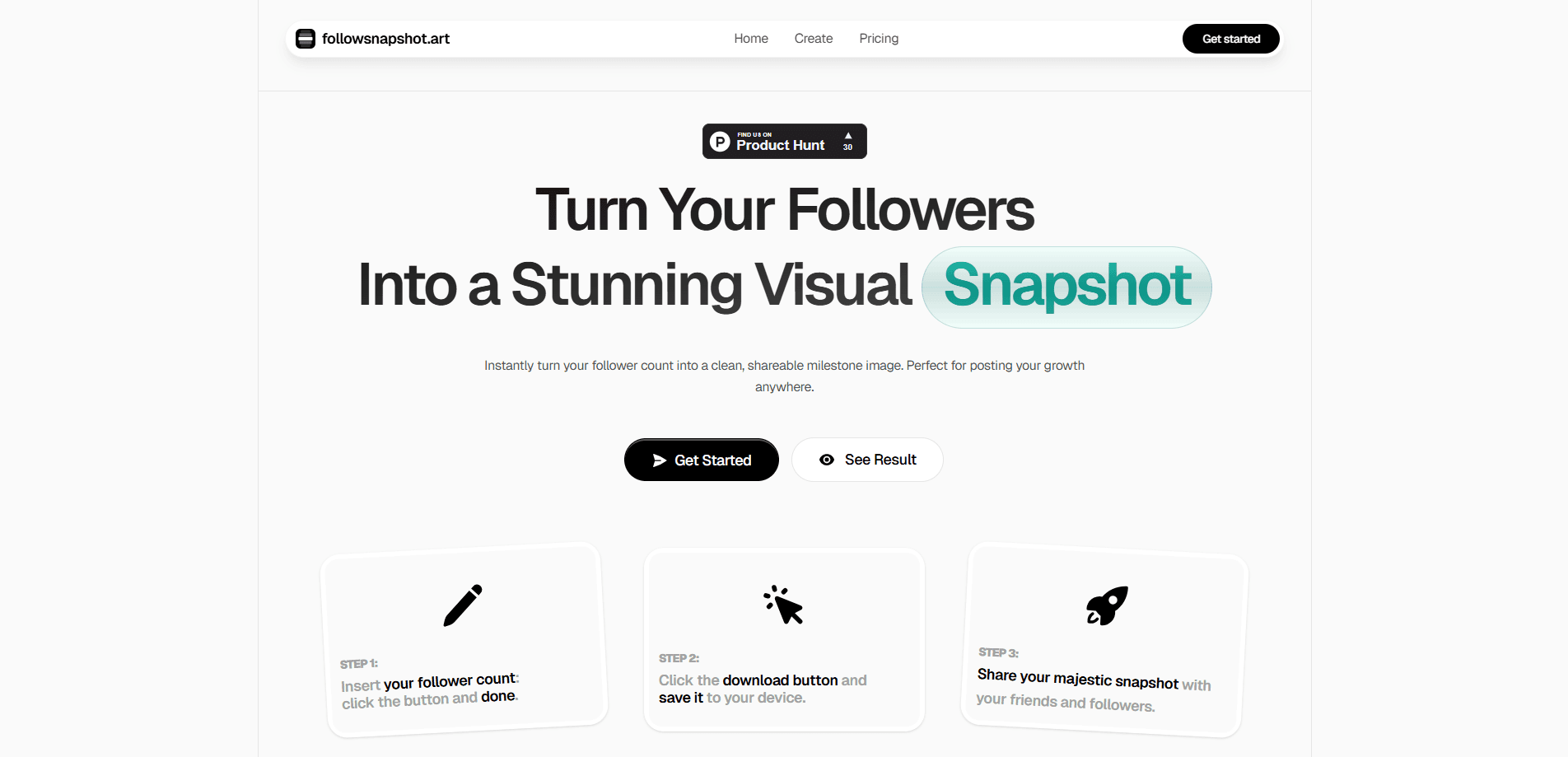
The tool centers on three inputs: your follower number, a background style, and optional celebration emojis. That's the whole idea. You type the count, pick a look, and download. There's no editor to learn and no template library to scroll through for hours.
The main limitation is scope. Follower Snapshot makes images, and that's it. It doesn't connect to your social accounts, doesn't track growth over time, and doesn't verify that the number you enter is real. You're typing the count yourself. For a quick milestone post that's fine, but anyone expecting analytics or automation will be disappointed.
The tool was made in about 12 hours by independent developer Emanuele Di Pietro, which tells you a lot about its intentions. It's a focused utility, not a platform.
Getting Started
- Open followsnapshot.art in any modern browser. No sign-up or login is needed.
- Enter your follower count in the input field.
- Choose a background, gradient, theme, or text color from the available options.
- Add celebration emojis or icons if you want extra emphasis.
- Click download to export a 4x PNG, which saves with the date and time in the filename.
Product Information
A quick look at Follower Snapshot's pricing, supported platforms, and performance.
Best for
The users, tasks, and scenarios where this tool fits best.
Users
- Content creators
- Small business accounts
- Community managers
- Streamers and YouTubers
Tasks
- Celebrating a follower milestone
- Making a growth announcement
- Building a consistent milestone series
- Quick social graphics on mobile
Scenarios
- You just passed 5,000 followers and want to post about it before the moment passes.
- You run several accounts and need a simple, repeatable visual for each milestone.
- You want a milestone post that looks designed without opening Photoshop or Canva.
- You're preparing a year-in-review style recap and need a clean follower count graphic.
Key features
Follower Count Image Generator
The core function is turning a number into a finished graphic. You enter your follower count, and the tool lays it out over your chosen background at a size that reads clearly on small screens. It's the reason to use Follower Snapshot at all, and it removes the tedium of aligning text in a general-purpose editor.
Tailored Colors and Themes
You can choose gradients, soft color fills, backgrounds, themes, and text colors to match your brand or mood. This matters if you post milestone images regularly, because a consistent look makes a series of posts feel intentional rather than random.
Celebration Emojis and Icons
Emojis and icons can be added to call out the milestone, and the options are meant to suit different platforms. A confetti burst for one community and a rocket for another is a small touch, but it's the difference between a plain number and something that feels like a celebration.
One-Click High-Res Export
Export produces a 4x PNG with a single click, and files are saved with the date and time in the name. The 4x resolution keeps the image crisp when it's viewed on larger screens or printed, and the timestamped filenames save you from digging through a folder of identically named downloads.
No Account, No Install
Everything runs in the browser, so there's no app to download, no login, and no workspace to maintain. You can open the tool on a phone or laptop, make an image, and move on.
Pros and cons
Pros
- Free to use with no account or sign-up required.
- Fast workflow: enter a number, pick a style, export in seconds.
- 4x PNG export keeps milestone images sharp on big screens.
- Gradient, theme, and emoji options give posts a designed look.
- Timestamped filenames make organizing multiple downloads easy.
Cons
- Doesn't connect to social accounts, so as a follower screenshot tool it relies on numbers you enter manually, and they aren't verified.
- No growth tracking or analytics, which means you can't see progress over time within the tool.
- Image output only, so it won't help with captions, scheduling, or posting.
Frequently asked questions
It works as a social media milestone image tool, creating shareable graphics that show off your follower count or a growth milestone. You use it to make a milestone post look clean and designed instead of sharing a plain screenshot.
Related content
Explore related tools, skills, and articles for Follower Snapshot.
Follower Snapshot Alternatives

Emailwritr
Emailwritr · Writing · MarketingEmailwritr is an AI email copywriting tool built for affiliates, course creators, and online businesses that want more revenue from the list they already own. Instead of blank pages or generic chatbot prompts, this AI email writer generates welcome sequences, launch campaigns, cart recovery emails, and promo series from frameworks modeled on well-known direct-response copywriters. You connect your autoresponder, answer a few questions about your offer, and it writes the copy for you.

Prosp
Prosp · Writing · Voice & Language · MarketingProsp is an AI LinkedIn outreach tool built for agencies and sales teams, and it writes the message and the voice note in your own voice for each prospect so they actually reply. You connect your accounts, find leads, and let the AI draft and send personalized messages at scale, all from one inbox. It's built for people running outbound at volume. That's the whole pitch. Every touchpoint still has to feel human.

On Model
On Model · Image · MarketingOn Model is an AI fashion model tool that places your clothing on virtual models so online stores can get on-model product photos without booking a photoshoot. It runs as a Shopify app, letting you swap the model in an existing image, change backgrounds, and generate faces for cropped or headless shots. The goal is simple: match your product photos to your customers and stand out from competitors using the same supplier images.