
Forefront
Forefront · Coding
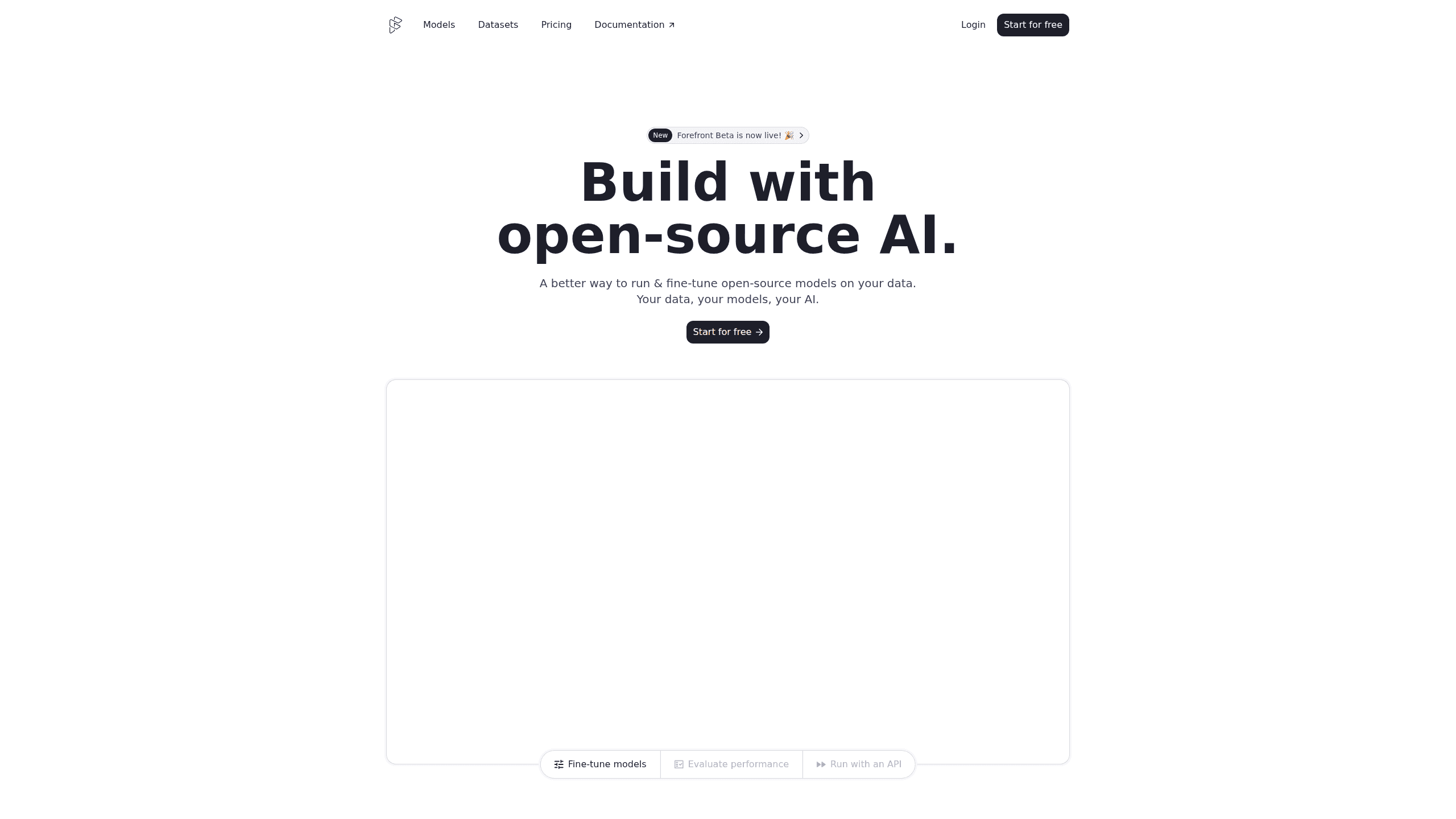
Forefront is a web platform for building with open-source AI. It lets you fine-tune leading open-source language models on your own data, evaluate how they perform, and run them through an API or export them to host yourself. Developers who want the convenience of a closed-source platform but insist on owning their models and data are the target audience here.
About Forefront
What Is Forefront
Forefront is a platform for fine-tuning and inference with open-source language models. You pick a base model, feed it your private data, and end up with a customized model you control. The pitch is simple: keep the convenience of a managed AI service without giving up ownership of the weights or the data behind them. Not a bad trade.
The main problem it solves is control. Closed-source platforms deprecate models on their own schedule, enforce usage policies you don't get a say in, and hide what happens to your inputs. Forefront works the other way. You run models you can download, and you decide where they live. That's the whole idea.
The biggest limit is that it's built around open-source models rather than frontier proprietary ones. If your project depends on a specific closed model's quirks, Forefront won't reproduce that. It's also a developer tool first, so expect code and a terminal, not a chat app for casual users.
Getting Started
- Create a free account at forefront.ai and claim your $20 in starting credits.
- Choose a base model from the model list, such as Mistral-7B, to customize.
- Upload your dataset and start a fine-tuning run, then watch the built-in loss charts as training progresses.
- Score the result against evals like MMLU or TruthfulQA before you ship it.
- Test the model in the Playground, then call it from your app through the API or export the weights to host yourself.
Product Information
A quick look at Forefront's pricing, supported platforms, and performance.
Best for
The users, tasks, and scenarios where this tool fits best.
Users
- Developers building AI products
- Small product teams
- Researchers running open-model experiments
Tasks
- Fine-tuning a model on private or domain-specific data
- Evaluating model quality
- Serving inference through an API
- Collecting training data as you go
Scenarios
- Shipping a support or writing assistant that needs to match a company's tone
- Reducing dependency on a vendor that keeps retiring models
- Early-stage product research
Key features
Fine-Tuning on Your Own Data
Forefront starts from a base open-source model and customizes it with the data you provide. You pick the model, upload a dataset, and let training run on the platform's infrastructure. The point is accuracy on your specific task, not generic benchmark scores, and you walk away with a model tuned for what you actually do. Small wins matter.
Built-In Evaluations
The platform ships with a set of evals, including MMLU, TruthfulQA, MT-Bench, ARC, HumanEval, and AGIEval. You run them to see how a fine-tuned model performs before it reaches users. This matters because a model that looks fine in a chat window can fail badly on the tasks you care about.
Training Visibility
Loss charts update as your model trains, so you can watch the learning curve instead of waiting on a black box. If the numbers stall or spike, you know early and can adjust the dataset or run settings rather than discovering the problem after deployment.
Inference API and Playground
Every model gets a serverless endpoint. You test prompts in the Playground, then move to the API with chat or completion calls and the prompt syntax that fits your task. The JavaScript and Python examples are short, and the same key works across models. Fewer surprises that way.
Bring Your Own Data Later
You don't need a dataset to start. Forefront's API can store the responses your app generates, and you can fine-tune a model on that history once you've collected enough. It's a practical path for teams that have usage but no curated training set yet.
Export and Self-Hosting
If you'd rather not stay on Forefront's servers, you can export your models and run them wherever you like. This is the feature that separates an owned model from a rented one, and it keeps a future migration from turning into a rewrite. Big difference.
Pros and cons
Pros
- Fine-tuning, evaluation, and inference live in one place, so you don't stitch together three separate tools.
- Ownership is real: you can export weights and self-host instead of being locked to the platform.
- The Free tier and $20 in credits make it cheap to test the whole workflow before paying.
- The API mirrors conventions from closed platforms, so the learning curve for developers is short.
Cons
- It only handles open-source models, so teams that need a specific proprietary model are out of luck.
- Fine-tuning needs a clean dataset, and the docs and tooling assume you know your way around embeddings and training runs.
- Dataset size on the Free and Team plans is capped at 10 KB and 1 MB, which rules out large training sets until you move to Enterprise pricing.
- Enterprise features such as SSO, SLAs, and dedicated support sit behind a sales call with no public price.
Frequently asked questions
Forefront is used to fine-tune and run open-source language models. Developers customize a base model on their own data, evaluate it, and serve it through an API or host it themselves.
Related content
Explore related tools, skills, and articles for Forefront.
Forefront Alternatives

Startkit
StartKit.AI · CodingStartkit is a boilerplate for building AI SaaS and AI wrapper products. Think of it as an AI startup boilerplate with the boring parts already wired up: authentication, Stripe and Lemon Squeezy payments, usage limits, transactional email, and an AI API starter that talks to OpenAI, Anthropic, Groq, or Llama. You clone the repo, set your price, and start on the part of your product that people actually pay for. It's Next.js under React and Tailwind, so most of the boilerplate code already feels familiar.
Testim
Tricentis · CodingTestim is an AI-powered test automation platform for building and running end-to-end tests across web, mobile, and Salesforce applications. It leans on machine learning to keep tests stable when an interface changes, so teams spend less time fixing broken selectors. Not bad for an automated testing tool you can start using today. You create tests by recording actions in a browser, then optionally add JavaScript when you need more control. It's a solid pick for busy QA teams.

Screenshot to Code
Abi Raja · CodingScreenshot to Code is an AI code generator that turns a screenshot, a mockup, a Figma design, or a screen recording into working front-end code. Drop in an image, pick a stack such as HTML with Tailwind, React, or Vue, and it builds a clean first draft of the page. You can convert a screenshot to code in minutes. The tool runs as a hosted app at screenshottocode.com, and the source is open, so you can also self-host it and plug in your own model keys.