

Forward
Code on Grass · Coding
Forward is a service that reads your API documentation and ships an AI co-pilot you embed directly in your product. Point it at an OpenAPI spec, a Swagger file, or a docs site, and it crawls the endpoints and turns them into tools an agent can call on your users' behalf. The agent runs through your own API, so permissions and write confirmations stay under your control. It's built for product and platform teams whose users get stuck learning a dashboard instead of just asking for what they need. So why embed it at all? Because the first ten minutes decide whether a new user stays.
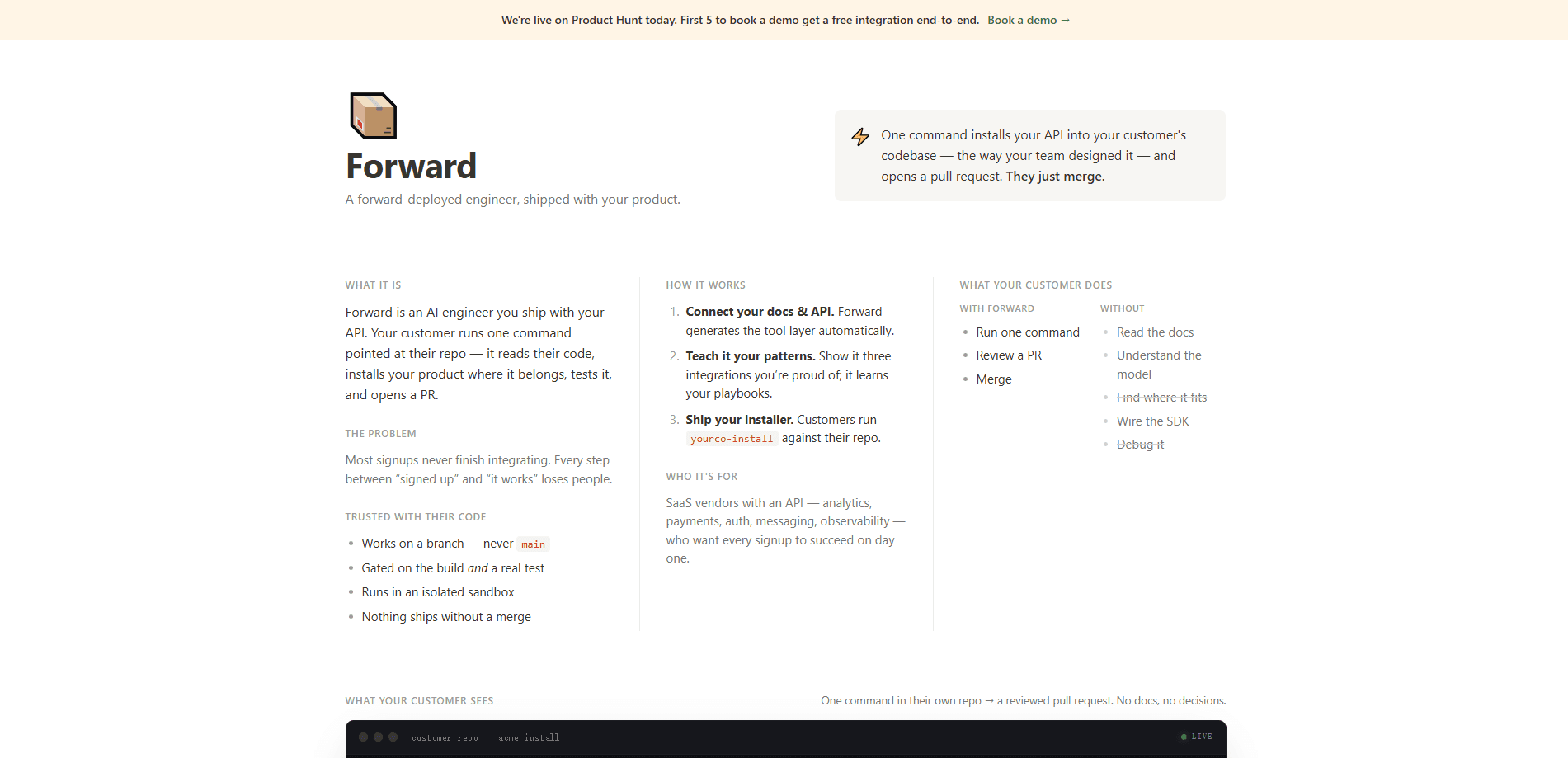
About Forward
What Is Forward
Forward is an AI co-pilot builder for companies that already have an API. Instead of asking users to learn your dashboard or dig through reference docs, it gives them a chat surface that does the work. Your API documentation goes in, and a working agent comes out.
The pitch comes from a specific frustration. Most SaaS products lose users in the first ten minutes. Why? People can't find the thing they came for. Forward targets that gap. It maps every endpoint to something a user would actually ask for, wires authentication to your session context, and puts confirmation gates on write actions by default, so the agent can act without you rebuilding your access rules from scratch. Reads run freely; writes ask first.
It's an integration-heavy product, not a plug-in toy. You review the generated tool catalog before anything ships, and your API stays the source of truth for who can do what. Reads run. Writes ask first. The main limit is that Forward assumes you have a documented API worth exposing. Teams without one won't get much from it, and there's no free tier published on the site, so pricing goes through a sales conversation.
Getting Started
- Point Forward at a URL for your API reference, an OpenAPI or Swagger spec, a docs site, Postman collection, GraphQL schema, or Markdown files.
- Let it crawl the source, resolve schemas, and map endpoints to user-facing actions.
- Review the generated tools, which get named and grouped for you, and set which actions need confirmation before running.
- Embed the single SDK component in your app and pass a signed session token so your API keeps enforcing permissions.
- Pick one of the four surfaces (bubble, and three others) and ship the co-pilot to your users.
Product Information
A quick look at Forward's pricing, supported platforms, and performance.
Best for
The users, tasks, and scenarios where this tool fits best.
Users
- SaaS product teams
- Platform and API owners
- Developer-tool companies
Tasks
- Turning an API reference into a working agent
- Answering support-style questions in-app
- Running write actions with guardrails
Scenarios
- Onboarding users who stall in the first session because they can't find a feature.
- Cutting support tickets that are really "how do I do X in your product" questions.
- Letting admins manage accounts and access without navigating deep settings menus.
Key features
Docs In, Agent Out
Forward crawls what you already have, whether that's an OpenAPI or Swagger spec, a docs site, a Postman collection, GraphQL schema, or plain Markdown. It resolves schemas and maps every endpoint to something a user would actually ask for, which is where the OpenAPI AI agent setup pays off. That means you skip the usual chore of writing tool definitions by hand. The output is a tool catalog you review before it goes live. Docs in. An agent out.
Tool Generation and Grouping
Endpoints get turned into named, grouped tools rather than a raw list. The site's own example collapses 214 endpoints into 38 grouped tools, each marked as a read or a confirm action. Grouping keeps the catalog usable instead of overwhelming, and you stay in control of what's on or off. It's the difference between a searchable toolset and a wall of API calls. No wonder teams skip the manual route.
Permission-Aware Sessions
Auth is wired to your session context, so the agent acts as the signed-in user and nothing more. Your app passes a signed session token, and your API stays the source of truth for who can do what. Forward doesn't hold a master key that bypasses your rules, which matters when the agent is touching real accounts and a single misread permission could expose one customer's data to another.
Confirmation Gates on Writes
Write actions ask before they run, and reads just execute. A revoke-key request, for example, shows a confirm dialog before the call fires. That default keeps an overeager agent from making changes nobody approved, while still letting safe lookups move fast. Simple, and it works.
One Component, Four Surfaces
You embed a single SDK component, then choose where it lives. Same agent, same session, same tool catalog. One prop switches the surface. That keeps it simple when you want to embed an AI agent in your product and test one placement, like an in-app AI co-pilot bubble in the corner, before expanding.
Built-In Traces and Evals
Because the agent runs against your API, Forward records traces and supports evals with regression gates from the start, so you can watch what it did on a real session and catch a change that quietly breaks a workflow before your users find it for you. That's aimed at teams who need to debug real usage, not just ship a demo.
Pros and cons
Pros
- Reads existing docs (OpenAPI, Swagger, Postman, GraphQL, Markdown), so there's no manual tool authoring.
- Permissions stay with your API through signed sessions, rather than a separate access model.
- Write actions are gated by confirmation by default, which lowers the risk of unwanted changes.
- Traces, evals, and regression gates are included, so you can monitor real agent behavior.
- A single component covers four surfaces, which keeps embedding straightforward.
Cons
- It only works if you have a documented API, so products without one aren't a fit.
- There's no published free tier, so cost means contacting sales rather than signing up on a whim.
- It's an embedded developer tool, which means setup work for your engineering team, not a self-serve app.
Frequently asked questions
It reads your API documentation and generates an AI co-pilot you embed in your product. Users ask for something in plain language, and the agent carries it out through your own API. You review the generated tools and set which actions need confirmation before shipping.
Related content
Explore related tools, skills, and articles for Forward.
Forward Alternatives
Forefront
Forefront · CodingForefront is a web platform for building with open-source AI. It lets you fine-tune leading open-source language models on your own data, evaluate how they perform, and run them through an API or export them to host yourself. Developers who want the convenience of a closed-source platform but insist on owning their models and data are the target audience here.

Startkit
StartKit.AI · CodingStartkit is a boilerplate for building AI SaaS and AI wrapper products. Think of it as an AI startup boilerplate with the boring parts already wired up: authentication, Stripe and Lemon Squeezy payments, usage limits, transactional email, and an AI API starter that talks to OpenAI, Anthropic, Groq, or Llama. You clone the repo, set your price, and start on the part of your product that people actually pay for. It's Next.js under React and Tailwind, so most of the boilerplate code already feels familiar.
Testim
Tricentis · CodingTestim is an AI-powered test automation platform for building and running end-to-end tests across web, mobile, and Salesforce applications. It leans on machine learning to keep tests stable when an interface changes, so teams spend less time fixing broken selectors. Not bad for an automated testing tool you can start using today. You create tests by recording actions in a browser, then optionally add JavaScript when you need more control. It's a solid pick for busy QA teams.