

FraudGuard‑Fraud Prevention for Shopify
Invizo · Business
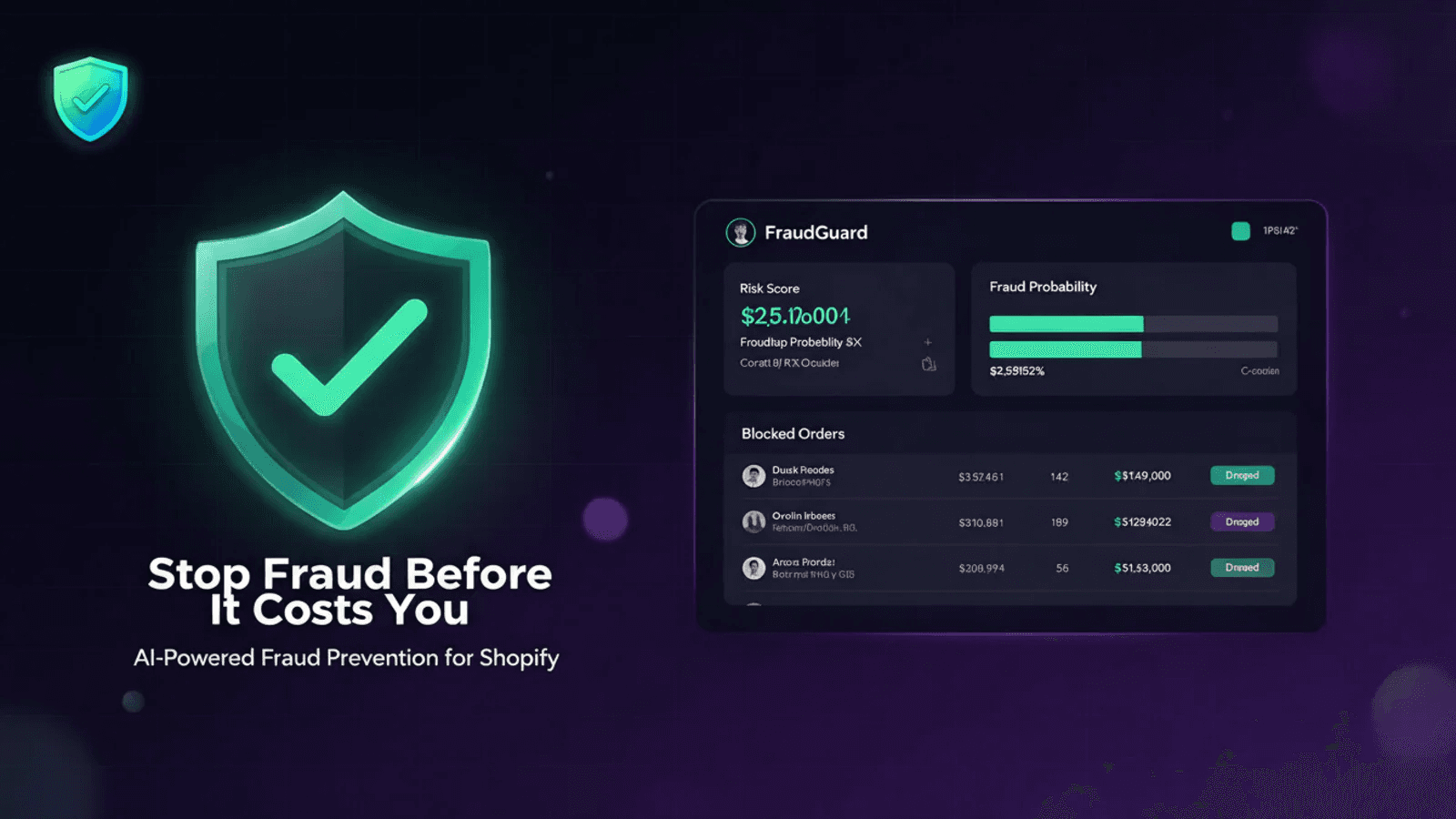
FraudGuard is a free Shopify fraud prevention app that scores each new order against rules you write, then cancels or flags the risky ones before they ship.
About FraudGuard‑Fraud Prevention for Shopify
What Is FraudGuard
FraudGuard is a Shopify app built by Invizo that handles fraud prevention for Shopify stores. It watches orders as they arrive and acts on the ones that look wrong, using signals Shopify already holds: billing and shipping country, email address, email domain, order value, and whether the buyer has ordered from you before. Those signals add up to a risk score, and the score decides what happens next.
Chargeback prevention usually starts too late. The dispute lands weeks after the parcel ships, the money leaves the account, and the fee follows. FraudGuard moves that decision to the first minute of an order's life. Once a score passes your threshold, the app cancels the order in Shopify, refunds the payment, restocks the items, and leaves a staff note with the reason.
The app costs nothing, and that sets the ceiling on what it does. Scores come from your own rules rather than a trained model, and the app doesn't pull carrier or address-verification data. Blocking happens after checkout instead of during it, and the interface is English only.
Getting Started
- Install FraudGuard from the Shopify App Store and approve the data permissions it requests.
- Set the risk score at which orders should be cancelled, then save. FraudGuard starts checking orders the moment that setting is stored.
- Add the email addresses and countries you want blocked, list the email domains you don't trust, and decide how to treat large first orders from new customers.
- Enter the addresses that should receive alerts, then watch the cancelled and flagged order list for a few days and adjust the threshold if it fires too often.
Product Information
A quick look at FraudGuard‑Fraud Prevention for Shopify's pricing, supported platforms, and performance.
Best for
The users, tasks, and scenarios where this tool fits best.
Users
- Solo founders who pack and ship orders themselves and can't spend an hour a day reviewing fraud flags
- Stores selling digital goods or high-resale items, where a stolen card turns into a chargeback within days
- Merchants on a tight app budget who want one layer of order screening without another monthly bill
Tasks
- Blocking orders from countries where you've already taken chargebacks
- Stopping repeat abuse from disposable email addresses and domains you've seen before
- Screening first orders from new customers when the basket value looks unusual for your store
- Working through a pile of suspicious orders that Shopify flagged and nobody had time to review
Scenarios
- A flash sale brings a rush of orders and no one can check each one by hand
- A store ships physical goods and can't recover a parcel once it leaves the warehouse
- A new store with no order history needs a starting rule set before it spends money on ads
Key features
Risk scoring on every new order
Each incoming order gets a score built from your rules, and you set the number where it should be stopped. The goal is to block fraudulent orders before they leave the warehouse, not to write a report about them afterwards. Orders above the line are cancelled, and matches below it can be flagged for a human to look at. The threshold is a single setting, so you can loosen it after a busy weekend and tighten it again when chargebacks creep up.
Email blacklist and domain filter
You can block specific email addresses outright, which handles the repeat offenders that keep coming back under the same login. Domains work differently: addresses at a domain you don't trust add to an order's score instead of killing it, so a shared provider doesn't take down every customer who uses it.
Country rules
Orders shipping to a blocked country are cancelled under the default settings, and the billing country counts too. Country blocking is the fastest way to cut off a region where you've had a run of stolen cards, and it takes one line in the settings rather than a custom script.
First-order checks for high-value baskets
New customers with no order history carry more risk than repeat buyers, and FraudGuard lets you treat them that way. A large first order can be pushed over the threshold on its own, which catches the pattern where someone tests a stolen card on a big-ticket item.
Automatic cancel, refund and restock
When an order crosses the threshold, the app does the cleanup inside Shopify: cancel, refund to the original payment method, put the stock back, and add a staff note explaining the decision. The customer gets an email saying the order was cancelled. Four manual steps per order disappear, which is the part of Shopify order management most small teams end up doing at midnight.
Alerts and an order log
You choose which inboxes hear about cancellations and flags, so the person who handles disputes gets the mail instead of the whole team. The app also keeps a list of everything it acted on, with customer, country and reason, which is what you want when a buyer writes in asking why their order disappeared.
Pros and cons
Pros
- Free to install and use, including the cancel, refund and restock steps that paid apps usually meter
- Acts without manual review, so overnight orders get handled before your team wakes up
- Rules are plain settings that take minutes to change, with no code and no scripting
- Every cancelled order leaves a staff note and an email trail, which helps when a customer pushes back
Cons
- Checks run after checkout, so a blocked order still takes an order number and a payment authorisation for a moment
- The score comes from your rules alone, with no fraud network or machine learning data behind it, so a badly tuned rule set produces bad calls
- Interface and notification emails are English only, which gets awkward for stores selling in other languages
Frequently asked questions
Yes. The app is free to install and use on the Shopify App Store, and Invizo doesn't list a paid tier. Everything described here, including automatic cancellation and refunds, comes with the free plan.
Related content
Explore related tools, skills, and articles for FraudGuard‑Fraud Prevention for Shopify.
FraudGuard‑Fraud Prevention for Shopify Alternatives

Knocket
Knocket (Tencent RTC team) · Productivity · Business · ChatbotKnocket is a free live chat and contact page tool that lets visitors message you from your website, app, or a shareable link, with every reply handled from Telegram or one inbox.

shippedit.me
Krawlup · Marketing · Businessshippedit.me now redirects to Krawlup, a web platform that audits SEO, AEO and page speed every week, then hands the fixes to AI coding agents over MCP.

Ayven
Alknoma · Productivity · BusinessAyven is an AI control centre by Alknoma that turns a plain-language goal into a dated plan, hands the work to your people and AI agents, and asks for your approval only when the call is yours.