
Frigade
Frigade · Coding · Productivity
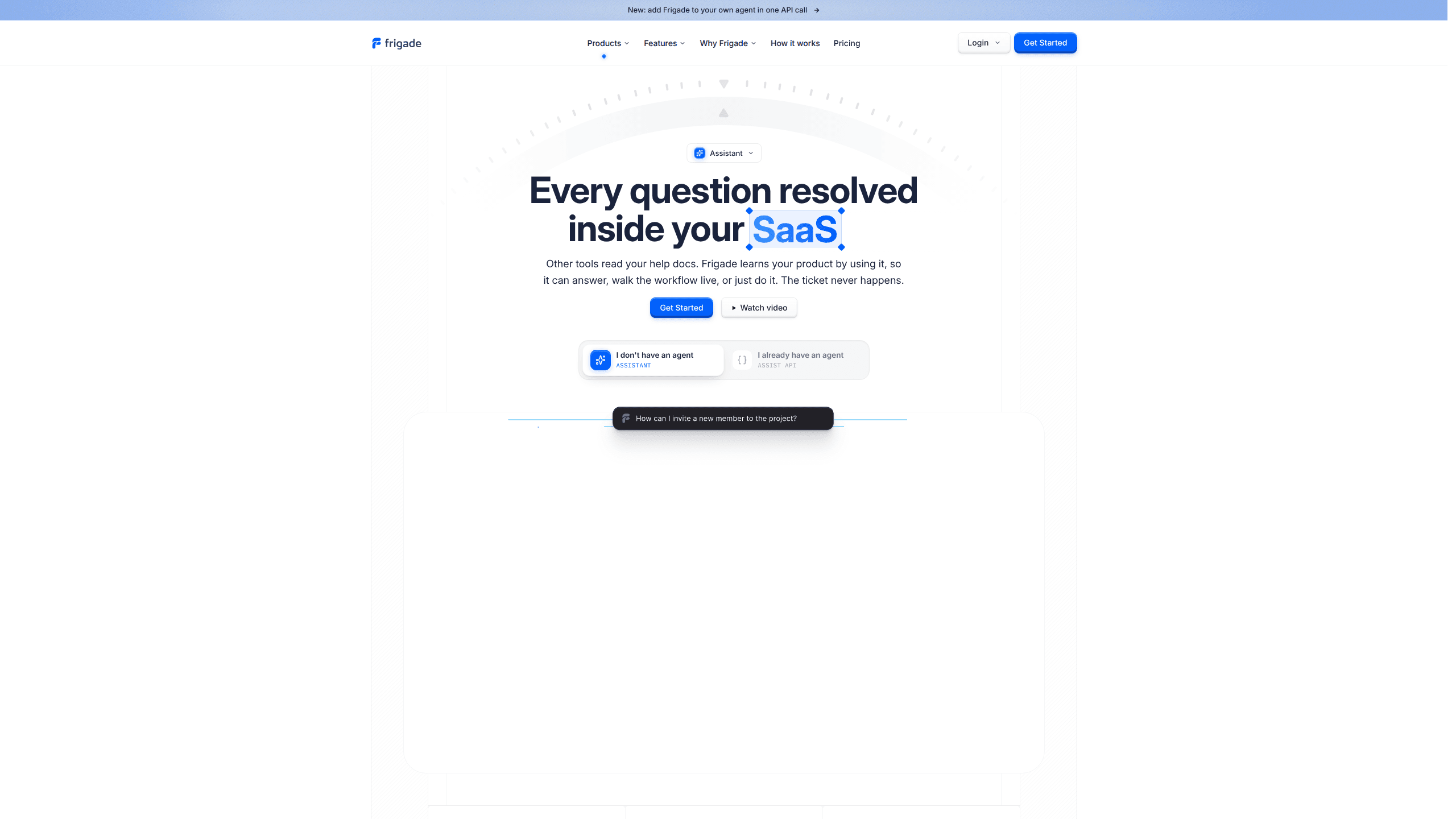
Frigade is an AI in-app guidance and product adoption platform built for software teams. Its centerpiece is the Frigade Assistant, an in-product AI assistant that learns how your product actually works by using it, not by reading stale documentation. Teams give it a test login, point it at their own product, and the assistant answers user questions, walks people through real workflows on the live screen, or completes the step for them. So how is that different from a help center? A help center waits for users to search it. Frigade meets them where they already are. It's aimed at product and support teams that want to help users inside the app rather than sending them to help articles.
About Frigade
What Is Frigade
Frigade is a product adoption platform for software companies that keeps user guidance inside the product. Most support tools answer questions with written docs. Frigade takes a different route. It logs into your product like a teammate, works through the same screens your customers use, and learns the interface by interacting with it. When a user asks for help, the assistant already knows where the buttons are. That's the whole trick.
The platform pairs that assistant with a Suggestions system. A Suggestion is a short instruction you write once, then deliver two ways: as an in-app nudge shown above the assistant, or as a shareable magic link you drop into a support reply, email, or Slack message. Both routes open the product and let the assistant guide the user through the task in context. Proactive beats waiting around.
The main thing to weigh is scope. Frigade is priced for teams, with the entry paid tier starting at $1,000 per month, and the core assistant runs inside products you've built and can grant access to. It's not a general consumer chatbot. Small teams with no product to onboard may find it heavier than they need. It does offer a free tier for trying it out on your own product.
Getting Started
- Go to frigade.com and request the free trial. Send the team a URL and a test login for your product, so Frigade can access it the way a real user would.
- Let Frigade train on your product. It learns by working through your staging environment and re-learns as you ship changes.
- Install the SDK in production (the company cites a 15-minute install) and connect it to your product's interface.
- Write your first Suggestion: a title plus a plain-language prompt telling the assistant what to do, and pick where the nudge should appear.
- Turn on a magic link if you want to share the same guidance from support replies, email, or Slack, then review analytics to see how users respond.
Product Information
A quick look at Frigade's pricing, supported platforms, and performance.
Best for
The users, tasks, and scenarios where this tool fits best.
Users
- Product teams at software companies
- Support and customer success teams
- SaaS founders and growth leads
Tasks
- Answering product questions in the moment
- Walking users through a stalled workflow
- Building onboarding flows and product tours
- Sharing a guided walkthrough in a support reply
Scenarios
- A user gets stuck mid-setup and needs help connecting an integration
- A team wants to introduce a feature users keep missing
- Support is drowning in repetitive how-do-I questions
Key features
Frigade Assistant
The core of the platform is an in-product AI assistant that reads the same product the user has open and responds from there. It can answer a question, guide someone through a workflow on the live screen, or perform the action for them. Because it learns the interface by using it, the guidance reflects the product as it stands today, not as it looked when the docs were last edited.
Suggestions
A Suggestion is one instruction to the assistant, written as a title and a plain-language prompt. You deliver it two ways: as an in-app nudge shown above the assistant, or from outside the product as a magic link. Nudges can be targeted by URL or user property, so a prompt only appears on the billing page, or only for accounts that haven't connected their data yet.
Magic Links
Magic links turn your assistant into something you can hand out. Paste a link into a support reply, email, or Slack message and it opens your product with the assistant ready to guide the customer through the task. It's a way to extend in-app help into wherever your users already ask for it. Support happens in lots of places.
Flows and UI Components
Frigade ships prebuilt UI components for checklists, tours, and announcements, embedded natively in your codebase and styleable with your own design system. Flows hold built-in state management, versioning, analytics, and validation. Less to build yourself, then. Teams can launch announcements, setup guides, or custom flows without rebuilding onboarding infrastructure.
No-Code Admin Dashboard
A web dashboard lets non-engineers create, edit, and delete flows, view analytics and user progress, and push updates to in-app experiences. That mix of code and no-code work means engineers set up the foundation while the rest of the team keeps content current. No engineering lift on every change.
Training and Re-Learning
Frigade trains on your staging environment and re-learns as you ship, so answers and walkthroughs don't drift out of date the way documentation does. Stale docs are the usual failure mode. The company frames this as the difference between an assistant trained on yesterday's docs and one that follows your product as it changes.
Deployment and Compliance
Teams can run Frigade in the cloud or self-hosted, using their own infrastructure and LLM keys. The platform is SOC 2 Type II certified and GDPR compliant, with EU and US hosting options. Compliance is often the blocker for AI tools. This one addresses it head-on, which matters to organizations with strict data policies that still want an AI assistant in front of their users.
Pros and cons
Pros
- The assistant learns your product by using it, so guidance stays current as you ship instead of rotting like static docs.
- One Suggestion can reach users two ways, as an in-app nudge or a shareable magic link, which widens where guidance can show up.
- Cloud or self-hosted deployment with your own LLM keys gives teams control over where data and model calls live.
- Native components plus a no-code dashboard let engineers and non-engineers both maintain the experiences.
- SOC 2 Type II and GDPR compliance with EU and US hosting fit regulated teams.
Cons
- The Growth tier starts at $1,000 per month, so it's priced for funded teams, not individual builders or hobby projects.
- The assistant needs a login to your product, which means granting access to your staging and production environments.
- Documentation for the Assistance product is less public than for Frigade Engage, so evaluation leans on the sales demo.
Frequently asked questions
Frigade puts an AI assistant inside your software to help users in the moment. It learns your product by using it, then answers questions, walks users through tasks on the live screen, or completes the step for them. It also sends targeted nudges and magic links that lead users to the right action.
Related content
Explore related tools, skills, and articles for Frigade.
Frigade Alternatives
Forefront
Forefront · CodingForefront is a web platform for building with open-source AI. It lets you fine-tune leading open-source language models on your own data, evaluate how they perform, and run them through an API or export them to host yourself. Developers who want the convenience of a closed-source platform but insist on owning their models and data are the target audience here.

Startkit
StartKit.AI · CodingStartkit is a boilerplate for building AI SaaS and AI wrapper products. Think of it as an AI startup boilerplate with the boring parts already wired up: authentication, Stripe and Lemon Squeezy payments, usage limits, transactional email, and an AI API starter that talks to OpenAI, Anthropic, Groq, or Llama. You clone the repo, set your price, and start on the part of your product that people actually pay for. It's Next.js under React and Tailwind, so most of the boilerplate code already feels familiar.
Testim
Tricentis · CodingTestim is an AI-powered test automation platform for building and running end-to-end tests across web, mobile, and Salesforce applications. It leans on machine learning to keep tests stable when an interface changes, so teams spend less time fixing broken selectors. Not bad for an automated testing tool you can start using today. You create tests by recording actions in a browser, then optionally add JavaScript when you need more control. It's a solid pick for busy QA teams.