

Gamma AI
Gamma · Coding · Productivity
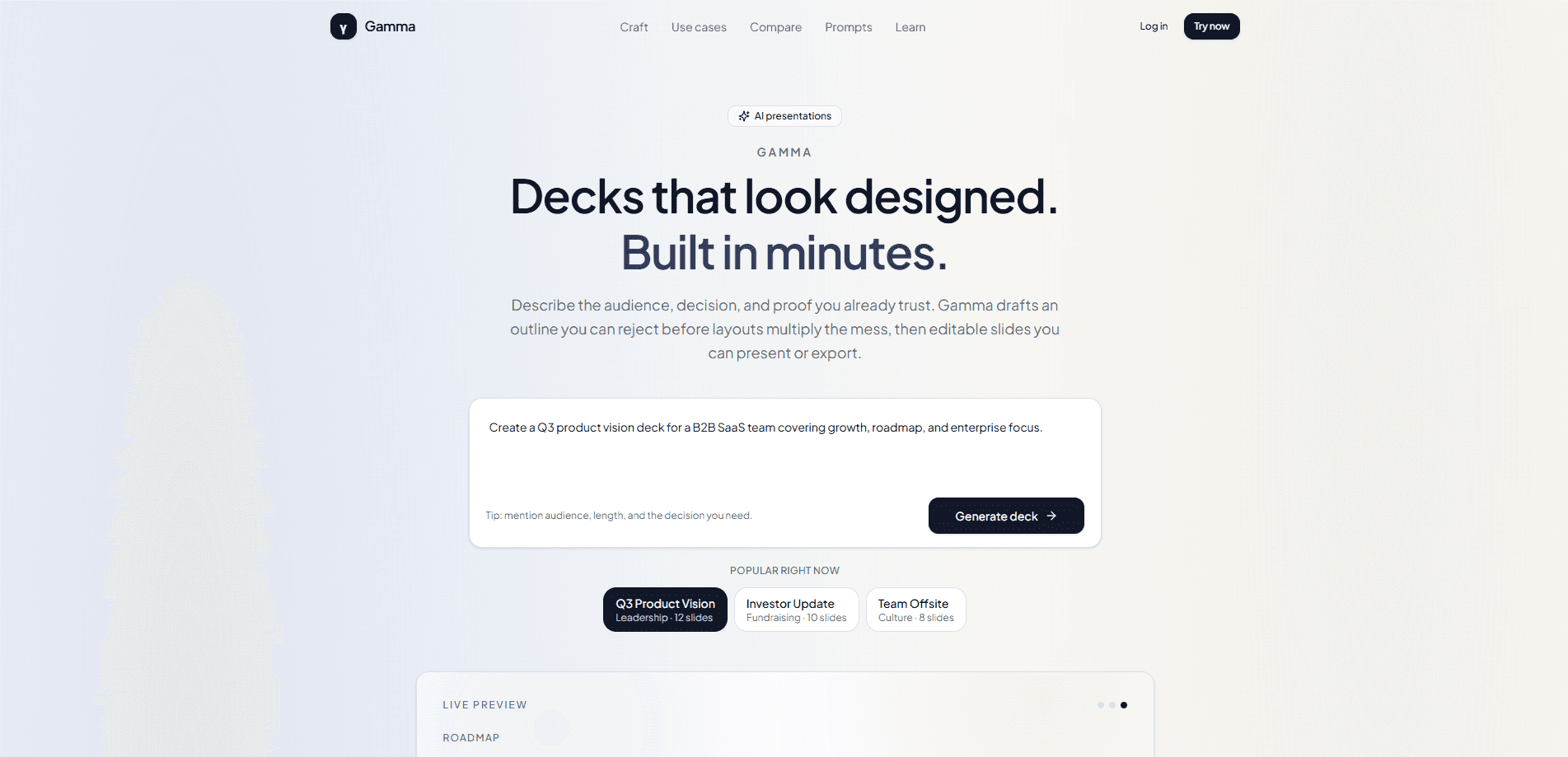
Gamma AI is an AI presentation maker that works as an AI slide generator: it turns a written brief into a structured deck. You describe the audience, the decision you need, and the proof you already trust, and it drafts an outline you can reject before it commits to a full set of layouts. From there it generates editable slides you can present from a link or export as PPTX, PDF, or PNG. It behaves less like a template gallery and more like a fast junior producer. Useful scaffolding. Incomplete until your own numbers land.
About Gamma AI
What Is Gamma AI
Gamma AI is a browser-based AI presentation tool built around one idea: most decks fail before anyone opens a design panel. A weak argument wrapped in a pretty theme still produces a room that never reaches a decision, so Gamma puts the human judgment step where it actually changes the outcome, at the outline stage. You brief the job, review the spine of the story as titles, and only then let it generate slides.
So what separates a good deck from a bad one? Structure. Everything else is decoration. People paste a vague request into a chat tool, get bullet-heavy slides that argue nothing, and spend an evening dragging text boxes in PowerPoint. Gamma's answer is to make you name the audience, the decision, and the must-include proof up front, so this AI deck builder generates from a clear brief rather than a mood prompt. As presentation software goes, that's a different starting point.
It isn't a finished-artifact machine. The slides arrive editable, and the weak sections still need a rewrite with your real figures before they're presentation-ready. Treat the model as scaffolding and the deck as yours. One more thing: the tool leans on style templates for its visual polish, so if you need a rigid, pixel-exact brand system, you'll be doing that work by hand.
Getting Started
- Sign in to Gamma AI in your browser and start a new presentation from the workspace.
- Brief the job: name the audience, the decision or takeaway, the meeting length, the tone, and the proof you already have. State what to leave out.
- Review the generated outline and treat the slide titles as a narrative, cutting filler, merging duplicates, and moving the ask earlier.
- Generate the slides, then edit like an owner: rewrite headlines, swap layouts, and regenerate weak sections with a follow-up prompt. Keep what works.
- Present from a live link when you control the room, or export as PPTX, PDF, or PNG when the situation calls for a file.
Product Information
A quick look at Gamma AI's pricing, supported platforms, and performance.
Best for
The users, tasks, and scenarios where this tool fits best.
Users
- Founders and sales teams
- Consultants and analysts
- Students and teachers
Tasks
- Turning a rough brief into a first-draft deck
- Restyling an existing deck
- Exporting to PowerPoint
- Building a one-pager or document alongside slides
Scenarios
- A pitch meeting tomorrow morning
- A weekly status report that follows the same shape every time
- A workshop where you want live edits while people watch
- A first pass on a white paper
Key features
Outline-first generation
Most AI slide tools generate first and let you regret later. This outline-first presentation flow does the opposite. Gamma AI produces an outline you can review as a narrative before any layouts are built. You cut filler, merge duplicate points, and reorder so the ask lands early. This is the cheapest place to fix a bad deck, because you're editing titles instead of moving boxes on twenty slides. The gate is the whole point.
Editable slide output
The slides arrive fully editable rather than as fixed images. You rewrite headlines, swap layouts, and regenerate just the weak sections with a follow-up prompt while keeping the parts that already work. That partial regeneration is the difference. It's what separates a usable draft from a fast rebuild. It respects the reality that AI gets you 70 percent of the way and the last 30 percent is your numbers and your judgment.
Present from a link, export on purpose
Gamma AI lets you present straight from a live link when you control the room, and export only when the artifact demands a file. It can export to PPTX, PDF, and PNG, so you're covered whether procurement needs a PowerPoint file, an offline venue needs a PDF, or a social post needs a flat image. Choosing the output format before you design slide density is a small habit. It saves a lot of rework.
Template and theme styling
A one-click restyle applies a new visual theme across the whole deck, which is handy when you've written the content first and want to try a different look. The library of themes covers common business, campus, and minimal styles. The trade-off is control: if your brand demands a rigid, pixel-exact system, the built-in themes point you in a direction rather than locking to your spec.
Documents and one-pagers
The workspace isn't limited to slides. It handles structured documents too, so a one-pager, a short white paper, or a meeting summary can live next to your deck. That means you don't have to jump to a separate tool when a slide deck needs a companion document. Same brief, same editing flow, one place.
AI image and content generation
Beyond layout, Gamma AI generates images and fills content from your brief, which cuts the hunting for stock photos and the blank-page problem. You can also generate slides from text you paste in. Rewrite or rework sections with AI prompts and keep what works. The key limit is that the model writes generic copy until you feed it your specifics, so the quality of the output tracks directly to the quality of the input you give it.
Collaboration and sharing
You can collaborate on a deck in real time with your team and share it as a link, a published page, or an exported file. That covers the common case where a deck is passed between a writer, a designer, and a presenter before it's final. Sharing as a link also lets you update slides after sending them. That beats emailing a new attachment every time a number changes.
Pros and cons
Pros
- The outline review step catches structural problems before you've built twenty slides, which is where decks usually go wrong.
- Slides come out editable, so you can regenerate a weak section without rebuilding the whole deck.
- Export options cover PPTX, PDF, and PNG, plus presenting live from a link when the room allows it.
- The free tier is enough to test the workflow on a real deck before you commit to a paid plan.
- This AI deck builder is cheap to try on a live project first, since the browser tool and free plan need no setup.
Cons
- The AI writes generic content until you feed it specifics, so a lazy brief produces a deck that looks finished and argues nothing.
- Built-in theme styling points in a direction rather than locking to a rigid brand system, so pixel-exact templates need manual work.
- It's a browser tool. That means you need a connection to generate and edit, which is a problem for offline venues.
- Heavy or complex decks can still need a design pass, since template-driven layouts only go so far.
Frequently asked questions
It's an AI presentation maker that turns a written brief into an outline and then into editable slides. People use it for pitches, reports, class presentations, and one-pagers. They can present live or export a file when needed.
Related content
Explore related tools, skills, and articles for Gamma AI.
Gamma AI Alternatives
Forefront
Forefront · CodingForefront is a web platform for building with open-source AI. It lets you fine-tune leading open-source language models on your own data, evaluate how they perform, and run them through an API or export them to host yourself. Developers who want the convenience of a closed-source platform but insist on owning their models and data are the target audience here.

Startkit
StartKit.AI · CodingStartkit is a boilerplate for building AI SaaS and AI wrapper products. Think of it as an AI startup boilerplate with the boring parts already wired up: authentication, Stripe and Lemon Squeezy payments, usage limits, transactional email, and an AI API starter that talks to OpenAI, Anthropic, Groq, or Llama. You clone the repo, set your price, and start on the part of your product that people actually pay for. It's Next.js under React and Tailwind, so most of the boilerplate code already feels familiar.
Testim
Tricentis · CodingTestim is an AI-powered test automation platform for building and running end-to-end tests across web, mobile, and Salesforce applications. It leans on machine learning to keep tests stable when an interface changes, so teams spend less time fixing broken selectors. Not bad for an automated testing tool you can start using today. You create tests by recording actions in a browser, then optionally add JavaScript when you need more control. It's a solid pick for busy QA teams.