

Gatling
Gatling Corp · Coding
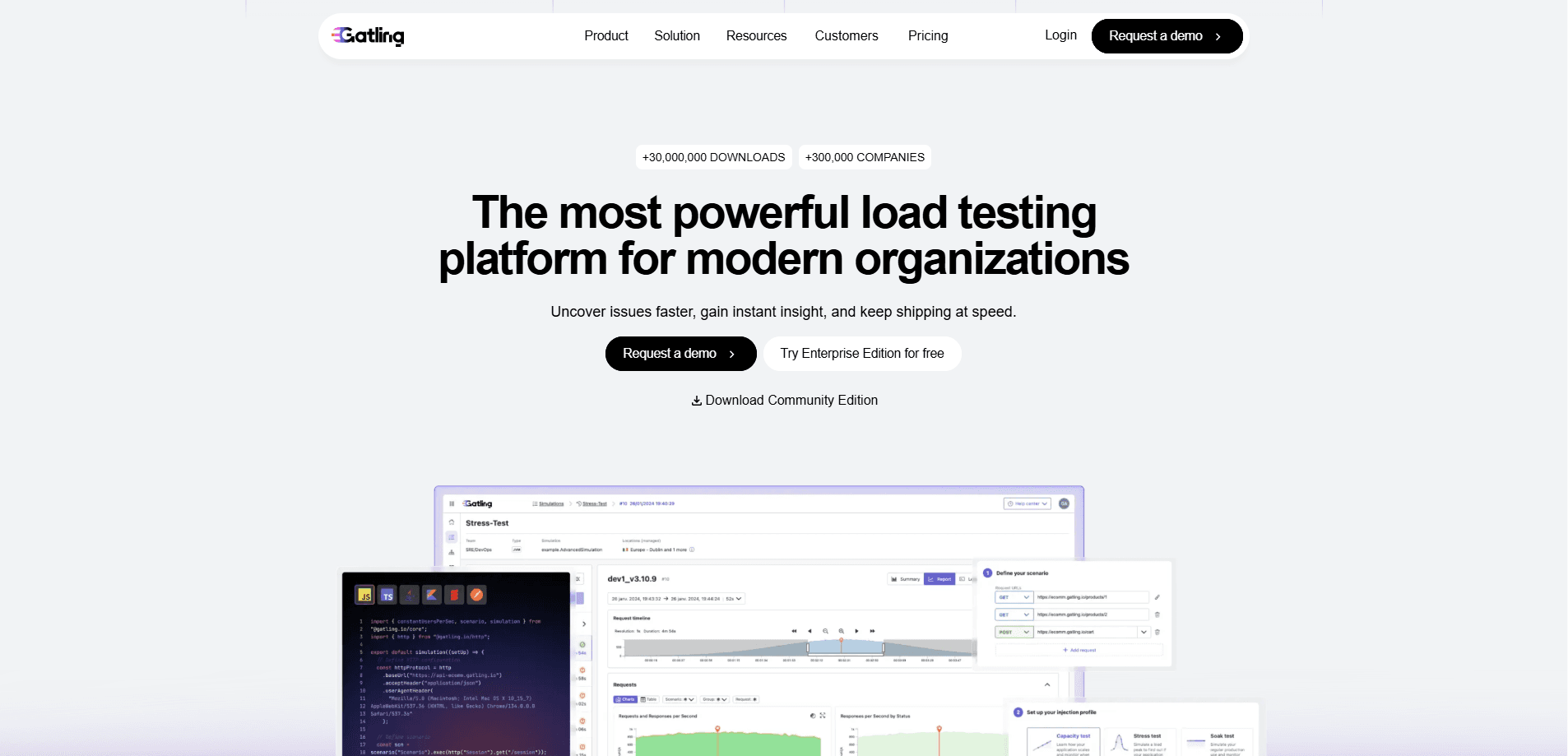
Gatling is a load testing tool that stress tests web apps and APIs by simulating large numbers of concurrent users and measuring how they hold up. It's known for a code-driven approach, where you write test scenarios in a scripting language, run them at scale, and read the results in a shareable report. That mix suits engineering teams that treat performance testing as part of continuous delivery rather than a one-time check before launch. Not a last-minute chore.
About Gatling
What Is Gatling
Gatling is a performance testing tool, and its core idea is simple: describe user traffic as code, then replay it against your system until it breaks. The engine is built on an async architecture, so thousands of virtual users run as lightweight messages instead of heavy threads. That's why it can push serious load from a single machine without melting your laptop. Serious numbers, modest hardware.
Two editions exist. Gatling Community Edition is free and open source, aimed at individual testers running local tests. Gatling Enterprise Edition adds a hosted platform, distributed load generators, CI/CD integration, dashboards, and AI-assisted analysis for teams shipping fast. Both share the same test scripts, so the jump from a local run to enterprise scale doesn't mean rewriting everything from scratch when your testing needs grow beyond what a single developer can manage alone.
The main catch is the learning curve. Test scenarios are written in a code-like DSL, and if your team doesn't write code, that's a real barrier. The no-code generator and Postman imports help, but they won't cover every complex scenario. Know that going in.
Getting Started
- Download the free Community Edition from the official site, or sign up for Enterprise if you need a hosted run.
- Write your first scenario in the Gatling DSL, or record one with the web recorder or no-code generator.
- Set your injection profile, choosing how many users arrive and over what time.
- Run the test locally or through the CLI, then open the generated HTML report to review response times, throughput, and errors.
Product Information
A quick look at Gatling's pricing, supported platforms, and performance.
Best for
The users, tasks, and scenarios where this tool fits best.
Users
- QA and performance engineers
- DevOps and SRE teams
- Small teams on a budget
Tasks
- API load testing
- Stress testing before a launch
- Regression testing over time
Scenarios
- Migrating a service to the cloud
- Scaling a SaaS product
- Running AI workloads under load
Key features
Load Test as Code
Gatling's core pitch is writing tests the way developers write software. Scenarios live in version control, get reviewed, and run in pipelines. There's no drag-and-drop tree to maintain by hand, which keeps complex tests readable once they grow past a few steps.
Multi-Language SDK Support
You can build scenarios in JavaScript, TypeScript, Java, Scala, or Kotlin. Your team picks whichever fits its skills. Adding MQTT for IoT and gRPC for microservices widens the range beyond plain HTTP, which matters if your system is more than a single web app.
No-Code and Postman Test Creation
Not everyone wants to write scripts. The no-code generator builds tests from a visual flow, and you can import Postman collections directly. It's the fastest route for a first test. Hand-written scripts still handle the trickiest edge cases better.
AI-Assisted Test Building
AI coding assistants help draft scenarios, and an MCP server connects Gatling to AI tooling. A JMeter to Gatling converter moves existing tests over. The AI insights feature summarizes what a report is telling you, which saves time for anyone who doesn't read metrics charts for a living.
Distributed Load Testing
Enterprise Edition spreads load across generators in multiple cloud providers and regions. That's how teams simulate millions of virtual users without asking one machine to do all the work at once. Community runs stay local. Community runs stay local, so very large tests push you toward the paid tier.
CI/CD and API Automation
Tests trigger through the CLI and public APIs, so you can slot performance checks into a pipeline rather than running them by hand. Manage infrastructure and configurations from the same workflow, which is what turns load testing from an event into a habit. Why run it by hand? Automate it.
Dashboards and Run Comparison
Reports track every key metric, let you customize the dashboards your team actually looks at, and compare runs side by side over weeks or months to catch slow regressions that a single snapshot would hide. Enterprise keeps history and trends, while Community generates a static HTML report per run. For long-term tracking, that history gap is the difference that matters most.
FinOps-Aware Scaling
Enterprise Edition offers tools to manage cloud resources and infrastructure costs as tests grow. If your test infrastructure bill creeps up, that control helps you scale load without overpaying for idle capacity.
Pros and cons
Pros
- Tests live as code, so they fit version control and code review like any other source file.
- Free Community Edition handles local testing without a license fee.
- Async engine simulates thousands of concurrent users from modest hardware.
- Multi-language SDKs and Postman import lower the barrier for mixed-skill teams.
- Enterprise Edition scales load across regions and integrates with CI/CD pipelines. Big difference at scale.
Cons
- The code-based DSL has a real learning curve for anyone without a programming background.
- Community Edition lacks historical data and collaboration, so long-term trend tracking needs the paid tier.
- Pricing for Enterprise isn't published; you have to request a quote, which slows budget planning.
- Larger distributed tests depend on the paid edition, so heavy usage pushes costs up.
Frequently asked questions
Gatling is used to load test and stress test web apps and APIs. You describe user traffic as code, run it against your system, and measure how response times, throughput, and errors behave under load.
Related content
Explore related tools, skills, and articles for Gatling.
Gatling Alternatives
Forefront
Forefront · CodingForefront is a web platform for building with open-source AI. It lets you fine-tune leading open-source language models on your own data, evaluate how they perform, and run them through an API or export them to host yourself. Developers who want the convenience of a closed-source platform but insist on owning their models and data are the target audience here.

Startkit
StartKit.AI · CodingStartkit is a boilerplate for building AI SaaS and AI wrapper products. Think of it as an AI startup boilerplate with the boring parts already wired up: authentication, Stripe and Lemon Squeezy payments, usage limits, transactional email, and an AI API starter that talks to OpenAI, Anthropic, Groq, or Llama. You clone the repo, set your price, and start on the part of your product that people actually pay for. It's Next.js under React and Tailwind, so most of the boilerplate code already feels familiar.
Testim
Tricentis · CodingTestim is an AI-powered test automation platform for building and running end-to-end tests across web, mobile, and Salesforce applications. It leans on machine learning to keep tests stable when an interface changes, so teams spend less time fixing broken selectors. Not bad for an automated testing tool you can start using today. You create tests by recording actions in a browser, then optionally add JavaScript when you need more control. It's a solid pick for busy QA teams.