

Gazel
Gazel · Coding · Marketing
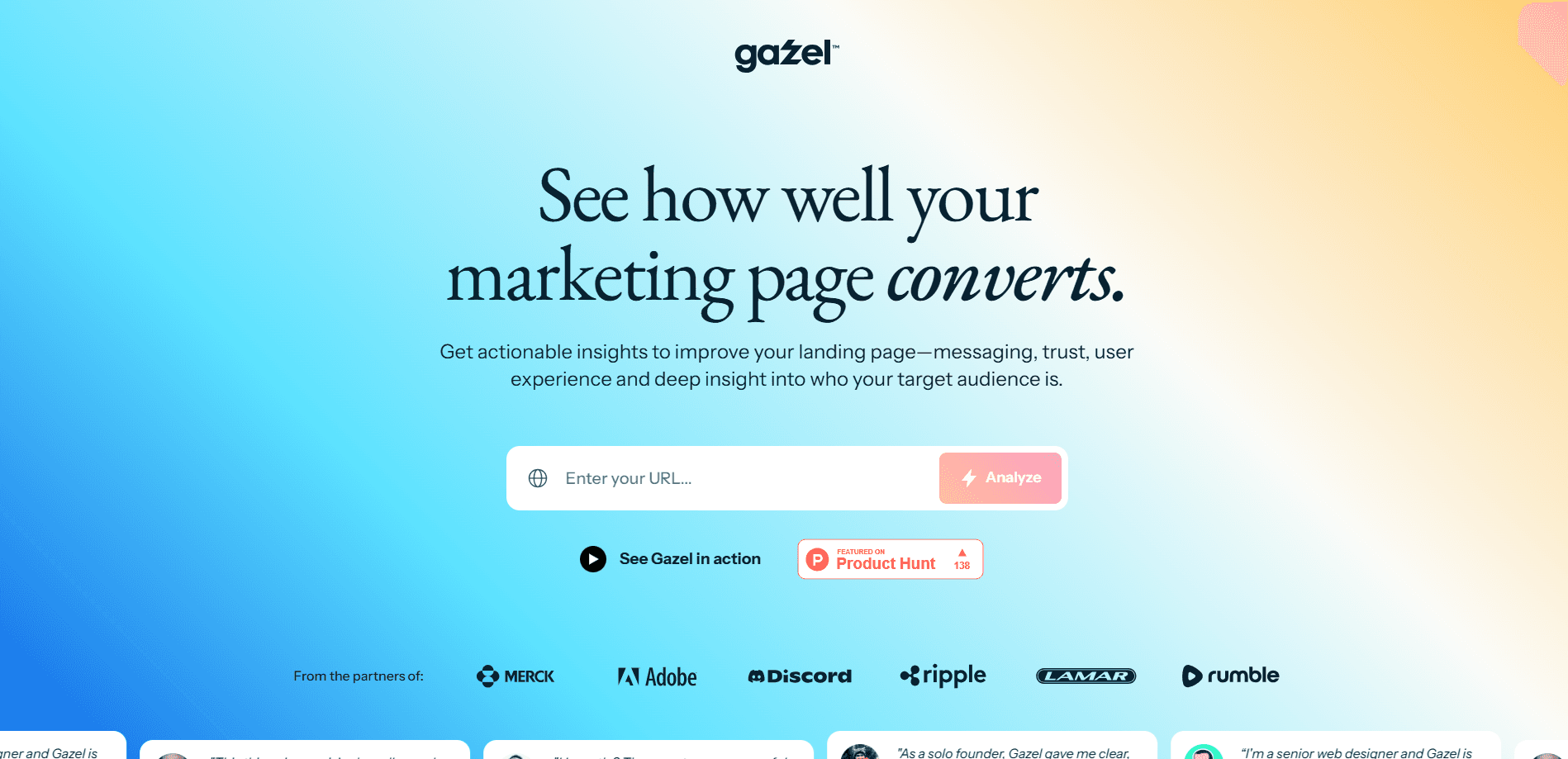
Gazel is an AI website analyzer that scores your landing, marketing and product pages on four conversion factors and returns quoted problems with fixes in under two minutes.
About Gazel
What Is Gazel
Gazel is a web tool that reviews a page the way a conversion consultant would, but it finishes the job in about two minutes instead of a few weeks. You paste a URL, and the service scrapes the page, runs it through an AI model, and hands back a scored report. It reads the copy, layout, trust signals and calls to action, then says which parts help visitors buy and which parts get in the way.
The pitch is simple: most teams guess why a page underperforms, and outside audits cost thousands. Gazel targets that gap. It's built for founders, marketers and designers who want a specific list of fixes rather than a vague grade. The report quotes the exact text it flagged, so you can jump straight to the sentence that needs work.
The limits matter too. Gazel reads a single page at a time, so it won't model a full multi-step funnel or connect to your analytics to prove a lift in revenue. It judges what's on the page, not how real traffic behaves after they arrive. Treat it as a fast, cheap first pass, not a replacement for testing.
Getting Started
- Open gazel.ai and paste the URL of the page you want reviewed.
- Run your first analysis for free. No credit card is needed, and you get three free analyses before signing up.
- Wait for the scan. Gazel scrapes the page, analyzes the conversion elements, flags problems with quotes and writes recommendations.
- Read the scored report across the four categories and export it as a PDF to share with your team or clients.
Product Information
A quick look at Gazel's pricing, supported platforms, and performance.
Best for
The users, tasks, and scenarios where this tool fits best.
Users
- Founders and startup teams
- Marketers and growth leads
- Designers and agencies
Tasks
- Auditing a landing page for clarity
- Checking credibility signals
- Reviewing layout and hierarchy
Scenarios
- Pre-launch page review
- Client deliverable prep
- Quick redesign sanity check
Key features
Four-Category Conversion Score
Gazel grades a page across Target Audience, Messaging, Credibility and UX & Design, then rolls them into one overall score. Each category gets its own breakdown, so you can see whether the weak link is your copy or your layout. It's the fastest way to decide where to spend your next hour.
Quoted Problems With Fixes
Instead of telling you a page "feels off," Gazel pulls the exact sentence or button it flagged and explains the issue next to it. Every problem comes with a recommendation. That quoting is the feature that saves the most time, because you don't have to hunt for what the tool means.
Audience Fit Analysis
The tool estimates who a page appeals to and whether that matches your intended customer. It surfaces audience signals and demographics it read from the page. If your copy speaks to the wrong buyer, this is where it shows up.
Messaging and CTA Review
Gazel evaluates your value proposition, headlines and calls to action for clarity. It builds a call-to-action inventory so you can see how many prompts compete for attention. Too many competing CTAs is a common finding.
Credibility and Trust Check
The report scans for trust signals, social proof and authority markers. Missing reviews, vague claims or no visible proof get called out. This matters most for pages where visitors decide whether to trust you before they buy.
Shareable PDF Reports
Every analysis exports to a clean PDF you can send to a teammate or client. Agencies use this to deliver audits without rebuilding the findings by hand. It turns a quick scan into a document you can actually present.
Pros and cons
Pros
- Turns a full page audit into a two-minute job, which is far faster than a manual review or a paid consultant.
- Quotes the exact text it flags, so recommendations are concrete instead of abstract.
- Covers four dimensions in one pass: audience, messaging, credibility and UX.
- Free to try, with three free analyses before any sign-up.
- PDF export makes findings easy to share with a team or a paying client.
Cons
- Reads one page at a time, so it can't map a multi-step funnel or checkout flow.
- No analytics hookup, so it can't prove that a change lifted conversions; you still need to test.
- Runs on credits after the free tier, so heavy users pay per analysis.
- Scores come from an AI model, so treat them as a strong hint rather than a final verdict.
Frequently asked questions
Gazel reviews a web page and reports how likely it is to convert visitors, based on messaging, credibility, UX and audience fit. The website conversion analysis runs in minutes, and teams use it to find fixes before spending on ads or A/B tests. A page that scores well on conversion rate factors is easier to trust with a bigger budget.
Related content
Explore related tools, skills, and articles for Gazel.
Gazel Alternatives

Base Code
Base44 (Wix) · Coding · ProductivityBase Code is a shared cloud development environment from Base44. Teammates describe changes to an existing GitHub codebase in chat, preview them live and send them back as pull requests.

Google EmbeddingGemma 2
Google DeepMind · Writing · Image · CodingGoogle EmbeddingGemma 2 is a 740M-parameter open model that turns text, code, images, audio, and video frames into vectors in one 768-dimension space, running on phones and laptops.

GitGlow
GitGlow · Coding · ProductivityGitGlow is a local-first desktop Git client that lets independent developers review their own code and their AI agents' changes in one place before shipping.