

GCal Wrapped
Simon Ilincev and Megan Yap · Other
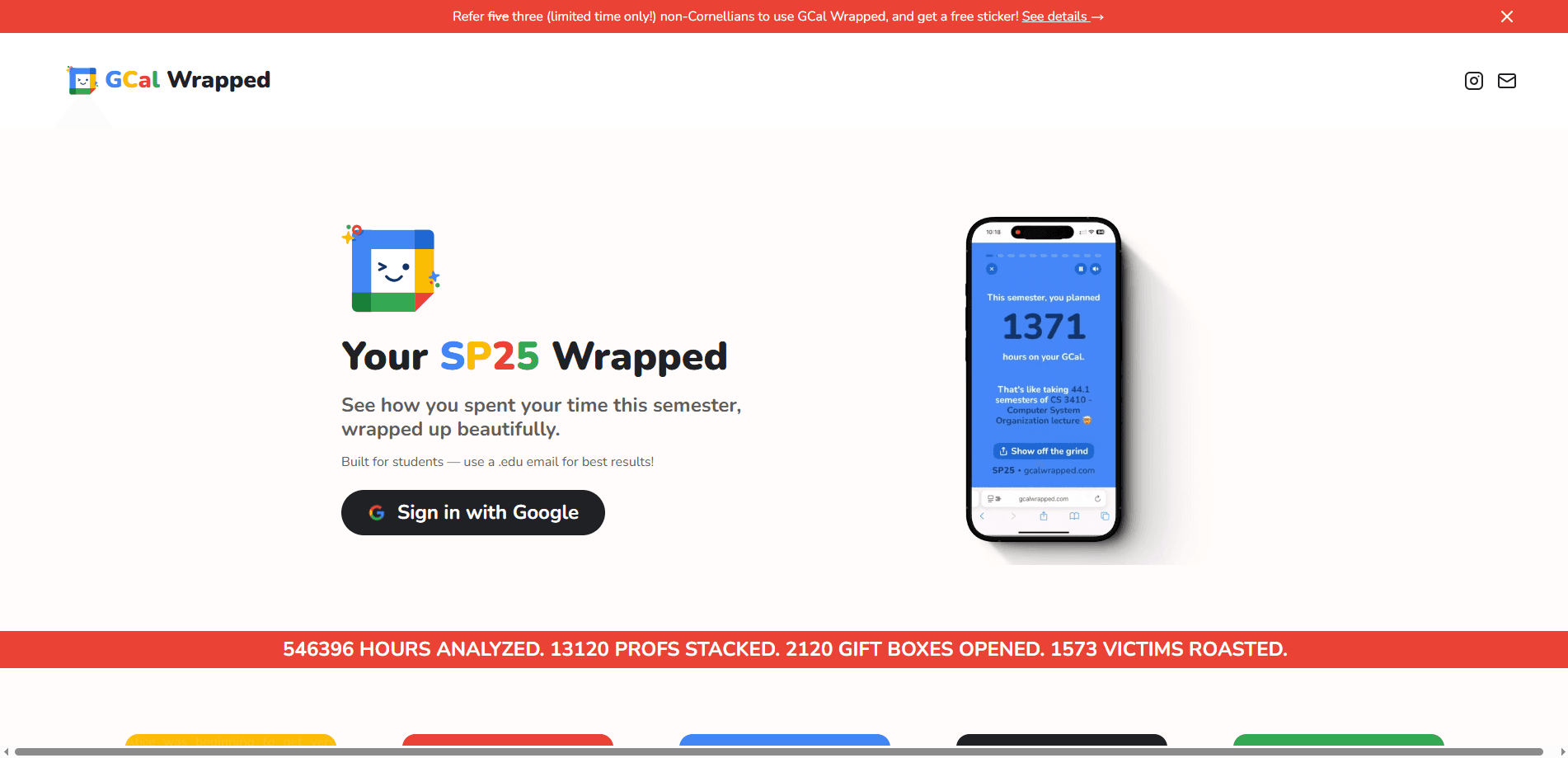
GCal Wrapped is a free web tool that reads your Google Calendar and turns it into a shareable end-of-semester recap, complete with your GCal MBTI, top collaborators, and most unhinged events.
About GCal Wrapped
What Is GCal Wrapped
GCal Wrapped is a free service that signs into your Google account and builds a Spotify Wrapped style recap from your calendar. It pulls event titles, times, and descriptions, then packages them into stats and shareable cards. The whole thing runs in the browser and takes about 30 seconds.
The tool was built by Simon Ilincev and Megan Yap, two students who wanted a year-in-review format for the way most students actually spend their time. Instead of listening hours, the recap leans on meeting counts, study sessions, and the odd event line that makes no sense out of context. It also groups users by school using organization directory metadata, so you can compare with other people at the same university on an anonymized leaderboard.
The most important limit to know up front: GCal Wrapped is not affiliated with Google. It's a third-party project that connects through Google OAuth and asks for read access to your calendar. It doesn't touch your Google Drive, Gmail, or contacts, and you can revoke its access from your Google account page at any time.
Getting Started
- Go to gcalwrapped.com and click Sign in with Google.
- Approve the read-only calendar permission request when Google asks.
- Wait about 30 seconds while the service analyzes your events and builds the recap.
- Scroll through your results: your top stats, your GCal MBTI, your favorite collaborators, and a gallery of standout events.
- Share the recap to your group chat, or sign out and revoke access from your Google account settings when you're done.
Product Information
A quick look at GCal Wrapped's pricing, supported platforms, and performance.
Best for
The users, tasks, and scenarios where this tool fits best.
Users
- Students who want a fun, low-effort way to look back on a semester
- Friend groups and roommates who like sharing recaps
- University communities curious about how their school stacks up
Tasks
- Making a shareable end-of-term recap from existing calendar data
- Spotting your own habits across a semester
- Finding the funniest entries in a crowded calendar
Scenarios
- End of semester or end of year, when people want a light recap to post and share.
- A campus group or club doing a shared activity and wanting one recap per member to compare.
- Casual curiosity about how much time you actually spent in meetings versus everything else.
Key features
See How You Spent Your Semester
GCal Wrapped reads your calendar events and sums up the term into headline stats, like total hours in events and how your time split across the weeks. It turns a wall of appointments into a scrollable recap you can actually read.
Your Most Unhinged Moment
The recap scans your event titles and pulls out the entries that read oddly once they're divorced from context. It's the part most people screenshot, because a calendar full of inside jokes is funnier when it's laid out all at once.
Favorite Yap Buddies
The tool counts who you meet with most and names your top collaborators, or yap buddies as the site puts it. If you live in recurring study sessions or group projects, this is where your calendar tells on you.
Your GCal MBTI
GCal Wrapped assigns a personality type based on your scheduling behavior, so you get a label for the kind of calendar keeper you are. It's a playful read, not a psychology test, and it's built for sharing rather than self-diagnosis.
Craziest Events Gallery
Beyond your own recap, the site collects wild calendar entries submitted by students around the world. You can browse the collection, vote on your favorites, and add your own to the pile.
Sign In With Google in 30 Seconds
There's no signup form, no password, and no app to install. You authorize read-only calendar access through Google OAuth and the recap builds itself in about half a minute.
Pros and cons
Pros
- Free to use with no account beyond your Google login.
- Fast setup: read-only calendar access and roughly 30 seconds to a finished recap.
- Shareable output designed for group chats and social posts.
- School leaderboard adds a light competitive angle without exposing your raw calendar.
- Transparency on data handling, with a published privacy policy and a clear "not affiliated with Google" disclaimer.
Cons
- You have to grant a third-party app read access to your Google Calendar, which won't sit right with everyone.
- The results are only as good as your calendar data, so a sparse or poorly populated calendar makes for a thin recap.
- The recap is tied to the current term, so there's no long-term history to browse across past years.
- No API, so you can't pull the recap stats into your own tools or dashboards.
Frequently asked questions
It reads your event titles, times, and descriptions to build your recap, and stores the processed summary in its database. According to its privacy policy, it doesn't share raw calendar data with other users or third parties. You can ask for deletion by emailing the team or revoking access from your Google account.
Related content
Explore related tools, skills, and articles for GCal Wrapped.
GCal Wrapped Alternatives

Odyssey 3
Odyssey · OtherOdyssey-3 is Odyssey's foundation world model. It simulates physics in real time, turns a prompt into an interactive environment, and adapts to robots, cars and games.

JarvisCore
Prescott Data · Coding · Productivity · OtherJarvisCore is an open source Python runtime where AI agents work as equal peers on an agent mesh, claim tasks from a shared ledger, and reach external services through a zero-trust broker.
Clef
Cloudflare · Business · OtherClef is Cloudflare's open-source decision model for Workers AI. It returns calibrated probabilities for typed questions, not generated text, so agents can classify, route, and act fast.