

Gemini
Google DeepMind · Other
Gemini is Google DeepMind's multimodal AI model, built to read text, images, audio, video, and code in one place. You can chat with it, hand it a document to summarize, or call it through an API.
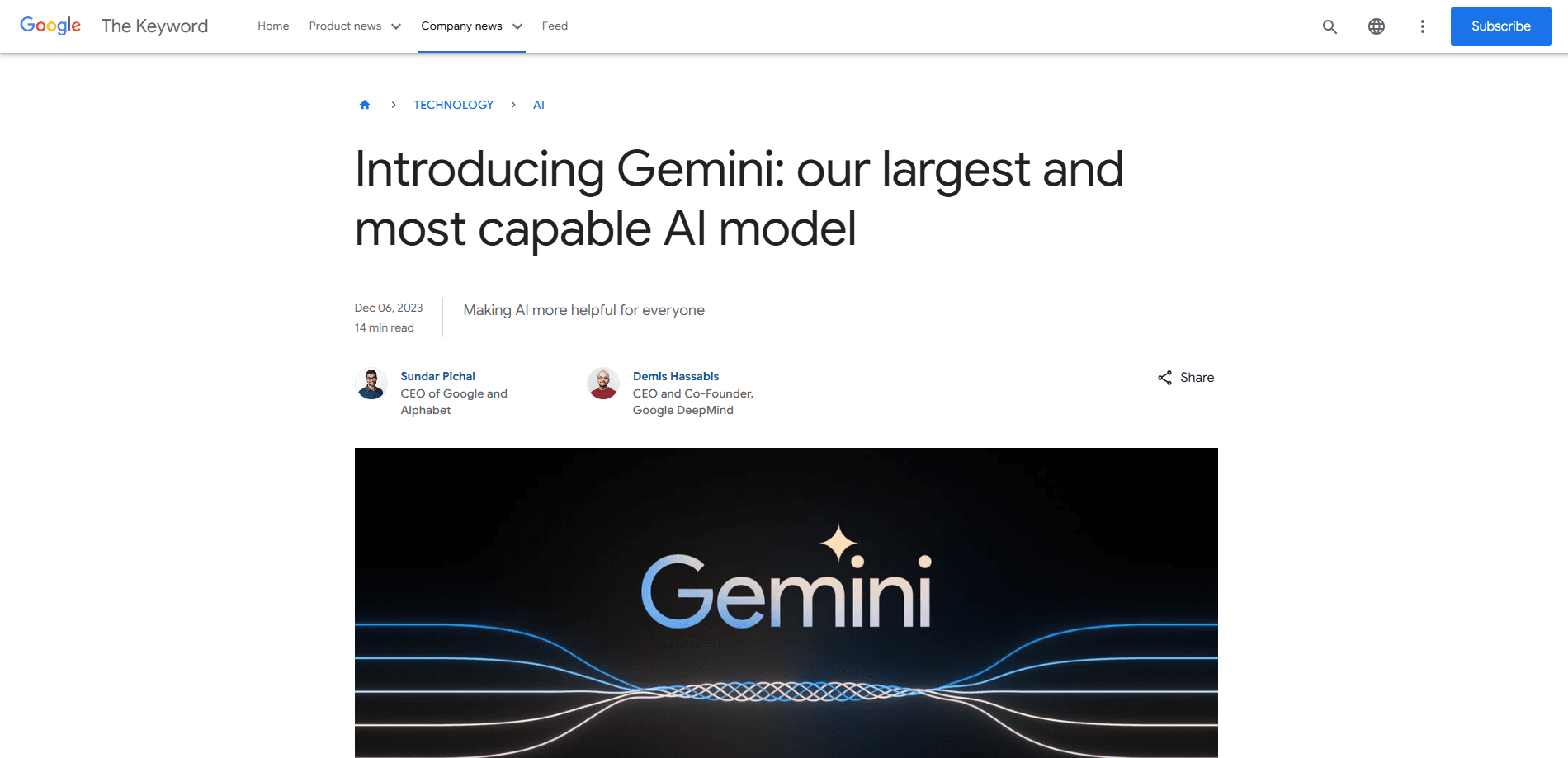
About Gemini
What Is Gemini
Gemini is a family of AI models from Google DeepMind, first shown in December 2023. Unlike older systems that bolted vision onto a text model, Gemini was trained on text, images, audio, video, and code from the start. That's why it can look at a chart, listen to a clip, and reason across both in the same reply.
Most people meet Gemini in two places. One is the consumer app at gemini.google.com, on Android, and on iOS, where you type prompts, upload files, or talk through Gemini Live. The other is the API, which developers call from Google AI Studio or Vertex AI to build their own tools and agents.
The catch is the tier system. Google keeps pushing the strongest models behind paid plans, and in October 2025 the Gemini free tier dropped to just Flash-Lite. If you lean on Gemini Pro for code or long-document analysis, check Gemini pricing before you commit, since that work now needs a subscription.
Getting Started
- Open gemini.google.com or install the Gemini app on Android or iOS, then sign in with a Google account.
- Start a chat and pick a model from the dropdown if your plan offers more than one.
- Add a file with the plus button to upload an image, PDF, or spreadsheet, or switch on Gemini Live for spoken back and forth.
- Read the answer, then refine your prompt or ask a follow-up to shape the output.
- For developers, grab a key in Google AI Studio and call the Gemini API from your own app.
Product Information
A quick look at Gemini's pricing, supported platforms, and performance.
Best for
The users, tasks, and scenarios where this tool fits best.
Users
- Students
- Writers and researchers
- Developers
Tasks
- Summarizing a long report
- Drafting and rewriting text
- Reading images and screenshots
- Answering questions with fresh facts
Scenarios
- Studying for an exam on the train
- Sorting through a pile of research
- Prototyping a small tool
Key features
Native Multimodal Input
As an AI model by Google, Gemini reads text, images, audio, video, and code together rather than treating each as a separate job. You can drop in a photo of a whiteboard and ask it to turn the notes into a to-do list, or feed a video and ask what happens at a given moment. This shared footing across formats is the core of what Gemini is.
A Long Context Window
The paid models, Gemini Pro included, handle up to a million tokens of input, enough for a book or a whole codebase in one go. That matters when you need answers that depend on details scattered across a long document, not just the first page. Flash and Pro both lean on this for document and code work.
Gemini Live
Gemini Live lets you talk to the model and share your screen or camera in real time. You can brainstorm out loud, point the camera at something, and ask about what it sees. It's the feature that makes the phone feel less like a search box and more like a conversation.
Deep Research
Deep Research runs several search steps on its own, then writes up what it found as a report with sources. Instead of skimming ten tabs, you get a single summary you can push back on. It's built for the early stage of a project, when you're still mapping the ground.
Image Generation and Editing
With the Nano Banana image model, Gemini creates and edits pictures from a prompt. You can apply lighting controls, merge a few images into a mockup, or design a poster and resize it. Image generation stays available even on the free tier, which sets it apart from the models that got locked down.
Gemini API for Builders
The Gemini API gives developers a way to put the model inside their own products, with SDKs for Python, JavaScript, Go, and Java. You can start on a free tier without a credit card and scale to paid as your user base grows. Android and Apple client SDKs skip the need for your own backend.
Pros and cons
Pros
- Handles text, image, audio, video, and code in one model, so you don't juggle separate tools.
- Long context up to a million tokens lets it work through books and large codebases.
- Deep ties to Google products like Gmail, Docs, and Search give answers more context.
- Free API tier means developers can test ideas without paying upfront.
- Image generation stays open on the free plan.
Cons
- The free tier dropped to Flash-Lite in October 2025, so complex reasoning now needs a paid plan.
- Pro models and Deep Think sit behind AI Pro at $19.99/mo or higher, which adds up for heavy use.
- Usage is metered by compute now, so a long or complex task burns your quota faster than a simple one.
- Some features, like the Deep Think reasoning mode, are limited to certain regions at launch.
Frequently asked questions
Gemini covers everyday questions, writing, summarizing long documents, reading images and video, coding help, and research. You can use it as a chatbot, a study aid, or the engine behind your own app through the API.
Related content
Explore related tools, skills, and articles for Gemini.
Gemini Alternatives

Odyssey 3
Odyssey · OtherOdyssey-3 is Odyssey's foundation world model. It simulates physics in real time, turns a prompt into an interactive environment, and adapts to robots, cars and games.

JarvisCore
Prescott Data · Coding · Productivity · OtherJarvisCore is an open source Python runtime where AI agents work as equal peers on an agent mesh, claim tasks from a shared ledger, and reach external services through a zero-trust broker.
Clef
Cloudflare · Business · OtherClef is Cloudflare's open-source decision model for Workers AI. It returns calibrated probabilities for typed questions, not generated text, so agents can classify, route, and act fast.