

Gempod
David Pfluegl · Leaning
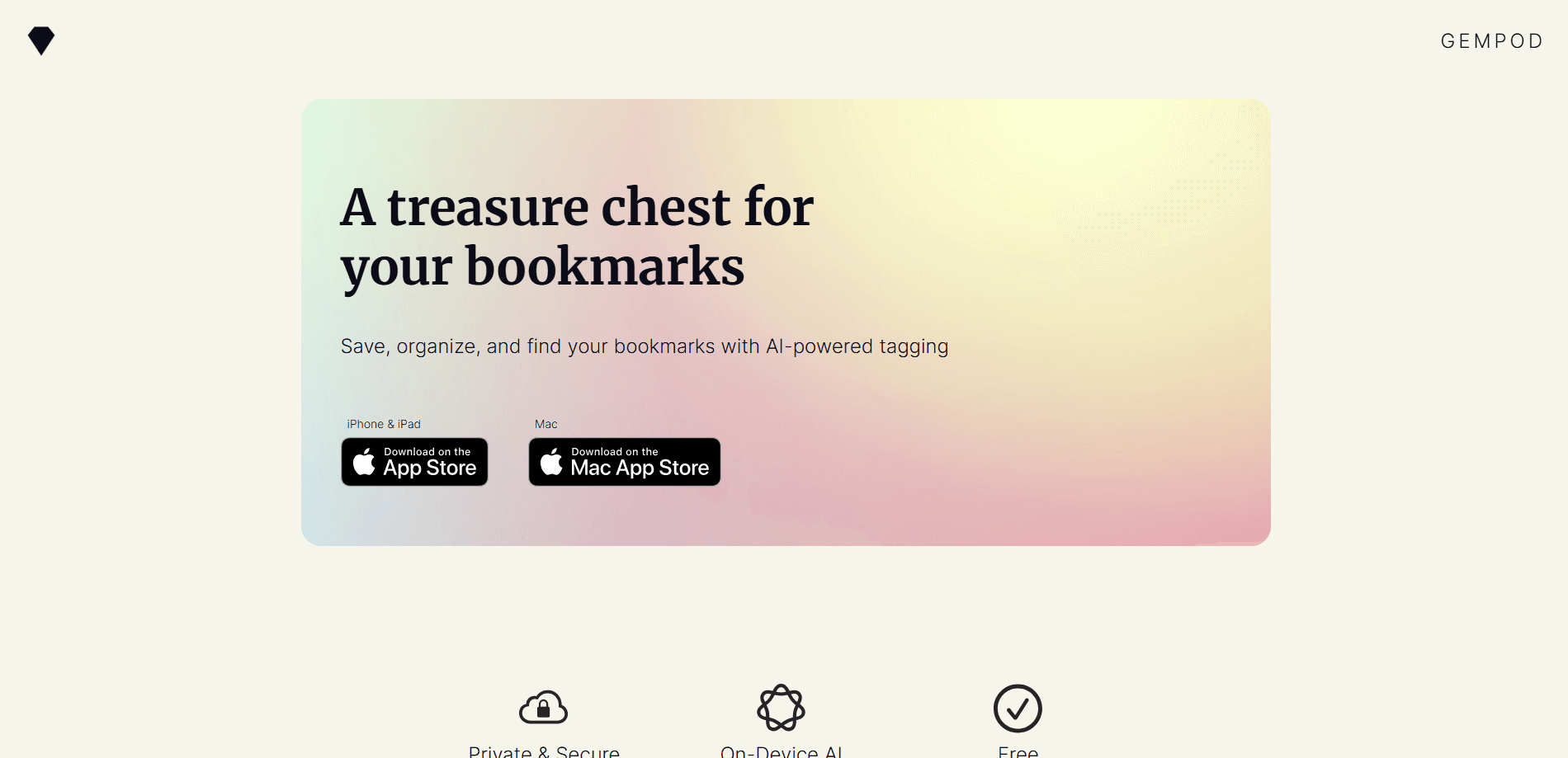
Gempod is a bookmark organizer for Mac that saves links from any app and lets on-device AI sort them for you. You drop a link, and the app suggests a category, a set of tags, and a short summary so you can find it later without building folders by hand. It runs on your own machine, syncs through iCloud, and costs nothing.
About Gempod
What Is Gempod
Gempod is an AI bookmark manager built for people who save links faster than they can organize them. If your reading list has turned into a graveyard of open tabs and half-read articles, this tool is aimed at you: it takes a link, runs it through Apple Intelligence on your Mac, and hands back a category, tags, and a one-line summary.
The pitch is privacy first. There's no account to create, nothing lands on a server, and your collection syncs across your Apple devices through your own iCloud. The developer, David Pfluegl, states the app collects no data.
The catch is the platform. Gempod is Mac-only and needs macOS 26.0 or newer. The smart sorting runs on Apple Intelligence, so if your Mac doesn't support it, the automatic categories and tags won't appear. That's a real limit worth knowing before you commit.
Getting Started
- Download Gempod from the Mac App Store and open it. No sign-up or login is required.
- Save a link from any app by sending it through the share sheet.
- Let the on-device AI suggest a category, tags, and a summary for the new bookmark.
- Search or filter your collection to pull up a saved link when you need it.
- Turn on iCloud so your bookmarks follow you across your other Apple devices.
Product Information
A quick look at Gempod's pricing, supported platforms, and performance.
Best for
The users, tasks, and scenarios where this tool fits best.
Users
- Researchers
- Developers and designers
- Students
Tasks
- Saving links from any app
- Auto-tagging a messy reading list
- Finding an old link fast
Scenarios
- Building a research collection over months
- Saving product and tool links while browsing
- Syncing bookmarks across an iPhone and a Mac
Key features
On-Device AI Categorization and Tagging
The core of Gempod is the AI that looks at a saved link and proposes a category plus a set of tags. It runs on your Mac through Apple Intelligence, so the analysis happens locally rather than on a remote server. For anyone who's tired of building a folder structure by hand, the appeal is obvious: you save first and sort never. The trade-off is that the feature depends on hardware, and older Macs without Apple Intelligence get a plain bookmark list instead.
Automatic Bookmark Summaries
Each bookmark can come with a short summary the app writes for you, which turns a wall of bare URLs into something you can actually scan. When you're hunting for that one article you saved weeks ago, a summary beats a title you've half forgotten. It's the kind of small thing that decides whether a bookmark tool gets used daily or abandoned.
Save From Any App via the Share Sheet
Gempod takes links through the macOS share sheet, so anything that can share a URL can feed your collection. That covers browsers, note apps, and most places you'd stumble onto something worth keeping. It removes the usual friction of copying a URL and pasting it somewhere else, which is exactly why so many saved links never make it out of the moment.
iCloud Sync Across Apple Devices
Your library syncs through your own iCloud account, which keeps a Mac and an iPhone on the same page without you running a sync job. Because the data moves through iCloud rather than the developer's servers, there's no third-party account sitting between you and your bookmarks. It's a quiet convenience, and for privacy-minded users it's also the point.
Search and Filtering
Once links pile up, search and filters are how you actually retrieve anything. Gempod lets you narrow your collection by category and tag, and the AI-written summaries feed into that search, so a vague memory of what a link was about can still surface it. The tool stays useful at a few hundred bookmarks, not just the first twenty.
A Minimal Interface Built to Stay Out of the Way
The app keeps its interface small on purpose. There's no dashboard full of stats, no gamified streak, no onboarding maze. That restraint matters for a utility you open dozens of times a day, because every extra tap is a tax. It's a tool that behaves like a tool.
No Ads, No Tracking, No Premium Tier
Gempod is free, with no ads, no tracking, and no paid tier lurking behind the free one. You won't hit a paywall after your fiftieth bookmark, and you won't be nudged toward a subscription. It's a free bookmark app in the truest sense. For a category full of tools that ration features by price, that's a genuinely different deal.
Pros and cons
Pros
- Completely free, with no ads or premium upsell to work around later.
- On-device AI keeps your bookmark data on your Mac instead of a server.
- Automatic categories, tags, and summaries remove the manual filing chore.
- iCloud sync keeps your collection consistent across Apple devices.
- Minimal interface that doesn't bury the basics behind menus.
Cons
- Mac-only and needs macOS 26.0 or newer, so Windows, Android, and older Macs can't run it.
- The AI features require Apple Intelligence, which means older Macs fall back to a manual list with no auto-sorting.
- It's a young app with few reviews, so there's little track record to lean on yet.
Frequently asked questions
Gempod saves and organizes bookmarks on your Mac. It takes a link, runs it through on-device AI, and suggests a category, tags, and a summary so you can find it later without building folders yourself.
Related content
Explore related tools, skills, and articles for Gempod.
Gempod Alternatives

Kaggle AI
Google · Coding · LeaningKaggle AI is a community platform where people build, test, and compare machine learning models against shared data. It combines data science competitions, tens of thousands of public datasets, and free cloud notebooks with GPU and TPU access, so anyone with a browser can train a model without buying hardware. Google owns the platform, and joining costs nothing.

Bunch
Bunch AI · Leaning · BusinessBunch is an AI leadership coaching app that turns a few spare minutes a day into real management practice. It hands you one short, personalized tip each day, tracks how you respond, and lets you compare notes with peers inside private groups. The pitch is simple: you lead better by practicing a little, often, instead of sitting through a weekend seminar. Think of it as a leadership training app you actually open.

AI Mock Interview
SQLPad · Coding · LeaningAI Mock Interview is a practice tool built into SQLPad that simulates real job interviews and gives you instant feedback on both what you say and how you say it. You pick a role template or upload a job description, answer questions out loud in real time, and then review a transcript with notes on structure, clarity, and grammar. It's aimed at data professionals prepping for SQL, Python, data engineering, machine learning, and system design roles, and it works entirely in the browser. No install needed.