

Generate Ads AI
AdKit · Marketing
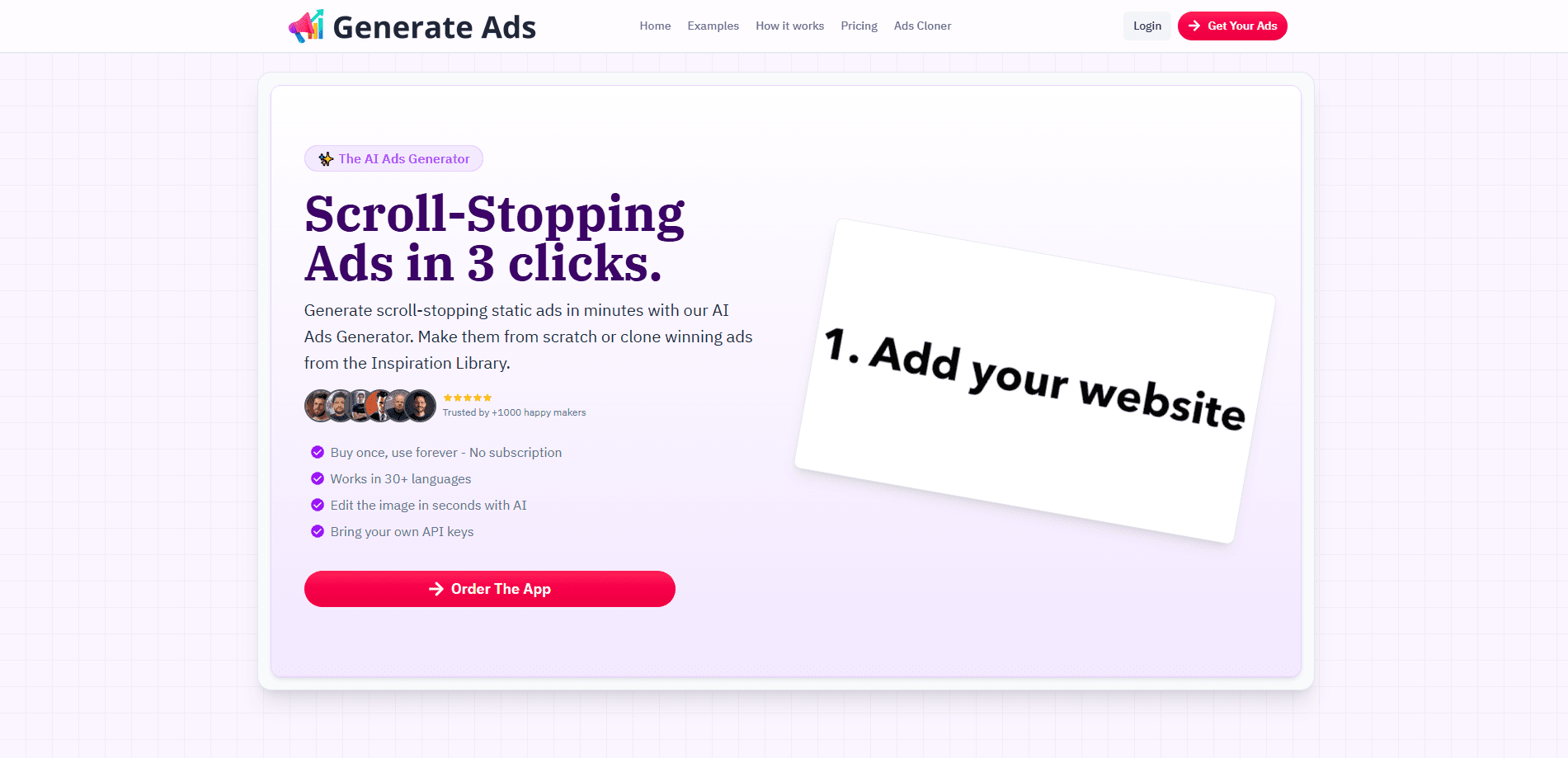
Generate Ads AI is an AI ad generator that clones or creates static social ads from a brief, running on your own OpenAI or Gemini API key.
About Generate Ads AI
What Is Generate Ads AI
Generate Ads AI is an AI ad generator for static creatives, the still images and copy that run in Meta, Google and LinkedIn feeds. You describe a product or point at an ad that's already working, and the tool acts as an ad creative generator that returns a finished piece you can edit in seconds. As a static ad creator, it suits the stills that fill paid social rather than video. The tool sits inside AdKit, a larger ad platform, and shows up as the "AI Ads Generator" feature there.
The pitch is aimed at people who keep a steady stream of ads going and hate the slow part. Instead of briefing a designer or grinding through templates, you clone a competitor's layout or start from a prompt and adjust the result. A library of more than 100,000 ads gives you something to copy from when you'd rather not start blank.
The big catch is the pricing model. You bring your own API key, so the tool itself doesn't sell credits or charge per ad. That keeps the cost low, but it also means you pay OpenAI or Google directly for every image you generate, and the output quality tracks whichever model you pick.
Getting Started
- Sign up for AdKit and open the AI Ads Generator, which comes with every plan.
- Add your own OpenAI or Gemini API key in the settings.
- Browse the ad library for a winning layout, or write a brief for the creative you want.
- Generate the ad, then edit the image and copy until it fits your brand.
- Save the creative to a project and export it for your campaign.
Product Information
A quick look at Generate Ads AI's pricing, supported platforms, and performance.
Best for
The users, tasks, and scenarios where this tool fits best.
Users
- Small business owners running their own Meta ads
- Marketing agencies juggling several clients
- Performance marketers testing angles fast
- Solo creators and founders without design skills
- E-commerce sellers refreshing product ads
Tasks
- Clone competitor ads
- Writing ad copy
- Creating static ads from a brief
- Editing an existing creative
Scenarios
- Kicking off a new campaign
- Rescuing a fatigued creative
- Running a lean test on a low budget
- Managing several brands at once
Key features
Clone or create ads with AI
The core move is the clone. You take an ad that's already working, and the tool rebuilds it around your product and message, which skips the guesswork of a blank brief. You can also start from scratch when there's nothing worth copying. Either way, the result lands as an editable creative rather than a locked file.
Bring your own API key
Generate Ads AI runs on your OpenAI or Gemini API key, so the platform doesn't sell credits or tack on a per-ad fee. You pay the model provider for what you actually generate, and the note from the team puts a typical ad around five cents on your own key against fifty cents to two dollars on credit-based tools. The trade-off is that you manage the key and the usage bill yourself.
Ad library with 100,000+ examples
A searchable library of over 100,000 ads gives you inspiration and starting points. You can save the ones you like into a swipe file, then use them as the base for your own versions. This matters most when you're new to a niche and don't yet know what a strong ad looks like.
AI copy alongside the image
The generator produces the headline and the call to action at the same time as the visual, so an ad arrives as a complete unit. That saves the back-and-forth of pairing an image with separate copy. You still edit the text to match your voice before it goes live.
Built into the AdKit workspace
The ad generator sits inside AdKit, the wider platform for finding and running ads. That means your creatives live next to competitor research, ad accounts and reporting in one project. The AI Ads Generator is included on every AdKit plan rather than sold as an add-on.
MCP access for AI agents
AdKit ships an MCP server so AI agents can drive its features, and the ad generator is part of that surface. Teams wiring the platform into an agent workflow can create campaigns from a prompt, which the company pitches as building for agents first.
Pros and cons
Pros
- Cloning a proven layout beats starting from a blank brief, so the first draft is close to usable.
- Running on your own API key keeps per-ad costs low and avoids a markup from the platform.
- A 100,000-plus ad library gives real reference points instead of generic templates.
- Included on every AdKit plan, so you don't pay separately for the ad generator.
- MCP access lets AI agents create campaigns end to end from a single prompt.
Cons
- You need your own OpenAI or Gemini API key, which adds setup and a separate usage bill.
- There's no free plan, so you pay at least $29 a month before generating anything.
- Output quality depends on the model you connect, so results vary with the key you bring.
- It centers on static ads, so video ad creation isn't the tool's focus.
Frequently asked questions
Generate Ads AI builds static social ads as a static ad creator. You clone an ad that's already working or write a brief, and the tool produces an image with matching copy that you can edit. It's aimed at the still creatives that fill Meta, Google and LinkedIn feeds.
Related content
Explore related tools, skills, and articles for Generate Ads AI.
Generate Ads AI Alternatives

ngram 2.0
ngram · Video · Marketingngram 2.0 is an AI video generator for teams. It turns a prompt, a screen recording, or a product URL into a narrated explainer, product demo, or AI avatar video, and every scene stays editable.

shippedit.me
Krawlup · Marketing · Businessshippedit.me now redirects to Krawlup, a web platform that audits SEO, AEO and page speed every week, then hands the fixes to AI coding agents over MCP.

MePersona
MePersona, Inc. · Writing · Productivity · MarketingMePersona is an AI unified inbox for creators. It learns your voice, drafts replies to fan messages from 12 platforms, and sends only what you approve.