
Gentables
GenTable · Coding · Productivity
GenTable is a spreadsheet style tool for benchmarking AI models. Drop in a prompt, add a column per model, and compare output quality, cost, and speed side by side.
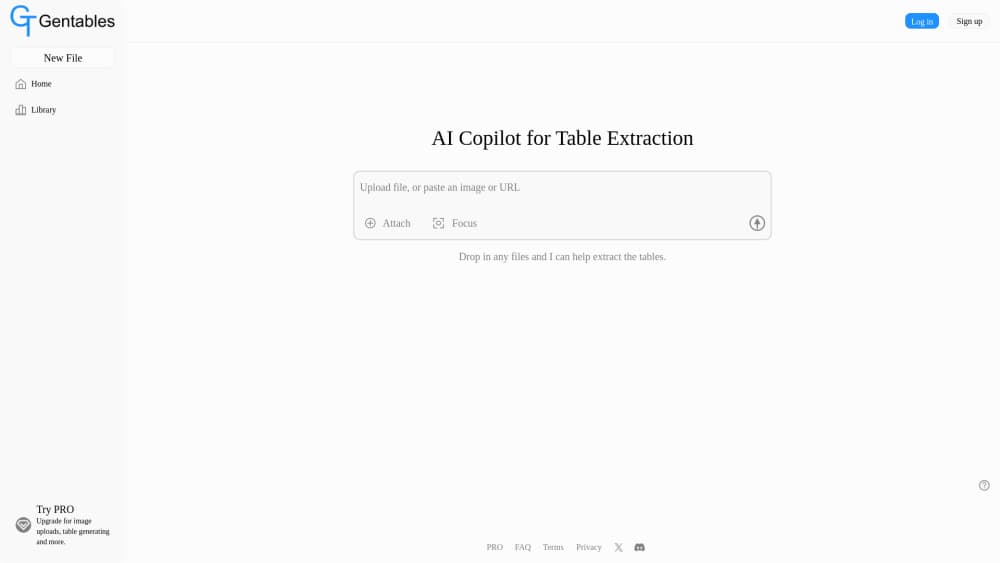
About Gentables
What Is GenTable
GenTable looks like a spreadsheet, but each column is either something you type in or a model you call. You write a prompt in one row, add a column for Claude, GPT, Gemini, Grok, Llama, or Mistral, and the tool fills that column with each model's answer. That single grid is the whole point: it lets you benchmark AI models on your own terms. Instead of juggling test scripts and dashboards, you get one table where the results sit next to each other.
The problem it solves is narrow and real: picking a model for a job is guesswork when you only read benchmark leaderboards. Those scores come from someone else's prompts and traffic. GenTable lets you test the prompts you actually send and see which model wins for your workload, and at what price.
The main limit is scope. GenTable is a benchmarking workspace, not a place to build a production app. You bring your own API keys from each provider, so you pay the providers directly for every run. It fits evaluation and comparison work, not a customer facing product.
Getting Started
- Sign in with Google or GitHub on the GenTable site.
- Add your API keys for the providers you want to test, such as Anthropic, OpenAI, or Google.
- Create a row, type the input you want to test, and add a column for each model.
- Attach an LLM judge to a column to score answers on a 1 to 5 scale, pass or fail, or a category.
- Read the grid to compare quality against time and cost, then revise prompts and rerun.
Product Information
A quick look at Gentables's pricing, supported platforms, and performance.
Best for
The users, tasks, and scenarios where this tool fits best.
Users
- Product teams choosing a model
- Indie developers and solo builders
- Prompt engineers and writers
Tasks
- Comparing output quality across models
- Tracking cost and speed per run
- Prompt scoring with a judge
- Testing prompts on non text output
Scenarios
- Deciding whether to switch models
- Setting up a lightweight evaluation before launch
- Watching for a better model over time
Key features
Spreadsheet Layout With AI Columns
Each column is a manual input or an AI generation, and there are no formulas to write. You add a column per model, and each keeps its own provider config, system prompt, and temperature. Edit an input cell and every AI column that depends on it regenerates on its own. The grid replays that running state in real time so you watch results fill in.
Multi Model Comparison
You can line up Claude, GPT, Gemini, Grok, Llama, and Mistral in the same view, each with separate settings. That makes it easy to see how one prompt lands across providers without rebuilding a test for each. Because columns stay independent, you compare on equal footing rather than against stale defaults.
LLM Judge Scoring
Attach a judge to any column and it grades each row on a 1 to 5 scale, a pass or fail, or a category. This is the core of prompt scoring with a judge: you define the grading rule once, and every row follows it. When you change the judge prompt, it re-judges the existing answers without regenerating them, which saves tokens and time. You still get the raw output, so a score never replaces reading the answer.
Cost and Speed Per Cell
Every cell reports execution time and an estimated cost based on token counts. That lets you weigh a model that is cheap but slow against one that is fast but pricey, using your totals rather than a marketing chart. Over many rows, the small gaps add up, which is where the comparison earns its keep.
New Model Alerts
GenTable can notify you when a new model appears that is faster or cheaper for your workloads. That helps you stay current without rerunning every comparison by hand on a schedule. The alert points you at a candidate, and you decide whether to retest.
Cloud Workspace With Your Keys
The tool runs in the browser and connects through your own provider API keys. You keep control of billing and access, and results live in one workspace rather than scattered across local scripts. Sign in with Google or GitHub to start, and the beta needs no credit card.
Pros and cons
Pros
- Runs one prompt across many models in a single table
- Shows cost and time next to output quality, not in a separate report
- Judge column can re-score answers without regenerating them
- Alerting flags new or cheaper models for your workload
- Free during the open beta, and no card needed to start
Cons
- It is a benchmarking workspace, not a tool for shipping a product
- You supply your own provider API keys, so runs cost money beyond the tool itself
- Public beta means features and pricing can change
- Access needed an account, and there was no public pricing page to confirm paid tiers
Frequently asked questions
GenTable benchmarks AI models against your own prompts. You put a prompt in a row, add a column for each model, and compare answers by quality, cost, and speed. It replaces ad hoc scripts and spreadsheets you would otherwise stitch together by hand.
Related content
Explore related tools, skills, and articles for Gentables.
Gentables Alternatives

Base Code
Base44 (Wix) · Coding · ProductivityBase Code is a shared cloud development environment from Base44. Teammates describe changes to an existing GitHub codebase in chat, preview them live and send them back as pull requests.

Google EmbeddingGemma 2
Google DeepMind · Writing · Image · CodingGoogle EmbeddingGemma 2 is a 740M-parameter open model that turns text, code, images, audio, and video frames into vectors in one 768-dimension space, running on phones and laptops.

GitGlow
GitGlow · Coding · ProductivityGitGlow is a local-first desktop Git client that lets independent developers review their own code and their AI agents' changes in one place before shipping.