

Genysis
Genysis · Writing · Marketing
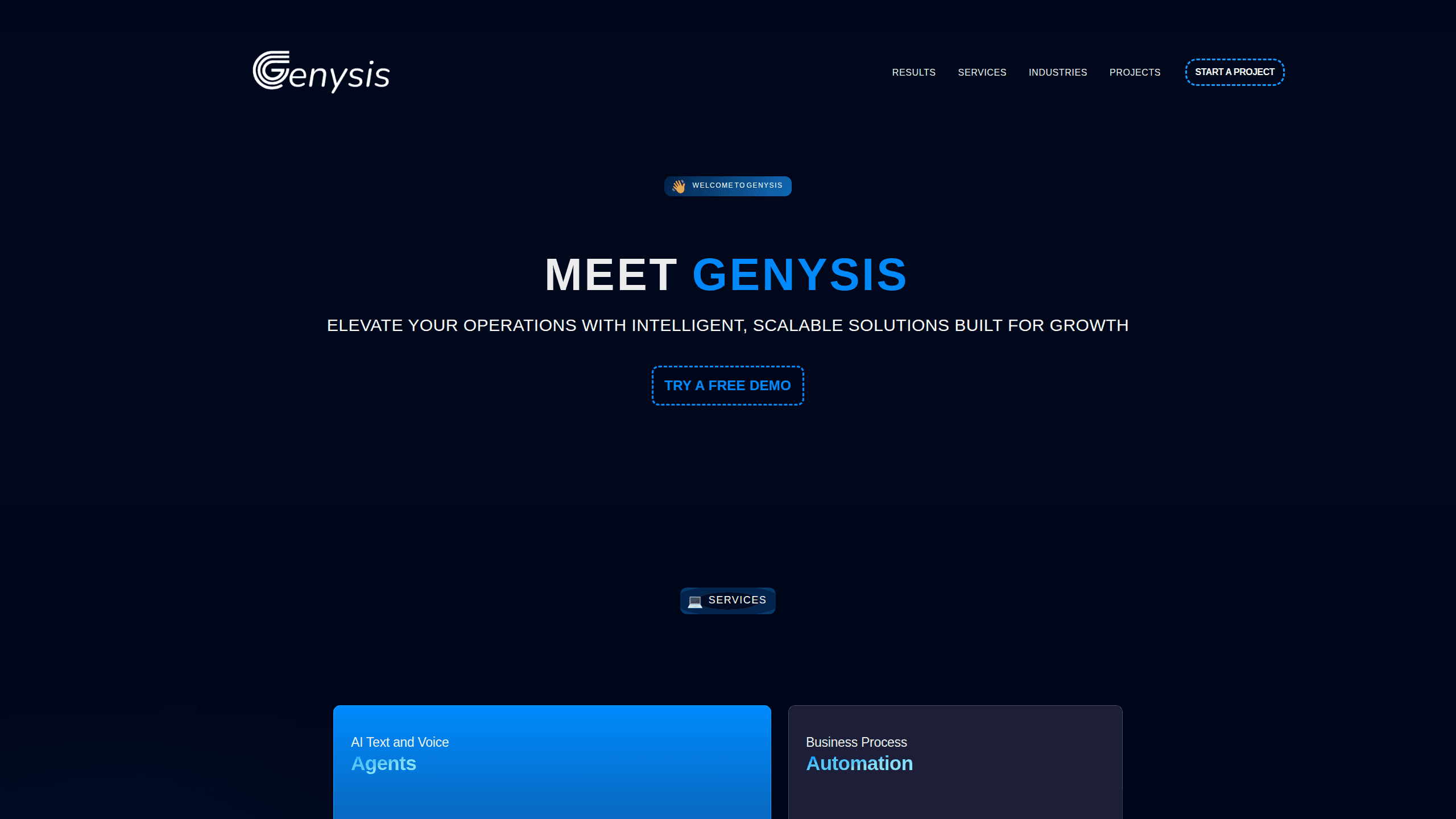
Genysis is an AI article generator for teams that publish at scale. It drafts search-ready posts in 150+ languages, learns your brand voice from existing material, and sends drafts to your CMS.
About Genysis
What Is Genysis
Genysis is an AI content creation platform aimed at the people who keep a blog or a content site full. Marketing teams, SEO specialists and small publishers use it to turn a keyword or a short brief into a full article, then push that article to WordPress, Shopify or Webflow without retyping anything.
The problem it targets is volume. A writer can produce two solid posts a day. A content calendar often needs twenty. Genysis spreads that work across an AI writer that pulls context from your own website, documents and social posts, so drafts sound like the company rather than a generic assistant. Internal and external links, source citations and basic formatting come attached to the draft instead of being added later by hand.
One thing to know before you sign up: the official site at genysis.io stopped responding when we checked in October 2026, and the genysis.ai address now redirects to a parked page. Directory listings still describe a freemium product starting around $49 per month, but nothing is verifiable at the source right now. Treat the details below as a picture of the last published version, not a promise about what runs today.
Getting Started
- Create an account on the Genysis site and pick a plan, or start on the free tier if it's offered at signup.
- Feed the knowledge base with your site URL, brand documents and any pages that already sound right. This step decides how much the drafts resemble your writing.
- Enter a topic or keyword, choose a language and tone, and set the target length.
- Review the draft, adjust headings and claims, then publish through the CMS connection or export the HTML.
Product Information
A quick look at Genysis's pricing, supported platforms, and performance.
Best for
The users, tasks, and scenarios where this tool fits best.
Users
- Content marketers
- SEO specialists
- Small publishers and niche site owners
Tasks
- Filling a blog calendar
- Translating content for new markets
- Drafting product and category pages
Scenarios
- A marketing team with more topics than writers
- Launching a site in a second language
- Agencies running several client blogs
Key features
Article Generation From a Short Brief
Give Genysis a keyword or a sentence about the topic and it returns a structured article with headings, an intro and a conclusion. The point isn't raw word count. Drafts arrive with sections that follow a readable order, so editing means fixing claims and tightening sentences instead of building structure from zero.
Knowledge Base Trained on Your Own Material
You upload site pages, documents and past posts, and the platform uses them as background for every new draft. Facts, product names and phrasing come out closer to how the company actually talks. The catch is maintenance: a stale knowledge base produces stale articles, so it needs a review every few months.
Multilingual Content Generation
The AI content creation platform writes in more than 150 languages, which makes it practical to run the same topic across several markets. Output quality varies by language, and the smaller the language, the more editing it needs. Native speakers should still read the result before it goes live.
On-Page SEO Handled in the Draft
As an SEO article writer, Genysis inserts internal and external links, adds source citations and keeps headings in a hierarchy search engines can parse. That saves the mechanical pass most writers do at the end. It doesn't replace keyword research, and it won't tell you whether a topic deserves an article.
CMS Integration and One-Click Publishing
The CMS integration covers WordPress, Shopify, Webflow and Wix, among others, so approved drafts publish without copy-paste. For teams that want content publishing automation on a less common stack, HTML export still works. Check that your platform is on the supported list before you build a workflow around it.
Control Over Structure and Formatting
You can set article length, heading style, tone and whether the output includes lists, tables or images. Formatting tools keep a series of posts visually consistent across a site. The tradeoff is that heavy templating makes articles look alike, so vary the settings between content clusters.
Pros and cons
Pros
- Drafts come back in minutes, which makes a high publishing cadence realistic for a small team.
- The knowledge base produces copy that sounds like the brand rather than a generic AI writer.
- Internal and external links plus citations land in the draft, cutting the editing pass.
- Publishing to WordPress, Shopify and Webflow works without manual export for most users.
- Language coverage above 150 makes multi-market content possible from one workspace.
Cons
- The official site was unreachable in October 2026, so pricing, plan limits and support can't be confirmed today. Buyers should verify the product is still running before paying.
- Output quality drops in less common languages, and those drafts need a native speaker's edit before publishing.
- The knowledge base only helps if it's current. Old material quietly pulls every article toward outdated facts.
- There's no public API information available, which rules it out for teams that need to wire generation into their own tools.
Frequently asked questions
It turns a keyword or short brief into a full article, then publishes it to a CMS. The work it replaces is the first draft plus the mechanical formatting and linking that follows.
Related content
Explore related tools, skills, and articles for Genysis.
Genysis Alternatives

Google EmbeddingGemma 2
Google DeepMind · Writing · Image · CodingGoogle EmbeddingGemma 2 is a 740M-parameter open model that turns text, code, images, audio, and video frames into vectors in one 768-dimension space, running on phones and laptops.

MePersona
MePersona, Inc. · Writing · Productivity · MarketingMePersona is an AI unified inbox for creators. It learns your voice, drafts replies to fan messages from 12 platforms, and sends only what you approve.

Fluence
Yay Software (Yannick Huchard) · Writing · Voice & Language · ProductivityFluence is an Android app that reads PDFs, EPUBs, Word files and web articles aloud, follows each sentence as it speaks, and answers questions about the text on the phone itself.