

GHOSTYPE
GHOSTYPE · Voice & Language
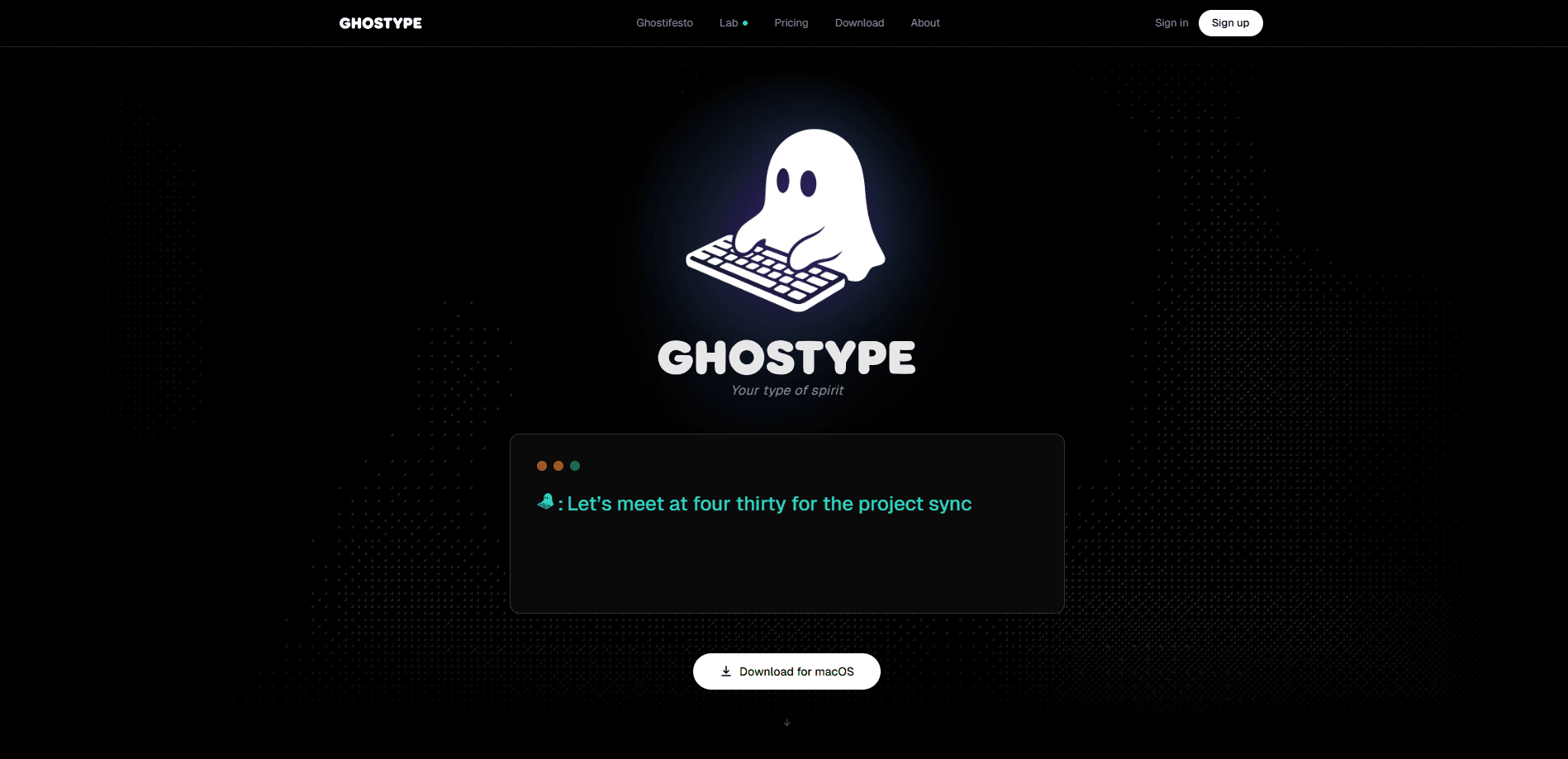
GHOSTYPE is a voice typing app for macOS that turns speech into clean, ready-to-send text inside whatever app you're already using. You hold a hotkey, talk, and release, and your words land as polished text rather than a raw transcript. It works as an AI dictation tool first and a cleanup tool second. It handles the messy parts of dictation too, like filler words, spoken email addresses, and tone adjustments, so you spend less time cleaning up what you said. Talking beats typing. A free plan covers casual use, while Pro lifts the weekly character limit and adds features like per-app writing profiles.
About GHOSTYPE
What Is GHOSTYPE
GHOSTYPE is a dictation app built by the team at GHOSTYPE, the company behind ghostype.one. It's a voice input software for macOS that runs system-wide, which means it works in Slack, Notion, VS Code, or any other app with a text field. The pitch is simple: most people type about 40 words per minute but speak around 150, so talking is roughly 3.75 times faster than typing by the numbers the team cites.
The main problem it solves is the gap between how fast you think and how fast you write. Raw speech-to-text makes that gap worse. Most speech to text for Mac dumps filler words and mistakes into your document, which then needs a pass of editing. That's the problem. GHOSTYPE runs each sentence through an AI polish step before it lands, and you can set how aggressive that cleanup is.
The biggest limitation right now is platform. GHOSTYPE is macOS only, with Windows, iOS, and Android listed as coming soon. If you work on a Windows PC or do most of your writing on a phone, this dictation app for macOS won't help yet. It also leans on a cloud AI step for polishing, so despite the strong on-device privacy story, you do need a connection for its smarter features.
Getting Started
- Download the free macOS build from the GHOSTYPE website and move it into your Applications folder.
- Launch the app and grant it the microphone and accessibility permissions it needs to type into other apps.
- Set your hotkeys, one for straight dictation, one for polish, and one for translation or a quick memo.
- Open any text field, hold the hotkey, speak naturally, then release to insert the polished text.
- Adjust a polish profile if you want a different tone for work email versus casual chat.
Product Information
A quick look at GHOSTYPE's pricing, supported platforms, and performance.
Best for
The users, tasks, and scenarios where this tool fits best.
Users
- Writers and content creators who draft long text and want to speak first drafts instead of typing them. They gain the most.
- Developers and support staff who answer many short messages and want to cut the typing between replies.
- Non-native English speakers who write in English at work and want their phrasing cleaned up on the fly.
- Anyone with wrist strain or repetitive strain issues who wants to reduce keyboard time.
Tasks
- Writing email replies
- Taking quick notes
- Dictating across languages
- Capturing code review comments
Scenarios
- Days packed with back-to-back messages
- Working in a shared or open office
- Drafting in text-heavy apps like Notion or Google Docs
- Jotting thoughts while walking around
Key features
AI Polish With a Threshold
Every sentence GHOSTYPE captures gets refined before it lands, and you control how much. Set a threshold and short phrases stay raw while longer thoughts get a full cleanup pass. That split matters. A quick "sounds good" doesn't need rewriting. A paragraph of reasoning usually does. The result is text you can send without a separate editing round.
In-Line Logic Editing
You can correct yourself mid-sentence without touching a menu or selecting text. Say an email address naturally, like "david dot chen at maker dot com," and GHOSTYPE writes it as [email protected]. The feature handles the small mechanics that make raw dictation frustrating. No stopping, no highlighting, no retyping after every slip.
Suffix Commands
Add "ghost" plus an instruction to the end of a sentence and the tool reshapes your words to match. Say the deadline message you want, then add "ghost recipient is my VP, keep it professional," and the output comes back in a formal register. It's a compact way to control tone and audience. No menus. No keyboard. Just speak.
Polish Profiles per App
One tone doesn't fit every context, so GHOSTYPE lets you set a different writing voice for each app. Professional email, casual texts, and concise code reviews each get their own profile, and you can build custom ones. This is the feature that separates it from general dictation tools. The same sentence can read very differently depending on where it's going, and getting the tone right on the first try matters when you send dozens of messages a day.
Auto Enter on Release
With Auto Enter turned on, releasing the hotkey sends your message right away. You can configure it per app, including Cmd+Enter, so a chat reply fires the instant you stop talking. It removes the last few clicks from a message-heavy workflow. Leaving it off in apps where you'd rather review before sending is the safer call, especially when a typo in a contract or a client email costs more than the second you save.
Privacy-First Design
GHOSTYPE says your voice and personal data stay on your device, and the team states it never stores your input or uses it for AI training. Voice history lives on your machine, not on a server. For people dictating sensitive work, that's a meaningful difference from cloud-only transcription services. A local ASR model is listed as coming soon. That would push more processing onto the device.
System-Wide Insertion and Language Switching
Because GHOSTYPE works at the system level, one tool covers every app you write in. It also switches between Chinese and English without toggling input methods, and supports more than 100 languages overall. For bilingual users, that removes a constant source of friction. Why juggle input methods when you can just talk?
Pros and cons
Pros
- Speeds up writing dramatically for anyone whose thinking outpaces their typing.
- The AI polish step means dictated text is often send-ready, cutting the editing pass.
- Per-app profiles keep tone appropriate across work email, chat, and code.
- The privacy stance, with no training on your data and history kept local, suits sensitive work.
- System-wide support means it works in whatever app you already use, with no per-app setup.
Cons
- macOS only for now, so Windows and mobile users can't use it yet.
- The free plan caps you at 6,000 characters a week, which a heavy writer will hit quickly.
- Polishing relies on a cloud step, so its smarter features need a connection.
- No public API, so it can't be wired into custom or automated workflows.
Frequently asked questions
It's a voice typing tool that turns spoken words into polished text inside any Mac app. Instead of typing a message or draft, you speak it and the tool cleans it up before inserting it. It's aimed at people who want to write faster without editing a raw transcript afterward.
Related content
Explore related tools, skills, and articles for GHOSTYPE.
GHOSTYPE Alternatives

Foley
Hanamori Labs, LLC · Voice & Language · Productivity · AI AssistantFoley is a voice to-do list that turns a spoken sentence into a filed task, complete with project, date and time, then helps you plan the day around what is already there.

HireKey
HireKey · Voice & Language · Productivity · LeaningHireKey is an AI job search copilot built by a former tech recruiter. It checks role fit, tailors resumes, runs interview practice and tracks every application.

Fluence
Yay Software (Yannick Huchard) · Writing · Voice & Language · ProductivityFluence is an Android app that reads PDFs, EPUBs, Word files and web articles aloud, follows each sentence as it speaks, and answers questions about the text on the phone itself.