

Glaze by Raycast
Raycast · Coding
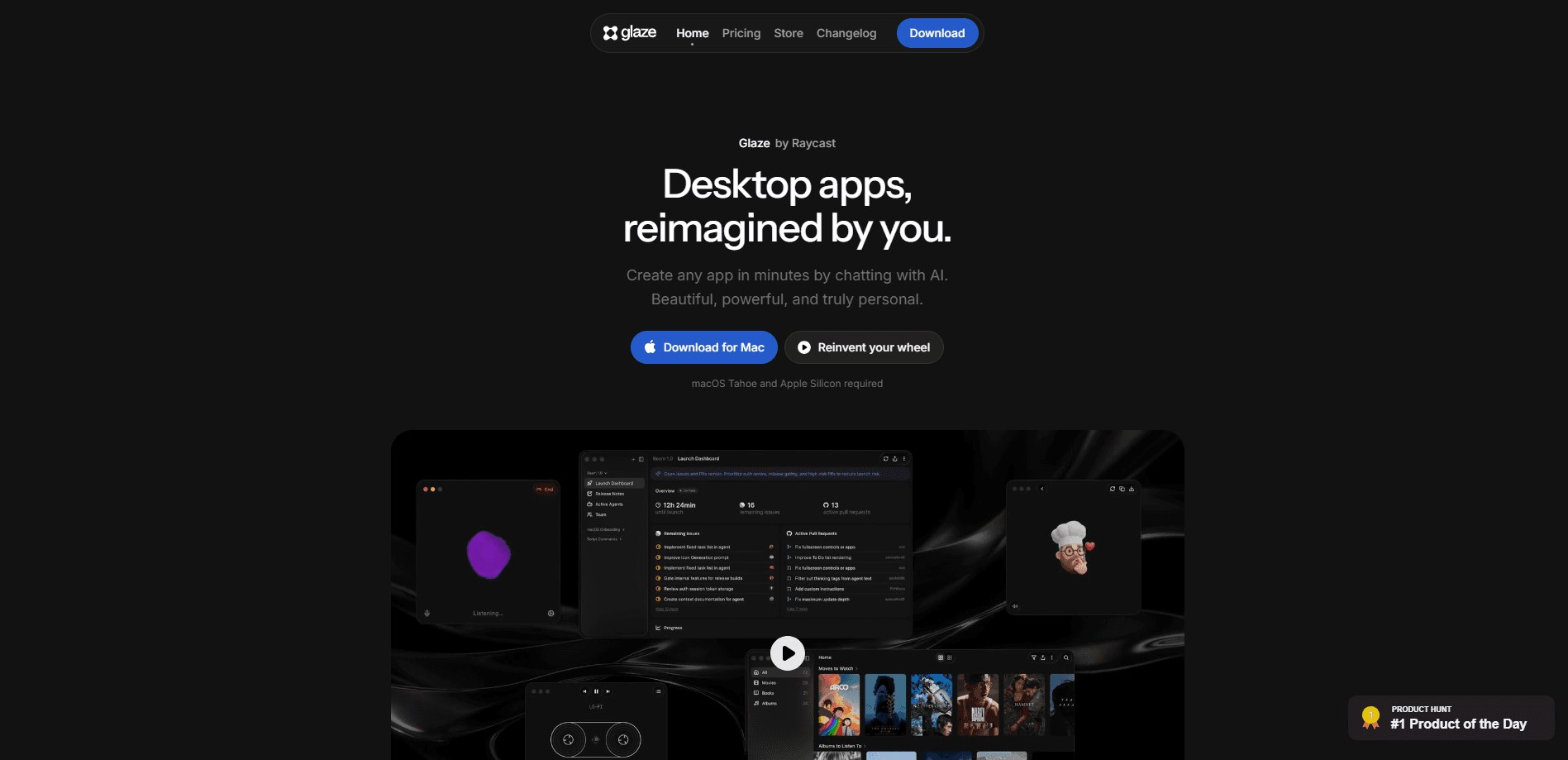
Glaze by Raycast is an AI app builder that turns a plain-language chat into a working macOS desktop app. You describe what you want, an agent writes the code, and the result lives in a folder on your Mac so it launches instantly and keeps working offline. It's built for people who want small personal tools without learning to program, and it plugs into the file system, menu bar, shortcuts, and background tasks the way a native Mac app would.
About Glaze by Raycast
What Is Glaze by Raycast
Glaze is a Mac app that builds other Mac apps. You type a request in plain English, the built-in agent writes the code, and you get a real desktop program rather than a mockup or a web page. Raycast, the company behind the popular launcher, released it in March 2025. So what actually sets it apart from the pile of AI coding tools out there?
The pitch is narrow on purpose. Glaze isn't trying to replace professional development studios. It's a no-code app builder for the tiny tools you'd otherwise build in a spreadsheet or do by hand. Think a spending tracker, a meeting-notes summarizer, a menu bar widget that does one thing well. Everything runs locally, so your apps open in a blink and don't need an internet connection once they're built.
The main limit is the platform. Glaze only runs on macOS Tahoe with Apple Silicon, so Intel Macs are out and Windows or Linux users have to wait. You also lean on credits or your own Claude subscription to build, which matters once the free welcome pack runs out.
Getting Started
- Download Glaze for Mac from the official site and install it. You'll need macOS Tahoe and an Apple Silicon chip.
- Open the app and describe the tool you want in the agent chat. Start small, like "a menu bar timer that logs my sessions."
- Watch the agent build. It writes the code, previews the app, and lets you ask for changes in the same conversation.
- Test the result on your own machine. Your projects live in a normal folder at ~/Glaze/, so you can open them in any editor.
- Publish to the Glaze store if you want others to install it, or keep it private and sit on it.
Product Information
A quick look at Glaze by Raycast's pricing, supported platforms, and performance.
Best for
The users, tasks, and scenarios where this tool fits best.
Users
- Non-programmers with a specific itch to scratch
- Mac power users who already live in Raycast
- Tinkerers who want to remix
Tasks
- Building one-off personal utilities
- Turning a chat idea into a shippable app
- Summarizing and organizing local files
Scenarios
- You want a custom tool over a weekend
- You work offline or on a locked-down network
- You want to publish something small to a community
Key features
Chat-to-App Building
The core loop is a conversation. You type what you want, the agent writes and edits the code, and you refine it by replying. It's the same back-and-forth you'd have with a coding assistant. The difference? The endpoint is a desktop app, not a snippet. People call this vibe coding, and Glaze is built around it. A quick tweak costs little. Building from scratch burns more credits.
Local-First, Offline Apps
Every app Glaze makes runs on your machine, not in a browser tab. That means instant launches and no connection required once it's built. For anyone who's watched a web tool die because a server went down, the appeal is obvious. Your tools are yours. They keep working.
Bring Your Own Agent
Glaze now works with the agents and models you already pay for. Connect a Claude subscription through Claude Code, and Opus, Sonnet, and Fable show up next to Glaze's own models in the picker. Runs on your subscription don't spend Glaze credits and are unlimited on Glaze's side during the beta. Claude's own usage limits still apply.
Projects in the Open
Projects live in a regular folder at ~/Glaze/, not locked inside the app. You can open one in Cursor, Codex, Claude Code, or the Terminal and edit it like any other project. Each folder ships with the instructions and skills an external agent needs to understand, preview, and repackage the app. So macOS app development doesn't stop at the Glaze window.
Deep macOS Integration
Apps built in Glaze can reach into the parts of the system that make Mac software feel native: the file system, the menu bar, shortcuts, and background tasks. A menu bar app can sit quietly and act on a click. A background task can run on a schedule. That's the difference between a toy and something you use daily.
The Glaze Store and Creator Hub
You can publish apps to a public store, browse what others have built, and remix their work. Creator Hub tracks installs, weekly active users, store conversion, and feedback per app, so you can see whether a new release actually moved the needle. On the Team plan you get a private store for internal distribution.
Model Picker with Fast and Smart Modes
Glaze offers its own models alongside connected ones. Fast is open to everyone and uses fewer credits, while Smart taps the most capable models and comes with Pro. Choosing a model is a real cost decision, since more capable models charge more per turn.
Pros and cons
Pros
- Turns plain-language requests into running macOS apps, cutting out the usual setup and build steps.
- Local-first design means apps launch instantly and keep working without an internet connection.
- Projects sit in a plain folder, so you can keep editing in Cursor, Codex, or Claude Code.
- Connecting your own Claude subscription lets you build without spending Glaze credits.
- A public store and remixable projects give you a head start on ideas close to your own.
Cons
- macOS only, and only on Apple Silicon with macOS Tahoe, so Intel Macs and Windows or Linux users are locked out.
- Credits are the currency for Glaze's own models and aren't refundable, so heavy building adds up.
- The product is still in beta, and features like the Team Store and unlimited subscription runs could change.
Frequently asked questions
No. You describe the app you want in plain language and the agent writes it. If you can open the project folder and read code, you'll get more out of it, since you can edit the result directly.
Related content
Explore related tools, skills, and articles for Glaze by Raycast.
Glaze by Raycast Alternatives
Forefront
Forefront · CodingForefront is a web platform for building with open-source AI. It lets you fine-tune leading open-source language models on your own data, evaluate how they perform, and run them through an API or export them to host yourself. Developers who want the convenience of a closed-source platform but insist on owning their models and data are the target audience here.

Startkit
StartKit.AI · CodingStartkit is a boilerplate for building AI SaaS and AI wrapper products. Think of it as an AI startup boilerplate with the boring parts already wired up: authentication, Stripe and Lemon Squeezy payments, usage limits, transactional email, and an AI API starter that talks to OpenAI, Anthropic, Groq, or Llama. You clone the repo, set your price, and start on the part of your product that people actually pay for. It's Next.js under React and Tailwind, so most of the boilerplate code already feels familiar.
Testim
Tricentis · CodingTestim is an AI-powered test automation platform for building and running end-to-end tests across web, mobile, and Salesforce applications. It leans on machine learning to keep tests stable when an interface changes, so teams spend less time fixing broken selectors. Not bad for an automated testing tool you can start using today. You create tests by recording actions in a browser, then optionally add JavaScript when you need more control. It's a solid pick for busy QA teams.