

Glint
Binary Beam · Coding
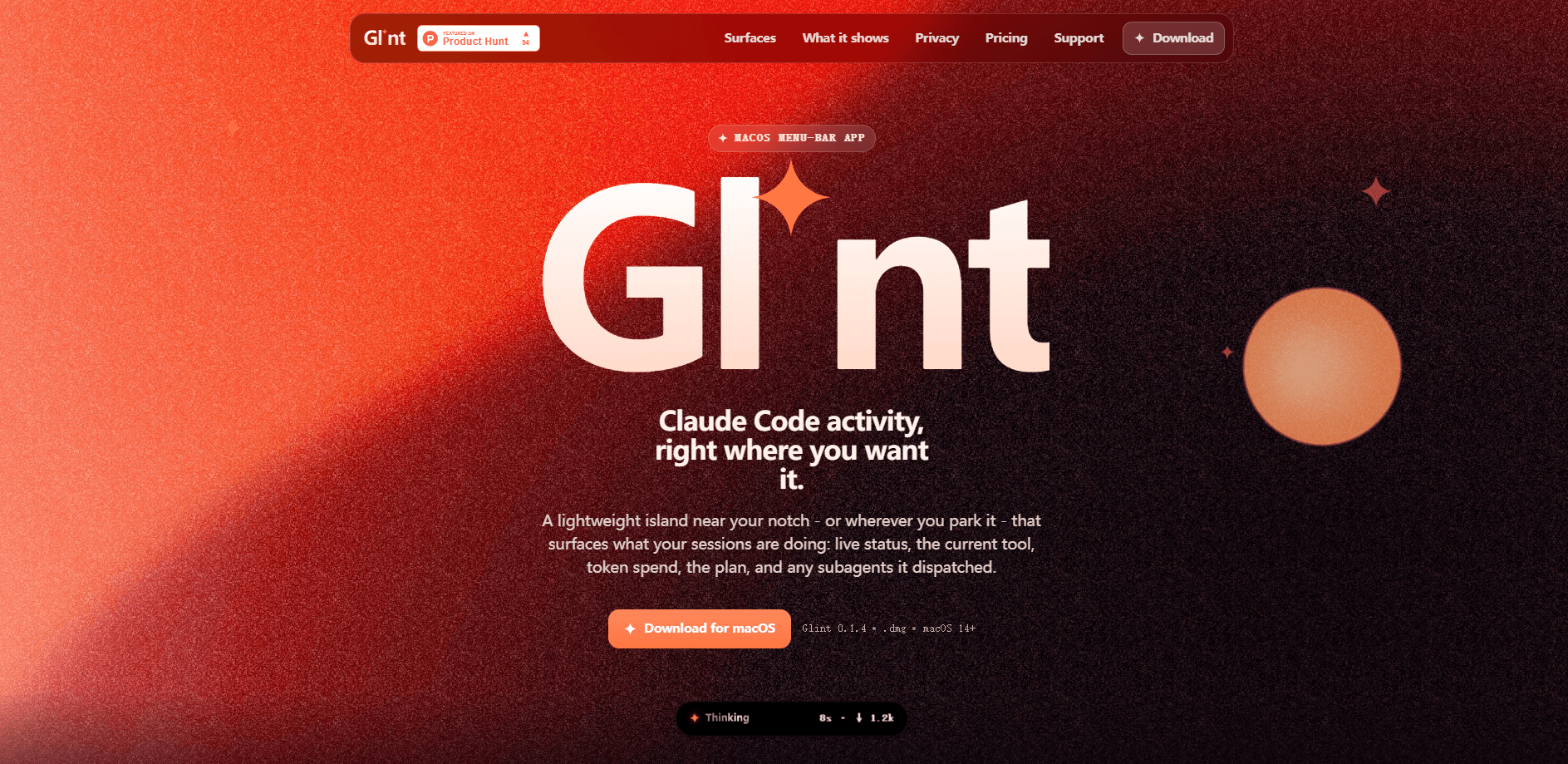
Glint is a lightweight Claude Code tracker for macOS: a menu-bar app that shows what your sessions are doing without forcing you to alt-tab. A small island near the notch, a floating pill, or a bar beside the Dock surfaces live status, the current tool, token spend, the running plan, dispatched subagents, usage meters and a context-window ring. It reads your local session logs, keeps everything on your Mac, and unlocks with a one-time license. For developers wanting a quiet token usage monitor without a dashboard open in a browser, that's the pitch.
About Glint
What Is Glint
Glint is a macOS menu-bar tracker built for people who run an AI coding assistant all day and keep losing their train of thought switching windows to check progress. Think of it as a small developer productivity tool that sits above everything else rather than another window to manage. It watches the session logs that Claude Code writes under ~/.claude, then mirrors that activity into a tiny always-visible surface, so you can see whether a session is idle, thinking, or waiting on you at a glance.
The product is deliberately small in scope. It doesn't edit code. It doesn't run prompts. It reports. When a session delegates work, Glint tells you how many subagents are out and what they're doing. When your context window fills up, a ring flashes red past 90% before auto-compact kicks in. When you're close to a usage limit, the meters show the reset time. The point is simple. Fewer app switches.
The biggest limitation is platform reach. Right now Glint is macOS only, needs macOS 14 or newer, and only shows activity while Claude Code is actually running. Windows and Linux builds are planned but not shipped, and the app is ad-hoc signed, so you clear a Gatekeeper quarantine flag once on first launch. If you work on a Mac with Claude Code, that's a minor setup step. If you don't, this isn't for you yet.
Getting Started
- Download the Glint disk image from the official site and drag
Glint.appinto your Applications folder. - Clear the Gatekeeper quarantine flag once (or launch and use System Settings → Privacy & Security → Open Anyway), then open the app.
- Buy a license on Polar, paste the key into Glint, and it activates on up to two Macs.
- Pick a surface (notch, floating pill, or dock side) and choose which notification sounds you want. Everything is off until you select one.
- Open Claude Code and start a session; Glint begins mirroring status, tokens and context as work runs.
Product Information
A quick look at Glint's pricing, supported platforms, and performance.
Best for
The users, tasks, and scenarios where this tool fits best.
Users
- Solo developers running Claude Code all day
- Developers juggling multiple projects at once
- Anyone anxious about long agent runs
Tasks
- Monitoring token spend per turn
- Tracking subagent fan-out
- Watching context-window pressure
Scenarios
- Long refactors where a session runs for minutes without output
- Full-screen work in another app
- Multi-monitor setups
Key features
Three surfaces, one island
Glint can live in three places at once, each toggled independently. The notch overlay hugs the camera notch like an iOS status island and collapses to a pill, a dot, or nothing when idle. The floating pill is draggable, always-on-top, and works over full-screen apps. The dock-side bar fills empty space beside the Dock and expands upward. You pick what fits your screen. Or run all three.
Live status and the current tool
The island reads Idle, Thinking, or Awaiting (blocked on you) and pairs that with the live tool verb, like "Editing NotchView.swift." Usage-limit lockouts show up too, with their reset time, so a wall you hit mid-task is visible immediately instead of discovered ten minutes later.
Per-turn metrics and usage meters
Output tokens, cost, and elapsed time are matched to Claude Code's own status line and reset on every prompt. Session, weekly, and Sonnet percentages sit alongside their reset times, read from Claude Code itself rather than estimated from a separate API. Your account, plan, and CLI version appear just below. No digging required.
Plan and subagent tracking
The current TodoWrite checklist renders as a live list, ticking off as work lands. When a session delegates, Glint shows how many agents are out and what each is on, which makes parallel agent workflows legible without opening a second terminal.
Context-window ring
A ring mirrors Claude Code's own auto-compact gauge, turning red past 90%. It reads correctly at 200k and 1M context alike. One consistent signal, no guesswork.
Multiple sessions at a glance
The busiest or most-demanding session leads, and the rest list below it in the expanded view, each tagged with its model and reasoning effort, like "claude-fable-5 · Ultracode Xhigh." Sessions named by project make it obvious which repo needs you.
Local-only privacy
Glint reads your local session logs under ~/.claude/projects and renders everything on-device. There are no accounts and no telemetry. The only network call it ever makes is validating your license key with Polar, and your session data never leaves your Mac.
Pros and cons
Pros
- Reduces context switching during long Claude Code runs, which is the whole reason to keep an AI coding assistant monitor in view.
- Reads Claude Code's own numbers instead of estimating, so token, cost and usage figures match what the CLI reports.
- One-time $7 license activates on two Macs, with future updates included and no subscription.
- Local-only by design, with no accounts, no telemetry, and the license check as the single outbound call.
- Supports Claude Code, Codex CLI, and Kiro CLI, so the same island covers more than one assistant.
Cons
- macOS 14+ only, with Apple Silicon assumed; Windows and Linux are promised but not available.
- Only shows activity while Claude Code is running, so it's a companion app rather than a standalone monitor.
- Ad-hoc signed builds mean you clear a Gatekeeper quarantine step on first launch, which will scare off less technical users.
Frequently asked questions
Glint is a macOS menu-bar app that mirrors your Claude Code session activity into a small always-visible island. It shows live status, the current tool, token spend, the running plan, subagents and context-window usage, so you can check progress without switching windows.
Related content
Explore related tools, skills, and articles for Glint.
Glint Alternatives
Forefront
Forefront · CodingForefront is a web platform for building with open-source AI. It lets you fine-tune leading open-source language models on your own data, evaluate how they perform, and run them through an API or export them to host yourself. Developers who want the convenience of a closed-source platform but insist on owning their models and data are the target audience here.

Startkit
StartKit.AI · CodingStartkit is a boilerplate for building AI SaaS and AI wrapper products. Think of it as an AI startup boilerplate with the boring parts already wired up: authentication, Stripe and Lemon Squeezy payments, usage limits, transactional email, and an AI API starter that talks to OpenAI, Anthropic, Groq, or Llama. You clone the repo, set your price, and start on the part of your product that people actually pay for. It's Next.js under React and Tailwind, so most of the boilerplate code already feels familiar.
Testim
Tricentis · CodingTestim is an AI-powered test automation platform for building and running end-to-end tests across web, mobile, and Salesforce applications. It leans on machine learning to keep tests stable when an interface changes, so teams spend less time fixing broken selectors. Not bad for an automated testing tool you can start using today. You create tests by recording actions in a browser, then optionally add JavaScript when you need more control. It's a solid pick for busy QA teams.