
Glyphi: Speed Reader
Vahdet Caliskan · Voice & Language
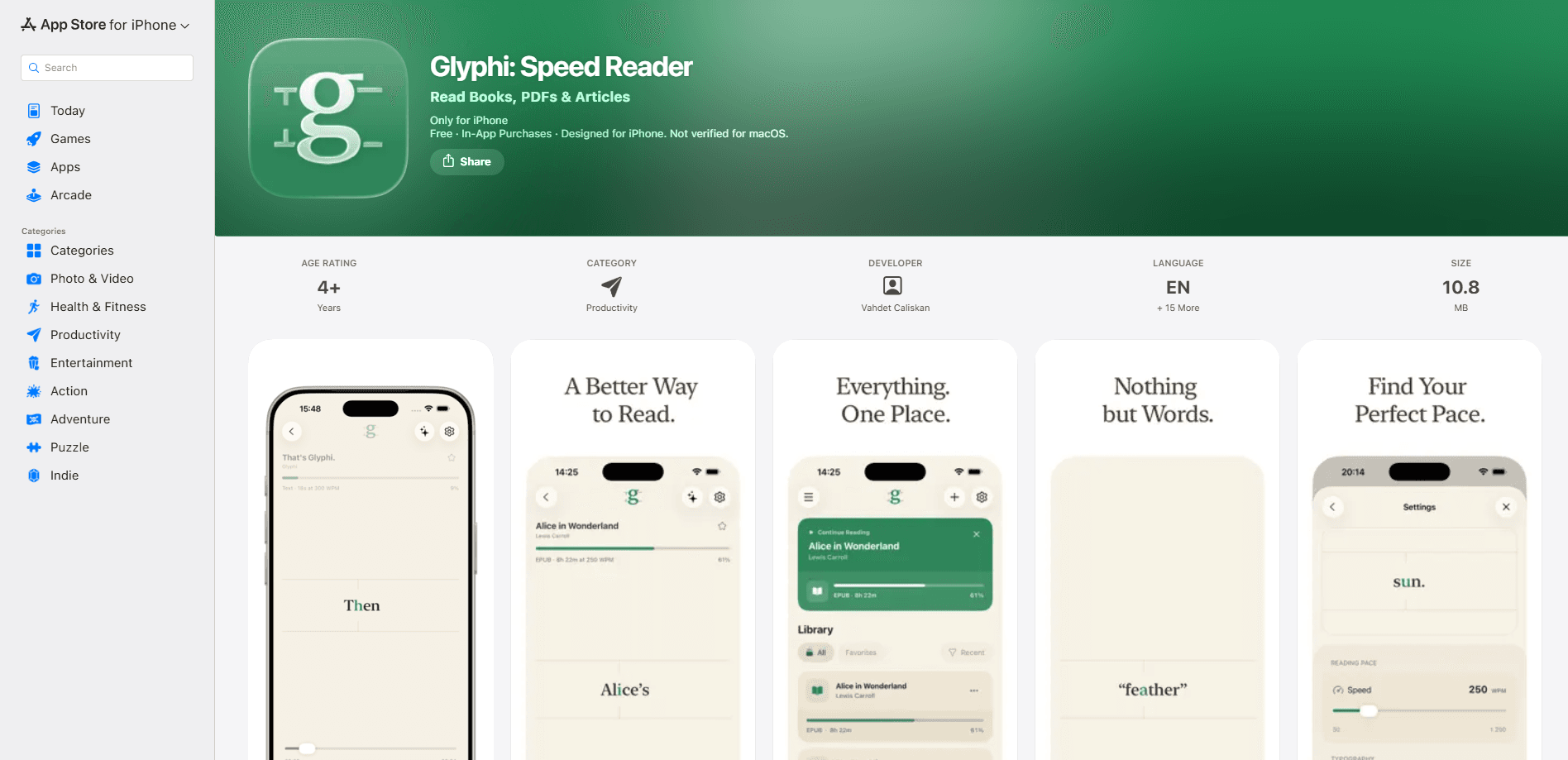
Glyphi: Speed Reader is an RSVP reading app for iPhone and iPad that presents text one word at a time at a pace you choose, so your eyes stop jumping across lines. It imports PDFs, EPUBs, articles, and web pages, paces words with punctuation-aware pauses, tracks your words-per-minute over time, and can generate private on-device summaries on compatible devices. If you want a speed reader for iPhone that doubles as a focus trainer, this is what Glyphi is built to do.
About Glyphi: Speed Reader
What Is Glyphi: Speed Reader
Glyphi: Speed Reader is an iOS reading app built on RSVP, short for Rapid Serial Visual Presentation. Instead of scanning a page line by line, you read words that appear one at a time at a single focal point. That removes the small eye movements most people make between words, which is where a lot of reading time actually goes.
So who is it for? Anyone with a backlog.
The app fits anyone with a backlog: saved articles, textbooks, research papers, and ebooks you keep meaning to finish. You don't need a technical background to use it. Import something, pick a speed, and read.
The main limits are worth knowing up front. It runs on iPhone and iPad only, so there's no Android or web version. The free tier caps you at five saved readings and 550 words per minute, and the on-device AI summaries need a device that supports Apple Intelligence.
Getting Started
- Download Glyphi: Speed Reader from the App Store and open it on your iPhone or iPad.
- Import your first item: a PDF, EPUB, or TXT file, a pasted block of text, or a link you send straight from the iOS Share Sheet.
- Choose a mode and set a comfortable speed, starting relaxed and easing upward as the words feel familiar.
- Read by keeping your eyes fixed on the highlighted focal letter while words flow past.
- Check your progress afterward in the stats view, then adjust your pace for the next session.
Product Information
A quick look at Glyphi: Speed Reader's pricing, supported platforms, and performance.
Best for
The users, tasks, and scenarios where this tool fits best.
Users
- Students
- Professionals
- Lifelong readers and researchers
Tasks
- Reading long PDFs and research papers
- Speed training
- Turning saved web content into a focused read
Scenarios
- Filling dead time with reading
- Pushing through a reading slump
- Building a daily habit
Key features
Two Guided Reading Modes
Glyphi gives you a choice in how words arrive. Single Word Mode uses focal letter guidance, highlighting the spot your eye naturally lands on so recognition stays fast. Flow Mode keeps nearby words visible while the active word holds the center, which restores some of the surrounding context that plain one-word RSVP strips away. You can switch between them whenever a passage calls for it.
Punctuation-Aware Pacing
The app slows slightly at commas and pauses longer at sentence ends, matching the rhythm of natural speech. It sounds like a small thing. It isn't. That's the difference between reading that feels mechanical and reading that feels smooth. The pauses scale with your chosen speed, so a fast session doesn't turn into a blur of run-on sentences.
Import Almost Anything You Read
You can bring PDF, EPUB, and TXT files into the app, write or paste your own text, or send links and text through the iOS Share Sheet. Web articles and supported social posts get extracted into a clean, distraction-free view. Everything lands in an organized library. Mark favorites. Resume at the exact word you left off.
Reading Trainer Sessions
Beyond passive reading, Glyphi runs structured training sessions aimed at speed, comprehension, focus, and endurance. The free tier includes Endurance training, and Premium opens the rest. Think of it as a reading trainer app. Treat pace like a skill you build, not a setting you flip once.
Progress Tracking That Shows Real Numbers
The stats view reports words read, reading time, session count, and average pace. A daily activity calendar and streaks turn that data into something you can actually act on. Library progress is broken down by document type, so you can see whether your PDF reading is lagging behind your ebook reading. Numbers beat guesswork.
Private On-Device AI Summaries
On devices with Apple Intelligence enabled, Glyphi can generate summaries and key points for what you read. The processing happens entirely on device, so your text doesn't leave your phone. The developer notes the AI results can occasionally contain errors, which is fair for any current on-device model. Privacy intact.
iCloud Sync Across Apple Devices
A steady iCloud sync reading app keeps your place without effort. Your library, reading position, settings, training history, and progress sync through your own private iCloud account. Start a document on your iPhone and continue on your iPad. No hunting for your spot.
Custom Reading Display
You can pick Paper, Light, Dark, or Charcoal themes and adjust colors, fonts, text size, weight, text tone, focal letter style, focus guide, and haptics. Hit an unfamiliar term? Tap the active word to open the system dictionary.
Pros and cons
Pros
- Punctuation-aware pacing makes word-by-word reading feel natural rather than robotic.
- Generous import options cover PDF, EPUB, TXT, pasted text, and links from the iOS Share Sheet.
- Progress tracking reports concrete numbers like words read and average pace, so gains are visible.
- On-device AI summaries keep your reading content private.
- iCloud sync keeps your library and position consistent across iPhone and iPad.
Cons
- iOS only, so there's no Android or desktop version if you read across platforms.
- The free tier caps you at five saved readings and 550 WPM, which most regular readers will hit quickly.
- Flow Mode and the summaries need newer hardware, so older devices miss some of the headline features.
Frequently asked questions
Glyphi: Speed Reader is an RSVP reading app for iPhone and iPad that displays text one word at a time at a speed you control, using focal letter guidance to reduce eye movement and keep you focused on the text.
Related content
Explore related tools, skills, and articles for Glyphi: Speed Reader.
Glyphi: Speed Reader Alternatives

Prosp
Prosp · Writing · Voice & Language · MarketingProsp is an AI LinkedIn outreach tool built for agencies and sales teams, and it writes the message and the voice note in your own voice for each prospect so they actually reply. You connect your accounts, find leads, and let the AI draft and send personalized messages at scale, all from one inbox. It's built for people running outbound at volume. That's the whole pitch. Every touchpoint still has to feel human.

Wordly AI Translation
Wordly · Voice & Language · ProductivityWordly AI Translation is a real-time AI translation and captioning platform built for meetings, conferences, and events. It delivers live translation, captions, transcripts, and summaries in more than 60 languages, and attendees join by scanning a QR code or opening a link instead of using dedicated headsets. The platform works with Zoom, Microsoft Teams, Google Meet, and Webex, and it's designed for organizations that want multilingual access without hiring human interpreters for every session. Simple as that.
Musicful
Musicful AI · Voice & Language · VideoMusicful is an AI music generator and AI music video maker that turns text to music in minutes. Give it a text prompt, a set of lyrics, or a hummed melody and it returns a finished track with vocals and instruments. It also doubles as an AI song generator, produces music videos from the songs you create, and offers an AI cover tool plus a developer API. The platform runs in a web browser and through an Android app, so you can start a song on desktop and pick it up on your phone.