

GoClaw - OpenClaw App
Apphive Io · Voice & Language · Chatbot
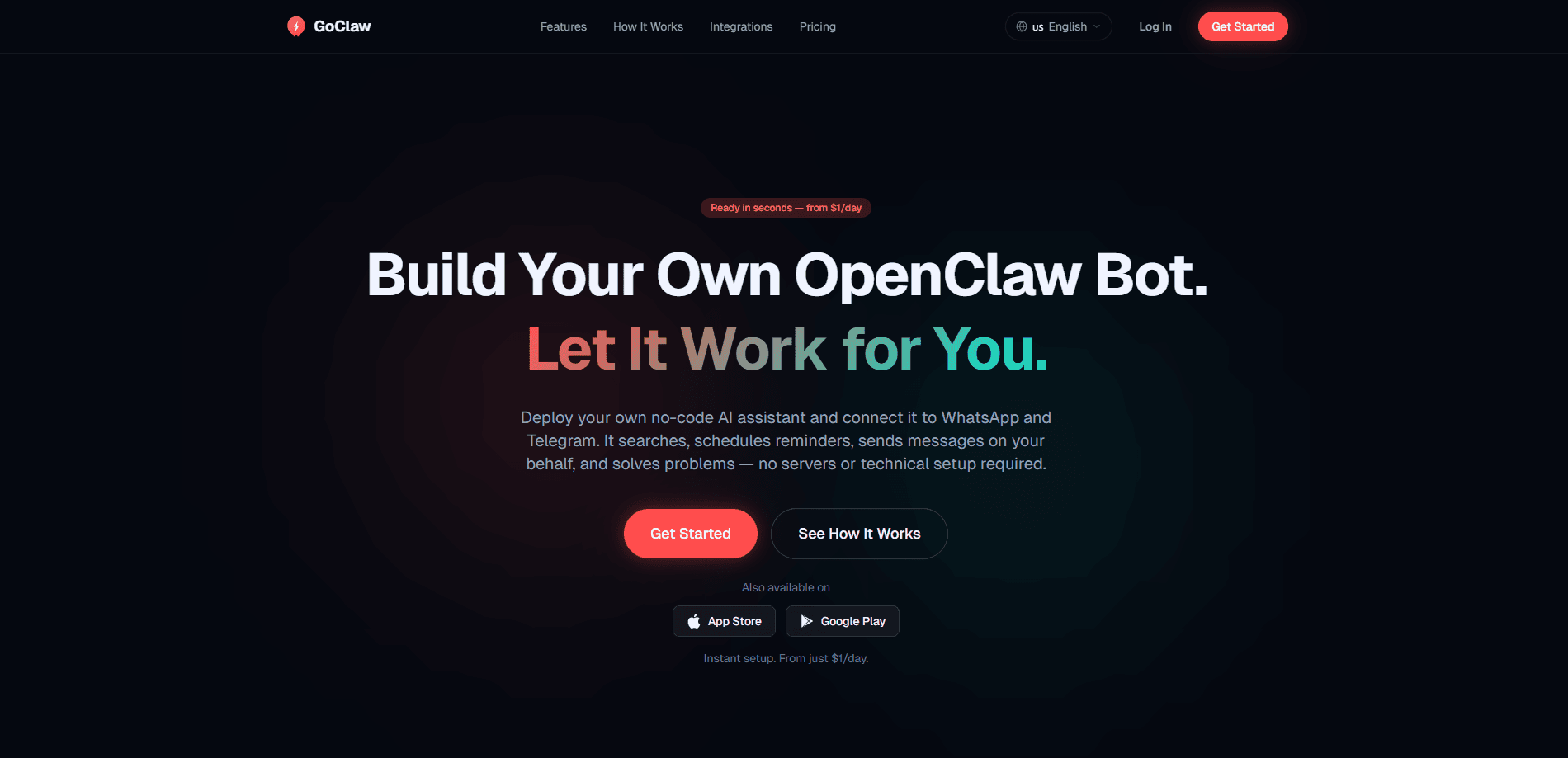
GoClaw - OpenClaw App is a mobile app that turns a chat platform into a personal AI assistant. You pick a plan, connect WhatsApp or Telegram, and the bot starts answering your messages within minutes. It handles web searches, reminders, scheduled messages, and step-by-step problem solving, and it runs each bot in its own isolated environment. The pitch is simple. No server, no code, no technical setup. Call it a no-code AI assistant that lives where you already chat.
About GoClaw - OpenClaw App
What Is GoClaw - OpenClaw App
GoClaw - OpenClaw App is a companion app for running a personal AI assistant bot on messaging platforms you already use. Instead of opening a separate chat window for an AI tool, you message the bot directly in WhatsApp or Telegram, and it responds like any other contact. The app is developed by Apphive Io and stands apart from the open-source OpenClaw project. The App Store listing states plainly that GoClaw is an unofficial app with no affiliation to OpenClaw, which matters if you arrived here expecting the original open-source assistant.
The main problem it targets is setup friction, because running a self-hosted AI assistant usually means wrestling with a server, API keys, and configuration files before you get a single answer. GoClaw replaces all of that with an account, a plan, and a chat connection. That's the whole appeal. For people who want the outcome without the maintenance, the trade is control: you get convenience, but you're relying on GoClaw's hosted service rather than hardware you own.
The limits show up in reviews, where several App Store users report login trouble and confusion over a "privacy mode" screen that leaves the bot unreachable. A few also note that the interface is English-only. Those complaints are worth weighing before you commit, because a bot you can't reach is a bot that does nothing for you. GoClaw works best for straightforward, everyday tasks rather than deep, long-running automation.
Getting Started
- Download GoClaw - OpenClaw App from the App Store or Google Play and create an account.
- Choose a plan during signup, since the bot needs an active plan to run.
- Connect your messaging platform, either WhatsApp or Telegram, from inside the app.
- Send your bot a message on that platform and start assigning tasks like searches, reminders, or scheduled sends.
Product Information
A quick look at GoClaw - OpenClaw App's pricing, supported platforms, and performance.
Best for
The users, tasks, and scenarios where this tool fits best.
Users
- Busy people who live in WhatsApp or Telegram
- Non-technical users who want an AI assistant without a server
- Anyone who wants light automation
Tasks
- Quick web searches
- Reminders and daily reports
- Scheduled messages
- On-the-spot problem solving
Scenarios
- Managing a small team or group chat
- Handling personal errands
- Learning something new
Key features
Chat-Native AI Assistant
The core idea is that the assistant works inside WhatsApp and Telegram rather than a standalone app window, which means you never have to remember to open it. You message it the way you'd message a friend, and it replies on the same platform. That removes the mental switch of opening a separate AI tool. For people who spend their day in chat apps, it keeps everything in one place.
Web Search With Summarized Answers
Ask the bot a question and it pulls a curated summary from the web instead of dumping a list of links. Useful when you want a quick answer. Not a research session. The results are condensed, so you get the gist without opening ten tabs. It won't replace careful reading of primary sources, but it handles everyday lookups well.
Reminders and Daily Reports
You can schedule reminders and set up recurring daily reports through the bot. In short, an AI reminder bot that never forgets. A reminder fires at the time you choose, and a report delivers a summary on a set schedule. This turns the chat into a lightweight task manager that runs quietly in the background, so you stop checking three different apps to remember what you promised someone. It's the kind of thing that saves you from juggling a separate to-do app. No more sticky notes.
Scheduled Messages
GoClaw can send messages to your contacts automatically at a time you set. Say you want to wish someone happy birthday at 9 a.m. or nudge a colleague about a deadline, the bot handles the timing. It fits personal and light business use. Just remember the bot sends on your behalf, so a wrong time or recipient is on you. Double-check the details.
Problem Solving and Step-by-Step Plans
When you're stuck, the bot offers tailored solutions, code snippets, and step-by-step plans, and it lays them out in order so you can work through each one without guessing what comes next. This makes it handy for planning a project or working through a technical snag. It's guidance, not execution, so you still do the work.
Isolated, Encrypted Bots
GoClaw says each bot runs in its own isolated environment and that data uses end-to-end encryption with TLS 1.3 and AES-256, which the company frames as a reason to trust it with your chat history. The company states it doesn't share or sell your information. That's a meaningful claim for anyone sending personal messages through a third-party bot. Treat it as the vendor's stated policy rather than an independently verified audit.
Pros and cons
Pros
- Setup takes minutes, with no server, code, or config files to manage.
- Works inside WhatsApp and Telegram, so there's no new app to learn.
- Combines search, reminders, scheduled messages, and planning in one bot.
- Each bot runs in an isolated environment with stated end-to-end encryption.
- Has a free tier, so you can test the basics before paying.
Cons
- The interface is English-only, which blocks non-English speakers and frustrated several reviewers.
- Multiple App Store users report login and privacy-mode problems, so reliability isn't guaranteed.
- It's an unofficial app with no affiliation to OpenClaw, which surprises people expecting the open-source original.
- No public API, so you can't build custom integrations around the bot.
- Chat apps can block or limit bot messages, which can break reminders or scheduled sends.
Frequently asked questions
It runs a personal AI assistant bot inside WhatsApp or Telegram. You message the bot and it handles tasks like web search, reminders, and scheduled messages, all without you opening a separate tool. Think of it as an AI assistant that lives in your chat list instead of its own app.
Related content
Explore related tools, skills, and articles for GoClaw - OpenClaw App.
GoClaw - OpenClaw App Alternatives

Foley
Hanamori Labs, LLC · Voice & Language · Productivity · AI AssistantFoley is a voice to-do list that turns a spoken sentence into a filed task, complete with project, date and time, then helps you plan the day around what is already there.

HireKey
HireKey · Voice & Language · Productivity · LeaningHireKey is an AI job search copilot built by a former tech recruiter. It checks role fit, tailors resumes, runs interview practice and tracks every application.

Fluence
Yay Software (Yannick Huchard) · Writing · Voice & Language · ProductivityFluence is an Android app that reads PDFs, EPUBs, Word files and web articles aloud, follows each sentence as it speaks, and answers questions about the text on the phone itself.