

GoGenie
GoGenie · Coding
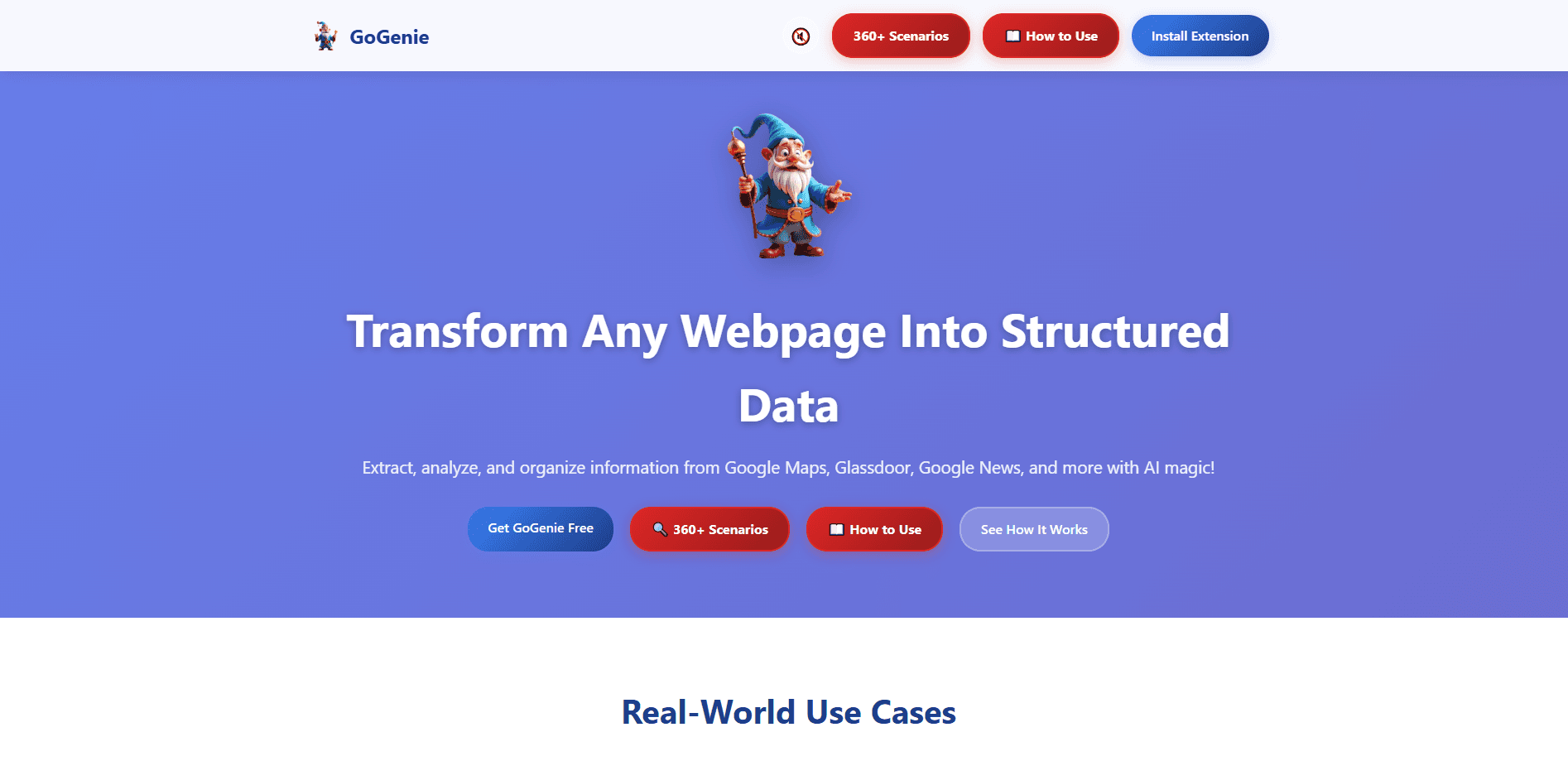
GoGenie is a Chrome extension that pulls structured data from any webpage into tidy tables. It runs on your own Google Gemini API key, so it stays free beyond those API costs. As an AI web data extraction tool, it lets you scrape a webpage to a table without a web scraping tool or any code.
About GoGenie
What Is GoGenie
GoGenie is a Chrome extension for people who need data locked inside web pages but don't want to write scraping code. It leans on AI web data extraction instead. Instead of hunting for a specific selector or building a script, you open a panel on any page and describe what you want. The extension sends the page content to Google's Gemini model through your own API key, then returns the result as a table you can copy or download.
The product targets a wide range of everyday tasks. Its site lists scenarios across e-commerce, real estate, business research, food, and dozens of other fields. A common use is grabbing restaurant names, ratings, and prices from Google Maps, or pulling company ratings and salary ranges from Glassdoor. It also handles Google search results, Google Trends data, and custom picks like email addresses or product prices on any site.
The main constraint is the API key. GoGenie doesn't ship its own AI backend, so you need a Google Gemini API key from Google AI Studio, and usage is billed by Google under their free or paid tiers. Everything you extract is processed locally in your browser, and the key stays in your browser's local storage, never on a GoGenie server. The extension only works in Chrome-based browsers, and complex or heavily scripted pages can still trip up the model.
Getting Started
- Install GoGenie from the Chrome Web Store and pin the icon to your toolbar
- Get a free Google Gemini API key from Google AI Studio and paste it into the GoGenie setup screen
- Open any webpage you want data from, then click the floating genie button to open the panel
- Pick a predefined data type or type a custom instruction like "extract product names and prices"
- Hit Analyze & Extract, then copy or download the table it returns
Product Information
A quick look at GoGenie's pricing, supported platforms, and performance.
Best for
The users, tasks, and scenarios where this tool fits best.
Users
- Market and competitor researchers
- Small business owners
- Students and analysts
Tasks
- Turning search results into tables
- Extracting custom fields
- Summarizing news or trends
Scenarios
- Building a shortlist of restaurants or hotels in a new city from Google Maps
- Comparing company reviews and salary ranges on Glassdoor before an interview
- Collecting product prices across several shop pages for a quick comparison
Key features
AI-Powered Extraction From Any Page
The core feature is the plain-language prompt. You describe the data you want on any website, and GoGenie sends the page to Gemini, which returns the matching rows. This removes the need for structured data extraction by hand, or for a web scraping tool that requires selectors. For pages with clear structure, like tables or repeated cards, it usually returns clean results on the first try.
Predefined Extraction Types
If you don't want to write a prompt, GoGenie offers ready-made modes. Auto-Detect finds all structured data on a page, Tables targets HTML tables, Repeating Elements finds patterns in lists and cards, and Custom Search lets you define your own rules. These presets cut setup time for routine jobs and give newer users a starting point.
Custom Instruction Fields
For specific needs, you type exactly what you want. Examples on the site include "Extract all restaurant names and ratings" and "Get me product prices and reviews." This flexibility covers cases a fixed preset can't, such as pulling email addresses or dates that only appear in stray spots across a page.
Results as Copyable Tables
Every extraction ends in a formatted table rather than raw text. You can read it in the panel, copy it into a spreadsheet, or download it. This is the part that saves the most time in practice, since the messy output of a raw page becomes something you can use right away in Docs, Sheets, or Excel. If your goal is to scrape a webpage to a table, this step is where GoGenie delivers it.
Local Runs With Your Own API Key
GoGenie doesn't operate its own AI server. It uses your Google Gemini API key, stored in your browser's local storage, and processes pages locally. Nothing goes to a GoGenie backend. That design keeps the tool free to install and puts you in control of your data and spending, but it also means you need to bring your own key.
Scenario Library Across Industries
The site publishes a library of use cases spanning e-commerce, business, real estate, food, travel, and more. It's a helpful reference when you aren't sure how to phrase an extraction or which fields to target. It also signals how broad the intended use is, from quick one-off pulls to ongoing research.
Pros and cons
Pros
- Free to install with no subscription, since you supply your own Gemini API key
- No coding needed, so non-technical users can extract data from any page
- Handles both preset types and custom plain-language instructions
- Processes pages locally and keeps your key in browser storage
- Broad scenario library that shows real use cases across many industries
Cons
- Requires a separate Google Gemini API key, which is an extra setup step and can confuse first-time users
- Results depend on Gemini's accuracy, so complex or heavily scripted pages can return incomplete tables
- Chrome-only, with no Firefox or Safari version for users on other browsers
- No built-in API of its own, so it can't be wired into automated workflows beyond the extension
Frequently asked questions
It extracts structured data from webpages and returns it as a table. You open it on any page, describe what you want, and it uses Google's Gemini model to pull matching rows you can copy or download.
Related content
Explore related tools, skills, and articles for GoGenie.
GoGenie Alternatives

Base Code
Base44 (Wix) · Coding · ProductivityBase Code is a shared cloud development environment from Base44. Teammates describe changes to an existing GitHub codebase in chat, preview them live and send them back as pull requests.

Google EmbeddingGemma 2
Google DeepMind · Writing · Image · CodingGoogle EmbeddingGemma 2 is a 740M-parameter open model that turns text, code, images, audio, and video frames into vectors in one 768-dimension space, running on phones and laptops.

GitGlow
GitGlow · Coding · ProductivityGitGlow is a local-first desktop Git client that lets independent developers review their own code and their AI agents' changes in one place before shipping.