

Goldfish
Joel and Kaspian · Writing
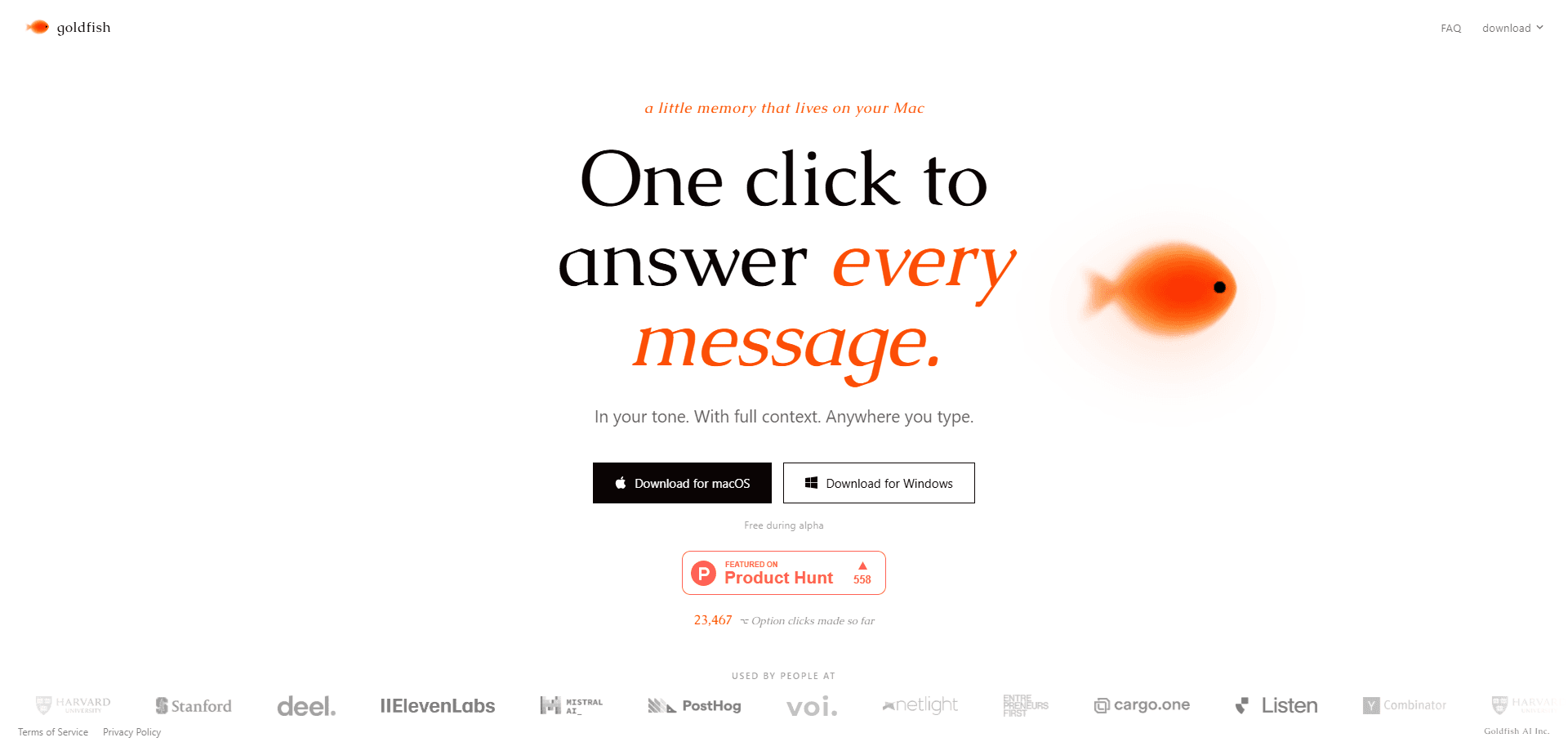
Goldfish is an AI memory app for Mac that remembers what happens across your apps and uses that context to write for you. Press the ⌥ Option key in any text field and it drafts a reply, summary, or continuation in your tone, pulling from whatever is already on your screen. Everything it captures stays in a local database on your machine, not in the cloud. It also connects to Claude Desktop through a local MCP server, so your computer's context follows you into the tools you already use. It's free while in beta.
About Goldfish
What Is Goldfish
Goldfish is a small desktop companion for Mac that solves a specific annoyance: re-explaining your own work to an AI every time you start a new chat. It watches the text on your screen, turns it into searchable local memory, and then uses that memory to help you write. The developer calls it a second brain you can query from anywhere. Simple idea. Hard to pull off.
The product targets people who live in text all day, from email and Slack to Notion, WhatsApp, your browser, and the code editor where you spend most of your working hours. Goldfish works inside any of those tools.
The biggest limitation is scope. Goldfish is built for Mac only, so Windows users are out for now. It also relies on watching screen text, which some people will find uncomfortable regardless of the local-first design. And it's free during the beta, so there's no paid tier yet. No formal support SLA either.
Getting Started
- Download the Goldfish app from the official site and move it into your Applications folder.
- Launch it and grant the screen-reading and accessibility permissions macOS asks for, since the app needs to see on-screen text to build memory.
- Let it run in the background for a while so it can start capturing your work context and building its local memory.
- Press ⌥ Option in any text field to trigger a draft, then tweak the suggestion before you send it.
- Optionally connect Claude Desktop through the local MCP server if you want the same context inside Claude.
Product Information
A quick look at Goldfish's pricing, supported platforms, and performance.
Best for
The users, tasks, and scenarios where this tool fits best.
Users
- Knowledge workers who juggle email, chat, and docs all day
- Writers and support teams who answer the same kinds of messages
- Privacy-conscious users
Tasks
- Replying to messages
- Summarizing and continuing documents
- Catching forgotten follow-ups
Scenarios
- Clearing a backed-up inbox
- Switching between apps on a deadline
- Working inside Claude Desktop
Key features
One-Key Drafting Anywhere You Type
The core interaction is a single keystroke. Hit ⌥ Option in any text field on your Mac and Goldfish reads the screen context, then offers a reply, summary, or continuation. It works in email, Slack, WhatsApp, Notion, your browser, and your editor. No setup. No integrations.
Local Memory Instead of Copy-Paste
Goldfish captures context as your work happens, then turns it into searchable memory stored in a SQLite database on your Mac. That means you stop re-explaining background every time you open a new AI chat. It writes with the context you'd otherwise have to spell out by hand. Not just your tone.
Tone and Workflow Learning
Over time, Goldfish picks up your writing style across apps, scenarios, and people, so drafts read like something you wrote. It also learns your recurring workflows and flags forgotten follow-ups before they slip. Quiet feature. The one that separates a memory app from a plain text generator.
Claude Desktop Connection via Local MCP
Goldfish connects to Claude Desktop through a local MCP server, so your computer's context shows up inside Claude itself, right where you already think and write. If you already use Claude as your main thinking tool, this saves you a window switch. No more hunting for background. The connection runs locally rather than through a hosted middleman.
An Auto-Generated Wiki of Your Work
Beyond one-off drafts, Goldfish builds a browsable wiki of your activity that you can look through when you need to trace back what you were doing and where you left off. That helps most when a project spans days or weeks and your memory of it goes fuzzy. Think of it as an index. An index to your own working memory.
Privacy-First Storage
Your data stays in a local database, and the maker says no one can see it, not even them. AI requests go through Azure OpenAI with zero data retention and no training on your data. For a tool that watches your screen constantly, that design choice matters. It's the difference between usable and creepy.
Pros and cons
Pros
- Removes the copy-paste step from AI-assisted writing by reading screen context directly.
- Keeps memory on-device in a local SQLite database, with zero-retention AI calls.
- Learns your tone and recurring workflows, so drafts need less cleanup over time.
- Connects to Claude Desktop through local MCP, matching an existing workflow instead of replacing it.
- Free during beta, so there's no cost to test whether screen-based memory works for you.
Cons
- Mac only, so anyone on Windows or Linux can't use it at all.
- Watches on-screen text, which some users won't be comfortable with even with local storage.
- Free beta means no paid tier, no public roadmap, and no formal support guarantees.
- No clear API or third-party integration options beyond the Claude Desktop MCP link.
Frequently asked questions
Goldfish captures the context of your work across Mac apps and turns it into searchable local memory. Press ⌥ Option in any text field and it drafts replies, summaries, or continuations in your tone using whatever is on your screen.
Related content
Explore related tools, skills, and articles for Goldfish.
Goldfish Alternatives

Google EmbeddingGemma 2
Google DeepMind · Writing · Image · CodingGoogle EmbeddingGemma 2 is a 740M-parameter open model that turns text, code, images, audio, and video frames into vectors in one 768-dimension space, running on phones and laptops.

MePersona
MePersona, Inc. · Writing · Productivity · MarketingMePersona is an AI unified inbox for creators. It learns your voice, drafts replies to fan messages from 12 platforms, and sends only what you approve.

Fluence
Yay Software (Yannick Huchard) · Writing · Voice & Language · ProductivityFluence is an Android app that reads PDFs, EPUBs, Word files and web articles aloud, follows each sentence as it speaks, and answers questions about the text on the phone itself.