

Google AI Edge Gallery
Google · Other
Google AI Edge Gallery is a free on-device AI app from Google that runs open-source models like Gemma on your phone. Use this offline assistant for private AI chat, transcription, and photo search.
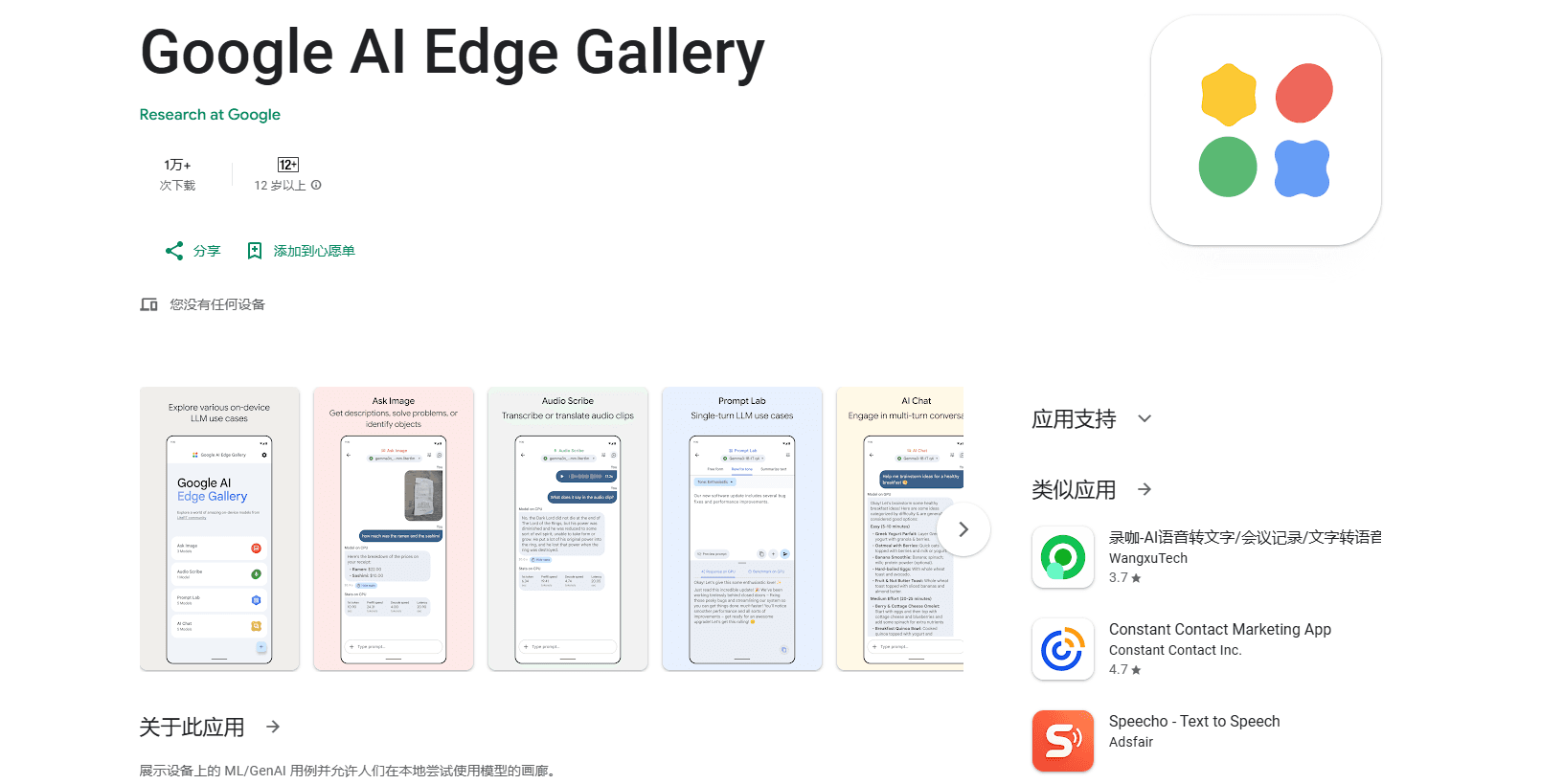
About Google AI Edge Gallery
What Is Google AI Edge Gallery
Google AI Edge Gallery is an experimental Android, iOS, and macOS app that lets you run open-source large language models directly on your own hardware. You download a model once, then chat, transcribe, or analyze images without sending anything to a server. Everything happens on the device.
The appeal is privacy and offline access. Your prompts, photos, and voice recordings stay local, so the app suits people who handle sensitive material or work in places with no reliable connection. It doubles as a test bench: you can load different models and benchmark how each one performs on your specific phone.
The catch is hardware. Bigger models need a recent phone with plenty of RAM, and performance varies a lot from one device to the next. It's a Beta product aimed at tinkerers and developers more than casual users, so some features and model support change between releases.
Getting Started
- Check your OS version. The app needs Android 12 and up or iOS 17 and up, plus a macOS build for desktop.
- Install it from Google Play or the App Store, or grab the APK from the GitHub release page if you have no store access.
- Open the app and pick a model from the built-in list, or load your own custom model file.
- Let the model download once over Wi-Fi, then start a chat or open a task like Ask Image or Audio Scribe.
- Run the benchmark tool if you want to compare how models handle your hardware.
Product Information
A quick look at Google AI Edge Gallery's pricing, supported platforms, and performance.
Best for
The users, tasks, and scenarios where this tool fits best.
Users
- Privacy-focused users
- Developers and tinkerers
- People offline or on weak connections
Tasks
- Private chatting
- Transcribing voice notes
- Searching a photo library
Scenarios
- Handling sensitive work documents
- Testing model performance before buying hardware
- Using AI while traveling without data
Key features
100% On-Device Privacy
All model inference runs on your hardware, and no internet is required. Your prompts, images, and recordings stay on the device, which matters if you handle private or work-sensitive content.
AI Chat with Thinking Mode
Hold fluid multi-turn conversations and toggle Thinking Mode to watch the model work through a problem step by step. It currently supports a limited set of models, starting with the Gemma family.
Ask Image
Point your camera or pick a photo and let the multimodal model identify objects, solve visual puzzles, or give detailed descriptions. It turns the phone into a quick visual assistant for everyday questions.
Audio Scribe
Transcribe and translate voice recordings into text as they run, using on-device models built for efficiency. Useful for meetings, voice notes, or anything you'd rather not upload.
Instant Media Search and Video Moment Finder
Search your photo library with natural-language queries and image-to-image matching, or jump to exact moments inside a video. Both features run locally with no cloud round trips.
Prompt Lab
A dedicated workspace for testing prompts and single-turn use cases, with fine control over parameters like temperature and top-k. It's for anyone who wants to run an LLM on phone hardware and tune how a model responds.
Agent Skills
Turn the LLM into a proactive assistant by adding tools such as Wikipedia for fact-checking, maps, and visual summary cards. You can load modular skills from a URL or browse community picks on GitHub.
Model Management and Benchmark
Download models from a built-in list or load your own, manage a local library, and run benchmarks to see how each model performs on your specific device.
Pros and cons
Pros
- Runs entirely offline, so privacy is strong and there's no server bill to worry about.
- Free with no paid tiers, and open source under the Apache 2.0 license.
- Ships on Android, iOS, and macOS, so you can test the same models across devices.
- Bundles multiple tasks in one app: chat, image Q&A, audio transcription, and media search.
- Built-in benchmarking helps you judge whether a model is practical on your hardware.
Cons
- It's a Beta release, so features and model support shift between versions and bugs happen.
- Larger models need a recent phone with plenty of RAM, and older devices may struggle or fail to run them.
- You must download each model separately, which eats storage and needs a one-time connection.
Frequently asked questions
It lets you run a private AI chat and other tasks on your own phone, covering image questions, audio transcription, and media search, all without sending data to a server. It's also a sandbox for testing models like Gemma on device.
Related content
Explore related tools, skills, and articles for Google AI Edge Gallery.
Google AI Edge Gallery Alternatives

Odyssey 3
Odyssey · OtherOdyssey-3 is Odyssey's foundation world model. It simulates physics in real time, turns a prompt into an interactive environment, and adapts to robots, cars and games.

JarvisCore
Prescott Data · Coding · Productivity · OtherJarvisCore is an open source Python runtime where AI agents work as equal peers on an agent mesh, claim tasks from a shared ledger, and reach external services through a zero-trust broker.
Clef
Cloudflare · Business · OtherClef is Cloudflare's open-source decision model for Workers AI. It returns calibrated probabilities for typed questions, not generated text, so agents can classify, route, and act fast.