

GottaMeme AI
GottaMeme · Other
GottaMeme AI is a free browser meme generator that turns a situation and a tone into editable captions, with 46 templates, moving formats, and no watermark.
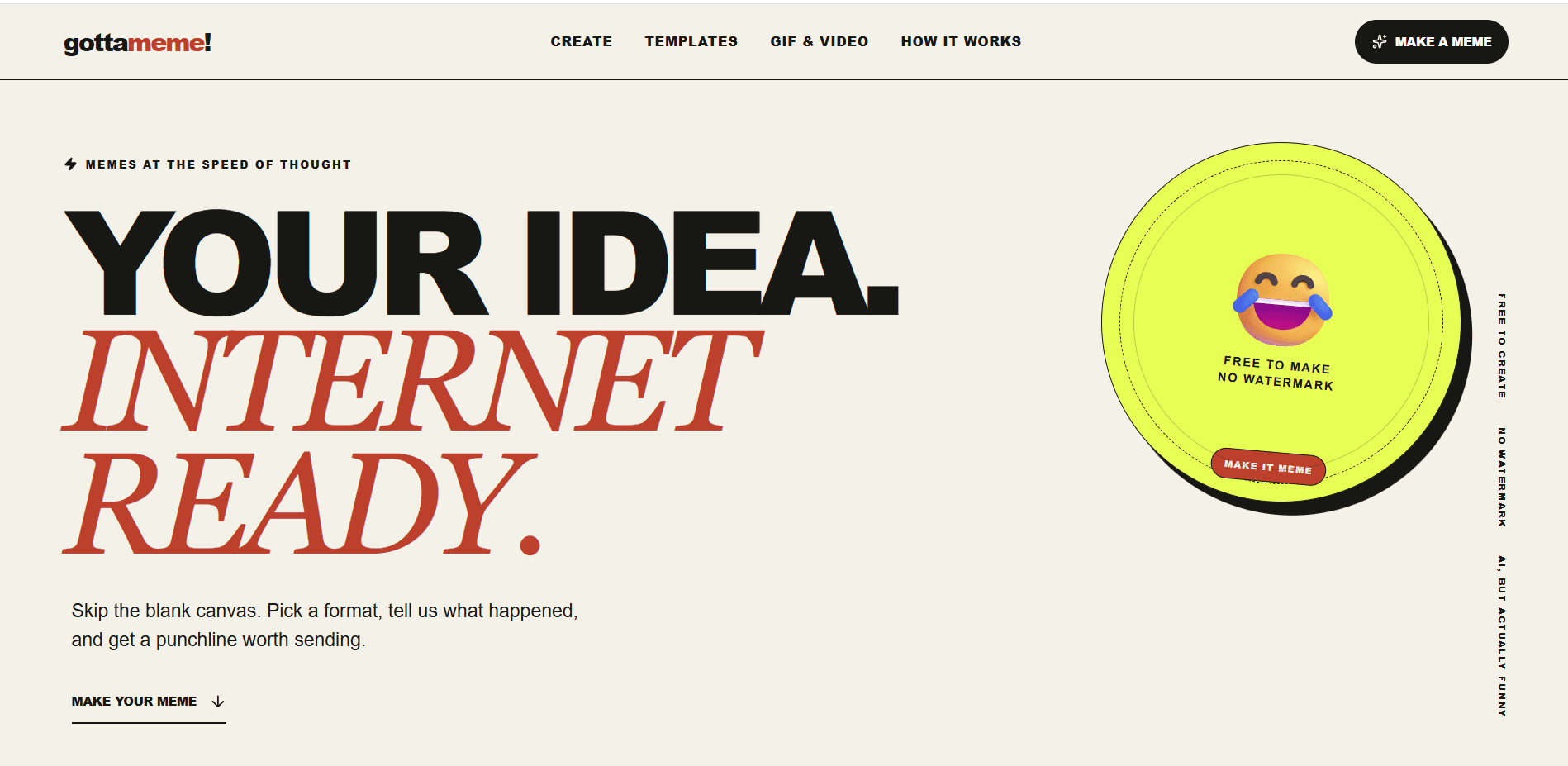
About GottaMeme AI
What Is GottaMeme AI
GottaMeme AI is a web app that makes memes from a written description instead of a blank canvas. Pick a template, explain what happened, choose a tone, and the AI writes the setup and punchline. You get something you can send in under a minute, not a project.
The template set is small and curated. The library lists 46 static memes, from Distracted Boyfriend and This Is Fine to Drake Hotline Bling, plus 10 GIF and video formats pulled from reaction clips. Four tones steer the writing: dry, unhinged, clever, and brand-safe. That last one matters if the meme is going on a company account and not into a group chat.
The editor carries most of the practical work. Captions sit directly on the image, so you drag, resize, and reposition them instead of guessing coordinates. Text stays editable after generation. Exports are sharp PNGs with no watermark, and images you upload stay in your browser, according to the company's privacy policy, so a photo from your camera roll isn't shipped to a server just to get a caption.
The limits are the tradeoff. Anonymous visitors get 10 AI caption generations and 2 AI-generated original visuals per UTC day. Manual editing, template browsing, and downloads stay unlimited. There's no account, no paid tier, and no public API.
Getting Started
- Open gottameme.com in any desktop or mobile browser. Nothing to install and no sign-up screen.
- Pick a format from the template library, or upload your own image to caption.
- Describe the situation, choose a tone, and press the generate button. The AI returns a setup and punchline you can rewrite.
- Adjust the result on the live canvas. Drag captions, change size, or nudge them with the arrow keys until the layout reads well.
- Download the watermark-free PNG, or copy the remix link if you want someone else to start from your version.
Product Information
A quick look at GottaMeme AI's pricing, supported platforms, and performance.
Best for
The users, tasks, and scenarios where this tool fits best.
Users
- Group chat regulars
- Social media managers
- People with no design skill
- Privacy-minded users
Tasks
- Turning a work story into a reaction meme
- Captioning a photo from your camera roll
- Making a moving reaction for chat
- Testing a joke before posting
Scenarios
- A quick reply in a busy group chat
- A brand account that needs a weekly post
- A small team that wants a running joke
- Late-night browsing on a phone
Key features
Situation-to-Caption Generation
You describe the moment in plain language and the AI writes a setup and punchline around the chosen template. It handles the blank-page problem that stops most people from making a meme. Everything it writes stays editable, so a weak word or an odd reference is a quick fix rather than a dead end.
Tone Control
Four tone options change how the AI writes: dry, unhinged, clever, and brand-safe. The setting is useful when the same joke has to work for different audiences. A caption that fits a friends' chat usually doesn't fit a public account, and switching tone is faster than rewriting from scratch.
Curated Template Library
The library lists 46 static meme templates with search and situation filters, plus a saved set for formats you use often. It's deliberately smaller than the huge archives some meme sites carry. The upside is that you spend less time scrolling and more time picking something recognizable.
GIF and Video Formats
Ten moving templates cover reaction clips, including The Office and the Leonardo DiCaprio pointing shot. You add a caption, drag it into place, and export the clip without a watermark. For chat replies, a two-second loop often does more work than a static image. That makes it a serviceable GIF meme maker even with the small library.
Live Canvas Editing
Captions sit on the image as draggable text blocks with size and position controls, and the arrow keys handle fine adjustments. Preview updates as you type. You get the layout control of a real editor without the layer panels and toolbars that make one slow to learn.
AI Visual Generation
Beyond captions, the AI can create an original image from a scene description instead of starting from an existing template. The free quota is 2 visuals per UTC day, which is enough to test the feature. It's the option to reach for when no template fits the joke.
Watermark-Free Export and Remix Links
Downloads come out as clean PNGs, and the GIF templates export without a watermark too. A remix link shares the current version so someone else can edit the text instead of starting over. That makes it a workable tool for a team that passes drafts around.
Pros and cons
Pros
- The AI caption generator removes the hardest part for most people, which is writing something funny about a specific situation.
- Every AI result stays editable on the canvas, so the output is a draft you can finish, not a take-it-or-leave-it image.
- Exports carry no watermark, which is unusual for a free meme maker with no account requirement.
- Local image editing means uploaded photos aren't sent to the server, a real difference for personal pictures.
- The tone setting gives a usable path for brand accounts, where most meme tools leave you guessing.
Cons
- The daily AI quota is tight: 10 captions and 2 visuals per UTC day. Heavy users will hit it before lunch and fall back to manual text.
- There's no account, so nothing saves between sessions. Close the tab and your drafts and saved templates are gone.
- The template library holds 46 static memes and 10 moving ones, so niche formats may be missing. You can upload your own image, but not add a new template.
- No public API or integration means teams can't plug the tool into a scheduling or social workflow.
Frequently asked questions
GottaMeme AI is a browser-based meme generator at gottameme.com. You choose a template, describe a situation, and the AI drafts the captions. You then edit the text on the image and download the result.
Related content
Explore related tools, skills, and articles for GottaMeme AI.
GottaMeme AI Alternatives

Odyssey 3
Odyssey · OtherOdyssey-3 is Odyssey's foundation world model. It simulates physics in real time, turns a prompt into an interactive environment, and adapts to robots, cars and games.

JarvisCore
Prescott Data · Coding · Productivity · OtherJarvisCore is an open source Python runtime where AI agents work as equal peers on an agent mesh, claim tasks from a shared ledger, and reach external services through a zero-trust broker.
Clef
Cloudflare · Business · OtherClef is Cloudflare's open-source decision model for Workers AI. It returns calibrated probabilities for typed questions, not generated text, so agents can classify, route, and act fast.