

GPT Rules
GPT Rules · Other · Prompts
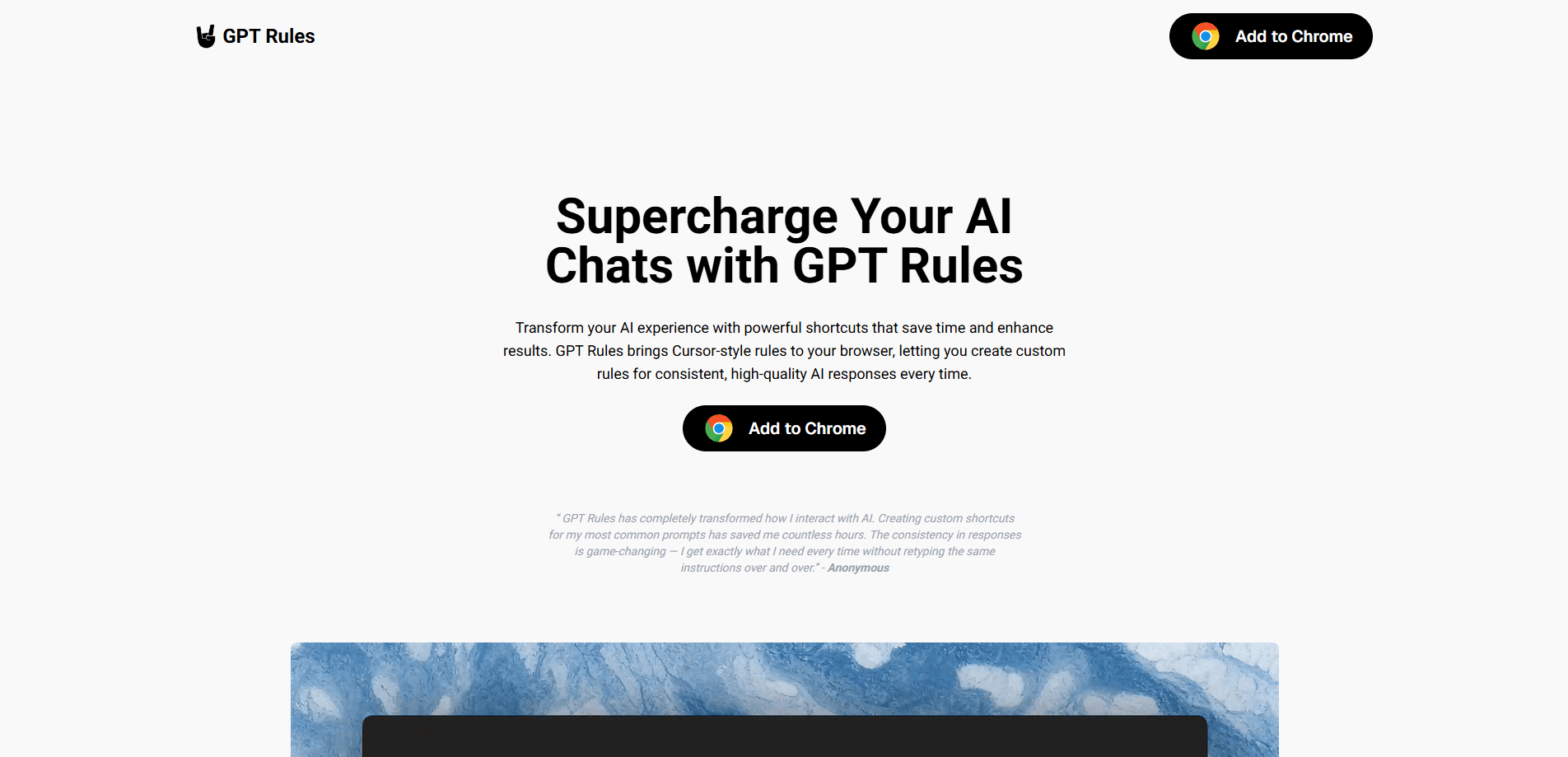
GPT Rules is a Chrome extension that brings reusable prompt shortcuts to ChatGPT, Claude and other AI chat tools, so you type # instead of retyping long instructions.
About GPT Rules
What Is GPT Rules
GPT Rules is a browser extension for Chrome and Edge that stores your reusable prompts and inserts them into AI chat boxes on demand. You type the # symbol, pick a saved rule from a dropdown, and the text lands in the chat. The point is to stop rewriting the same instructions every time you open a new conversation.
The extension targets people who already use several AI assistants and keep repeating the same formatting requests. Instead of memorizing prompt wording, you keep a small library of rules and call them up in any supported chat interface. Rules stay on your machine, so nothing is sent to a vendor server.
The main limits are scope and maturity. GPT Rules only works inside the browser, so it does not touch desktop apps or mobile clients. It also leans on each AI site's page structure, which means a major redesign of ChatGPT or Claude can break it until an update ships.
Getting Started
- Install GPT Rules from the Chrome Web Store or the Microsoft Edge Add-ons store, or use the Add to Chrome button on the official site.
- Click the extension icon in the toolbar and choose Add New Rule.
- Give the rule a name such as Professional Tone and write the prompt text you want to reuse.
- Save the rule, then open any supported AI chat and type # to see the dropdown.
- Pick the rule you want and it drops into the message box, ready to send or edit.
Product Information
A quick look at GPT Rules's pricing, supported platforms, and performance.
Best for
The users, tasks, and scenarios where this tool fits best.
Users
- People who use ChatGPT or Claude daily and rewrite the same instructions
- Writers and marketers who need a consistent tone across drafts
- Developers who ask for structured output
Tasks
- Repeating a formatting request such as tables, headings or bullet lists
- Switching between AI assistants mid project
- Asking for a specific response style like short answers or step by step instructions
Scenarios
- Daily work that follows a fixed template
- Early research where you compare answers across models
- Team handoffs where several people prompt the same assistant
Key features
Prompt Shortcuts With the # Trigger
The core feature is the # symbol, and it is the fastest part of this Chrome extension for ChatGPT, Claude and other assistants. Typing it in a chat opens a dropdown of your saved rules, and selecting one inserts its text straight into the message box. You never have to remember exact wording or keep a separate notes file open. It works the same way across ChatGPT, Claude and other supported assistants.
Local Rule Storage
Rules are saved in your browser, not on a remote account. The developer states that prompts, templates and AI interactions are not collected. That keeps setup simple since there is no sign in step, and it means your rule library stays private by default. The tradeoff is that rules do not sync across devices on their own.
Import and Export for Sharing
The settings page lets you export your rules as a file and import someone else's. A team can agree on a shared set of formatting or tone rules and pass them around without retyping each one. This also gives you a manual backup path, so a browser reset does not mean rebuilding your library from scratch.
Template Variety Beyond Tone
Rules are not limited to tone. You can build prompt templates for output format like tables and lists, for structured data such as JSON or CSV, and for repeatable instructions you keep retyping. People often call these custom AI rules, since each one encodes a behavior you want the assistant to follow. Anything you find yourself pasting into an AI chat on a regular basis is a candidate for a saved rule.
Lightweight Browser Footprint
GPT Rules is a small extension rather than a full workspace. It installs from the Chrome Web Store or the Edge Add-ons store and runs inside existing AI sites without a separate app or account. For people who only need prompt reuse, that keeps the tool out of the way and cheap to try.
Works Across Major AI Assistants
The extension targets ChatGPT, Claude and most browser based AI assistants, and the developer adds support based on user feedback. Using one rule library across several assistants means you set up your preferred instructions once and reuse them wherever you happen to be working.
Pros and cons
Pros
- Cuts repeat typing by turning long instructions into a short # shortcut.
- Keeps rules local in the browser, with no account and no prompt collection by the developer.
- Import and export make it easy to share rule sets with a team or back them up.
- Works across ChatGPT, Claude and other supported assistants with one rule library.
- Free to use, so it is low risk to try.
Cons
- Browser only, so it does not reach desktop apps or mobile AI clients.
- Rules do not sync between devices unless you export and import them by hand.
- No public API, so it cannot be wired into scripts or custom tooling.
- Depends on each AI site's layout, so a major redesign can break insertion until an update.
Frequently asked questions
GPT Rules stores the prompts you reuse and inserts them into AI chats with a short # shortcut. It is meant to remove the retyping that happens when you start a new conversation and repeat the same instructions.
Related content
Explore related tools, skills, and articles for GPT Rules.
GPT Rules Alternatives

Odyssey 3
Odyssey · OtherOdyssey-3 is Odyssey's foundation world model. It simulates physics in real time, turns a prompt into an interactive environment, and adapts to robots, cars and games.

JarvisCore
Prescott Data · Coding · Productivity · OtherJarvisCore is an open source Python runtime where AI agents work as equal peers on an agent mesh, claim tasks from a shared ledger, and reach external services through a zero-trust broker.
Clef
Cloudflare · Business · OtherClef is Cloudflare's open-source decision model for Workers AI. It returns calibrated probabilities for typed questions, not generated text, so agents can classify, route, and act fast.