

Graphite
Graphite (acquired by Cursor in 2025) · Coding
Graphite is an AI code review platform that layers stacked pull requests, a merge queue, and an in-PR AI reviewer on top of GitHub.
About Graphite
What Is Graphite
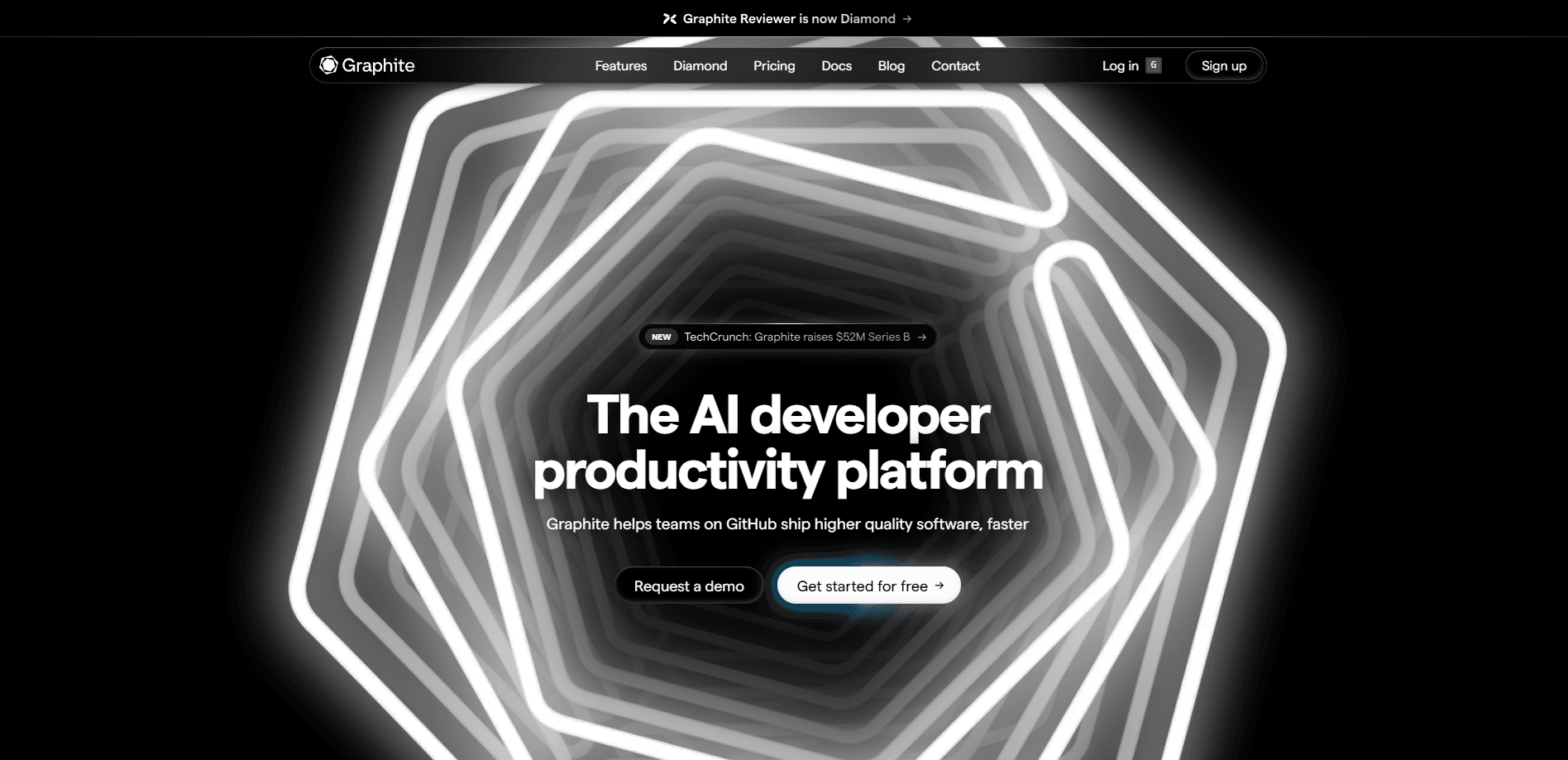
Graphite is a GitHub code review tool for engineering teams. As a pull request review software package, it wraps the pull request workflow with three things GitHub doesn't ship on its own: stacked pull requests, a stack-aware merge queue, and Graphite Chat, an AI reviewer that answers questions and proposes fixes from inside the PR page.
The product solves a problem most teams feel before they can name it. Review is the slowest part of shipping. A change waits for a reviewer, the reviewer waits on CI, and a large pull request piles up dozens of files that no one can hold in their head. Graphite splits that work into a sequence of small pull requests, keeps branches in sync as you edit the bottom of the stack, and lands them in order once checks pass. The AI layer then handles the mechanical parts of review, flagging likely bugs and suggesting fixes before a human looks.
The clearest limit is that Graphite assumes GitHub. Teams on GitLab or Bitbucket won't get the deep sync, and the CLI and merge queue are built around how GitHub branches behave. It's also a paid product for anything beyond a personal project. Hobby is free, but organization-wide repos, Slack notifications, and unlimited AI reviews sit behind the Starter and Team plans.
In December 2025, Cursor's parent company announced it would acquire Graphite. Both companies said Graphite would keep running as a standalone product while integrating more deeply with Cursor's editor and its Bugbot review agent.
Getting Started
- Sign up at graphite.com and connect your GitHub account so Graphite can sync repos and pull requests
- Install the CLI with npm and authenticate, then add the VS Code or Cursor extension if you want stack management inside your editor
- Start a stack with gt create, make your edits, and push each layer with gt submit --stack
- Open the pull request page to read the AI review, reply to Graphite Chat, then merge through the queue once checks pass
Product Information
A quick look at Graphite's pricing, supported platforms, and performance.
Best for
The users, tasks, and scenarios where this tool fits best.
Users
- Engineering teams that review every change on GitHub
- Tech leads and reviewers
- Individual developers on personal projects
- Platform and DevOps teams
Tasks
- Splitting a large change
- Keeping a stack in sync
- Studying a big or unfamiliar change
- Landing pull requests safely
- Tracking review health
Scenarios
- Shipping a multi-part feature behind one branch
- Mentoring a junior engineer
- Cutting a release under time pressure
- Reviewing a pull request from a teammate in another time zone
- Onboarding onto a legacy codebase
Key features
AI reviews on every pull request
Graphite reads each pull request against the surrounding codebase and leaves high-signal comments that flag likely bugs, not style nits. Fixes are offered as suggestions you can apply in a click. Unlimited AI reviews and review customizations sit on the Team plan; the free and Starter plans cap the volume.
Graphite Chat inside the pull request
Chat is an AI assistant that lives on the pull request page. You ask it why CI failed, what a change touches, or how to rewrite a block, and it answers with context pulled from the repo. It can also open suggested fixes and commit them without leaving the conversation.
Stacked pull requests
Stacking breaks one large change into a chain of smaller pull requests, each building on the branch below it. You keep working on the upper layers while a lower one waits for review, which removes most of the stop-and-wait that single-PR workflows force on a team.
Stack-aware merge queue
The merge queue lands approved pull requests in order and reruns each against the latest base before merging. Because it understands the stack, it lands a whole chain without the manual rebasing that usually follows when several branches target the same file.
CLI and editor extensions
The Graphite CLI turns stack management into a handful of short commands, and the VS Code and Cursor extensions bring the same controls into the editor. It layers on top of git rather than replacing it, so existing aliases and scripts still work.
Insights and team analytics
Team insights show review times, pull request sizes, and merge frequency so leads can spot where the process stalls. Custom analytics and ACL-based access sit on Enterprise, aimed at larger orgs that need to report on CI health and control who sees what.
GitHub sync and integrations
Graphite syncs with GitHub continuously and posts to Slack, so the pull request state in Graphite and GitHub never drifts apart. It connects to the CI and hosting tools teams already run, including Vercel, Buildkite, and Depot.
Pros and cons
Pros
- Stacked pull requests cut review lag for teams that ship large features, because nobody has to wait for the whole change to be ready
- The merge queue lands pull requests in order and keeps branches green, which removes the manual rebasing that most teams do by hand
- The AI review and Graphite Chat sit inside the pull request page, so feedback shows up where reviewers already work instead of in a separate tool
- The CLI works on top of existing git commands, so a team can adopt stacking gradually without rewriting its scripts
- A free Hobby plan lets one developer try the full workflow on personal repos before a team commits to paying
Cons
- It assumes GitHub. Teams on GitLab or Bitbucket lose the deep sync and the merge queue, which limits its use outside GitHub shops
- Unlimited AI reviews and the merge queue only unlock on the Team plan, so small teams hit the limits fast on free or Starter
- Stacking adds a mental model to learn. A team that doesn't adopt the CLI or doesn't split changes into layers won't see much benefit over plain GitHub
- The Cursor acquisition leaves some uncertainty about how closely Graphite stays independent over time, and pricing details on the site don't list hard numbers for every tier
Frequently asked questions
Graphite is used to review and merge code on GitHub faster. It adds stacked pull requests, a merge queue, and an AI reviewer to the pull request workflow so teams can ship smaller changes without waiting on long review cycles.
Related content
Explore related tools, skills, and articles for Graphite.
Graphite Alternatives

Base Code
Base44 (Wix) · Coding · ProductivityBase Code is a shared cloud development environment from Base44. Teammates describe changes to an existing GitHub codebase in chat, preview them live and send them back as pull requests.

Google EmbeddingGemma 2
Google DeepMind · Writing · Image · CodingGoogle EmbeddingGemma 2 is a 740M-parameter open model that turns text, code, images, audio, and video frames into vectors in one 768-dimension space, running on phones and laptops.

GitGlow
GitGlow · Coding · ProductivityGitGlow is a local-first desktop Git client that lets independent developers review their own code and their AI agents' changes in one place before shipping.