

Grok's Text to Speech API
xAI · Voice & Language
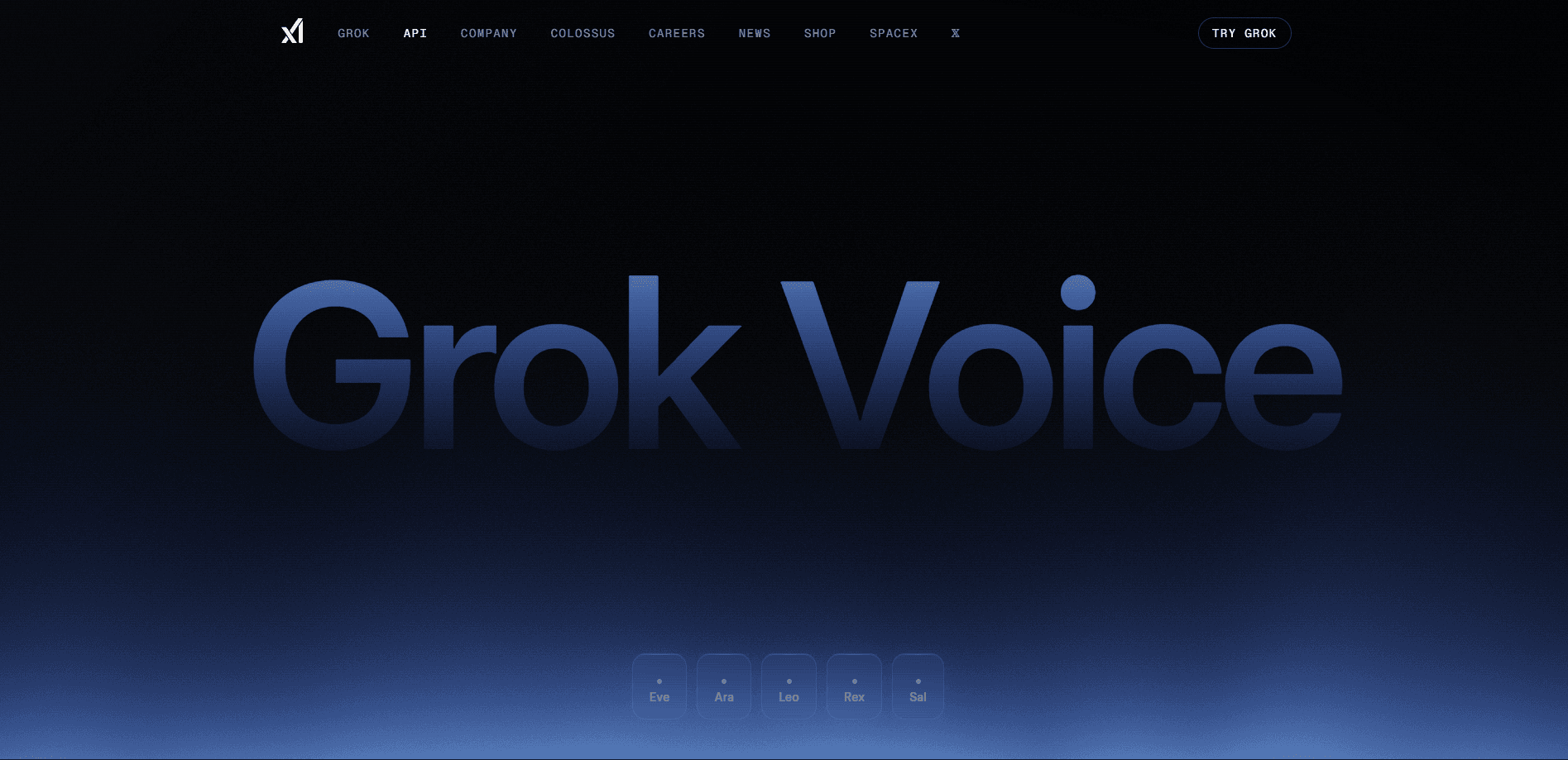
Grok's Text to Speech API is xAI's developer service that converts written text into natural, expressive speech. It ships inside the xAI Voice API family and gives builders five voices, more than twenty languages, and inline speech tags for control over delivery. The appeal is simple. You send a string of text and get audio back that sounds like a person. Because the same endpoint family covers both speech-to-text and text-to-speech, teams that already call xAI models can add a voice layer without learning a second platform. As a developer voice tool, it keeps that path short. For anyone building assistants, narration tools, or accessibility features, that short path from text to playable audio is the whole point. - Converts text into natural speech through a single API call - Offers five distinct voices with different tones and styles - Supports more than twenty languages for global apps - Uses inline speech tags to steer tone, pacing, and emphasis - Bills by characters, so small projects stay cheap
About Grok's Text to Speech API
What Is Grok's Text to Speech API
Grok's Text to Speech API is a cloud endpoint from xAI that reads text aloud in a human-sounding voice. Developers reach it through the xAI Voice API, the same surface that handles speech recognition and voice agents. You authenticate with an API key, post your text along with a voice name, and receive audio you can stream or save. The service targets product teams, indie developers, and anyone who needs spoken output without running their own speech models.
The design leans on two ideas. Voices should sound natural, not robotic. That means pacing and intonation should fit the words, so output never lands flat. Second, control should stay fine-grained, which is why the API accepts speech tags that shape how a phrase is delivered. A line tagged for emphasis lands differently than the same line read flat. So how much control do you actually get? Enough to change meaning without re-recording anything. That mix of natural tone and directable delivery is what separates it from a basic read-aloud function.
Getting Started
- Create an account on the xAI platform and open the API console.
- Generate an API key and store it somewhere secure.
- Send a request to the text-to-speech endpoint with your text and a chosen voice.
- Optionally add speech tags to adjust tone, emphasis, or pacing.
- Receive the audio response and play or save it in your app.
Product Information
A quick look at Grok's Text to Speech API's pricing, supported platforms, and performance.
Best for
The users, tasks, and scenarios where this tool fits best.
Users
- App developers adding spoken output to their products
- Teams building voice assistants and chat agents
- Content creators who need narration without recording a voice
- Accessibility projects that require text read aloud
Tasks
- Converting articles, scripts, or chat replies into audio
- Generating voiceovers for videos and demos
- Powering real-time spoken answers inside an assistant
- Producing multilingual audio from one source script
Scenarios
- A support bot that speaks its answers to callers
- An e-learning app that reads lessons aloud in several languages
- A news reader that turns headlines into short audio clips
- A game or app that voices characters and prompts on the fly
Key features
Five Distinct Voices
The API ships with five voices, each with its own character and range. Some lean warm and conversational, while others sound more formal or energetic. Picking a voice sets the baseline. You can switch between them per request. That matters when one app needs a calm narrator for tutorials and a livelier tone for promotional clips. Instead of building a pipeline of recordings, you flip a parameter and get a different speaker.
Support for More Than Twenty Languages
Grok's Text to Speech API handles more than twenty languages, which lets a single product speak to users around the world. That makes it a practical multilingual TTS option. You keep one script and render it in the languages you support, rather than hiring separate voice talent for each market. Pronunciation follows the target language, so non-English output sounds native instead of translated, which matters a great deal for any product whose users don't speak English at home. For teams expanding into new regions, this removes a real bottleneck.
Inline Speech Tags for Delivery Control
Speech tags let you shape how a phrase is spoken by marking it inside the text. You can push emphasis onto a key word, slow a sentence down for clarity, or add a pause where a breath would fall. Those small cues change how listeners read meaning. Plain text can't do that. A product demo line tagged for excitement lands very differently from the same words read straight. This is the feature that gives the API an editing layer, not just a conversion step.
Character-Based Pricing
Billing runs on characters, at fifteen dollars per million characters. That model fits speech well, because cost tracks how much you actually say. A prototype that generates a few thousand characters a month costs almost nothing, while a larger app that scales into the millions can forecast its monthly spend directly from its own text volume. There are no per-seat charges or hidden voice fees, so you can plan a budget from the length of your scripts alone.
Part of the xAI Voice API Family
Text to speech sits alongside speech-to-text and voice agent tools in the same API family. Builders who already use xAI models keep one key, one console, and one billing line. That consistency shortens setup. It also cuts the number of vendors a team has to manage. If your product later needs to listen as well as speak, the neighboring endpoints are already there.
Pros and cons
Pros
- Natural-sounding output that reads like a person
- Five voices cover a useful range of tones
- More than twenty languages suit global products
- Speech tags add control over emphasis and pacing
- Character-based pricing is easy to forecast
Cons
- No free plan, so testing costs money
- Voice count is smaller than some dedicated TTS services
- Best results depend on learning the speech tag syntax
Frequently asked questions
It converts written text into spoken audio for apps, assistants, and media. Developers use it to add voice output, generate narration, or read content aloud without recording a human speaker.
Related content
Explore related tools, skills, and articles for Grok's Text to Speech API.
Grok's Text to Speech API Alternatives

Foley
Hanamori Labs, LLC · Voice & Language · Productivity · AI AssistantFoley is a voice to-do list that turns a spoken sentence into a filed task, complete with project, date and time, then helps you plan the day around what is already there.

HireKey
HireKey · Voice & Language · Productivity · LeaningHireKey is an AI job search copilot built by a former tech recruiter. It checks role fit, tailors resumes, runs interview practice and tracks every application.

Fluence
Yay Software (Yannick Huchard) · Writing · Voice & Language · ProductivityFluence is an Android app that reads PDFs, EPUBs, Word files and web articles aloud, follows each sentence as it speaks, and answers questions about the text on the phone itself.