

GROOVY
Groovy · Coding · Other
GROOVY is an AI command center that pulls coding, chat, and email into a single desktop interface. It runs on your machine or your own servers. It also connects to provider accounts you already pay for, so your tokens stay on your bill instead of a middleman's. The result is one workspace for the writing, messaging, and programming tasks you'd normally scatter across three or four apps.
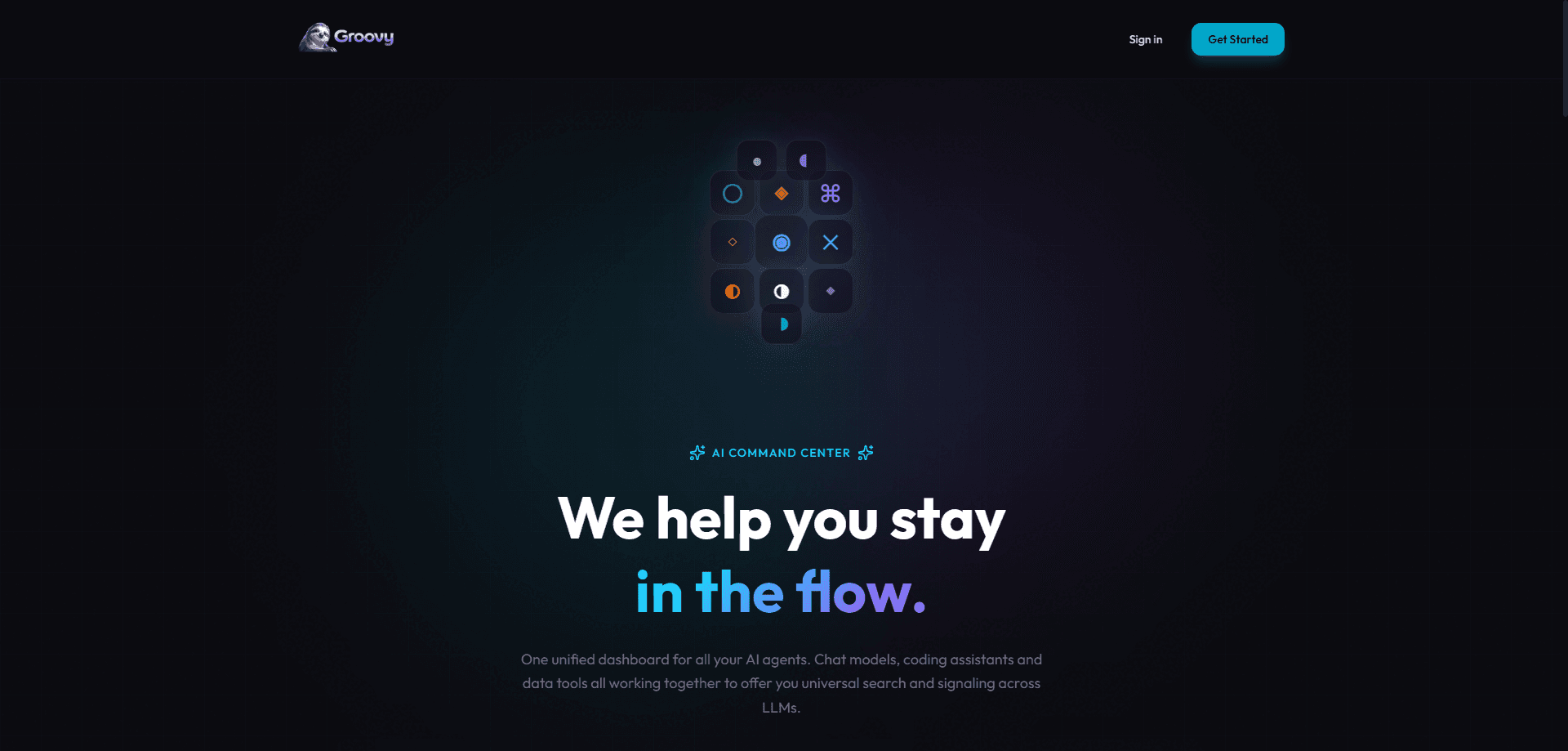
About GROOVY
What Is GROOVY
GROOVY is a self-hosted AI productivity tool that combines an AI coding assistant, a chat client, and an email client in one place. Instead of juggling a separate code editor plugin, a chat window, and a mailbox, you work from a single surface that keeps your context together.
The pitch is ownership. You bring your own API keys from OpenAI, Anthropic, Google, Azure, Bedrock, Groq, Mistral, or any other provider, and you run the software locally or inside your own environment rather than renting a seat on someone else's servers. GROOVY says it doesn't charge a markup on your token usage, so you pay each provider directly at their published rates.
That model has tradeoffs worth knowing up front. Personal use runs $49.99 per year for a single user on two activated devices. It's licensed for non-commercial work only. That's a real limit. If you're doing revenue-generating work, you need the Enterprise license, which is quoted per deal rather than posted publicly. Memory and data integrations lean on Datagran, and those features only light up when you connect your own Datagran account.
Getting Started
- Start a five-day full-product trial from the site. No credit card is needed to try it.
- Install GROOVY locally or on your own server, then open the app on one of your two licensed devices.
- Add API keys from at least one provider, such as Anthropic, OpenAI, or Google, so the assistant has a model to call.
- Optionally connect a Datagran account if you want memory and data integrations turned on.
- Pick a license after the trial: Personal for one person's non-commercial work, or Enterprise for teams that need commercial use and self-hosting.
Product Information
A quick look at GROOVY's pricing, supported platforms, and performance.
Best for
The users, tasks, and scenarios where this tool fits best.
Users
- Solo developers who want one tool for code and communication, provided they're not using it for paid work under the Personal license.
- Privacy-conscious users who'd rather run software on their own hardware and keep provider keys in their own accounts.
- Small teams evaluating a self-hosted alternative to cloud-only AI suites, with the caveat that this needs the Enterprise plan and a sales conversation.
Tasks
- Writing and refactoring code with an AI assistant while keeping a chat thread open beside it.
- Drafting and replying to email without switching to a separate mail app.
- Keeping an AI chat and a working codebase in the same window so context doesn't get lost between tools.
Scenarios
- A freelance developer who wants coding help and client email in one window during a work session.
- A privacy-minded tinkerer self-hosting AI tools at home and connecting their own Anthropic or OpenAI keys.
- A company piloting a self-hosted AI workspace under its own security controls before a wider rollout.
Key features
Unified Coding, Chat, and Email
GROOVY puts three normally separate tools into one interface. You can ask the assistant about code, then switch to drafting an email or holding a chat thread without leaving the app. That's the whole idea. For people who spend a day bouncing between an editor and a mailbox, that consolidation is the main draw.
Bring Your Own Provider Keys
You supply the API keys from whichever AI providers you already use, including OpenAI, Anthropic, Google, Azure, Bedrock, Groq, and Mistral. GROOVY says it doesn't add a markup over your token usage, so your costs track whatever each provider charges you. What does that mean in practice? Your bill goes straight to the provider, and GROOVY takes nothing off the top. You also keep control of which models power which tasks.
Local and Self-Hosted Deployment
The software runs on your machine or inside your own environment rather than only in a vendor's cloud. Enterprise agreements can include internal modification rights and source access, so a company can adapt it and operate it under its own rules. This matters most for teams with strict data-handling requirements, since regulated industries often can't send source code or customer messages through a third party's servers at all.
Source-Visible Releases
Each tagged release is inspectable in a public mirror, and a license grants the rights to run it. It's not fully open source. It's also not a black box. The license terms still apply, but you can review a build before trusting it. For a tool that touches your code and email, that visibility counts.
Datagran-Backed Memory and Integrations
Memory and data integrations run through Datagran when you enable them, and you connect your own Datagran account to switch them on. That keeps the data pipeline in your hands instead of bundling a black-box memory service that quietly stores everything you feed it. Skip Datagran and those features stay off.
Enterprise Security Controls
The Enterprise tier adds SSO, role-based access control, audit logs, and support, plus fallback rights to your last paid version. Those are the things a company needs before it puts a tool anywhere near internal systems, especially when the tool reads email and edits source code. They're quoted per deal rather than sold off a public price list.
Pros and cons
Pros
- Coding, chat, and email live in one interface, which cuts the app-switching that eats into a work session.
- You bring your own provider keys and GROOVY adds no markup, so model costs stay transparent.
- Local and self-hosted options keep code and messages on hardware you control, which is the difference between trusting a vendor's privacy policy and simply not sending the data anywhere at all.
- Tagged releases are source-visible, so you can inspect a build before running it.
- Enterprise tier ships SSO, RBAC, and audit logs for teams with real security requirements.
Cons
- There's no free plan: the $49.99/year Personal license only starts after a five-day trial.
- The Personal license bans commercial and revenue-generating work, so freelancers and businesses have to buy Enterprise, which is quote-only.
- Memory and data integrations need a separate Datagran account, so useful features depend on a third-party service.
- API availability isn't documented clearly, so teams planning automated integrations should confirm before committing.
Frequently asked questions
Personal is $49.99 per year for one user on two devices. Enterprise pricing isn't public and has to be requested through sales. Every plan starts with a five-day full-product trial that doesn't require a credit card. Anyone comparing GROOVY pricing against cloud AI suites should note the missing free tier before they start.
Related content
Explore related tools, skills, and articles for GROOVY.
GROOVY Alternatives
Forefront
Forefront · CodingForefront is a web platform for building with open-source AI. It lets you fine-tune leading open-source language models on your own data, evaluate how they perform, and run them through an API or export them to host yourself. Developers who want the convenience of a closed-source platform but insist on owning their models and data are the target audience here.

Startkit
StartKit.AI · CodingStartkit is a boilerplate for building AI SaaS and AI wrapper products. Think of it as an AI startup boilerplate with the boring parts already wired up: authentication, Stripe and Lemon Squeezy payments, usage limits, transactional email, and an AI API starter that talks to OpenAI, Anthropic, Groq, or Llama. You clone the repo, set your price, and start on the part of your product that people actually pay for. It's Next.js under React and Tailwind, so most of the boilerplate code already feels familiar.
Testim
Tricentis · CodingTestim is an AI-powered test automation platform for building and running end-to-end tests across web, mobile, and Salesforce applications. It leans on machine learning to keep tests stable when an interface changes, so teams spend less time fixing broken selectors. Not bad for an automated testing tool you can start using today. You create tests by recording actions in a browser, then optionally add JavaScript when you need more control. It's a solid pick for busy QA teams.