

Growth Audit
Dean Da Dev · Coding · Marketing
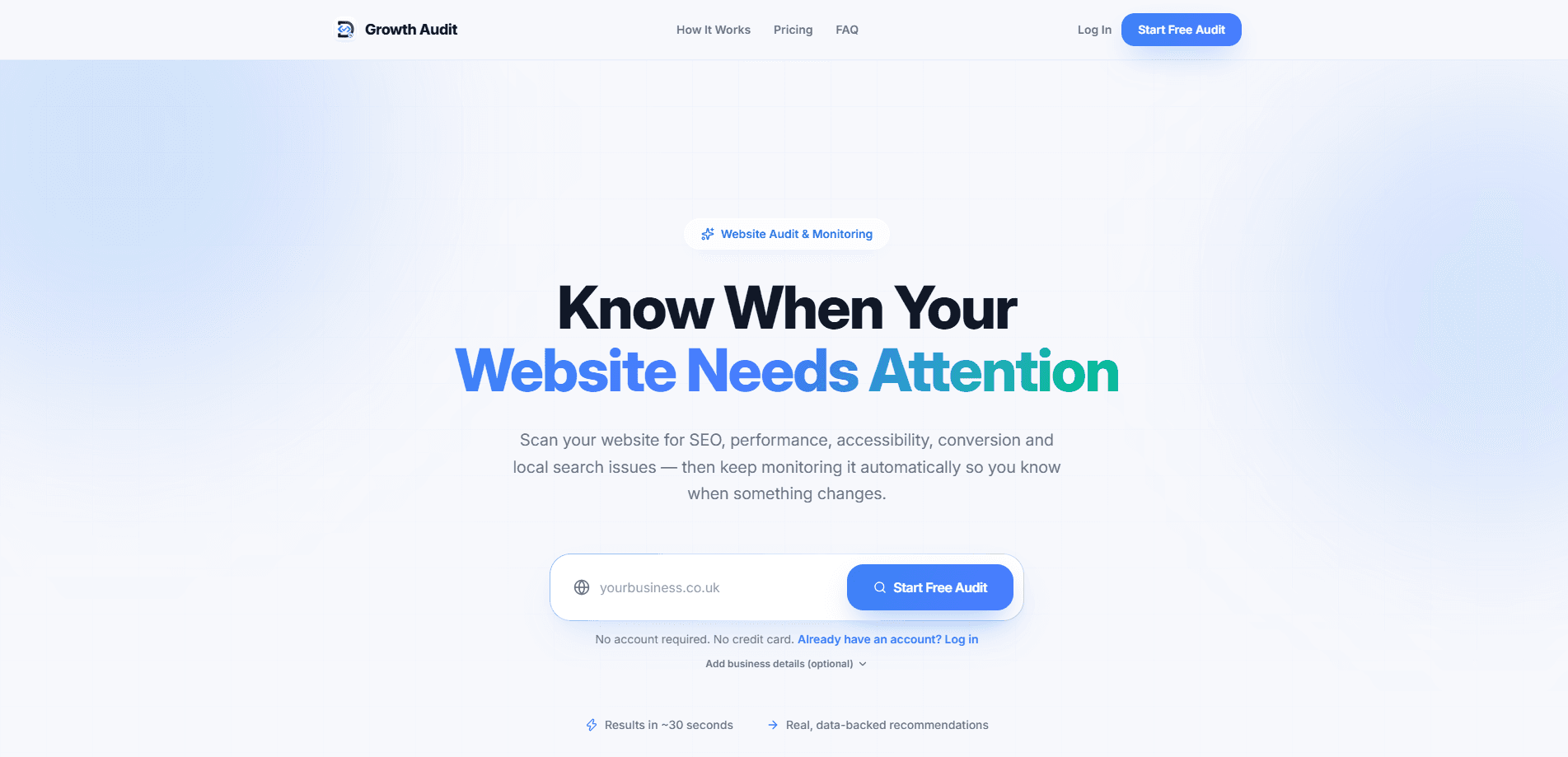
Growth Audit is a free AI website audit tool that scans a site for issues across SEO, speed, accessibility, conversion and local search, then ranks every finding by how much it's likely to help. Instead of dumping a wall of warnings on you, it turns technical results into plain English and sorts them by impact and effort. A free account tracks one site's health over time and alerts you when something changes.
About Growth Audit
What Is Growth Audit
Most audit tools hand you a long list of warnings and leave you to figure out which ones matter. Growth Audit takes a different angle. It runs roughly 37 checks in a full browser scan, scores your website health out of 100, and groups the results into categories like search visibility, performance and conversion. Each category gets its own score, so you can see at a glance where the real problems are. That last part matters more than it sounds.
The tool is built for people who need to make decisions, not read a technical manual. Findings are written in plain English and tagged with a likely impact and effort level, so a plumbing business owner and a small agency can both act on the same report. The headline scan finishes in under half a minute on a typical site. Just like that.
There's a real limit worth knowing up front. Growth Audit flags and explains problems, but it doesn't fix them for you. You either work through the priorities yourself or hand the report to a developer. The free plan also monitors a single website, so if you run several sites you'll need to pay for the Pro tier or run one-off audits separately.
Getting Started
- Open the Growth Audit site and enter the URL of the website you want to check.
- Run the free audit and wait for the scan to finish, usually under a minute.
- Read the health score and the category breakdown to see which areas need attention.
- Work through the ranked list of priorities, starting with the high-impact, low-effort items.
- Create a free account if you want to save the report, track the score over time, and get alerts when something changes.
Product Information
A quick look at Growth Audit's pricing, supported platforms, and performance.
Best for
The users, tasks, and scenarios where this tool fits best.
Users
- Small business owners
- Freelance web developers
- Marketing managers
Tasks
- Diagnosing a slow mobile site
- Checking local search signals
- Auditing a conversion path
Scenarios
- A local service business that ranks poorly for nearby searches and wants to know which fixes come first.
- A site that was launched recently and needs a baseline health score to measure against later.
- Ongoing monitoring for a single site, with alerts when something breaks after an update.
Key features
Prioritised Action List
Every finding is ranked by likely impact and effort, so the report reads like a to-do list rather than a warning dump. A conversion fix that takes low effort but affects a lot of visitors sits above a cosmetic tweak that few people notice. This is the core difference from tools that list issues alphabetically or by severity alone. Does that ordering actually help? It does, because it answers the one question most people have.
Full Browser Audit
The scan runs in a real browser rather than a stripped-down fetch, which means it catches the mobile usability and rendering problems that affect how people actually see your site. It runs around 37 checks in total, covering search visibility, speed, accessibility, trust and conversion. That's the point of a browser scan.
Category Health Scores
Results are split into scored categories, including search visibility, performance and conversion, each rated out of 100. You get a single website health number plus the breakdown behind it, so a strong overall score can't hide a weak category that's quietly costing you visitors. Not ideal when it happens.
Performance Checks
The tool measures mobile speed and Core Web Vitals and flags where loading time is driving people away. Slow sites lose visitors. It tells you which performance actions are worth doing, rather than every possible saving you could squeeze out.
Local SEO Signals
For businesses that depend on nearby customers, Growth Audit checks local search signals and points out where visibility for local queries is weak. Most tools skip this. That's a gap that a generic site audit often ignores entirely.
Website Monitoring and Alerts
A free account saves one website, records its health over time and sends a notification when something important changes, so you're not left guessing whether a recent edit helped or quietly broke something. The Pro plan adds daily scans, instant downtime alerts and competitor monitoring, so a one-off audit becomes continuous oversight.
Competitor and Portfolio Benchmarks
Reports include a portfolio benchmark that compares your site against similar local-business sites, shown as a points difference. It gives context to a score, so a 68 reads as good or bad relative to its peers rather than in isolation.
AI Coach on Pro
The Pro plan includes an AI Coach that helps translate the report into next steps. It's aimed at people who want guidance on what to do with a finding, not just what the finding is.
Pros and cons
Pros
- Findings are ranked by impact and effort, so you know what to fix first instead of hunting through warnings.
- Technical results are written in plain English, which makes the report usable without a developer on hand.
- The free plan covers unlimited one-off audits and one monitored website, a generous starting point.
- Pro is cheap at £5 per month and adds daily scans, downtime alerts and competitor monitoring.
- Local SEO checks fill a gap that many general site audit tools ignore.
Cons
- It flags problems but doesn't fix them, so you still need the time or budget to act on the report.
- The free plan monitors only a single site, which is tight for anyone running several websites.
- There's no public API, so the audit can't be wired into your own dashboards or automated pipelines.
- Byte-level detail is limited by design, meaning specialists who want raw technical data may find it shallow.
Frequently asked questions
It runs about 37 checks across five areas: SEO and search visibility, mobile performance, accessibility, conversion and local search. The result is a health score out of 100 plus a ranked list of fixes.
Related content
Explore related tools, skills, and articles for Growth Audit.
Growth Audit Alternatives
Forefront
Forefront · CodingForefront is a web platform for building with open-source AI. It lets you fine-tune leading open-source language models on your own data, evaluate how they perform, and run them through an API or export them to host yourself. Developers who want the convenience of a closed-source platform but insist on owning their models and data are the target audience here.

Startkit
StartKit.AI · CodingStartkit is a boilerplate for building AI SaaS and AI wrapper products. Think of it as an AI startup boilerplate with the boring parts already wired up: authentication, Stripe and Lemon Squeezy payments, usage limits, transactional email, and an AI API starter that talks to OpenAI, Anthropic, Groq, or Llama. You clone the repo, set your price, and start on the part of your product that people actually pay for. It's Next.js under React and Tailwind, so most of the boilerplate code already feels familiar.
Testim
Tricentis · CodingTestim is an AI-powered test automation platform for building and running end-to-end tests across web, mobile, and Salesforce applications. It leans on machine learning to keep tests stable when an interface changes, so teams spend less time fixing broken selectors. Not bad for an automated testing tool you can start using today. You create tests by recording actions in a browser, then optionally add JavaScript when you need more control. It's a solid pick for busy QA teams.