

Handy
cjpais (open source project) · Writing · Voice & Language
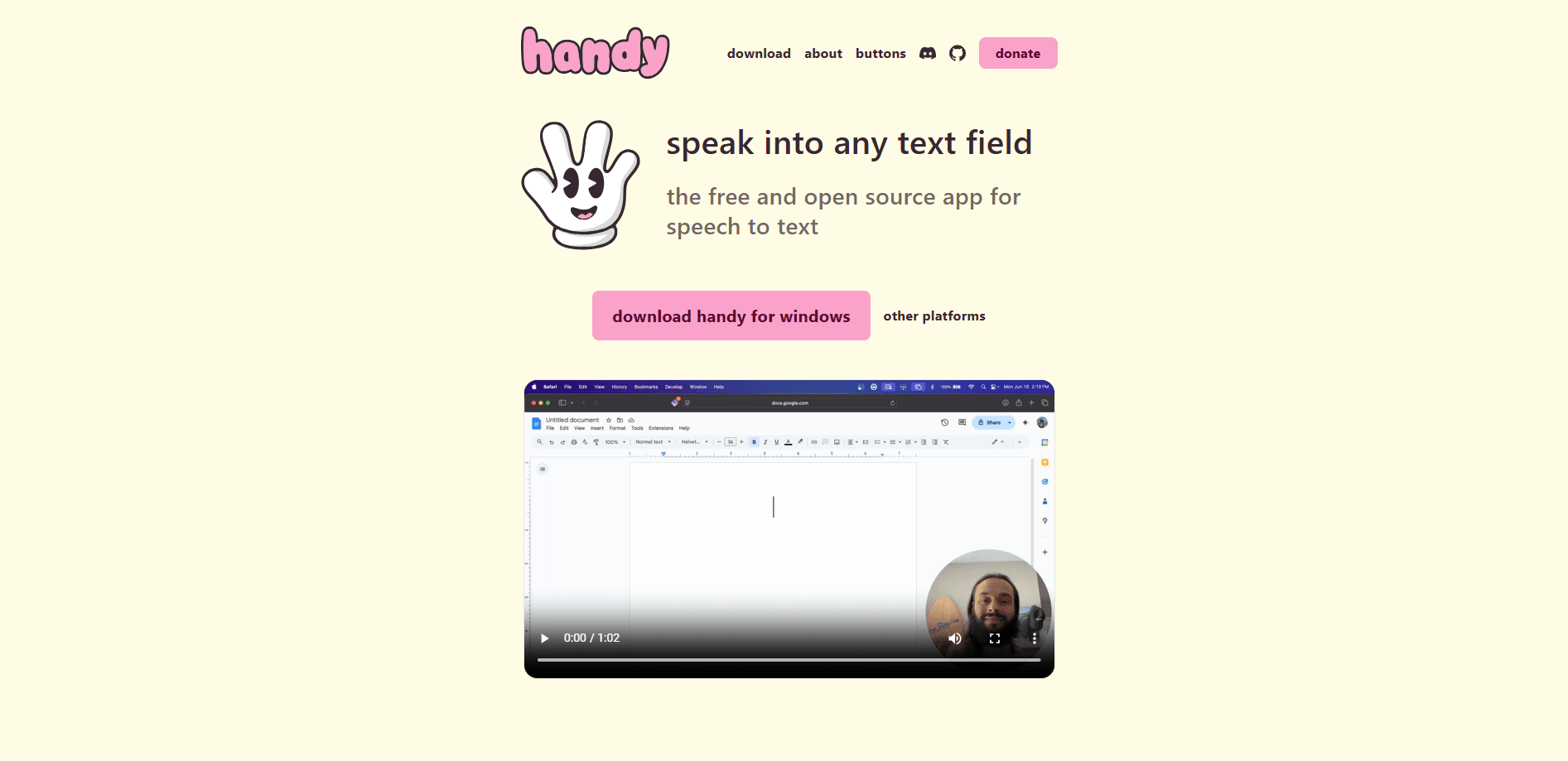
Handy is a free, open source speech-to-text app that runs fully offline on Mac, Windows, and Linux, turning your voice into text in any field with a simple keyboard shortcut.
About Handy
What Is Handy
Handy is a cross-platform desktop app that handles one job well: turning speech into text without sending your audio anywhere. Press a hotkey, talk, and the words land in whatever text box you're already using, from an email to a code editor.
It exists because most privacy focused speech to text tools either charge a subscription or push your recordings to a server. Handy keeps everything on your machine. Audio gets processed through local Whisper transcription or Parakeet models, so it works with no internet connection and nothing you say leaves your computer. The developer frames it as accessibility tooling that belongs in everyone's hands, not behind a paywall.
The trade-off is setup. Handy isn't a polished commercial product with live support, and it leans on your hardware for speed. On a slow machine, one of the larger models can lag behind your speech, so you'll want to pick a smaller model or run it on a device with a capable CPU or GPU. Linux users also need to install a small text-input utility for pasting to work correctly.
Getting Started
- Download the installer for your system from the official website or the GitHub releases page, or install it through Homebrew, winget, or your Linux package manager.
- Launch Handy and grant the microphone and accessibility permissions it asks for, which it needs to record speech and paste text.
- Pick a transcription model in Settings, choosing a lighter Whisper build or the CPU-friendly Parakeet V3 if you want faster results.
- Set your keyboard shortcuts, then hold or tap the hotkey, speak, and watch your words appear in the active field.
Product Information
A quick look at Handy's pricing, supported platforms, and performance.
Best for
The users, tasks, and scenarios where this tool fits best.
Users
- Writers and note takers
- Privacy-conscious users
- Developers and power users
Tasks
- Dictating long-form writing
- Filling in forms and messages
- Accessibility input
Scenarios
- Working on sensitive documents
- Writing where there's no reliable internet
- Quick capture while switching between apps
Key features
Fully offline transcription
Handy processes every recording on your own computer, so audio never goes to a server. That means no account, no cloud bill, and no data leaving your machine, which matters most for private or regulated work.
Whisper and Parakeet model choice
You can run Whisper models in Small, Medium, Turbo, or Large sizes, each trading speed for accuracy, or switch to Parakeet V3, a CPU-optimized model that detects language automatically. This lets you match the tool to your hardware instead of the other way around.
Global keyboard shortcuts
A configurable hotkey starts recording from anywhere on your system. You can hold it to record and release to stop, tap it to toggle on and off, or lock the app to hold-only or toggle-only behavior, so dictation fits the way you already work.
Push-to-talk and toggle modes
Beyond the standard hold or tap options, Handy adds a dedicated push-to-talk mode that keeps the mic open only while a key is pressed. It gives you tighter control over when the app listens, handy in shared spaces.
Custom dictionary and history
You can teach Handy the names, jargon, and unusual spellings you use often so it stops mangling them, and browse past transcriptions from a history view. Both features cut down on the cleanup that trips up generic dictation tools.
Cross-platform desktop app
Handy is more than a basic dictation tool. It's an open source dictation tool you can inspect, modify, and extend, and because it never asks for an account, there's nothing to sign up for before your first recording.
Pros and cons
Pros
- Completely free and open source, with no subscription, account, or usage cap.
- Audio stays on your device, which keeps sensitive speech out of the cloud.
- Works offline, so transcription is available without an internet connection.
- Swap between Whisper models and Parakeet V3 to balance speed and accuracy.
- Global hotkeys let you dictate into any app without switching windows.
Cons
- Setup takes a few steps, and you must grant microphone and accessibility permissions before it works.
- Larger models can lag on slower hardware, so performance depends on your CPU or GPU.
- Linux users may need to install extra text-input tools like xdotool or wtype for pasting to function.
- There's no official API and no managed cloud option, so it won't fit a server-side or automated pipeline.
Frequently asked questions
Yes. Handy is free and open source, with no paid tier, subscription, or account requirement. Development is supported by sponsors and donations rather than licensing fees.
Related content
Explore related tools, skills, and articles for Handy.
Handy Alternatives

Google EmbeddingGemma 2
Google DeepMind · Writing · Image · CodingGoogle EmbeddingGemma 2 is a 740M-parameter open model that turns text, code, images, audio, and video frames into vectors in one 768-dimension space, running on phones and laptops.

MePersona
MePersona, Inc. · Writing · Productivity · MarketingMePersona is an AI unified inbox for creators. It learns your voice, drafts replies to fan messages from 12 platforms, and sends only what you approve.

Fluence
Yay Software (Yannick Huchard) · Writing · Voice & Language · ProductivityFluence is an Android app that reads PDFs, EPUBs, Word files and web articles aloud, follows each sentence as it speaks, and answers questions about the text on the phone itself.