

Harmony AI Voice Assistant
Harmony · Voice & Language · Marketing
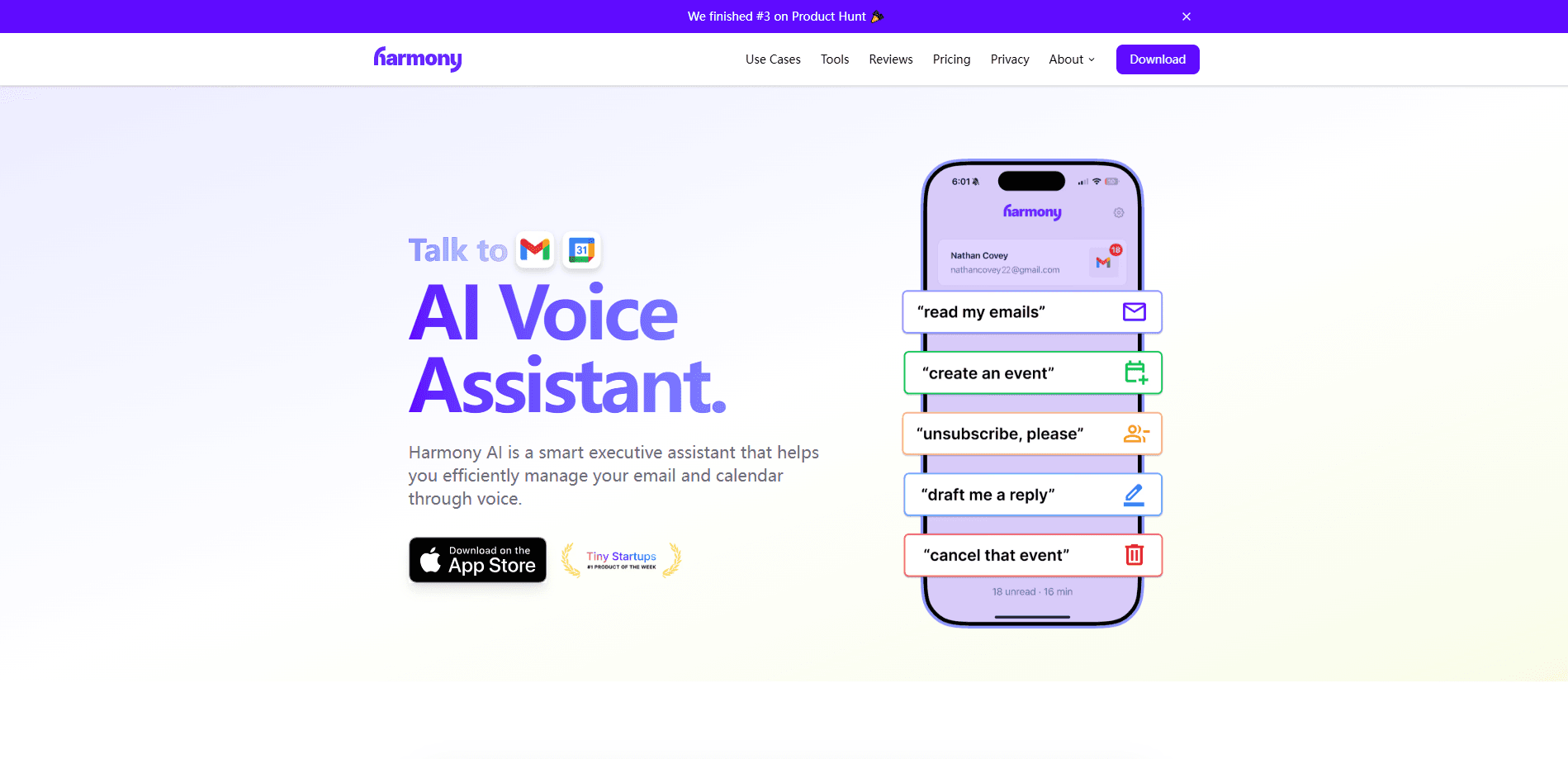
Harmony AI Voice Assistant is a hands-free helper that reads and manages your Gmail and Google Calendar by voice, so you can sort email and schedule events while driving, walking, or working.
About Harmony AI Voice Assistant
What Is Harmony AI Voice Assistant
Harmony AI Voice Assistant is a voice-controlled executive assistant built around two everyday workloads: your inbox and your schedule. It connects to Gmail and Google Calendar, then lets you act on both with spoken commands instead of taps. The idea is simple. You say what you need out loud, and Harmony carries it out in the background.
The main problem it targets is the time people lose to email and calendar admin while their hands are busy. Reading a message, replying, archiving spam, or moving a meeting usually means stopping what you're doing and reaching for a screen. A voice layer removes that step, which matters most when you're commuting, exercising, or in the middle of something else.
The important limit is scope. Harmony works through Google's services, so a Gmail account and a Google Calendar are requirements, not options. Voice control only covers what you've connected, and anyone who keeps their mail on Outlook or Apple Calendar won't get the same mileage. Its data handling also depends on the current product build, which has shifted over time.
Getting Started
- Open the official Harmony site and look for the current app or sign-in link, since the product has changed direction over time.
- Connect your Google account and approve access to Gmail and Google Calendar when prompted.
- Grant microphone permission so the assistant can hear spoken commands.
- Try a first request out loud, such as asking it to read your latest email or add an event to your calendar.
- Adjust notification and privacy settings to match what you're comfortable sharing.
Product Information
A quick look at Harmony AI Voice Assistant's pricing, supported platforms, and performance.
Best for
The users, tasks, and scenarios where this tool fits best.
Users
- Busy professionals who live in Gmail and Google Calendar
- People who drive or commute often
- Anyone who struggles to keep a calendar current
Tasks
- Reading and triaging new email
- Drafting and sending replies
- Managing your schedule
Scenarios
- Commuting or driving when you can't touch a screen
- Working out or doing chores
- A quick check between meetings
Key features
Voice control for Gmail
Harmony reads your email aloud and acts on spoken instructions, so you can listen to a message and then reply, archive, or delete it without touching the screen. It gives you a real voice assistant for Gmail, not just a reader. It suits short, routine mail best, and it depends on the inbox being a Gmail account.
Google Calendar management
You can add events, check what's coming up, and rearrange your day by voice, which keeps Google Calendar planning light when you're on the move. The assistant turns what you say into real calendar entries. Complex recurring rules are still easier to set up by hand.
Hands-free operation
The whole point of Harmony is doing email and scheduling without a screen. That makes it useful exactly when a phone or laptop isn't practical, such as behind the wheel or mid-workout, and it's the reason voice input exists here at all.
Natural language commands
You talk the way you normally would and the assistant works out what you mean. Phrasing like "read my latest email" or "move my 3pm" is the target, and plain speech is meant to replace menu navigation.
Google account integration
Harmony ties into Google's services rather than standing alone. That keeps setup short if you already use Gmail and Google Calendar, and it's a hard boundary if you don't.
Pros and cons
Pros
- Keeps your hands free, which is the main draw when driving or exercising and a screen isn't an option.
- Covers both email and calendar in one place, so you don't juggle separate apps for the two.
- Speaks naturally instead of forcing rigid commands, which cuts the learning curve.
- Fits people who already rely on Google, since Gmail and Calendar are the backbone.
Cons
- Tied to Gmail and Google Calendar, so Outlook or Apple users get little from it.
- Voice alone isn't ideal for long or sensitive replies, and you'll want a screen to review those.
- The product's direction has changed over time, so what the official site offers today may not match the voice features described here.
Frequently asked questions
It's a voice-controlled assistant that manages Gmail and Google Calendar for you. You speak commands, and it reads email, drafts replies, and handles scheduling hands-free.
Related content
Explore related tools, skills, and articles for Harmony AI Voice Assistant.
Harmony AI Voice Assistant Alternatives

Foley
Hanamori Labs, LLC · Voice & Language · Productivity · AI AssistantFoley is a voice to-do list that turns a spoken sentence into a filed task, complete with project, date and time, then helps you plan the day around what is already there.

HireKey
HireKey · Voice & Language · Productivity · LeaningHireKey is an AI job search copilot built by a former tech recruiter. It checks role fit, tailors resumes, runs interview practice and tracks every application.

Fluence
Yay Software (Yannick Huchard) · Writing · Voice & Language · ProductivityFluence is an Android app that reads PDFs, EPUBs, Word files and web articles aloud, follows each sentence as it speaks, and answers questions about the text on the phone itself.